If you’re searching “jobscan resume scanner vs resumeworded”, you’re probably trying to answer a practical question: Which tool will actually help my resume perform better in ATS systems and get more interviews—without wasting hours?
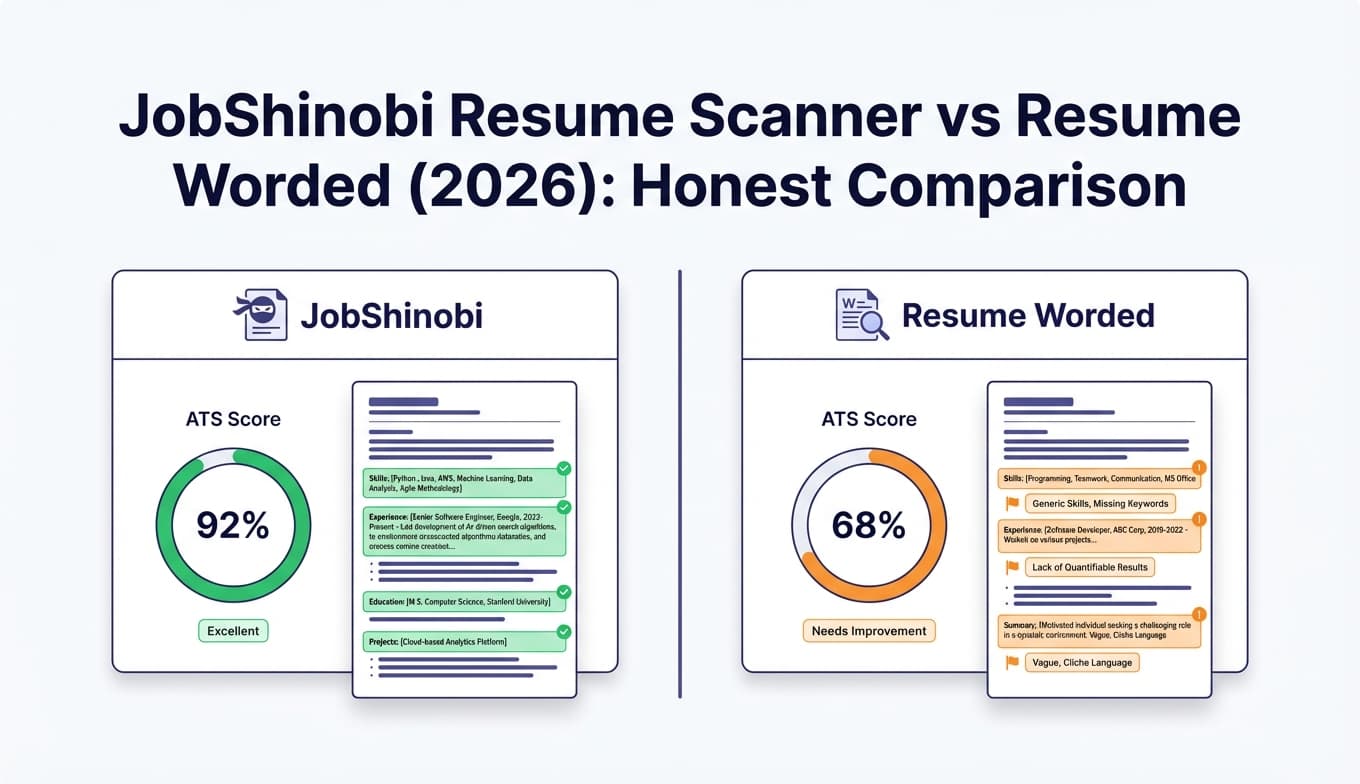
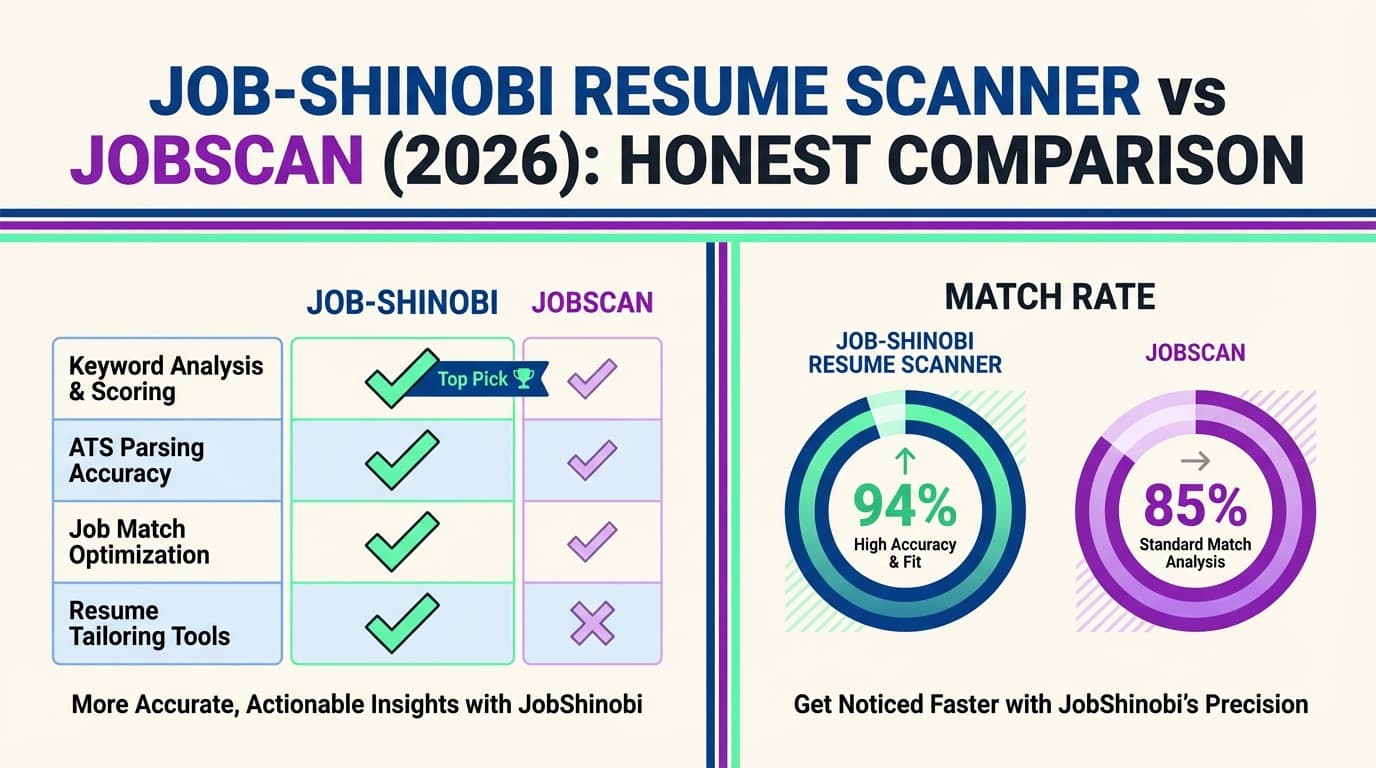
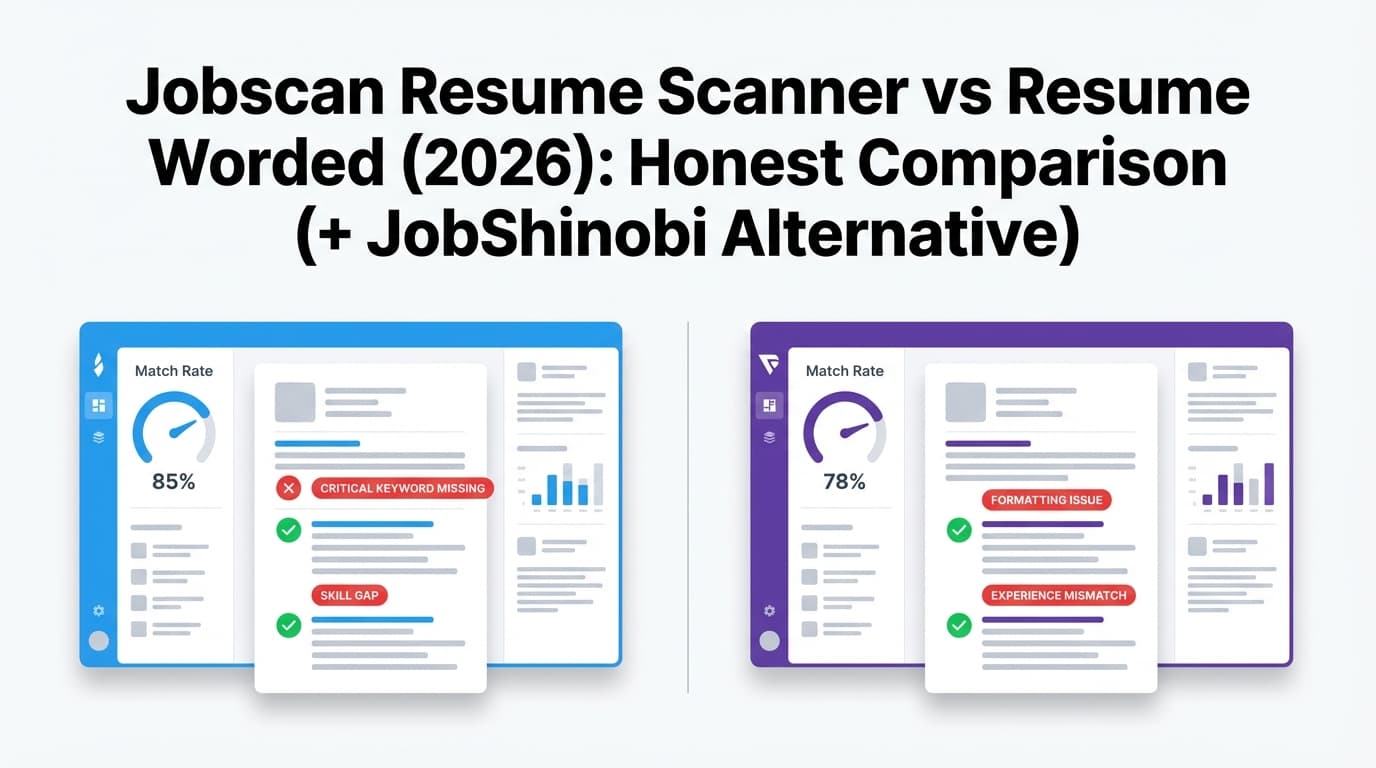
This guide compares Jobscan and Resume Worded fairly—based on what each tool publicly states and what’s visible on their pages/snippets—then explains where JobShinobi fits if you want a more end-to-end workflow (resume + job matching + job tracking automation).
Quick Verdict
- Choose Jobscan if you want job-by-job keyword matching and are tailoring heavily to each posting.
- Choose Resume Worded if you want fast resume feedback plus LinkedIn optimization, with a simpler “upload → get a report” experience.
- Choose JobShinobi if you want an ATS resume analyzer + job match scoring and a job application tracker that updates from forwarded emails (less spreadsheet work).
TL;DR Comparison
| Feature | Jobscan | Resume Worded |
|---|---|---|
| Best at | Job-specific resume-to-JD matching | Resume feedback + LinkedIn optimization |
| Resume scan / scoring | ✅ Yes (resume scanner) | ✅ Yes (“Score My Resume”, “Resume Scanner”) |
| Job description keyword matching | ✅ Yes (core workflow) | ✅ Yes (“Targeted Resume” compares resume to job posting) |
| LinkedIn optimization | ✅ Mentioned on Jobscan plan page | ✅ Strong (dedicated LinkedIn Review tool) |
| Resume templates/examples library | ✅ Jobscan has a resume builder (per Jobscan site snippets) | ✅ Large template + examples presence (resume templates + many examples pages) |
| Free plan | ✅ Free scans available (Jobscan support/docs mention monthly free scans) | ✅ Free tools available (resume score/scan, targeted resume, LinkedIn review entry points) |
| Starting paid price (publicly visible) | $49.95/month shown on Jobscan plan page snippet | $49/month (monthly) shown on Resume Worded Pro page snippet |
| Best fit for | High-volume tailoring to specific postings | Improving resume/LinkedIn quality with guided feedback |
Note: We were unable to fetch Jobscan’s marketing pages directly due to access restrictions (HTTP 403 in our page fetch). Jobscan pricing/features below are taken from publicly visible plan/support page snippets and should still be confirmed on Jobscan before purchase.
What Is JobShinobi (and why it’s relevant here)?
Even though your keyword is about Jobscan vs Resume Worded, many job seekers land here because they want more than scanning—they want a workflow that stays organized across dozens of applications.
JobShinobi (our product) combines:
- ATS resume scoring + analysis (including keyword and formatting feedback)
- Job description extraction + resume-to-job matching
- A resume builder/editor workflow with LaTeX + PDF preview + version history
- An application tracker that can auto-update from forwarded emails (a major gap in most “scanner-only” tools)
JobShinobi strengths (based on our product documentation)
- Email-forwarding job tracking (Pro): forward application emails; JobShinobi extracts company/title/status (Applied/Interview/Offer/Rejected/etc.) and logs it automatically.
- Resume scoring + caching: structured scores and insights (overall + sub-scores like keywords/formatting/ATS), with cached results when the resume hasn’t changed.
- Job match scoring: paste a job description or URL; get match score, missing keywords, and tailoring suggestions.
- LaTeX-first editing + PDF compilation: consistent formatting and a live preview loop, plus downloadable PDF and
.tex. - Version history (“unlimited undo” style workflow): helpful when tailoring multiple versions for multiple roles.
JobShinobi limitations (honest)
- LinkedIn optimization is not a core product focus today (Resume Worded is stronger here).
- LaTeX isn’t everyone’s preference: if you want a pure “upload → fix” tool and don’t want a structured editing workflow, you may prefer Jobscan or Resume Worded.
Resume Worded Overview (verified)
Resume Worded positions itself as a platform for instant feedback on your resume and LinkedIn profile. Key public tools/pages include:
- Score My Resume (resume checker/grader): https://resumeworded.com/score
- Resume Scanner (free ATS resume scan): https://resumeworded.com/resume-scanner
- Targeted Resume (compare resume to job posting; find missing keywords): https://resumeworded.com/targeted-resume
- LinkedIn Review (free LinkedIn profile review/optimization guidance): https://resumeworded.com/linkedin-review/
- Pro upgrade/pricing: https://resumeworded.com/get-pro (also https://resumeworded.com/buy-pro)
Resume Worded strengths
- Very strong LinkedIn support: dedicated LinkedIn review/optimization funnel, plus a visible library of LinkedIn headline examples pages.
- Multiple “free tool” entry points: resume scoring, ATS scan, and targeted resume matching are all positioned with free calls-to-action.
- Lots of templates/examples content: Resume Worded has dedicated resume template pages (e.g., “Professional resume templates optimized for ATS”) and extensive “resume examples” style content in Google results.
Resume Worded limitations / tradeoffs
- Feedback-first vs workflow-first: Resume Worded is primarily about generating insights; you typically apply changes in your document editor, then re-upload.
- Scoring isn’t a guarantee: community discussions often point out that ATS scores can be gamed or misinterpreted. Treat scores as a diagnostic tool—not the goal.
- Refund policy is restrictive: Resume Worded’s Terms mention they’re generally unable to provide refunds “due to the nature of our offering” (and references Paddle handling returns/customer service). Always read the latest terms before purchase.
Jobscan Overview (what we can verify publicly)
Jobscan is widely used as a resume scanner focused on matching your resume to a specific job description.
What we can confirm from publicly visible snippets:
- Paid plan price shown: Jobscan plan page snippet shows $49.95 per month and mentions “Unlimited Resume Scans” and “Unlimited One-Click AI Optimizations,” plus AI cover letter/bullet point generation and LinkedIn optimizer on the plan page snippet (app.jobscan.co/plan).
- Free scans: Jobscan support results indicate free scans are added monthly and unused scans roll over up to a maximum (support.jobscan.co article snippet mentions rolling over until a maximum of 5 unused scans).
- Jobscan also markets a resume builder (Jobscan has a “Free Resume Builder” page appearing in search results).
Because we couldn’t fetch Jobscan pages directly here, confirm the current plan features and limits inside your Jobscan account/checkout flow.
Feature-by-Feature Comparison
1) ATS scanning and resume scoring
Jobscan
- Strength: commonly used for resume-to-job matching and surfacing missing keywords relative to a posting.
- Good fit: when you tailor per posting and need a repeatable checklist.
Resume Worded
- Strength: offers both resume scoring (Score My Resume) and a Resume Scanner page positioned as a free ATS scan.
- Their Resume Scanner page describes evaluating the resume against 25+ criteria (ATS compliance, impact, and other checks—per on-page copy).
Who wins?
- Jobscan tends to win if you want job-specific matching as the centerpiece.
- Resume Worded tends to win if you want general resume quality feedback quickly (especially alongside LinkedIn).
2) Matching your resume to a job description
Jobscan
- This is Jobscan’s defining use case: compare resume vs job description and optimize for relevance.
Resume Worded
- The Targeted Resume tool explicitly lets you upload a resume + job posting and identifies missing keywords/skills.
Who wins?
- Tie (on capability), but the best choice depends on workflow:
- If you live inside job-by-job tailoring, many users prefer Jobscan’s focused approach.
- If you want targeted matching plus broader resume coaching (and LinkedIn help), Resume Worded is compelling.
3) LinkedIn profile optimization
Jobscan
- LinkedIn optimization is referenced on Jobscan’s plan page snippet (“Linkedin Optimizer”), but verify current scope in your plan.
Resume Worded
- This is a standout area:
- Dedicated LinkedIn Review page
- Messaging about actionable optimization steps and sample headlines/summaries
- A large footprint of LinkedIn headline example pages in search
Who wins?
- Resume Worded (clear, strongly positioned, deeply supported).
4) Templates, examples, and “done-for-you” guidance
Jobscan
- Public results show Jobscan has a resume builder page; templates are likely part of that experience, but verify.
Resume Worded
- Very strong on content assets:
- Dedicated resume templates page(s)
- Extensive resume examples content (hundreds of examples appear in search results)
Who wins?
- Resume Worded, especially if you benefit from examples and pre-written inspiration.
5) End-to-end workflow (tracking, iteration, and staying organized)
This is where many people realize neither Jobscan nor Resume Worded solves the entire job search problem.
Jobscan
- Jobscan plan snippets mention a job tracker in some third-party summaries; verify in your account.
Resume Worded
- Not positioned as a job application tracking system.
JobShinobi (alternative)
- Built for this gap:
- Email-forwarding → auto job tracking (Pro-gated)
- Analytics on response rate / interview conversion
- Resume version history + job match analysis
Who wins?
- If you want application tracking automation, JobShinobi is purpose-built for it.
Pricing Comparison (current, publicly visible)
| Plan | Jobscan | Resume Worded | JobShinobi |
|---|---|---|---|
| Free | Free scans available (Jobscan support indicates monthly free scan replenishment; confirm limits) | Free tools available (resume score/scan, targeted resume, LinkedIn review entry points) | Limited (core email processing is Pro-gated) |
| Monthly (headline price) | $49.95/mo shown on Jobscan plan page snippet | $49/mo shown on Resume Worded Pro page snippet | $20/mo |
| Quarterly | Often shown as billed quarterly in public writeups; confirm current pricing | $99 every 3 months shown on Resume Worded Pro page snippet | — |
| Annual | Not verified here | $229/year (shown as $19/mo billed annually) on Resume Worded Pro page snippet | $199.99/year |
Value analysis (quick)
- If you only need resume-to-JD matching, Jobscan’s higher monthly price can still be worth it during an intense application sprint.
- If you want resume + LinkedIn guidance, Resume Worded often provides more “career collateral” coverage in one place.
- If you want resume optimization + an application system, JobShinobi can replace part of your tracker/CRM setup, not just your scanner.
Who Should Choose Jobscan?
Choose Jobscan if you:
- Tailor your resume for many specific job descriptions
- Want a scanner that’s primarily about keyword alignment and job match logic
- Are okay paying more monthly during a concentrated job search window
Who Should Choose Resume Worded?
Choose Resume Worded if you:
- Want resume feedback + LinkedIn optimization in the same platform
- Prefer a fast upload → get a report workflow
- Want templates/examples and guidance that helps you improve overall resume impact, not just keyword matching
Who Should Choose JobShinobi (Alternative)?
Choose JobShinobi if you:
- Want ATS analysis + job match scoring but also need to stay organized across many applications
- Hate tracking applications manually and want email-forwarding automation
- Tailor often and want version history so you can safely manage multiple resume variants
Switching Tips (common concerns)
Switching from Resume Worded → Jobscan
- Best when you’re moving from “general feedback” to “I need to tailor for 25 postings this month.”
- Keep Resume Worded’s advice as a baseline, then use Jobscan for job-specific tailoring.
Switching from Jobscan/Resume Worded → JobShinobi
- The main change is workflow: JobShinobi is more of a system (editor + analysis + tracker).
- Expect a short setup/learning curve if you’re new to LaTeX, but you gain consistency and iteration control.
FAQ
Is Jobscan better than Resume Worded?
Not universally. Jobscan is usually the better pick for job-by-job resume tailoring. Resume Worded is often better for overall resume quality improvements plus LinkedIn optimization.
Does Resume Worded do ATS keyword matching?
Yes—Resume Worded’s Targeted Resume tool is designed to compare a resume to a job posting and highlight missing keywords/skills. It also offers a Resume Scanner positioned as a free ATS scan.
How much does Resume Worded cost?
Resume Worded’s Pro pricing shown publicly includes:
- $49/month (monthly)
- $99 billed every 3 months (quarterly, shown as $33/month)
- $229/year (shown as $19/month billed annually)
(Verify at checkout: https://resumeworded.com/get-pro)
Can I cancel Resume Worded easily?
Resume Worded’s help center includes a cancellation article (“How do I cancel my subscription?”) with steps via the account dashboard. Always confirm the current cancellation flow in your account settings.
Which tool is best if I also need LinkedIn help?
Resume Worded is the strongest choice here based on its dedicated LinkedIn Review tool and related LinkedIn content footprint.
What if I want ATS optimization and a job application tracker?
That’s where tools differ most. Jobscan and Resume Worded focus on scanning/optimization; JobShinobi is built to also handle job tracking automation via email forwarding (Pro).