If you’re searching for “JobShinobi resume scanner vs Jobscan”, you’re probably trying to answer one practical question:
“Which tool helps me tailor faster, pass ATS screens more consistently, and stay organized while applying?”
Both tools aim to improve interview chances—but they take different approaches:
- Jobscan is a long-running, well-known resume-to-job description matcher with additional tools like LinkedIn optimization, a Job Tracker + Chrome extension, and AI generators.
- JobShinobi combines ATS scanning + resume editing with a standout automation feature: forward job emails and it can auto-log and update job applications in your tracker (Pro).
Quick Verdict:
Choose Jobscan if you want a mainstream, guided matching workflow + LinkedIn optimization and you’re okay paying more. Choose JobShinobi if you want a LaTeX-first resume workflow, strong version control, and automated job tracking via email forwarding at a lower monthly price.
Verification note: Several
jobscan.copages returned HTTP 403 to automated page fetch/analysis at time of writing. To stay accurate, competitor details below are verified via publicly indexed Jobscan pages/snippets, Jobscan’s Help Center (support.jobscan.co), and the Chrome Web Store listing for Jobscan’s extension.
TL;DR Comparison
| Feature | JobShinobi | Jobscan |
|---|---|---|
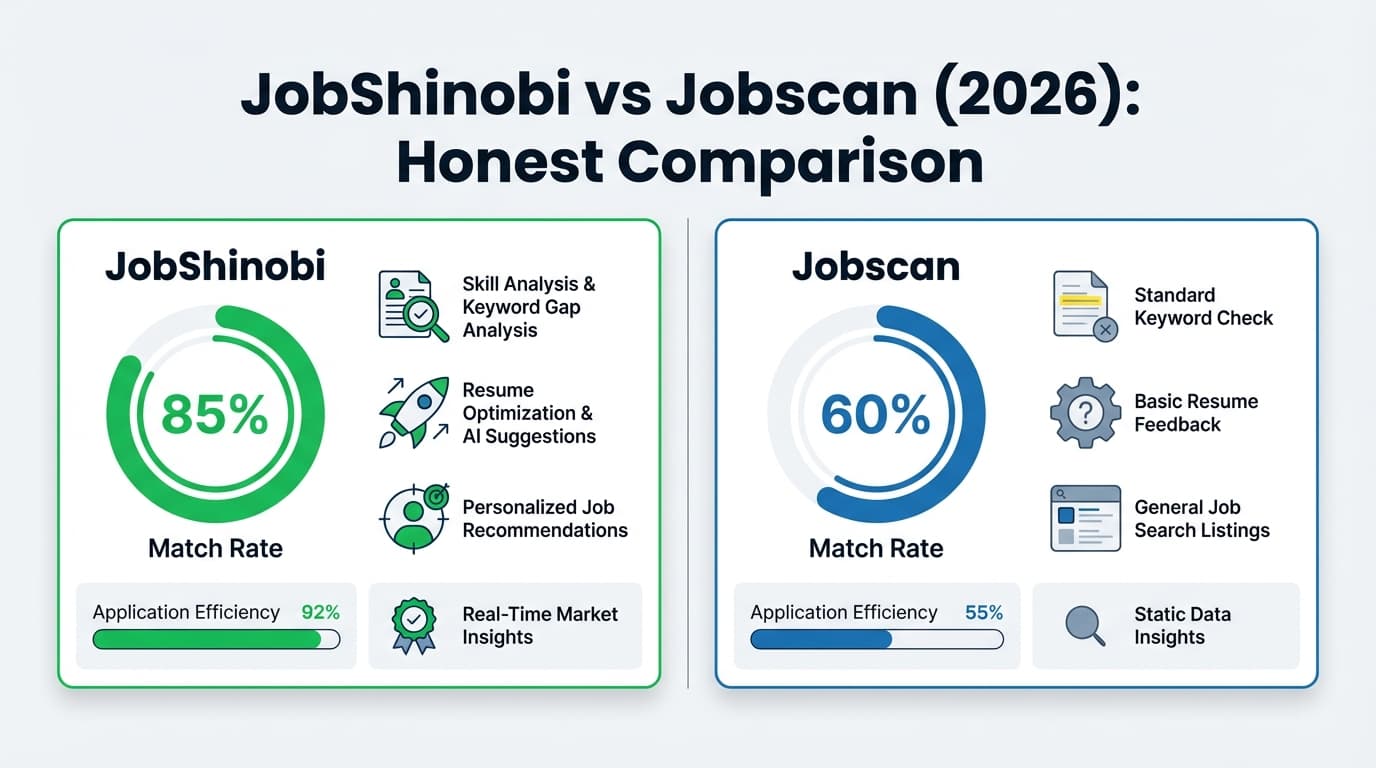
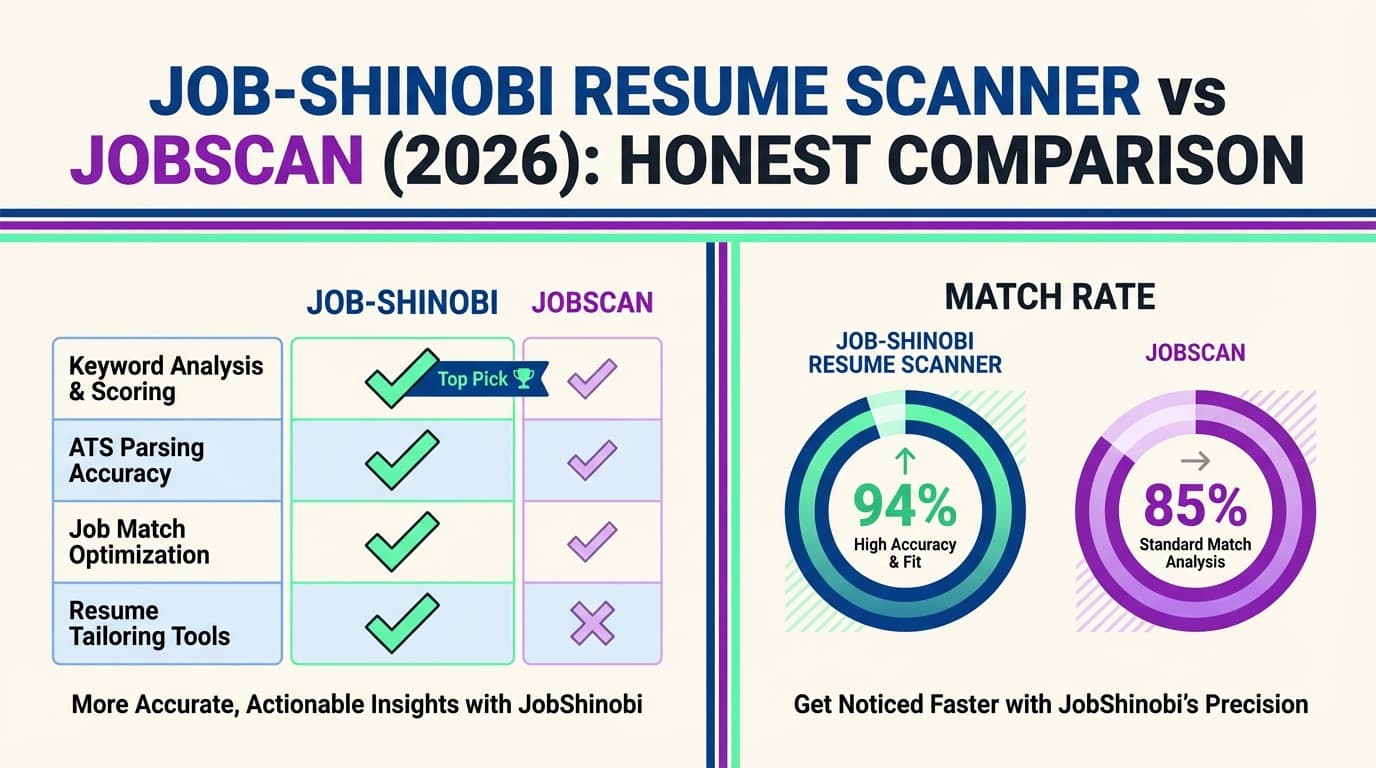
| Resume scanner (resume ↔ job description match) | ✅ Yes (score breakdown + keyword gap + match analysis) | ✅ Yes (core feature; match rate + ATS/recruiter findings) |
| Resume builder/editor | ✅ LaTeX editor + cloud compile + PDF preview | ✅ Yes (resume builder + ATS templates; marketed as free builder) |
| AI optimization workflow | ✅ AI agent chat + iterative edits + version history | ✅ Yes (“One-Click Optimize” + AI generators on plans) |
| LinkedIn optimization | ❌ No dedicated LinkedIn optimizer today | ✅ Yes (LinkedIn Optimization tool) |
| Job tracking | ✅ Tracker + analytics + Excel export | ✅ Job Tracker + Chrome extension to save jobs |
| “No manual tracking” automation | ✅ Email forwarding → auto-create/update job entries (Pro) | ❌ Primarily manual/save-from-web workflows |
| Free plan | ⚠️ Limited (core email automation gated to Pro) | ✅ Free account includes 5 resume scans/month (per plan/support) |
| Starting price (individual) | $20/month | $49.95/month (Premium monthly) |
| Best for | Power users who want formatting control + automation | People who want guided matching + LinkedIn optimization |
JobShinobi Overview
JobShinobi is an AI resume builder + ATS analyzer built for job seekers who are tired of two recurring problems:
-
ATS tailoring without breaking formatting
JobShinobi is LaTeX-first, with cloud compilation and live PDF preview—helpful if Word/Docs formatting keeps shifting or you want consistent layout control. -
Job tracking without spreadsheet admin work
JobShinobi’s differentiator is email-forwarding automation: you forward job-related emails (application confirmations, interview scheduling, rejections), and the system uses AI to extract details and create/update job applications automatically (Pro feature).
Key Strengths
- Email-forwarded job tracking automation (Pro): Forward emails to a unique address and JobShinobi auto-logs applications/updates using AI extraction + fuzzy matching.
- LaTeX editor + PDF compile/preview: Edit LaTeX and generate a PDF preview via a compilation service.
- AI resume agent + version history: Chat-based editing, stored conversations, and resume versioning so you can iterate safely.
Limitations (Honest)
- LaTeX learning curve: If you want a purely visual drag-and-drop editor, LaTeX can feel technical (even with templates).
- LinkedIn optimization isn’t a dedicated feature: If you want LinkedIn scoring/keywording, Jobscan is stronger.
- Core automation is Pro-gated: Email parsing/auto-tracking is not available on free accounts.
Jobscan Overview
Jobscan is one of the most recognized ATS scanning tools. Its core workflow is straightforward: add your resume and a job description, then Jobscan provides a match rate and targeted feedback.
Jobscan also offers a broader toolkit, including:
- LinkedIn Optimization
- AI tools like One-Click Optimize (marketed) and generators (plan snippets list AI cover letter and bullet point generator)
- A Job Tracker, plus a Chrome extension that can save jobs from job boards into your tracker
Key Strengths (Verified)
- Resume match rate guidance: Jobscan even publishes guidance on targets—Jobscan recommends aiming for ~80% match rate, with many users succeeding at ~75%.
Source: https://www.jobscan.co/blog/what-jobscan-match-rate-should-i-aim-for/ - LinkedIn Optimization tool: Verified via indexed Jobscan pages and Jobscan Help Center references.
Indexed landing: https://www.jobscan.co/linkedin-optimization
Help Center note: LinkedIn Optimization may be limited during the 14-day free trial (availability after trial).
Source: https://support.jobscan.co/hc/en-us/articles/360056018734-I-signed-up-for-Jobscan-Premium-so-why-can-t-I-use-the-full-version-of-LinkedIn-Optimization - Job Tracker + Chrome extension: Chrome Web Store listing states it can save jobs from sites like LinkedIn, Indeed, and Glassdoor.
Source: https://chromewebstore.google.com/detail/jobscan-job-search-tracke/apppjobnbahbomhgmcgolplkpigjlofl?hl=en
Limitations (From Reviews & Support Docs)
- Price is a common objection: Many reviews/discussions cite Jobscan as expensive compared with alternatives (especially the monthly plan).
- “Exact match” can feel strict: Jobscan support explains missing-skills issues often happen due to wording differences and formatting (exact or close keyword matching).
Source: https://support.jobscan.co/hc/en-us/articles/360057856213-Why-do-my-results-say-I-m-missing-skills-when-they-re-already-on-my-resume - Trial limitations: Some features (notably LinkedIn Optimization) may not be fully available during the 14-day trial (per Help Center).
Feature-by-Feature Comparison
1) Resume Scanner: Match Score + Keyword Gap
JobShinobi
- Provides ATS/keyword feedback plus resume-to-job matching features (missing vs present keywords and a match score).
- Designed for iterative improvement: saved resumes, version history, and cached analyses help if you’re tailoring often.
Jobscan
- This is Jobscan’s core identity: a resume scanner that compares your resume to a job description and generates a match rate.
- Jobscan publishes practical guidance on match targets (often cited: aim ~80%).
Source: https://www.jobscan.co/blog/what-jobscan-match-rate-should-i-aim-for/
Winner: Tie (different strengths)
- If you want a well-known, guided scoring workflow, Jobscan is excellent.
- If you want scanning tied tightly to editing + versioning + job tracking automation, JobShinobi can be the better “system.”
2) Resume Building & Editing Experience
JobShinobi
- LaTeX-based editing with cloud PDF compilation and downloads (PDF and
.tex). - AI agent supports iterative improvements while keeping formatting controlled.
Jobscan
- Jobscan markets a resume builder and ATS templates; Jobscan also states the resume builder can be free (per indexed landing snippets).
Example landing indexed: https://www.jobscan.co/resume-builder
Winner: Depends on your preference
- Choose JobShinobi if formatting control and version history matter most.
- Choose Jobscan if you prefer a more standard resume-builder experience and want to avoid LaTeX.
3) AI Optimization: One-Click vs Iterative Control
JobShinobi
- AI works like an editor/agent: you iterate via chat, save versions, and refine step-by-step.
- This is ideal when you want “suggest + revise + validate formatting.”
Jobscan
- Jobscan markets One-Click Optimize (speed-first) and plan snippets list AI tools such as cover letter and bullet point generators.
Indexed One-Click Optimize: https://www.jobscan.co/one-click-optimize
Pricing snippet source: https://app.jobscan.co/plan
Winner: Jobscan for speed, JobShinobi for control
If you want rapid “do it for me” optimization, Jobscan’s one-click positioning wins. If you want deeper steering and safer iteration, JobShinobi wins.
4) LinkedIn Optimization
JobShinobi: No dedicated LinkedIn optimizer today.
Jobscan: Offers LinkedIn Optimization, but Jobscan support notes full access may not be available during the 14-day free trial.
Source: https://support.jobscan.co/hc/en-us/articles/360056018734-I-signed-up-for-Jobscan-Premium-so-why-can-t-I-use-the-full-version-of-LinkedIn-Optimization
Winner: Jobscan
5) Job Tracking & Staying Organized
JobShinobi
- Job tracker dashboard + analytics (response rate, interview conversion) + export to Excel.
- The differentiator is email-forwarding automation: the tracker updates when you forward emails (Pro).
Jobscan
- Job Tracker exists and integrates with a Chrome extension to save jobs from job boards.
Job Tracker page indexed: https://www.jobscan.co/job-tracker
Chrome extension listing: https://chromewebstore.google.com/detail/jobscan-job-search-tracke/apppjobnbahbomhgmcgolplkpigjlofl?hl=en
Winner: JobShinobi for “inbox-driven automation”; Jobscan for “save from job boards”
If your workflow is email-heavy (it usually is), JobShinobi can remove more manual tracking work. If you primarily collect postings from boards, Jobscan’s extension is convenient.
Pricing Comparison (Current, Verified)
| Plan | JobShinobi | Jobscan |
|---|---|---|
| Free | Limited (core email automation is Pro) | Free account includes 5 scans/month (plan/support) |
| Monthly | $20.00/month (Pro) | $49.95/month (Premium monthly) |
| Quarterly | — | $89.95 every 3 months (≈ $29.98/mo) |
| Yearly | $199.99/year | Not clearly offered for individual plans in indexed comparisons/snippets |
| Trial | Marketing states “7-day free trial” (verify at checkout) | 14-day free trial is referenced in plan/tutorial/support contexts |
Jobscan pricing source (indexed): https://app.jobscan.co/plan
(Indexed snippet shows $49.95 monthly and $89.95/3 months, plus tool inclusions.)
Cancellation/refund detail (Jobscan): Indexed snippet indicates refunds may be limited (e.g., refute charges within a short window and limited/no use).
Source: https://www.jobscan.co/cancellation-policy
Value take:
- Jobscan can be worth it if LinkedIn optimization + a mature match-scoring workflow is your priority, and you want a free tier first (5 scans/month).
- JobShinobi is positioned as stronger value if you’ll use scanning + editing + tracking frequently, especially if you benefit from email-forwarding automation, at $20/month.
Who Should Choose JobShinobi?
Choose JobShinobi if you:
- Want job tracking that happens automatically from forwarded emails (application confirmations, interview invites, rejections).
- Prefer format control and consistent output via LaTeX + PDF compilation.
- Need version history to manage multiple tailored resume variants without losing prior drafts.
- Want a lower monthly price for an integrated workflow (scanner + editor + tracker).
Who Should Choose Jobscan?
Choose Jobscan if you:
- Want a widely-used, guided match rate workflow with clear targets (Jobscan suggests aiming ~80%).
- Care about LinkedIn Optimization as part of your job search.
- Prefer “one-click” style AI tailoring and built-in AI writing helpers (as marketed in plan listings).
- Want a Chrome extension to save jobs directly from job boards into a tracker.
- Want a free option with 5 scans/month before committing.
Switching from Jobscan to JobShinobi (What to Expect)
- Resume migration: If you’re coming from Jobscan’s builder or uploads, JobShinobi’s LaTeX workflow usually means rebuilding into a template (switching cost = time upfront).
- Tracking migration: JobShinobi supports exporting to Excel; importing from Jobscan isn’t advertised as one-click. Many users start fresh and rely on email-forwarding automation going forward.
- Learning curve: Moderate if you’ve never used LaTeX. Lower if you mainly use templates + AI agent.
FAQ
Is JobShinobi really better than Jobscan?
Not universally. Jobscan is often better for people who want a guided, well-known match scoring approach plus LinkedIn optimization. JobShinobi is often better if you want a resume workflow with format control + versioning and you want to reduce admin work with email-forwarded job tracking.
How many free scans do you get with Jobscan?
Jobscan’s free account is commonly described as 5 resume scans per month (also referenced by Jobscan support and plan snippets).
Source: https://support.jobscan.co/hc/en-us/articles/360056018654-When-do-I-get-my-free-monthly-scans (indexed in Google results) and https://app.jobscan.co/plan (indexed snippet)
Can I migrate from Jobscan to JobShinobi?
Yes, but it’s not a one-click import. Expect to recreate your resume into JobShinobi’s LaTeX template/editor, then use the scanner/match tools from there.
Which is cheaper?
For paid plans, JobShinobi ($20/mo) is cheaper than Jobscan ($49.95/mo). Jobscan’s quarterly plan ($89.95/3 months) lowers the effective monthly cost, and Jobscan also offers a limited free tier (5 scans/month).