Uploading your resume to an ATS scanner or AI resume checker can be genuinely helpful—keyword gaps, formatting issues, and “why am I getting filtered?” feedback.
But it also feels like handing a document full of personal data to a stranger on the internet. And that instinct is valid: your resume is basically an identity + career dossier.
In 2024 alone, the FTC’s Consumer Sentinel Network received 6.5 million consumer reports, including 1,135,291 identity theft reports. (FTC Consumer Sentinel Network Data Book 2024 — High confidence)
- https://www.ftc.gov/reports/consumer-sentinel-network-data-book-2024
- https://www.ftc.gov/system/files/ftc_gov/pdf/csn-annual-data-book-2024.pdf
At the same time, large-scale data exposure continues to surge: the Identity Theft Resource Center (ITRC) reported 1,350,835,988 victim notices in its 2024 reporting, a 211% increase vs. 2023. (ITRC 2024 Data Breach Report — High confidence)
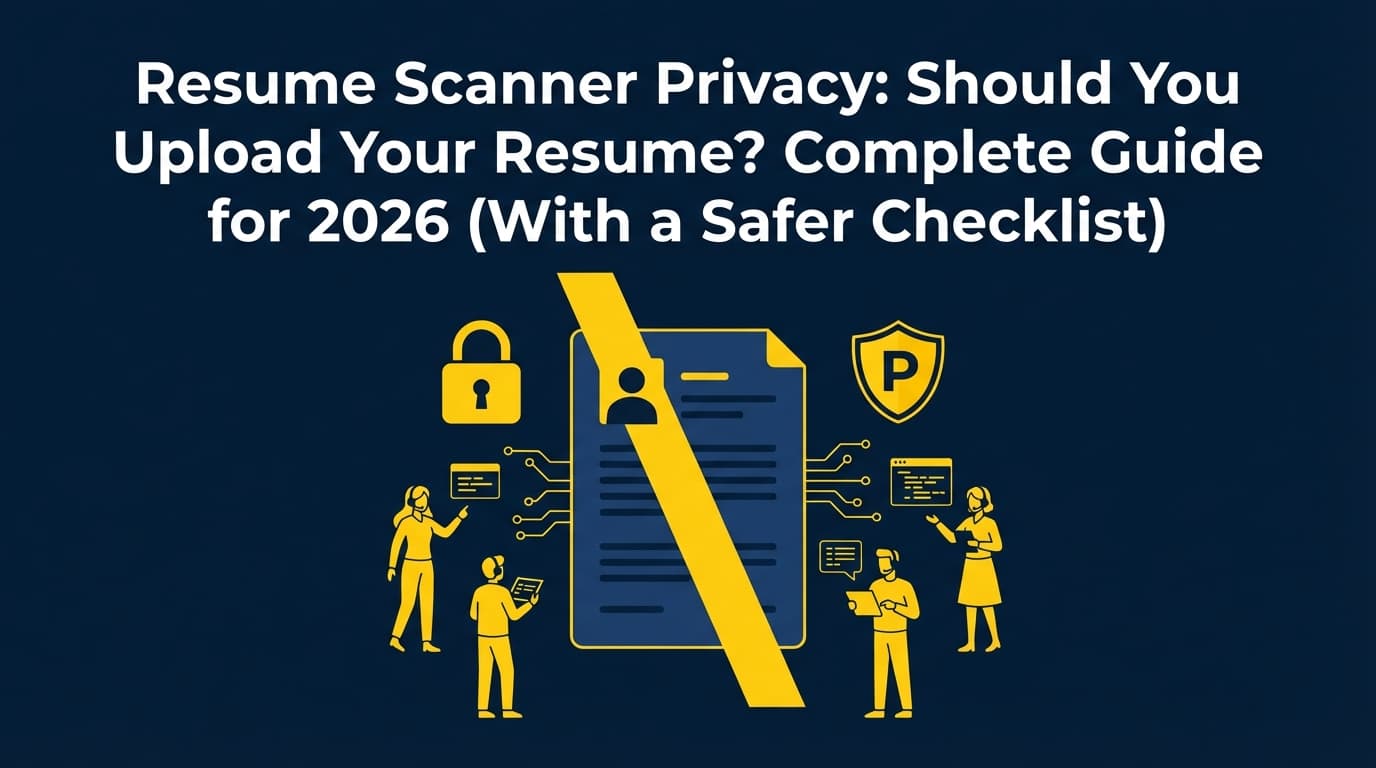
This guide gives you a clear, non-paranoid answer to resume scanner privacy: should you upload your resume?—plus a workflow that reduces risk without slowing your job search.
In this guide, you’ll learn:
- When uploading your resume is reasonable vs. when it’s not worth the risk
- What can happen to your data (realistic threat model)
- A step-by-step “safe upload” checklist (including a redacted resume template)
- How to evaluate a scanner’s privacy policy quickly
- Safer alternatives to uploading the full document
What is a resume scanner (and what are you actually uploading)?
A resume scanner is a tool that analyzes your resume content and/or formatting to approximate what an ATS or recruiter might “see.”
Common outputs:
- ATS readability/parsability warnings (e.g., columns, headers/footers)
- Keyword match feedback against a job description
- Section completeness checks (skills, dates, locations)
- A “score” (helpful as a directional metric, not as truth)
What you provide:
- A PDF or .docx file upload (highest privacy footprint)
- Copy/paste text (lower footprint, but less formatting insight)
- A share link (sometimes; increases accidental exposure risk)
Scanners vs job boards vs employer ATS: different privacy implications
Don’t treat all “upload resume” scenarios the same:
- Employer ATS (during an application): Usually necessary. You’re sharing with the employer and their ATS vendor.
- Job boards/resume databases: Optional. Often includes “visibility” settings (public vs private vs searchable).
- Third-party scanners: Optional. Valuable for feedback, but increases the number of places your resume lives.
Why resume scanner privacy matters in 2026
Your resume is packed with “identifiable” information:
- Full name
- Email + phone
- City/state (sometimes full address)
- Employer names + work history timeline
- Education details
- Links to LinkedIn, GitHub, portfolio
That bundle can be used for:
- Highly targeted phishing (“I saw your resume—here’s a take-home assignment… open this file”)
- Impersonation / social engineering
- Cross-referencing leaked data from other sources
Stat #1: Identity theft reporting is massive
The FTC reports 1,135,291 identity theft reports in 2024, within 6.5 million total consumer reports. (FTC — High confidence)
https://www.ftc.gov/system/files/ftc_gov/pdf/csn-annual-data-book-2024.pdf
Stat #2: Breach “victim notices” jumped dramatically
ITRC reports 1,350,835,988 victim notices and a 211% increase from 2023. (ITRC — High confidence)
https://www.idtheftcenter.org/wp-content/uploads/2025/02/ITRC_2024DataBreachReport_Final_020325.pdf
Stat #3: Online job scams are real—and growing
The FTC has warned about online job scams and notes that task scams were estimated to account for nearly 40% of 2024 job scam reports. (FTC press release — High confidence)
https://www.ftc.gov/news-events/news/press-releases/2024/12/new-ftc-data-show-skyrocketing-consumer-reports-about-game-online-job-scams
Bottom line: privacy risk isn’t a reason to stop applying—it’s a reason to upload smarter.
Should you upload your resume to a resume scanner? (Decision framework)
Upload is usually reasonable if…
- You trust the vendor and can find a real privacy policy quickly
- You can upload a redacted “scanner version” of your resume
- You need a specific output (parsability test, keyword gaps), not general “score anxiety”
- The tool offers deletion controls (self-serve or via support)
Avoid uploading if…
- The privacy policy is missing, vague, or full of “may share with partners” language without detail
- The tool pushes aggressive urgency (“Upload now to see results!”) and feels spammy
- The product acts like a resume database (“Get discovered by recruiters”) when you only wanted a scan
- You’re in a high-risk situation (confidential search, stalking/harassment concerns)
A quick matrix
| Situation | Upload? | Safer approach |
|---|---|---|
| Applying to a real employer ATS | Usually yes | Remove full address; keep only needed contact info |
| One reputable scanner for formatting | Maybe | Upload redacted scanner version; delete after |
| Random “free ATS scan” site | No | Don’t upload; choose a better-known tool |
| Public job board resume posting | Only if you want discovery | Make it private/unlisted; redact contact details if possible |
What can go wrong when you upload a resume? (Realistic risk model)
-
Retention you didn’t expect
Some sites keep uploads “as long as necessary” without a clear timeframe. -
Sharing with service providers
Even legitimate tools may use cloud storage, analytics, and subcontractors. -
Accidental exposure via share links
Reports can be shareable; links can be forwarded or accessed by the wrong person. -
Breach risk
No one can promise “breach-proof.” This is why minimizing what you upload matters. -
Scam targeting
After you apply/post/upload widely, scams can spike. Your resume makes you easier to personalize.
Don’t get trapped by viral ATS stats
A lot of job seekers upload resumes to scanners because they’ve heard some version of “you have no chance unless you beat the ATS.”
Two things can be true at once:
- ATS and fast screening are common.
- Chasing a single scanner score can waste time and increase privacy exposure.
Stat #4: Recruiters skim quickly (human reality still matters)
The Ladders’ widely cited eye-tracking content reports recruiters spend about 7.4 seconds on an initial resume scan. (The Ladders — Medium confidence; widely cited, but varies by context)
https://www.theladders.com/career-advice/you-only-get-6-seconds-of-fame-make-it-count
Stat #5: ATS usage is widespread in large companies
Workday states “more than 98% of Fortune 500 companies use” an ATS. (Workday — Medium confidence; credible corporate source, but still a vendor claim)
https://www.workday.com/en-us/topics/hr/applicant-tracking-system.html
Practical takeaway: Use scanners for diagnostics (parsing, keyword alignment), not as a scoreboard that pushes you to upload everywhere.
How to upload your resume to a scanner safely (step-by-step)
Step 1: Create a “scanner version” of your resume (redacted header)
This is the highest ROI privacy move.
Keep:
- Name
- City/state (optional, but often enough)
- One contact method (email is usually sufficient for scanning)
- LinkedIn (optional)
Remove or reduce:
- Full street address
- Secondary phone numbers
- Any IDs (license numbers, student ID)
- Anything confidential (internal project names, sensitive client details)
Example: safer header Instead of:
Jordan Lee — 123 Main St, Austin, TX — (555) 123-4567 — [email protected]
Use:
Jordan Lee — Austin, TX — [email protected] — linkedin.com/in/jordanlee
Tip: Create a separate email for job searching. (General best practice — Medium confidence)
Step 2: Strip file metadata before uploading
Especially for Word-based resumes:
- Remove tracked changes/comments
- Use built-in document inspection tools where available
- Re-export to a clean PDF
Step 3: Prefer “paste text” when possible
If your goal is keyword matching, you can often paste:
- Skills section
- Experience bullets
- Job description text
This avoids file metadata and reduces accidental oversharing. Downside: you may not get formatting diagnostics.
Step 4: Review the scanner’s privacy posture in 60 seconds
Before uploading, look for:
- Retention: How long do they keep your resume/results?
- Deletion: Can you delete uploads/results? How?
- Sharing: Any “partners/affiliates” language?
- AI training: Do they use your content to train models?
- Security: Any meaningful description beyond generic statements?
If you can’t find these, treat it as a “no.”
Step 5: Upload less, not more (stop scanner-hopping)
Uploading the same resume to 8 scanners increases exposure without guaranteeing better results.
A better workflow:
- One tool for parsability/format checks
- One tool for job match / keyword gaps
- Keep your “scanner version” as the only resume you upload widely
Step 6: Delete what you can—immediately
Some platforms provide deletion controls (or support workflows). For example, some resume platforms document account deletion processes and what happens to stored resume data after deletion. (Example help doc — Medium confidence, vendor-specific)
https://help.resume.io/article/26-how-do-i-downgrade-cancel-or-delete-my-account
Best practices for resume scanner privacy (that won’t slow your job search)
-
Post your resume “privately” if you post it at all
The World Privacy Forum explicitly advises private posting and warns that resumes can be archived for years without clear statements. (WPF — High confidence)
https://worldprivacyforum.org/posts/consumer-tips-job-seekers-guide-to-resumes/ -
Use a redaction checklist A good reference point is to treat resume redaction as removing personally identifiable information (PII) while keeping the content needed for screening. (Redaction guide — Medium confidence, third-party educational content)
https://www.redactable.com/blog/redact-a-resume -
Keep a “cyber-safe” version for online submissions Basic cyber-safety resume guidance emphasizes minimizing personal details when submitting online. (GCFGlobal — Medium confidence, general education resource)
https://edu.gcfglobal.org/en/resumewriting/create-a-cybersafe-resume/1/ -
Don’t include sensitive data—ever No SSN, DOB, banking details, full ID numbers. (High confidence)
Common mistakes to avoid
Mistake 1: Uploading your full “application” resume to every scanner
Fix: maintain a separate redacted scanner version.
Mistake 2: Assuming “100% privacy” marketing means safe retention/deletion
Fix: look for specifics: retention period, deletion method, and sharing details.
Mistake 3: Public posting when you only wanted feedback
Fix: avoid sites that default to resume databases unless recruiter discovery is your goal.
Mistake 4: Letting fear stop you from applying
Fix: reduce exposure with redaction and vendor selection—then keep applying.
Tools to help with ATS feedback (and reduce tool sprawl)
If privacy concerns come from uploading to too many different scanners, consolidating your workflow can reduce exposure.
JobShinobi (consolidated workflow option)
JobShinobi supports:
- Building/editing resumes in a LaTeX-based editor with PDF preview/compilation
- AI resume analysis (ATS-oriented scoring + feedback)
- Resume-to-job matching (paste a job URL or text to get match insights)
Pricing accuracy (do not over-claim):
- JobShinobi Pro is $20/month or $199.99/year.
- Marketing mentions a “7-day free trial,” but trial mechanics aren’t confirmed in code—verify at checkout.
Internal links:
- Privacy policy: /privacy-policy
- Subscription: /subscription
Key takeaways
- Uploading your resume to a scanner can be reasonable—but it’s a privacy decision.
- The best protection is a redacted scanner version + minimal uploads.
- Always check retention, deletion, sharing, and AI-training language before uploading.
- Job scams and data exposure trends are real; minimize what you share and where.
- Use scanners as diagnostic tools, not as a scoreboard that drives oversharing.
FAQ (People Also Ask)
Should I upload my resume?
Yes—when it’s necessary (employer ATS) or when you trust the scanner and can upload a redacted version. If the privacy policy is unclear, skip that tool.
Is it safe to share your resume?
It can be reasonably safe if you remove sensitive identifiers, limit address/contact details, and upload only to reputable platforms. “Safe” is never absolute—reduce risk by minimizing what you share.
Should I let AI review my resume?
Often yes, with precautions: paste only the sections you want feedback on, avoid unnecessary personal info, and check how the tool retains/uses your content.
Can I check ATS compatibility without uploading my resume?
Sometimes. Text-only checks can help with keyword matching, but true formatting/parsability diagnostics often require a file. A middle ground is uploading a redacted “scanner version.”
What should I remove from my resume for privacy?
At minimum: full street address, DOB, SSN (never include), and unnecessary ID numbers. Consider using a job-search-specific email and keeping only city/state for location.