If you’re applying online and hearing nothing back, there’s a good chance your resume is being parsed, categorized, and searched inside an ATS before a recruiter ever sees it.
Jobscan reports it detected an ATS at 97.8% of Fortune 500 companies (489 out of 500). (Source: Jobscan, Confidence: Medium — strong single source with a specific methodology, but not independently replicated here.)
https://www.jobscan.co/blog/fortune-500-use-applicant-tracking-systems/
And even when a human does review resumes, they skim fast: HR Dive summarizes The Ladders eye-tracking research as recruiters skimming resumes for ~7.4 seconds on average. (Source: HR Dive, Confidence: Medium — secondary reporting of the study.)
https://www.hrdive.com/news/eye-tracking-study-shows-recruiters-look-at-resumes-for-7-seconds/541582/
In this guide, you’ll learn:
- A repeatable ATS readability test you can run in 10–20 minutes
- How to interpret what a resume scanner is actually measuring (and what it can’t)
- The most common parsing failures (columns, tables, headers/footers, weird bullets) and exact fixes
- A fix → retest loop you can reuse for every job application
What “ATS Readability” Actually Means (and what it doesn’t)
ATS readability is the likelihood that:
- An ATS can extract your text accurately (parsing),
- It can recognize your sections (Experience, Education, Skills), and
- Your content contains relevant terms (keywords) that match the role—without hurting human readability.
What ATS readability is not
- Not a universal pass/fail score (ATS platforms behave differently).
- Not a guarantee of interviews.
- Not “beating the bots” with hacks (many “tricks” backfire).
Why ATS Readability Matters in 2026 (with data)
1) ATS usage is widespread in large employers
Workday states “more than 98% of Fortune 500 companies use” an ATS. (Source: Workday, Confidence: Medium — vendor claim, not a peer-reviewed study.)
https://www.workday.com/en-us/topics/hr/applicant-tracking-system.html
Jobscan’s Fortune 500 detection report supports the same big picture. (Jobscan link above, Confidence: Medium.)
2) Many recruiters use ATS/recruiting software
CIO (citing Capterra research) states 75% of recruiters use some type of recruiting or applicant tracking system in hiring. (Source: CIO.com, Confidence: Medium — relies on third-party research summary.)
https://www.cio.com/article/284414/applicant-tracking-system.html
3) The ATS market keeps growing (more automation, more vendors)
Fortune Business Insights reports the global ATS market was valued at USD 16.04 billion in 2024 (and forecasts growth). (Source: Fortune Business Insights, Confidence: Medium — market research methodology varies, but it’s a named estimate.)
https://www.fortunebusinessinsights.com/applicant-tracking-system-market-108826
4) “75% of resumes are rejected by ATS” is widely repeated—and disputed
You’ll see “75% rejected by ATS” everywhere, but multiple sources call it a myth/unsupported. For example, HiringThing publishes a myth-busting post specifically addressing that claim. (Source: HiringThing, Confidence: Medium — informed industry perspective, but not primary research.)
https://blog.hiringthing.com/applicant-tracking-system-myths
Practical takeaway: You don’t need to fear an “auto-reject bot” as much as you need to prevent parsing errors and ensure recruiters can find you in searches.
How to Test ATS Readability: Step-by-Step (Repeatable Method)
Step 1: Run the Plain-Text Parsing Test (fastest “ATS-like” check)
This is the quickest way to catch the biggest issues (reading order, missing sections, broken bullets).
How to do it
- Open your resume (PDF or DOCX).
- Select all → copy.
- Paste into a plain-text editor:
- Windows: Notepad
- Mac: TextEdit (Format → Make Plain Text)
Pass criteria
- Your name + phone + email appear correctly.
- Headings like Experience / Education / Skills remain obvious.
- Bullets stay readable (even if the bullet symbol changes).
- The resume reads in the intended order top-to-bottom.
Why this works
If copy/paste produces scrambled content, that’s a strong signal parsing could be unreliable. Multiple ATS-formatting guides recommend this exact method. (Examples in search results include Allsorter and others; Confidence: Medium.)
Example: https://allsorter.com/resources/blog/how-to-create-an-ats-scannable-resume
Step 2: Validate Reading Order (columns and tables break this)
Two-column layouts, tables, and text boxes can look great but read poorly when converted to raw text.
Quick check
- In the plain-text paste, confirm the resume reads like:
- Summary → Skills → Experience → Education
If it fails
- Convert to single column
- Replace tables/text boxes with simple lines and spacing
Step 3: Remove “ATS-Unsafe Zones” (headers, footers, icons, graphics)
Santa Clara University warns: avoid placing critical information in headers/footers and keep formats standard. (Source: SCU Career Center, Confidence: Medium.)
https://www.scu.edu/careercenter/toolkit/job-scan-common-ats-resume-formatting-mistakes/
Indeed also advises limiting what you put in headers/footers for automated screening. (Source: Indeed, Confidence: Medium — large career site guidance.)
https://www.indeed.com/career-advice/resumes-cover-letters/automated-screening-resume
Fixes that usually help immediately
- Put contact info in the main body (not header/footer)
- Replace icons with text labels (
Email:,Phone:) - Avoid graphics, logos, and skill bars
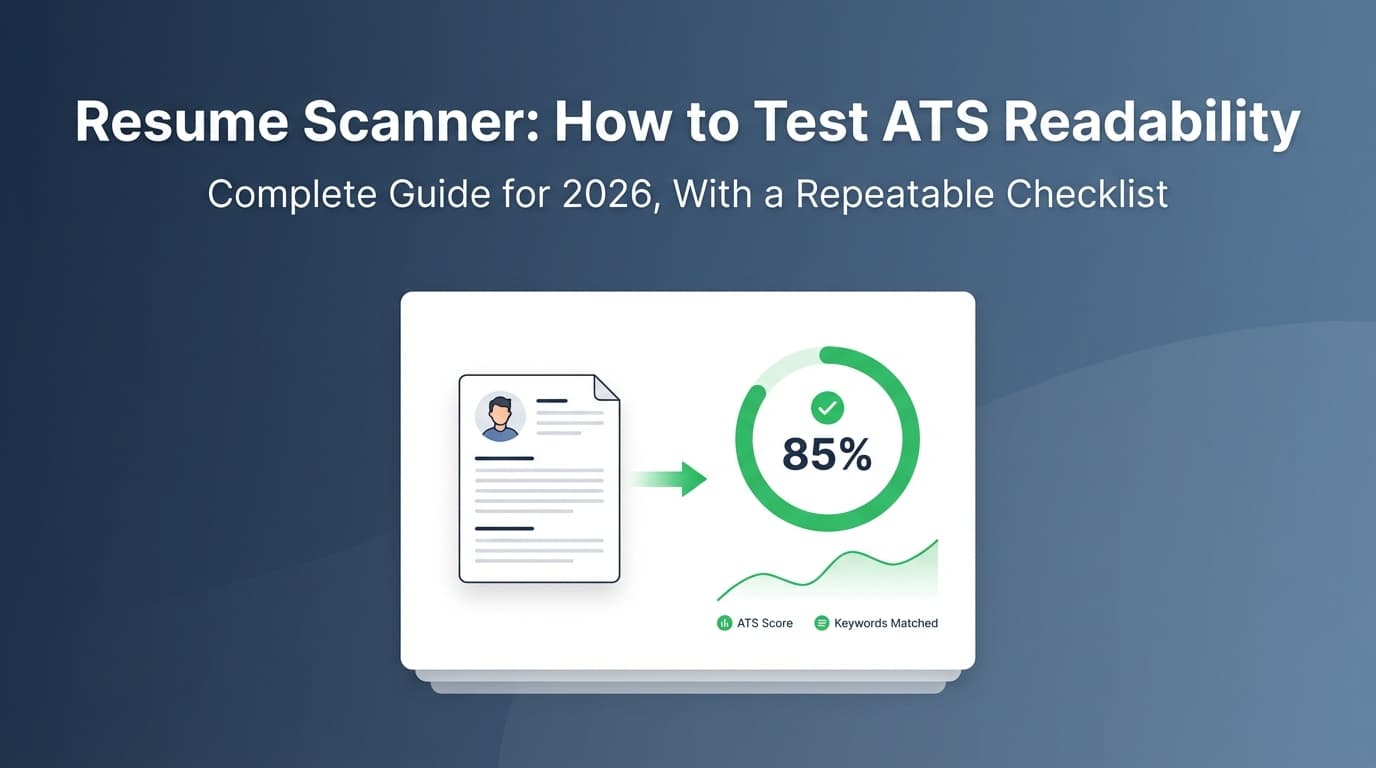
Step 4: Use a Resume Scanner Tool (for keyword + formatting flags)
A resume scanner typically checks:
- formatting heuristics (readability/parsing risk)
- keyword match vs a job description
How to use scanners correctly
- Scan against a real job posting
- Focus on:
- missing hard skills (tools, platforms)
- missing role phrases (responsibilities, methodologies)
- Avoid:
- keyword stuffing
- chasing 100% match at the cost of clarity
Step 5: Cross-check with a second method (triangulate)
Because scanners vary, rely on two different signals:
- Plain-text parsing test (Step 1)
- A scanner tool (Step 4)
- Optional: application form “resume parsed fields” preview (when a portal shows it)
If all agree your resume is readable, you’re in strong shape.
Step 6: Fix issues in priority order (Format → Structure → Keywords)
Priority 1: Parsing blockers
- columns / tables / text boxes
- headers/footers containing key info
- icons and special glyph bullets
- image-based PDFs
Priority 2: Structure clarity
- standard headings
- consistent date formatting
- clear job title + company + dates
Priority 3: Keyword alignment
- add missing skills only if true
- mirror job title language accurately
- use keywords in context inside bullets
The ATS Readability Checklist (Copy/Paste)
A) Parsing & formatting (must-pass)
- Single-column layout
- No tables/text boxes for core content
- Contact info in the main body (not header/footer)
- Plain-text paste reads in the right order
- Bullets paste cleanly (no weird symbols)
- Dates are consistent (
MM/YYYY – MM/YYYYorMonth YYYY – Month YYYY)
B) Structure (recommended)
- Standard headings: Summary, Skills, Experience, Education
- Each role includes Title, Company, Location (optional), Dates
- Skills grouped (e.g., Tools, Languages, Platforms)
C) Job-specific keyword match
- Role title matches the posting (truthfully)
- Must-have tools are present (truthfully)
- Keywords appear in achievement bullets (not just a list)
“PDF vs DOCX” for ATS: what to do in practice
This is one of the most common ATS questions, and sources disagree because ATS setups differ.
- Jobscan’s guidance discusses PDF vs Word and references their own tests. (Source: Jobscan, Confidence: Medium — tool vendor tests, not standardized across all ATS.)
https://www.jobscan.co/blog/resume-pdf-vs-word/
Best practical approach
- Keep both ready:
- A clean, text-based PDF
- A simple DOCX
- If the application system is older/clunkier or warns about PDF, upload DOCX
- Always run the plain-text paste test on the version you’re submitting
Common ATS Readability Failures (and exact fixes)
Failure 1: Two-column resumes (scrambled reading order)
Symptoms: skills and experience mix together in plain-text.
Fix: single-column layout; move sidebar content into normal sections.
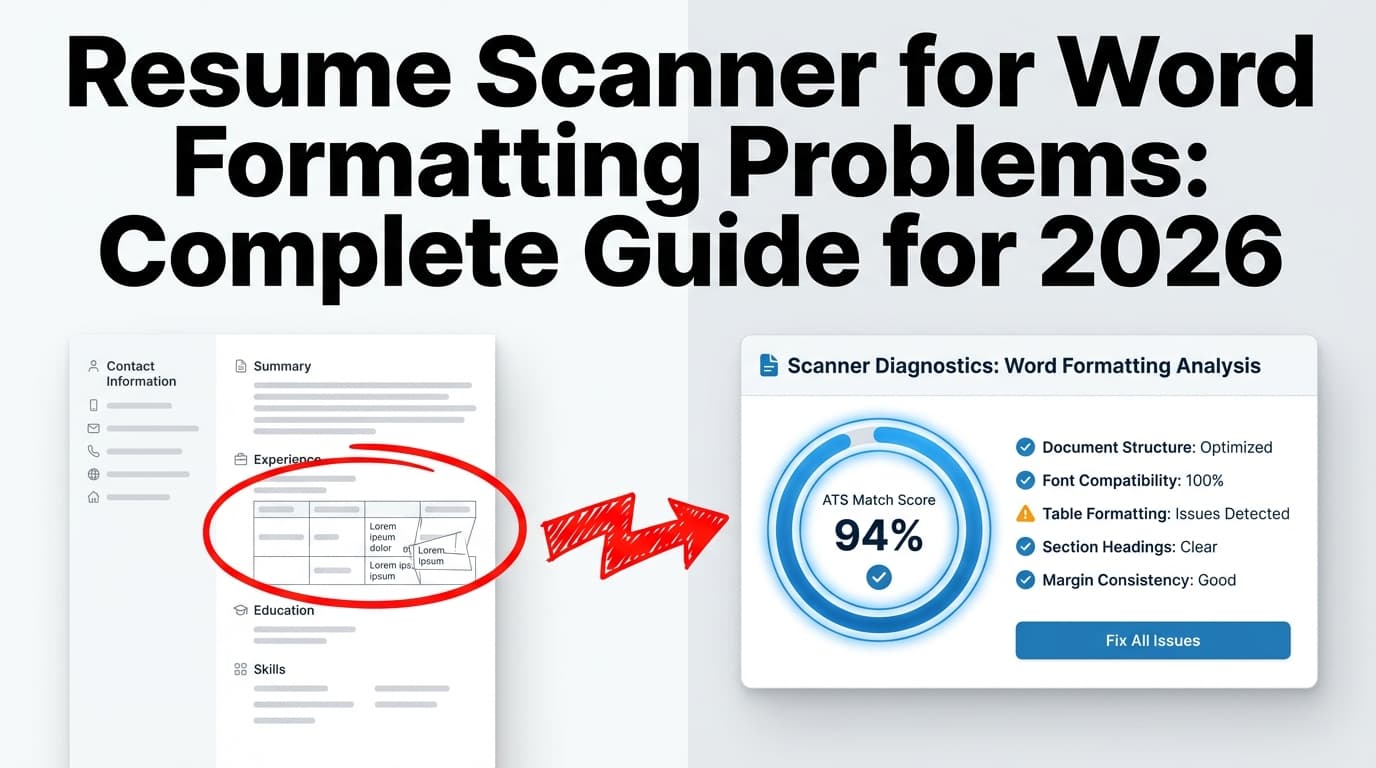
Failure 2: Tables used for alignment
Symptoms: company/date lines merge; bullets appear under the wrong job.
Fix: use normal lines, spacing, and consistent heading patterns.
Failure 3: Headers/footers hide important info
Symptoms: email/phone missing or duplicated.
Fix: put contact line in the body; remove header/footer content.
(See SCU + Indeed guidance above.)
Failure 4: “Weird bullets” and special symbols
Symptoms: bullet points turn into squares/question marks.
Fix: use standard bullets or hyphens; avoid exotic fonts/glyphs.
(ATS formatting advice commonly warns about special symbols; Confidence: Medium. Example: https://www.free-work.com/en-gb/tech-it/blog/career-advice/best-font-for-tech-cv-or-does-formatting-not-trouble-ats)
Failure 5: Image-based PDFs (scanned or flattened)
Symptoms: can’t highlight text; copy/paste fails.
Fix: export a text-based PDF or submit DOCX if allowed.
Tools to Help with ATS Readability Testing
- Plain-text paste test (Notepad/TextEdit): fastest parser sanity check
- Application portal parse preview: closest to “real ATS output” when available
- Resume scanner tools: helpful for keyword gaps and formatting warnings
- Resume Worded scanner page: https://resumeworded.com/resume-scanner
- TopResume ATS checker article/tool page: https://topresume.com/career-advice/ask-amanda-resume-ats-readability
- Rezi troubleshooting guide: https://www.rezi.ai/posts/why-your-ats-parse-failed
Where JobShinobi fits (natural workflow mention)
If you want to iterate quickly (test → fix → retest) without losing versions, JobShinobi supports:
- LaTeX resume building with in-app PDF preview/compilation
- AI resume analysis that provides ATS-focused scoring + detailed feedback
- Job matching against a pasted job description or job URL to spot missing/present keywords
- Resume version history so you can experiment and revert
Pricing: JobShinobi Pro is $20/month or $199.99/year. Marketing mentions a “7-day free trial,” but trial mechanics aren’t clearly verifiable in product enforcement logic—treat trial availability as unverified. (Product constraints, Confidence: High for pricing; Medium for trial claim.)
Internal links:
Key Takeaways
- Start with the plain-text parsing test; it catches most ATS readability failures.
- Fix in order: format → structure → keywords.
- Use scanners as diagnostics, not a final “grade.”
- Keep both a PDF and DOCX version ready; test whichever you submit.
- Don’t rely on dubious viral stats—optimize for clean parsing and searchable keywords.
FAQ
How to check resume ATS score?
Use a resume scanner that compares your resume to a job description and provides a match score and keyword gaps. Pair it with a plain-text paste test to ensure parsing isn’t broken (scores are unreliable if the resume doesn’t parse cleanly).
Is a 70% ATS score good?
Sometimes, but scores vary by tool. A better goal is: clean parsing + must-have keywords covered + strong human readability. Chasing 100% can lead to keyword stuffing.
Can ATS read PDF resumes?
Often yes—if the PDF is text-based (you can highlight/select text). If copy/paste fails, use a text-based export or submit DOCX when allowed.
Can ATS systems read columns?
Some can, some struggle. If your plain-text paste shows scrambled order, treat columns as a risk and switch to a single-column format.
Do ATS automatically reject 75% of resumes?
That claim is widely repeated, but multiple sources dispute it as unsupported or misleading. A more reliable focus is avoiding parsing errors and ensuring your resume is searchable in the ATS database. (Example myth-busting source: HiringThing.)
https://blog.hiringthing.com/applicant-tracking-system-myths
What file format is best for ATS: PDF or Word?
It depends on the employer’s ATS and configuration. Keep both formats available and choose based on the portal’s instructions; validate with the plain-text paste test before submitting.