Recruiters skim fast. An eye-tracking study from The Ladders found recruiters spend about 7.4 seconds on an initial resume review, and resumes that performed best were easy to scan with clear structure. (High confidence: corroborated by The Ladders PDF and secondary coverage from HR Dive.)
Sources: The Ladders eye-tracking report PDF (https://www.theladders.com/static/images/basicSite/pdfs/TheLadders-EyeTracking-StudyC2.pdf), HR Dive summary (https://www.hrdive.com/news/eye-tracking-study-shows-recruiters-look-at-resumes-for-7-seconds/541582/)
That’s why this topic matters: if your resume is full of vague buzzwords (“results-driven,” “hardworking,” “team player”), it can fail twice:
- An ATS/recruiter search won’t surface you for the skills they’re filtering by.
- A human won’t trust you because nothing is proven.
This guide is written for the “I’m applying a lot and still getting filtered out” job seeker—someone who wants ATS keyword alignment without sounding fake.
In this guide, you’ll learn:
- What counts as a keyword vs. a buzzword (with a simple test)
- What ATS typically “wants” in practice (and what it does not do)
- A step-by-step method to extract the right keywords from a job description
- Before/after examples that replace buzzwords with evidence + searchable terms
- A practical checklist and tool stack to tailor faster (without keyword stuffing)
What is the difference between resume keywords and buzzwords?
Resume keywords (what ATS and recruiters can actually use)
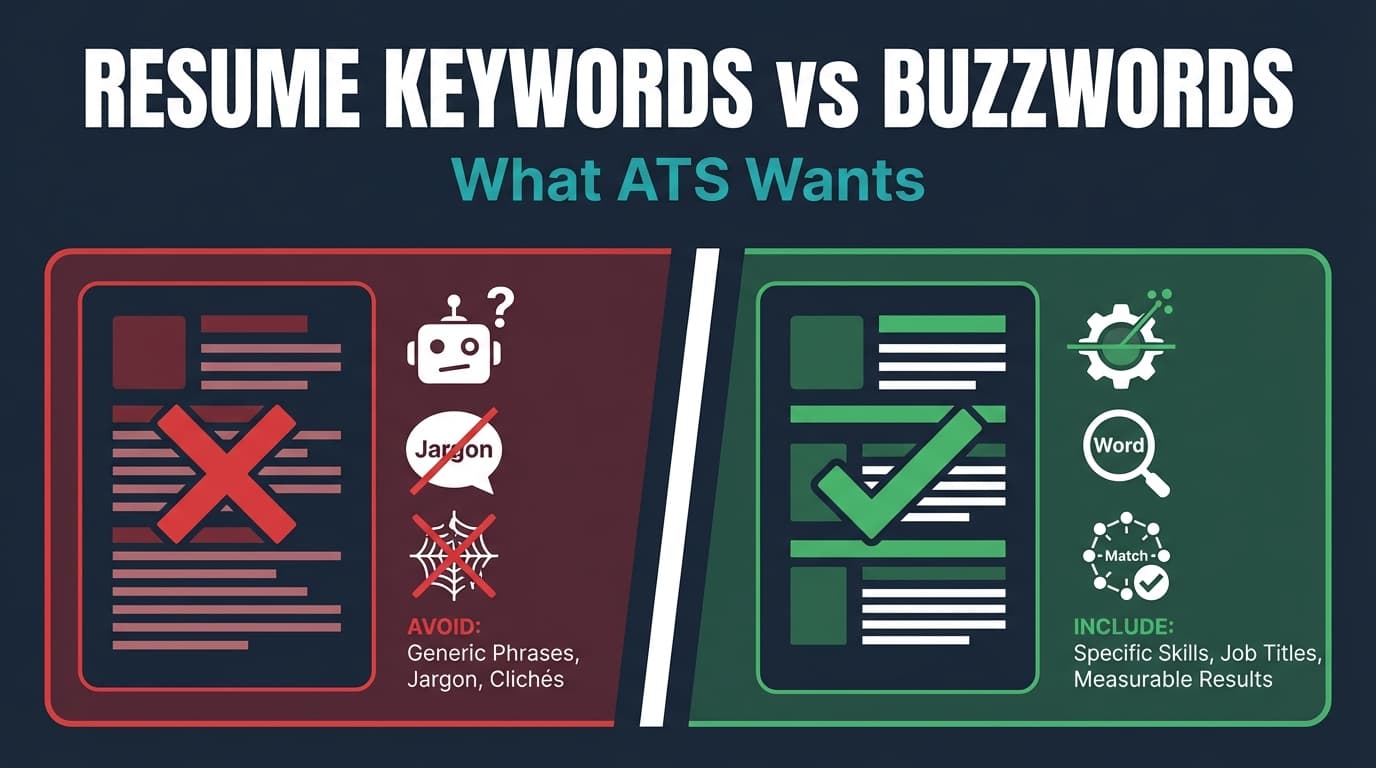
Resume keywords are specific, job-relevant terms that map to how hiring teams search, filter, and compare candidates—especially inside an ATS or recruiting database.
They tend to be nouns and noun-phrases, such as:
- Job titles: “Product Manager,” “Data Analyst,” “Customer Success Manager”
- Hard skills / tools: “SQL,” “Python,” “Excel,” “Salesforce,” “Google Analytics”
- Methods / frameworks: “A/B testing,” “Agile,” “Scrum,” “OKRs,” “ITIL”
- Certifications: “AWS Certified Solutions Architect,” “PMP,” “CPA”
- Domains: “B2B SaaS,” “fintech,” “healthcare compliance,” “SOC 2”
- Deliverables: “dashboards,” “forecasting model,” “ETL pipeline,” “quarterly business review (QBR)”
Keywords are “searchable.” They’re the terms someone can type into an ATS search bar or use as a filter.
Buzzwords (what sounds good but doesn’t prove anything)
Buzzwords are generic, high-level descriptors that are easy to claim and hard to verify. They often show up as adjectives without evidence:
- “Results-driven”
- “Detail-oriented”
- “Self-starter”
- “Strategic thinker”
- “Excellent communication skills”
- “Works well under pressure”
Buzzwords aren’t automatically “bad,” but they’re incomplete. Without proof, they waste space and can reduce credibility.
The simplest test: “Could two candidates both claim this?”
If anyone could write it without showing how, it’s probably a buzzword.
- Buzzword: “Results-driven professional”
- Keyword + proof: “Improved SQL-based churn dashboard adoption from 20% → 65% across Sales and CS teams”
Why ATS keywords matter in 2026 (and what ATS is actually doing)
ATS usage is widespread. Jobscan reports 98.4% of Fortune 500 companies use a detectable ATS (492 out of 500). (High confidence: multiple independent sources repeat the same figure.)
Sources: Jobscan ATS usage report (https://www.jobscan.co/blog/fortune-500-use-applicant-tracking-systems/), Tufts Career Center (https://careers.tufts.edu/resources/everything-you-need-to-know-about-applicant-tracking-systems-ats/)
What ATS “wants” (in plain English)
Most ATS platforms are not magical resume-reading robots that “understand your potential.” In practice, ATS is typically used to:
- Parse your resume into fields (experience, skills, education)
- Store it in a database
- Help recruiters search and filter (skills, titles, location, etc.)
- Rank or sort candidates in some workflows (varies by company and configuration)
That’s why keywords matter: recruiters find you by searching for the terms that match the role.
Important nuance: ATS doesn’t always auto-reject you
A lot of job seekers assume “the ATS rejected me.” In many cases, the ATS is just a database and the “rejection” is a human decision—or a workflow rule unrelated to resume wording.
However, some employers do use:
- Knockout questions (work authorization, location, required certification)
- Automated status rules (missing required field, failed assessment)
- Screening workflows that can effectively “auto-reject”
So the helpful mindset is:
- Don’t obsess over “beating the ATS.”
- Do optimize for parsing + searchable keywords + human readability.
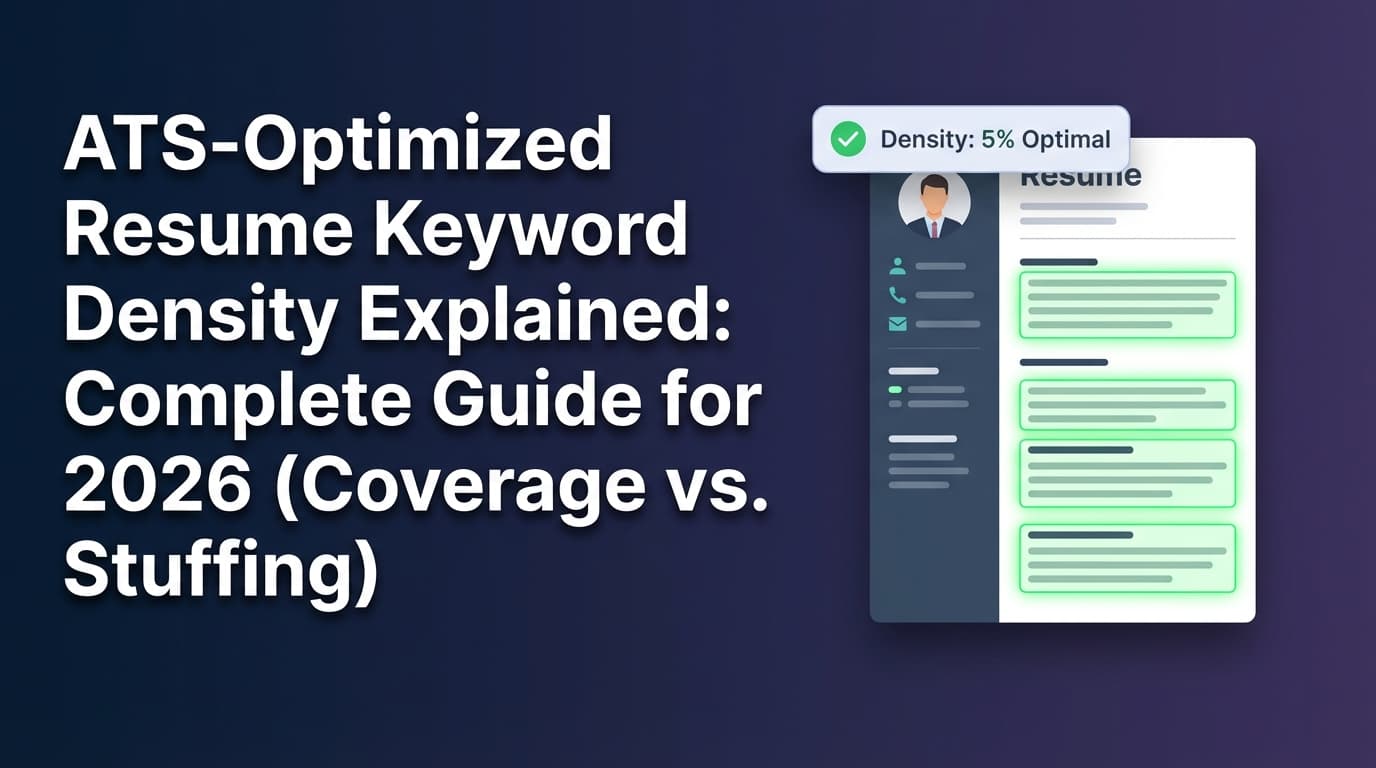
The keyword myth that creates bad resumes: “More keywords = better”
Keyword stuffing is one of the fastest ways to create a resume that:
- looks like it was written for bots,
- becomes repetitive and unclear,
- and fails when a human reads it.
Most credible resume guidance agrees: keywords should be natural and contextual, tied to real experience. (Medium confidence: common best practice across multiple career resources; specific “penalty” mechanics vary by ATS.)
Example guidance source: MIT CAPD ATS-friendly resume advice (https://capd.mit.edu/resources/make-your-resume-ats-friendly/)
Rule of thumb: If a keyword doesn’t connect to something you did, shipped, measured, or owned—don’t add it.
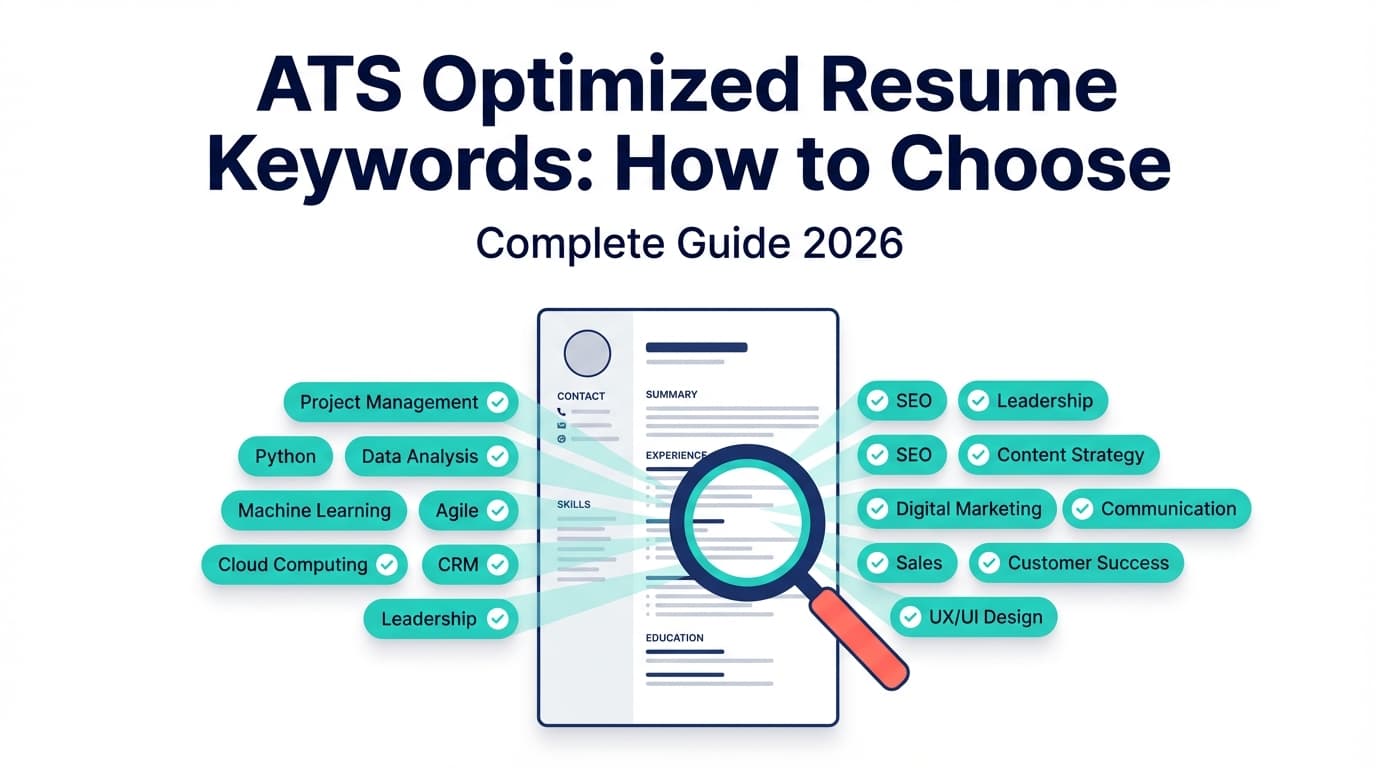
What keywords does ATS look for? (Keyword categories that actually move the needle)
Instead of chasing giant “ATS keyword lists,” focus on the keyword types recruiters actually use to filter.
Here are the categories that most consistently matter:
1) Exact job title (and close variants)
Recruiters often search by title first. If the job is “Customer Success Manager” and your resume says “Client Happiness Ninja,” you’re making it harder to find you.
Best practice: Use the most standard title you can honestly support.
- If your internal title is weird, you can use:
- Official title (internal title)
Example: “Customer Success Manager (Client Onboarding Specialist)”
- Official title (internal title)
2) Hard skills & tools (the “must-have” stack)
These are usually the highest-signal keywords because they map to day-to-day execution.
Examples:
- “SQL,” “Tableau,” “Looker,” “Power BI”
- “Python,” “Pandas,” “dbt”
- “Jira,” “Confluence”
- “Salesforce,” “HubSpot”
3) Certifications, clearances, and compliance terms
These often behave like “binary gates” (have it / don’t have it).
Examples:
- “PMP,” “CPA,” “RN,” “CompTIA Security+”
- “AWS Certified…”
- “Secret clearance”
- “HIPAA,” “SOC 2,” “SOX”
4) Industry + domain vocabulary
Domain keywords help match you to context.
Examples:
- “B2B SaaS,” “PLG,” “ARR,” “pipeline,” “churn”
- “KYC,” “AML” (fintech)
- “ICU,” “EHR,” “Epic” (healthcare)
5) Deliverables and outputs (what you built)
This is an underused keyword category that also improves human trust.
Examples:
- “dashboards,” “ETL pipelines,” “OKR reporting”
- “sales playbooks,” “onboarding flows”
- “runbooks,” “incident response”
6) Skills that are “real,” not personality claims
Soft skills are tricky: “communication” is vague. But stakeholder management and executive reporting are more concrete.
Better examples:
- “stakeholder management”
- “cross-functional collaboration”
- “executive dashboards”
- “requirements gathering”
- “client onboarding”
Resume buzzwords: when they hurt (and when they’re harmless)
Buzzwords hurt when they:
- replace evidence (“results-driven” instead of results),
- hide the actual skill (“strategic” instead of what strategy),
- take up prime space (top third of resume) without adding signal.
Buzzwords are mostly harmless when they:
- appear once in a summary and
- your bullets immediately prove them.
Example:
“Data analyst focused on operational efficiency…”
Then bullets that show efficiency improvements, tools, and outcomes.
How to identify the right resume keywords (without turning your resume into a word salad)
This is the repeatable process that beats most “keyword lists.”
Step 1: Copy the job description into a document and highlight “hard requirements”
Create two columns:
- Must have (appears as required, minimum qualifications)
- Nice to have (preferred qualifications)
Highlight:
- tools
- certifications
- years of experience (be careful—don’t lie)
- specific methodologies
Pro tip: If a requirement appears in multiple sections (“Requirements” and “Responsibilities”), treat it as high priority.
Step 2: Extract keywords into a “keyword bank” (grouped by type)
Make a list like this:
Titles:
- Data Analyst, Business Analyst (variant)
Tools:
- SQL, Excel, Tableau, Looker
Methods:
- A/B testing, cohort analysis, forecasting
Domain:
- subscription metrics, churn, retention
Deliverables:
- dashboards, KPI reporting, data pipelines
This prevents you from randomly stuffing terms—you’re building a structured map.
Step 3: Match each keyword to proof (a bullet, project, or scope)
For every keyword you want to include, answer one of these:
- Where did I use it?
- What did I build with it?
- What outcome did it drive?
If you can’t answer, that keyword either:
- shouldn’t be included, or
- belongs in a “familiar with” context (careful), or
- is a gap you need to address via learning/projects.
Step 4: Place keywords where they naturally get parsed and scanned
High-value placement zones:
- Skills section (clean, scannable)
- Work experience bullets (proof + context)
- Project section (if relevant)
- Certifications section
- Summary (only the most important few)
Avoid putting important keywords only in:
- headers/footers
- graphics
- text boxes
- hidden text (this can backfire and looks deceptive)
Formatting guidance across many career centers recommends simple layouts and avoiding complex structures that can reduce parsing reliability. (Medium confidence: guidance is consistent; parsing quality depends on the specific ATS.)
Example source: MIT CAPD ATS-friendly formatting (https://capd.mit.edu/resources/make-your-resume-ats-friendly/)
How to tailor keywords without lying: the “equivalency” method
You don’t need to copy/paste the job description. You need to mirror the vocabulary where it’s honest.
Example: same skill, different keyword
Job description says: “stakeholder management”
Your resume says: “worked with teams”
Rewrite to match:
- “Partnered with Product, Sales, and Engineering stakeholders to define KPI requirements…”
You didn’t change the truth—you changed the language to match how the role is described.
Another example: tool naming
Job says: “Google BigQuery”
You wrote: “data warehouse”
Rewrite:
- “Queried datasets in BigQuery and built dashboards in Looker…”
Step-by-step: Resume keywords vs buzzwords (what ATS wants) — a complete workflow
Step 1: Start with an ATS-friendly structure (so keywords can be found)
Use:
- single-column layout
- standard section headings (e.g., “Experience,” “Skills,” “Education”)
- consistent dates and job titles
- simple bullet points
This helps both parsing and human scanability (and aligns with the “7.4 seconds” reality).
Sources: The Ladders report PDF, HR Dive summary (links above)
Step 2: Replace buzzword summaries with “keyword + scope” summaries
Buzzword summary (weak):
Results-driven professional with excellent communication skills.
Keyword + scope summary (stronger):
Data analyst with 5+ years in B2B SaaS, focused on SQL analytics, KPI dashboards, and retention/churn reporting.
What changed?
- Added domain keywords (B2B SaaS, churn)
- Added tool keyword (SQL)
- Added deliverable keyword (dashboards)
- Removed unprovable claims
Step 3: Turn “soft skill buzzwords” into proof inside bullets
Here’s a conversion framework you can reuse:
| Buzzword | What it’s trying to say | Rewrite pattern that adds proof |
|---|---|---|
| “Results-driven” | delivered outcomes | “Improved X from A → B by doing Y using Z” |
| “Detail-oriented” | accuracy / QA | “Reduced errors by X% via QA checks / audit process” |
| “Team player” | cross-functional work | “Partnered with X/Y/Z teams to deliver…” |
| “Strategic” | decision-making | “Led roadmap / prioritization based on…” |
| “Self-starter” | ownership | “Owned X end-to-end…” |
Step 4: Add a “Skills” section that matches the job description’s nouns
A strong skills section is not a personality list.
Bad skills section (buzzword-heavy):
- Communication
- Leadership
- Teamwork
- Hard worker
Better skills section (keyword-focused):
- Analytics: SQL, Excel (PivotTables), Tableau, Looker
- Methods: cohort analysis, A/B testing, forecasting
- Business: retention, churn, KPI reporting, stakeholder management
Step 5: Ensure each must-have keyword appears at least once in context
If the role requires “SQL” and you only list it in Skills with no proof, it’s weaker.
Add at least one bullet like:
- “Built SQL queries to automate weekly KPI dashboards, reducing manual reporting time by 6 hours/week.”
Step 6: Keep a human-first reading flow (the “7.4-second scan” test)
In your top half, a recruiter should quickly see:
- target title
- core tools/skills
- recent company + scope
- 1–2 quantified wins
If they can’t, keywords won’t save you.
Examples: buzzwords vs keywords (before/after rewrites)
Example 1: Marketing specialist
Before (buzzwords):
- Results-driven marketer with a track record of success.
- Responsible for social media campaigns and analytics.
- Strong communication skills.
After (keywords + proof):
- Managed paid social and email marketing campaigns; improved CTR from 1.1% → 1.8% over 8 weeks through creative testing and audience segmentation.
- Built weekly performance reporting in Google Analytics and Looker Studio, tracking CAC, ROAS, and funnel conversion.
- Partnered with Sales and Product on messaging; launched 3 lifecycle email sequences in HubSpot to reduce trial-to-paid drop-off.
Why this works:
- Keywords: paid social, email marketing, CTR, Google Analytics, HubSpot, ROAS, CAC
- Proof: metrics and deliverables
Example 2: Project manager
Before (buzzwords):
- Strategic leader with excellent stakeholder management.
- Worked in Agile environment.
- Self-starter.
After (keywords + proof):
- Led Agile/Scrum delivery for a 10-person cross-functional team; ran sprint planning, backlog grooming, and retrospectives in Jira and Confluence.
- Managed stakeholder updates for VP-level sponsors; delivered a 6-month roadmap and reduced cycle time by 18% by removing approval bottlenecks.
- Owned end-to-end rollout of a customer onboarding workflow, coordinating Engineering, Support, and CS.
Example 3: Software engineer
Before (buzzwords):
- Built scalable solutions and optimized performance.
- Strong problem solver.
After (keywords + proof):
- Built and maintained a REST API in Node.js/TypeScript; reduced p95 latency from 480ms → 210ms via query optimization and caching.
- Implemented CI checks and unit tests; improved test coverage from 42% → 68% and reduced production incidents by 25%.
- Collaborated with Product and Design to define requirements and ship 12 customer-facing features.
Common mistakes to avoid (and what to do instead)
Mistake 1: Using “keyword lists” not tied to the job
If you paste a generic “ATS keywords list” into your resume, you create noise.
Fix: Build a keyword bank from the specific job description (as shown above).
Mistake 2: Keyword stuffing in a detached “skills dump”
A long skills list with no proof can look inflated.
Fix: Keep the skills list focused and add 2–4 bullets that demonstrate the must-haves.
Mistake 3: Hiding keywords (white text / tiny font)
This is widely considered risky and can look deceptive to humans if discovered. It can also cause formatting issues when parsed. (Medium confidence: commonly warned against; detection depends on system and process.)
Fix: Put keywords in visible, contextual bullets.
Mistake 4: Overusing vague soft skills
“Communication” doesn’t differentiate you.
Fix: Use specific collaboration keywords (“stakeholder management,” “executive reporting,” “cross-functional requirements gathering”) and prove them.
Mistake 5: Using non-standard titles and section headings
ATS parsing and recruiter scanning both benefit from standard labels.
Fix: Use recognizable headings like Experience, Skills, Education.
Example resource: MIT CAPD ATS-friendly resume guidance (https://capd.mit.edu/resources/make-your-resume-ats-friendly/)
Best practices: the “ATS wants searchable proof” checklist (12 rules)
- Mirror the job title (honestly) near the top.
- Use standard section headings (Experience, Skills, Education).
- Build a keyword bank from the job description (don’t guess).
- Prioritize must-have keywords over nice-to-have.
- Put must-have tools in Skills and prove them in bullets.
- Use numbers (%, $, time saved, volume, scale).
- Use deliverable nouns (dashboards, pipelines, playbooks, SOPs).
- Keep formatting simple (single column; avoid text boxes/icons).
- Avoid buzzword-only bullets (every bullet should show action + outcome).
- Avoid keyword stuffing (keywords must be natural and relevant).
- Use consistent naming for tools (BigQuery vs “data warehouse”).
- Run a plain-text test: copy your resume into a text editor—does it still make sense?
Tools to help with resume keywords (without turning you into a buzzword generator)
A few tool categories can speed up tailoring:
1) Resume keyword / match analysis tools
These compare your resume with a job description to identify missing keywords and weak alignment.
-
JobShinobi: Includes AI resume analysis (with ATS-focused scoring/feedback) and resume-to-job matching that can highlight missing/present keywords based on a job description you provide. You can then edit your resume in its LaTeX editor and compile to PDF.
Pricing note (accuracy): JobShinobi Pro is $20/month or $199.99/year. The pricing UI mentions a 7-day free trial, but trial mechanics aren’t confirmed in the available implementation—so treat the trial as “pricing page mentions it,” not a guarantee.
Internal links: Resume dashboard, Subscription -
Other options you’ll see in this category: Jobscan, Resume Worded, etc. (Availability, pricing, and scanner behavior varies—use them as directional input, not absolute truth.)
2) Career center guidance (for formatting sanity checks)
If you’re unsure whether your design is ATS-friendly, university career centers often publish clear “do/don’t” lists.
- MIT CAPD: ATS-friendly formatting guidance (https://capd.mit.edu/resources/make-your-resume-ats-friendly/)
3) Job tracking tools (so you can iterate smarter)
Keyword work is iterative. You want to know which resume version got interviews.
- JobShinobi job tracker: Lets you track job applications in a dashboard; one unique feature is email-forwarding-based tracking (forward application emails to a unique JobShinobi address so applications can be logged automatically). Important constraint: email processing is Pro-gated (requires Pro membership).
Internal link: Job tracker
A practical mini-template: keyword-first resume sections (copy/paste)
Keyword-first summary template
[Target role] with [X years] in [industry/domain], using [top 2–4 tools] to deliver [deliverables] and improve [business outcomes].
Example:
Data Analyst with 4+ years in B2B SaaS, using SQL, Looker, and Excel to build KPI dashboards and retention reporting that reduced churn and improved forecasting accuracy.
Keyword-proof bullet template
Action verb + deliverable + tools + scope + result (number)
Example:
Built churn cohort dashboard in Looker using SQL models; improved retention visibility for CS leadership and reduced weekly reporting time by 5 hours.
FAQ (People Also Ask–style questions)
What keywords does ATS look for?
Primarily job-relevant nouns: job titles, hard skills/tools, certifications, methods, and domain terms—especially the ones repeated in the job description. Keywords matter most when they appear in Skills and are proven in Experience bullets.
What is the most ATS-friendly resume format?
Generally, a simple, single-column resume with standard headings (Experience, Skills, Education), consistent dates, and minimal design elements (no text boxes or heavy graphics) is the safest. This also aligns with scanability research showing recruiters skim quickly (The Ladders: ~7.4 seconds).
Sources: The Ladders PDF, HR Dive summary (links above)
Should I use buzzwords on my resume?
Use them sparingly—if at all. Buzzwords like “results-driven” aren’t automatically disqualifying, but they don’t differentiate you unless your bullets immediately prove the claim with metrics and specifics.
Do ATS systems reject resumes for missing keywords?
Not always. Many ATS platforms function as databases, and the “reject” decision is often human. That said, companies may filter and rank candidates using keyword searches, and some workflows (knockout questions, required fields) can lead to automatic rejection. Optimize for searchability + proof, not myths.
How do I add keywords to my resume without keyword stuffing?
Build a keyword bank from the job description, then add keywords only where you can attach proof (bullets/projects). Prioritize must-haves, keep language natural, and ensure the resume still reads clearly to a human in a fast skim.
Is there a way to check if my resume is ATS-friendly?
Yes:
- Do a plain-text paste test (does it stay readable?).
- Validate formatting with career-center guidelines (e.g., MIT CAPD).
- Use a resume-to-job match tool to spot missing keywords (treat the results as directional, not absolute).
Key takeaways
- Keywords are specific and searchable (titles, tools, certifications, deliverables). Buzzwords are vague unless proven.
- ATS “wants” a resume that can be parsed and searched—and a human wants proof in seconds.
- The best approach is a repeatable workflow: extract → group → prove → place (instead of stuffing).
- Tools can speed up analysis and tailoring, but your goal is always the same: credible, keyword-aligned evidence.