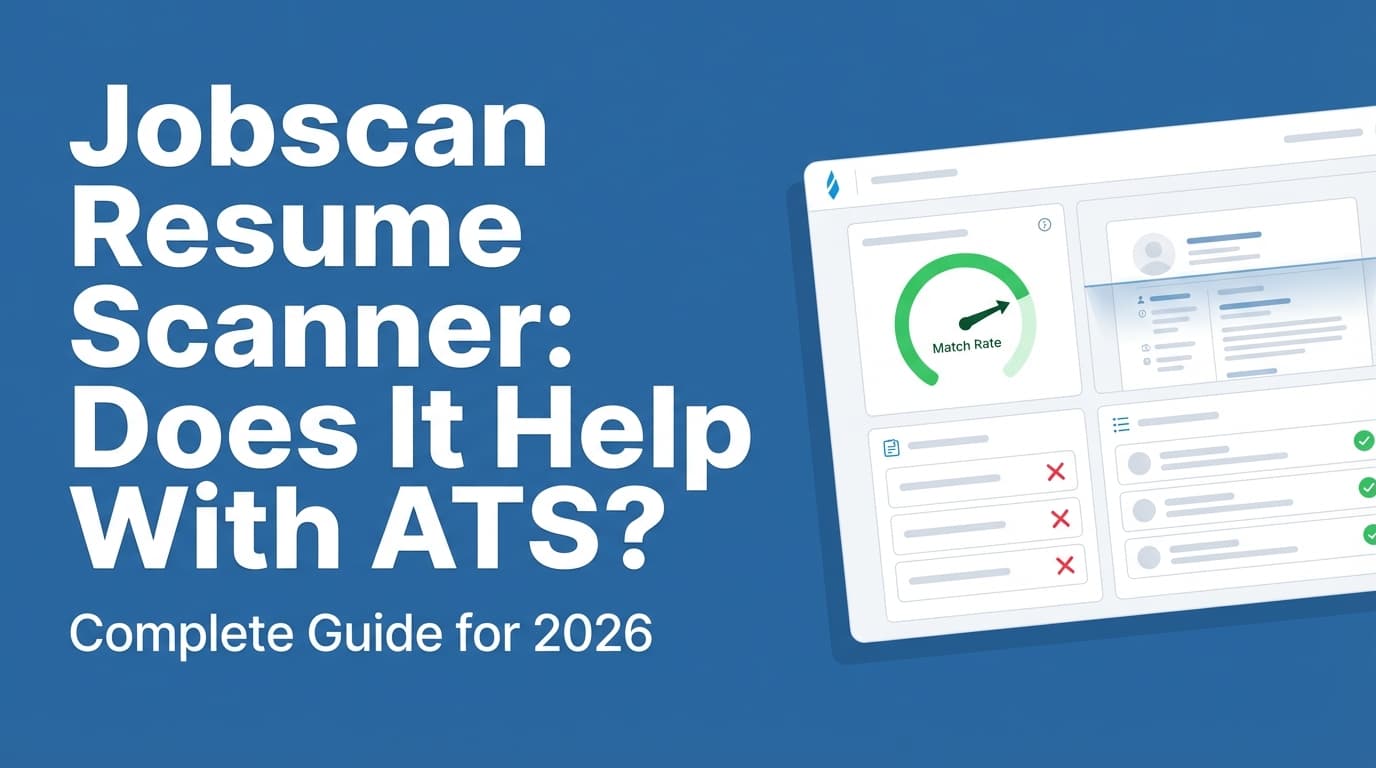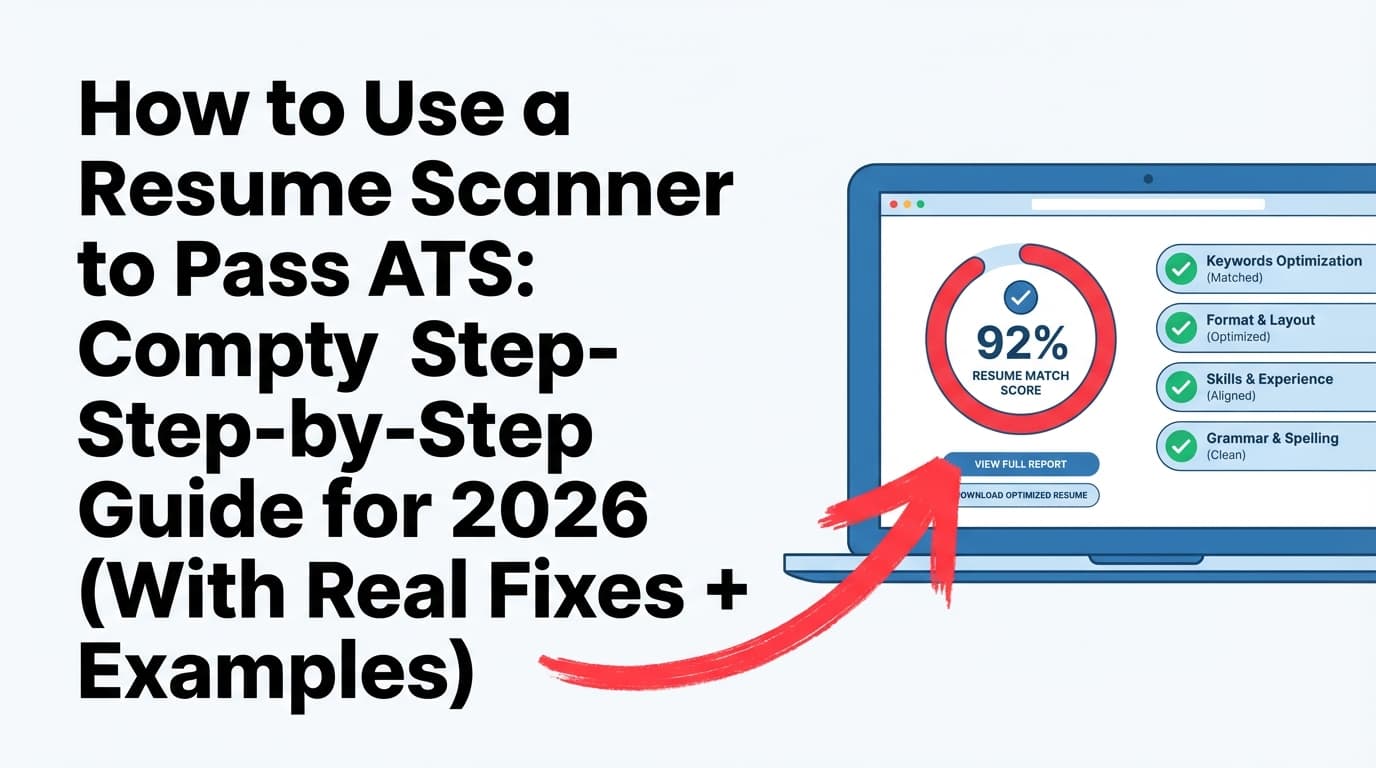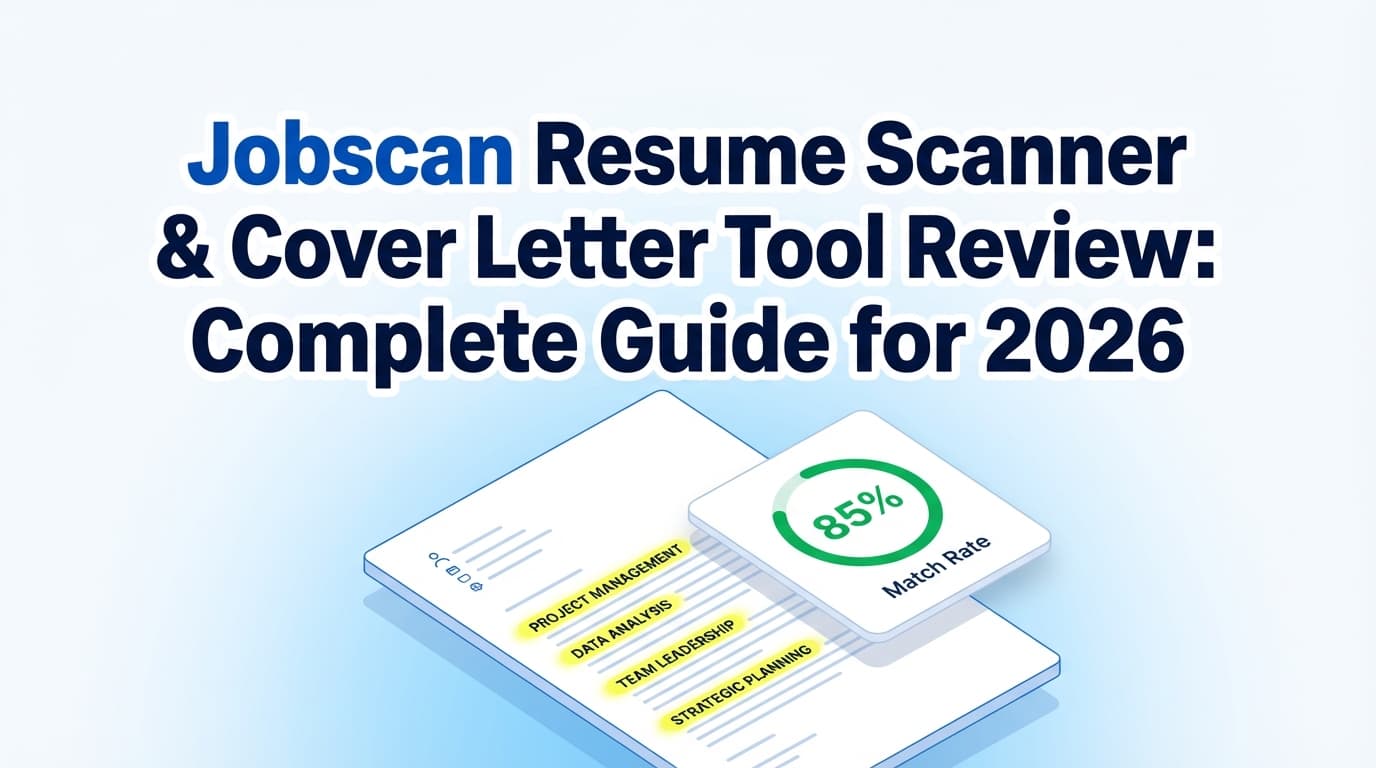
If you’ve ever pasted your resume into an ATS scanner, watched your “Match Rate” stall in the 40–60% range, and thought “Is this why I’m not getting interviews?”—you’re not alone.
ATS tools matter because ATS usage is widespread. Jobscan reports 98.4% of Fortune 500 companies use an ATS (492 out of 500). (Source: Jobscan “State of the Job Search” report; Confidence: Medium—it’s a first-party study and hard to independently verify methodology without full dataset.)
Source: https://www.jobscan.co/state-of-the-job-search
But here’s the catch: ATS scanners don’t perfectly replicate every employer’s ATS setup—and chasing a perfect score can backfire if it pushes you into awkward keyword stuffing, unreadable formatting, or a generic cover letter.
This review breaks down what Jobscan is good at, where it can mislead you, and a smarter workflow you can actually use.
In this guide, you’ll learn:
- What Jobscan’s resume scanner and cover letter tools do (and what they don’t)
- How to interpret Match Rate / “ATS score” without overfitting
- A step-by-step workflow to tailor your resume + cover letter faster
- Common mistakes (especially keyword stuffing and formatting traps)
- Alternatives—when to use Jobscan vs. other approaches (including JobShinobi)
What is Jobscan (and what are the resume scanner + cover letter tools)?
Jobscan is a job application optimization platform built around comparing your resume (and sometimes your cover letter) against a job description and then generating feedback—typically in the form of:
- a match score / match rate
- keyword gap lists (missing vs present)
- formatting / ATS-readability flags
- suggestions to improve alignment
What the Jobscan resume scanner does (in plain English)
A typical Jobscan resume scan is essentially:
- You upload/paste your resume
- You paste the job description (or import from a posting)
- Jobscan compares your content to the job description and generates a report
Many ATS scanners—including Jobscan—tend to reward:
- matching skills (e.g., “SQL,” “Salesforce,” “stakeholder management”)
- matching tools/tech (e.g., “Tableau,” “GA4,” “Jira”)
- matching titles (e.g., “Data Analyst” vs “Reporting Analyst”)
- matching keywords and sometimes variations
What the Jobscan cover letter tool does (high level)
Jobscan also supports scanning a cover letter in the context of a job scan. Jobscan’s own support documentation indicates you scan via Power Edit and then use the Cover Letter tab next to the Resume tab. (Source: Jobscan support article; Confidence: Medium—support pages are first-party, but we couldn’t fully crawl the page content due to access restrictions; the snippet is visible in search results.)
Source snippet visible via: https://support.jobscan.co/hc/en-us/articles/360057863993-How-do-I-scan-a-cover-letter-with-Jobscan
Important reality check: A cover letter “score” is even more subjective than a resume score because:
- cover letters are less standardized
- some employers weigh them heavily, others barely read them
- the best cover letters include specific narrative that won’t always be rewarded by keyword matching
Why this matters in 2026: ATS + cover letters are still in play
ATS is widespread (but not identical everywhere)
- Jobscan reports 98.4% of Fortune 500 companies use an ATS. (Jobscan; Confidence: Medium)
Source: https://www.jobscan.co/state-of-the-job-search
This supports a reasonable takeaway: ATS-friendly formatting and keyword alignment matter, especially at large employers with high applicant volume.
Cover letters aren’t “dead” (but their impact varies)
Recent survey-style stats frequently cited in career content include:
- 83% of hiring managers read most cover letters, even when not required; and 94% say cover letters influence hiring decisions. (ResumeGenius; Confidence: Medium—survey data is plausible but still publisher-run research; treat as directional.)
Source: https://resumegenius.com/blog/cover-letter-help/cover-letter-statistics - 56% of hiring managers believe candidates who submit cover letters are more passionate, and 61% say a cover letter helps them make decisions. (CVGenius; Confidence: Medium—publisher survey.)
Source: https://cvgenius.com/blog/career-advice/cv-and-cover-letter-trends-survey
What to do with this: Even if some recruiters skip cover letters, a decent cover letter is still a low-risk differentiator in roles where writing, stakeholder management, or motivation matters—especially if it’s short and specific.
Jobscan review (resume scanner + cover letter tool): what it does well
This section focuses on the practical strengths of Jobscan-style scanning.
1) It gives you a structured way to tailor to each job description
If you’re a high-volume applicant, the biggest value of Jobscan is often workflow discipline: it forces you to compare your resume to the job and address gaps systematically.
When this helps most:
- you’re applying to roles with a clear skill stack (analytics, ops, customer success, engineering)
- the job description is detailed and skill-heavy
- you have transferable experience, but your resume uses different language than the posting
2) It helps you spot “obvious misses” fast (keywords, tools, certifications)
A scanner is good at catching things like:
- job wants “Salesforce” and your resume says “CRM”
- job wants “Google Analytics 4” and you only wrote “Google Analytics”
- job wants “A/B testing” and you wrote “experimentation” (which may be fine—but sometimes you want both)
3) Match-rate targets can be a useful guardrail (if you don’t obsess)
Jobscan publishes guidance on match rate targets:
- They recommend a Match Rate of 80%, and note many users/counselors see success at 75%. (Jobscan; Confidence: Medium—first-party guidance, but not a guarantee.)
Source: https://www.jobscan.co/blog/what-jobscan-match-rate-should-i-aim-for/
This is best used as a sanity check, not a KPI you optimize at all costs.
4) It can help catch ATS-risk formatting
A lot of rejections aren’t “ATS rejecting you,” but parsing problems can still hurt:
- two-column layouts
- tables
- icons/images
- text boxes
- headers/footers holding important info
Jobscan has multiple resources warning that ATS may not reliably read tables/columns. (Jobscan article appears in search results; Confidence: Medium—common guidance across many resume authorities.)
Related: https://www.jobscan.co/blog/resume-tables-columns-ats/ (may require access)
Where Jobscan can mislead you (and why people complain on Reddit)
To be fair: many criticisms of Jobscan are actually criticisms of ATS-scanner culture. Jobscan is just the best-known brand, so it gets the heat.
1) “The score changed when I ran it twice”
This is a common complaint in communities like r/jobsearchhacks and r/resumes (users report inconsistent scores and outputs). (Reddit threads visible in SERPs; Confidence: Medium—anecdotal, but repeated.)
Example SERP result: https://www.reddit.com/r/jobsearchhacks/comments/1li07kk/are_those_website_really_worth_jobscan_teal_etc/
What’s happening: small changes (or different parsing) can change which words the tool weights as “critical,” or whether it recognizes a keyword variant.
How to handle it: use the scanner as a checklist, not a judge.
2) Keyword overlap ≠ actual qualification
A scanner can’t truly evaluate:
- depth of experience
- impact
- whether your bullet proves the skill vs just naming it
- whether you have the right scope/seniority
You can “win” a scanner and still lose a recruiter.
3) It can push you toward keyword stuffing
Keyword stuffing is risky. Coursera explicitly warns: “Indiscriminate keyword stuffing can lead some systems to avoid your resume.” (Coursera; Confidence: Medium—not every ATS behaves the same, but the warning is widely supported.)
Source: https://www.coursera.org/articles/resume-keywords
Also true: even if an ATS doesn’t penalize keyword stuffing, recruiters often do.
4) Cover letter “optimization” can create generic, low-trust letters
A cover letter that mirrors the job posting too closely can feel:
- templated
- AI-generated
- insincere (“I’m passionate about your mission…” with no specifics)
That can hurt more than no cover letter—especially in smaller companies.
How to use Jobscan (resume scanner + cover letter) the right way: step-by-step
This is the workflow that helps you get value without spiraling into score-chasing.
Step 1: Start with a clean, ATS-safe base resume
Before scanning, make sure your resume is scannable:
- single-column layout
- standard headings (Experience, Skills, Education)
- minimal graphics/icons
- consistent date formatting
- skills section is readable text (not “pill” shapes)
Pro tip: If your resume was built in a design tool (Canva/Figma), consider exporting to a simpler ATS-friendly format before scanning. Otherwise, you may “fix keywords” while the parser still scrambles your content.
Step 2: Paste the job description—and highlight “must-haves” yourself first
Before trusting any scanner, do a quick manual pass:
- Hard skills / tools (SQL, Excel, Python, HubSpot)
- Core responsibilities (build dashboards, run campaigns, manage vendors)
- Seniority indicators (lead, own, mentor, stakeholder, roadmap)
This gives you a human baseline so the tool doesn’t send you down irrelevant rabbit holes.
Step 3: Run the resume scan and sort gaps into 3 buckets
When Jobscan flags missing keywords, classify them:
-
True missing (you have it, but didn’t say it)
- Add it with proof (a bullet that demonstrates it)
-
Mismatch (you don’t have it yet)
- Don’t lie. Either skip or reframe adjacent experience honestly.
-
Low-value noise (repetitive or irrelevant)
- Ignore.
Pro tip: The highest ROI changes are usually:
- job title alignment (more on this below)
- skills/tool names in the Skills section
- 2–4 bullets rewritten to match the job’s top responsibilities
Step 4: Improve alignment without keyword stuffing (use “Proof + Keyword” bullets)
Instead of sprinkling keywords everywhere, rewrite bullets using this pattern:
[Action] + [Tool/Skill keyword] + [Scope] + [Result metric]
Before (too generic):
- “Responsible for reporting and analytics.”
After (proof + keyword):
- “Built weekly Tableau dashboards and SQL reporting pipelines for 12 stakeholders, reducing manual reporting time by 6 hours/week.”
This tends to satisfy both:
- scanner keyword recognition
- recruiter credibility
Step 5: Use a realistic match-rate target (don’t chase 100%)
Jobscan recommends aiming around 80%, and notes success at 75%. (Jobscan; Confidence: Medium)
Source: https://www.jobscan.co/blog/what-jobscan-match-rate-should-i-aim-for/
A practical strategy:
- 70–80%: usually workable if your experience is strong and readable
- 80–90%: great if achieved naturally
- 90–100%: only if it still reads like a human wrote it
Step 6: Scan your cover letter—but optimize for specificity, not keywords
Based on Jobscan’s support guidance, cover letter scanning happens inside a scan report (Power Edit) via a Cover Letter tab. (Jobscan support snippet; Confidence: Medium)
Source: https://support.jobscan.co/hc/en-us/articles/360057863993-How-do-I-scan-a-cover-letter-with-Jobscan
What to do instead of keyword cramming:
- include one company-specific sentence (product, customer, recent initiative)
- include one job-specific accomplishment (most similar project)
- mirror one or two key phrases from the job description (not 20)
A strong “scanner-friendly but human” cover letter skeleton
Keep it tight (200–350 words):
- Why this role / why this company (1–2 sentences)
- Your most relevant proof (2–3 bullets or short paragraph)
- Why you’re credible (tools + results)
- Close + call to action
Example opener that isn’t cringe:
“I’m applying for the Marketing Analyst role because the team’s focus on lifecycle experimentation matches the work I’ve done running A/B tests and building GA4 dashboards to improve activation and retention.”
That’s specific, keyword-relevant, and believable.
Step 7: Validate with a “human test” before you submit
Ask:
- Could a recruiter understand my role in 15 seconds?
- Do my bullets show outcomes (numbers, scale, frequency)?
- Does the cover letter sound like me?
If the scanner score goes down slightly but your clarity goes up, that’s often a win.
Best practices: how to get better results from Jobscan without gaming it
-
Use exact tool names where it’s honest
“Google Analytics 4” instead of “Google Analytics.” -
Add keyword variants naturally
Example: “stakeholder management” + “cross-functional collaboration.” -
Match the target job title (when appropriate) Jobscan reports a striking correlation: job title alignment can increase interview rate by 10.6x. (Jobscan; Confidence: Low–Medium—big effect sizes should be treated cautiously; it’s first-party research.)
Source: https://www.jobscan.co/state-of-the-job-search
Practical use:
- If your real title is “Reporting Analyst” and you’re applying for “Data Analyst,” you can write:
- Headline: Data Analyst (Reporting & Insights)
- Title line: Reporting Analyst (Data Analyst – Reporting & Insights)
Only do this if it’s truthful and consistent with your duties.
- Optimize sections that scanners read well
- Skills
- Experience bullets
- Summary
- Projects (if relevant)
- Don’t over-edit for one job Create a “master resume” + 2–3 variants (e.g., Analytics / Ops / Customer Success) so you’re not rewriting from scratch every time.
Common mistakes to avoid (the ones that waste hours)
Mistake 1: Chasing 100% match rate
It can lead to:
- awkward writing
- bloated skills lists
- repeated keywords with no evidence
- losing your own voice
Fix: cap your tailoring time (example below).
Mistake 2: Adding keywords you can’t defend
If you can’t answer an interview follow-up, don’t add it.
Fix: for every keyword you add, attach it to a bullet with proof.
Mistake 3: Letting the tool rewrite your entire narrative
Some people end up with resumes that look like the job description.
Fix: keep your core structure. Only tailor:
- headline/title
- summary (2 lines)
- 3–5 bullets
- skills
Mistake 4: Ignoring formatting/parsing
If the resume can’t be parsed cleanly, keyword gains may not matter.
Fix: test your resume by copying text from your PDF into a plain text editor. If it’s scrambled, simplify layout.
Mistake 5: Using a generic cover letter with swapped company names
Recruiters spot this fast.
Fix: include one sentence only you could write for that company.
A 30-minute “Jobscan workflow” you can repeat for every application
If you’re applying at volume, time matters.
0–5 minutes: job highlight
- top 5 skills/tools
- top 3 responsibilities
- any must-have credential
5–15 minutes: resume adjustments
- update headline/title alignment
- add 3–6 skills (only real ones)
- rewrite 2–3 bullets using Proof + Keyword
15–25 minutes: cover letter
- 1 company-specific line
- 1 relevant accomplishment
- 1 reason you’re a fit
25–30 minutes: sanity check
- readability pass
- remove fluff
- export and submit
This approach keeps you from spending 2 hours chasing a score.
So… is Jobscan worth it?
It depends on your situation.
Jobscan is worth trying if…
- you’re getting few callbacks and want a structured way to tailor
- you struggle to extract keywords and mirror language naturally
- you’re applying to ATS-heavy employers and roles with clear skill stacks
Jobscan may not be worth it if…
- you already tailor quickly and confidently
- your role is portfolio-heavy (design, writing) and scanners miss nuance
- you find yourself obsessing over scores instead of quality
- you need a broader system to manage the job search (tracking, follow-up, version control)
Social proof snapshot (don’t treat this as proof of effectiveness)
Trustpilot listings often show Jobscan with a 4-star rating and hundreds of reviews (example SERP shows “285 people”). (Trustpilot; Confidence: Medium—review counts and ratings change over time.)
Source: https://www.trustpilot.com/review/jobscan.co
Alternatives to Jobscan (including a workflow-first option)
A “better” tool depends on what you actually need:
If you mainly need ATS-style resume scoring + job matching
You can also look at tools designed around resume analysis and tailoring workflows.
-
JobShinobi (ATS-focused resume builder + analyzer + job matching + job tracking)
What it’s good for:- AI resume analysis with ATS-oriented feedback and scoring
- Job description extraction (from URL or text) and resume-to-job matching
- LaTeX resume builder with in-app PDF compilation/preview
- Resume version history (helpful when tailoring often)
- Job application tracker (including Excel export)
- Email-forwarding job tracking: forward job application emails to a unique address to log applications automatically (Pro required)
Pricing (be precise):
- JobShinobi Pro is $20/month or $199.99/year.
- The pricing UI mentions a 7-day free trial, but trial mechanics are not clearly verifiable in code, so treat that as “mentioned” rather than guaranteed.
Where it’s not positioned:
- It’s not presented as a dedicated “cover letter scanner” in the available product evidence, so don’t choose it only for cover letter scoring.
Internal links:
- Pricing/subscription: /subscription
- Resume area: /dashboard/resume
- Job tracker: /dashboard/job-tracker
If you want a “second opinion” on the same resume
Consider running two different scanners and only acting on overlaps:
- keyword gaps both tools agree on
- formatting warnings both tools flag
This reduces tool-specific bias.
If you don’t want a tool at all (manual method)
Use this simple checklist:
- Add the top 8–12 required skills/tools (only real ones)
- Align your title/headline to the posting (truthfully)
- Rewrite 2–3 bullets to mirror the job’s responsibilities
- Keep formatting single-column and plain
You’ll get 70% of the scanner benefit with 0% of the score anxiety.
Key takeaways
- Jobscan is most useful as a structured tailoring checklist, not as a hiring prediction engine.
- Treat Match Rate as a directional signal—Jobscan suggests aiming around 75–80%, but don’t chase 100%.
- Avoid keyword stuffing; even mainstream career resources warn it can backfire. (Coursera)
- Cover letters still matter in many contexts; keep them short, specific, and human.
- If you need more than a scanner—like resume versioning, job matching, and job tracking—consider workflow-first alternatives like JobShinobi (Pro: $20/mo or $199.99/yr).
FAQ (People Also Ask–style)
Does Jobscan help with a cover letter?
Yes—Jobscan provides a way to scan or optimize a cover letter within its workflow (via Power Edit and a Cover Letter tab, per Jobscan support documentation).
Source: https://support.jobscan.co/hc/en-us/articles/360057863993-How-do-I-scan-a-cover-letter-with-Jobscan (Confidence: Medium)
What is a good Jobscan match rate?
Jobscan recommends aiming for 80%, and notes many users/counselors see success at 75%.
Source: https://www.jobscan.co/blog/what-jobscan-match-rate-should-i-aim-for/ (Confidence: Medium)
Are ATS scanners accurate?
They can be useful for keyword alignment and formatting checks, but they are not perfect simulations of every ATS configuration or recruiter decision-making. Use them as a guide, then validate with a human readability pass. (Confidence: High—widely supported across career guidance and user reports.)
Can ATS systems reject your resume automatically?
Many ATS platforms function more like databases/workflows than “auto-rejection robots,” but parsing issues, knockout questions, or filters can still prevent your resume from being seen quickly. So ATS-friendly formatting still matters. (Confidence: Medium—varies by employer and configuration.)
Do hiring managers still read cover letters?
Often, yes—but not always. ResumeGenius reports 83% of hiring managers read most cover letters and 94% say cover letters influence decisions (survey-based).
Source: https://resumegenius.com/blog/cover-letter-help/cover-letter-statistics (Confidence: Medium)
What’s the biggest mistake people make with Jobscan?
Trying to “game” the match score with keyword stuffing and job-description copying—leading to a resume that doesn’t read naturally and doesn’t prove impact. A better approach is Proof + Keyword bullets and a time-boxed tailoring workflow. (Confidence: High)