Recruiters skim fast. One widely cited eye-tracking study summarized by HR Dive found recruiters review resumes for about 7.4 seconds on average before deciding whether to keep reading. (Source: HR Dive, “Eye tracking study shows recruiters look at resumes for 7 seconds” https://www.hrdive.com/news/eye-tracking-study-shows-recruiters-look-at-resumes-for-7-seconds/541582/ — Confidence: Medium because HR Dive is summarizing a third-party study.)
That’s why ATS-friendly formatting isn’t about “gaming a robot.” It’s about making sure:
- your resume parses cleanly (nothing important gets scrambled or dropped), and
- your resume reads cleanly once a human sees it.
In this guide, you’ll learn:
- What Jobscan’s resume scanner is best used for (and what it can’t prove)
- The highest-impact ATS formatting tips (with examples)
- A simple plain-text parsing test you can do in 2 minutes
- How to interpret Jobscan scores and match rate without over-optimizing
- A repeatable workflow for tailoring resumes at scale—without breaking formatting
What is the Jobscan resume scanner (and what does it actually check)?
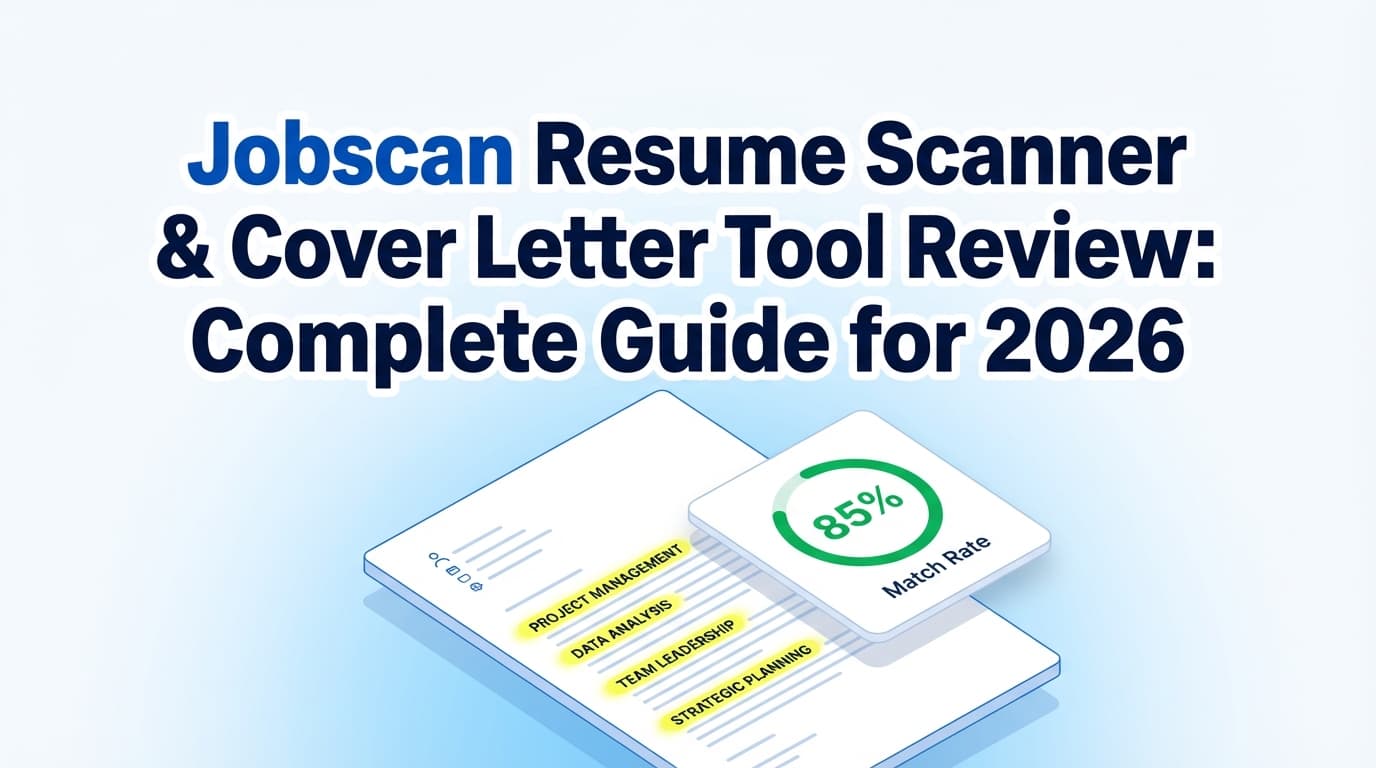
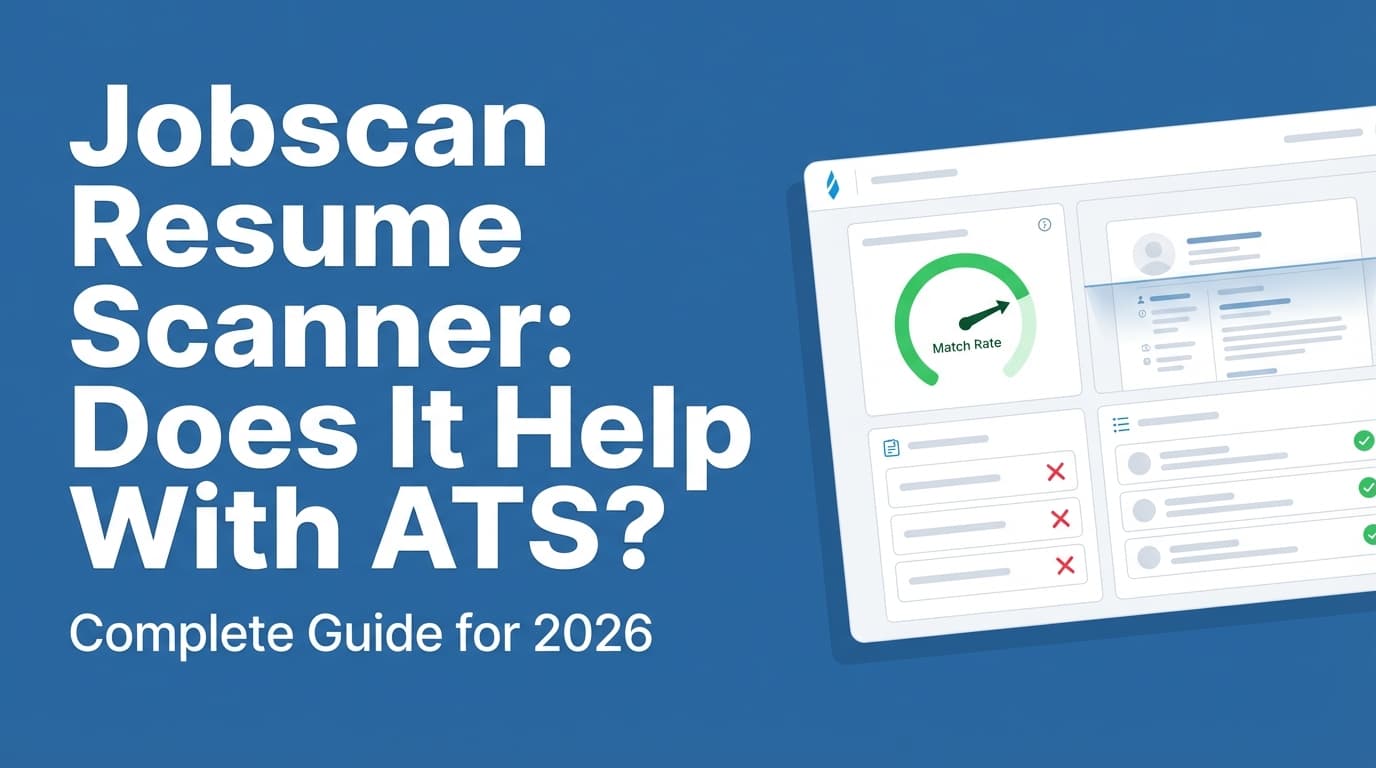
Jobscan’s resume scanner is a tool that compares your resume against a job description and provides feedback about:
- Keyword alignment (missing terms, underused skills, phrasing mismatches)
- ATS-related formatting risks (e.g., columns, tables, headers/footers, unusual symbols)
- Best practices (e.g., section headings, job title alignment)
It’s most useful as a diagnostic tool:
- Formatting scan → “Could the ATS misread this?”
- Keyword scan → “Would a recruiter searching/filtering inside an ATS find me for this role?”
What it can’t do
No scanner can perfectly replicate:
- Every company’s ATS setup
- Custom screening questions and knockout logic
- Human decision-making (which still matters a lot)
So treat Jobscan as a way to reduce preventable errors—especially parsing errors—not as a guarantee of interviews.
Why ATS formatting matters in 2026 (with stats you can cite)
1) ATS usage is extremely common at large employers
MIT Career Advising notes that about 99% of Fortune 500 companies use some form of ATS. (Source: MIT CAPD, “Make your resume* ATS-friendly” https://capd.mit.edu/resources/make-your-resume-ats-friendly/ — Confidence: Medium because it’s a credible institution but phrased as “about.”)
Jobscan publishes an ATS usage report stating that 98.4% of Fortune 500 companies used a detectable ATS in 2024. (Source: Jobscan, “2025 Applicant Tracking System (ATS) Usage Report” https://www.jobscan.co/blog/fortune-500-use-applicant-tracking-systems/ — Confidence: Medium because it’s a vendor source, though specific year-by-year numbers increase credibility.)
2) Recruiters and teams rely on ATS and recruiting tech broadly
Select Software Reviews summarizes ATS adoption and impact stats, including figures such as 70% of large companies using ATS and 20% of small/mid-sized businesses using ATS. (Source: https://www.selectsoftwarereviews.com/blog/applicant-tracking-system-statistics — Confidence: Medium because it aggregates multiple studies.)
3) Formatting affects both ATS parsing and human skim speed
Even if the ATS doesn’t “reject” you automatically, parsing failures can cause downstream problems:
- your skills don’t populate correctly in the ATS
- your job titles/dates get mangled
- recruiters can’t find you when they filter/search
And if your resume does reach a human, you still have that first-pass skim window (e.g., ~7.4 seconds cited above).
Important myth check: “ATS automatically rejects 75% of resumes”
You’ll see the “75% rejected by ATS” claim everywhere. Multiple independent articles have challenged the strength of evidence behind that exact statistic and the framing that ATS “rejects” on its own.
- HR Gazette: https://hr-gazette.com/debunking-the-ats-rejection-myth/
- Davron: https://www.davron.net/ats-systems-explained-75-percent-resumes-rejected/
(Confidence: Medium — these sources converge on skepticism, but ATS workflows vary across employers.)
What you should do with that:
Don’t panic and chase myths. Focus on what is consistently true across ATS systems: clean structure + relevant keywords + readable content.
How to use Jobscan effectively: step-by-step (the workflow that saves time)
Step 1: Start from an ATS-stable “baseline resume”
Before tailoring, build a clean master resume that is:
- single-column
- standard headings
- no tables/text boxes
- minimal special characters
- consistent date formatting
This prevents you from “debugging” a new formatting issue every time you tailor.
Pro tip: Keep two versions:
- Baseline (master): the one you edit
- Submission version: exported fresh per application (DOCX or PDF depending on instructions)
Step 2: Paste the full job description (not just the bullet list)
Include:
- responsibilities
- required qualifications
- preferred qualifications
- “About the team/company”
- tools/tech stack
If you only paste part of the posting, you’ll optimize against an incomplete target and waste edits.
Step 3: Run Jobscan—and check parsing quality before keywords
Before you chase match rate, verify the basics:
- Did it detect your name and contact info properly?
- Are your job titles and dates recognized clearly?
- Is your skills section readable and not broken into weird fragments?
If parsing looks wrong, fix formatting first.
Step 4: Fix ATS formatting problems first (highest ROI)
Formatting issues can break everything at once. Prioritize:
- headers/footers used for contact info
- columns and tables
- text boxes, icons, graphics
- non-standard bullets/symbols
- inconsistent date formats and headings
University career centers repeatedly warn against headers/footers, templates, borders, lines, symbols, shading, etc. (Source: UIC Career Services PDF https://careerservices.uic.edu/wp-content/uploads/sites/26/2017/08/Ensure-Your-Resume-Is-Read-ATS.pdf — Confidence: High.)
Step 5: Then optimize keywords—honestly
Now the keyword feedback is more trustworthy.
What to add:
- hard skills, tools, certifications you actually have
- role keywords that match your experience
- common variations (e.g., long-form + acronym)
What NOT to do:
- copy/paste the job description into your resume
- “invisible keywords” (may backfire and is unethical)
- keyword stuffing that makes bullets unreadable
Step 6: Re-scan once, then stop at “good enough”
Job seekers often burn hours squeezing out an extra 5–10 points that don’t change outcomes.
Many Jobscan-oriented guides suggest aiming around 75–80% instead of 100%:
- Seattle-King County Workforce Development Council suggests 80% or higher. (Source: https://www.seakingwdc.org/latest-news/2016/10/27/5-tips-for-using-the-new-jobscan-tool — Confidence: Medium.)
- WGU Career Services advises aiming around 75% and warns that 100% can sound unnatural. (Source: https://careers.wgu.edu/resources/jobscan/ — Confidence: Medium.)
- Jobscan also publishes match-rate guidance suggesting targets like ~80% (and notes success can happen below that). (Source: https://www.jobscan.co/blog/what-jobscan-match-rate-should-i-aim-for/ — Confidence: Medium because it’s vendor guidance, but it aligns with other coaching sources.)
What ATS-friendly formatting actually means (quick definition)
An ATS-friendly resume is one that:
- follows a linear structure parsers can reliably read
- avoids design elements that frequently scramble extraction
- keeps key content (contact info, titles, dates, skills) in predictable places
- uses standard headings and consistent formatting
It does not mean:
- deleting all formatting until it looks like a plain-text document
- writing only for machines
- chasing a “perfect score” at the expense of clarity
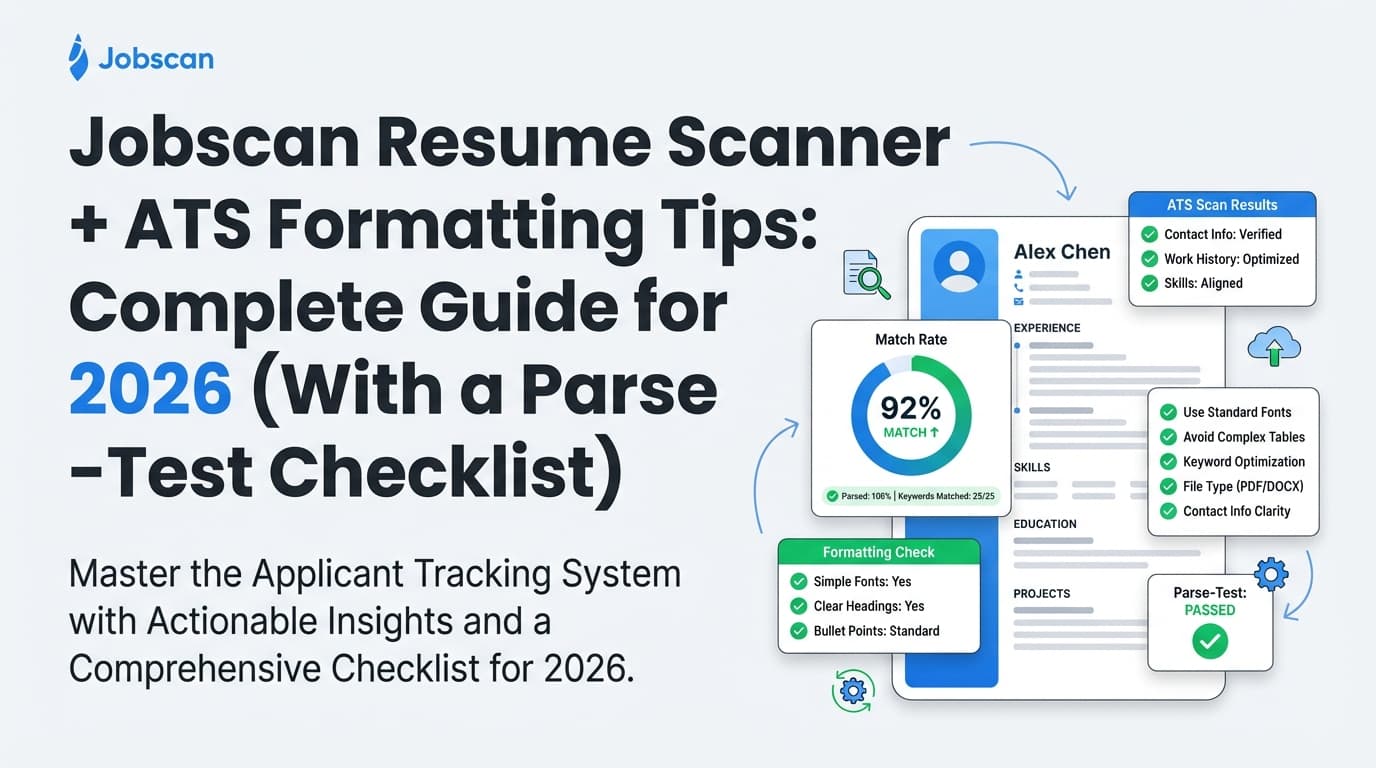
ATS formatting tips (the checklist you should follow before you scan)
1) Use a single-column layout
Best: one continuous column, left-aligned.
Risky: two columns, sidebars, split layouts.
Why: multi-column layouts can be read out of order depending on the parser.
2) Avoid tables, text boxes, and graphics
Tables and columns may not parse reliably. If your skills are in a table, you risk losing them in parsing.
Better alternatives:
- a simple Skills section with comma-separated items
- bullet lists that don’t rely on columns
3) Keep contact info out of headers and footers
Many career centers explicitly recommend not placing important details in headers/footers.
- UIC PDF: “Do not use headers… footers…” (Source above — Confidence: High)
- MIT notes ATS focuses on text and recommends testing your resume (Source: https://capd.mit.edu/resources/make-your-resume-ats-friendly/ — Confidence: High)
Safe format at top of page 1 (in the main body):
- First Last
- City, ST (optional)
- Phone | Email | LinkedIn URL | Portfolio (if relevant)
4) Use standard headings ATS expects
Use:
- Summary (optional)
- Work Experience / Experience
- Skills
- Education
- Projects (if relevant)
- Certifications (if relevant)
Avoid creative headings like “My Journey” or “What I Bring.”
5) Use consistent date formatting
Santa Clara University’s Jobscan formatting-mistakes toolkit calls out date formats because ATS may parse dates to interpret employment duration. (Source: https://www.scu.edu/careercenter/toolkit/job-scan-common-ats-resume-formatting-mistakes/ — Confidence: High.)
Good examples:
Jan 2022 – Mar 202401/2022 – 03/2024
Pick one style and use it everywhere.
6) Choose common fonts and readable sizes
Stick to widely supported fonts (e.g., Calibri, Arial, Times New Roman) and keep body text readable.
This helps across:
- ATS parsing conversions
- human readability during quick skims
7) Use simple bullets (no icons)
Use standard bullets like • or -. Avoid decorative symbols, custom icons, or unusual glyphs.
8) Don’t put critical content in images
ATS cannot reliably extract text from images in resumes.
9) Be cautious with special characters
Characters like |, fancy arrows, or decorative separators can cause odd parsing. They’re not always “bad,” but they’re not worth the risk if your resume is already crowded.
10) File type: PDF vs DOCX (a safe decision rule)
There’s no universal best file type because ATS differ.
Practical rule:
- If the portal requests or defaults to DOCX, submit DOCX.
- If the employer requests PDF, submit PDF.
- If unsure, DOCX is often the safer parsing choice, but validate using the tests below.
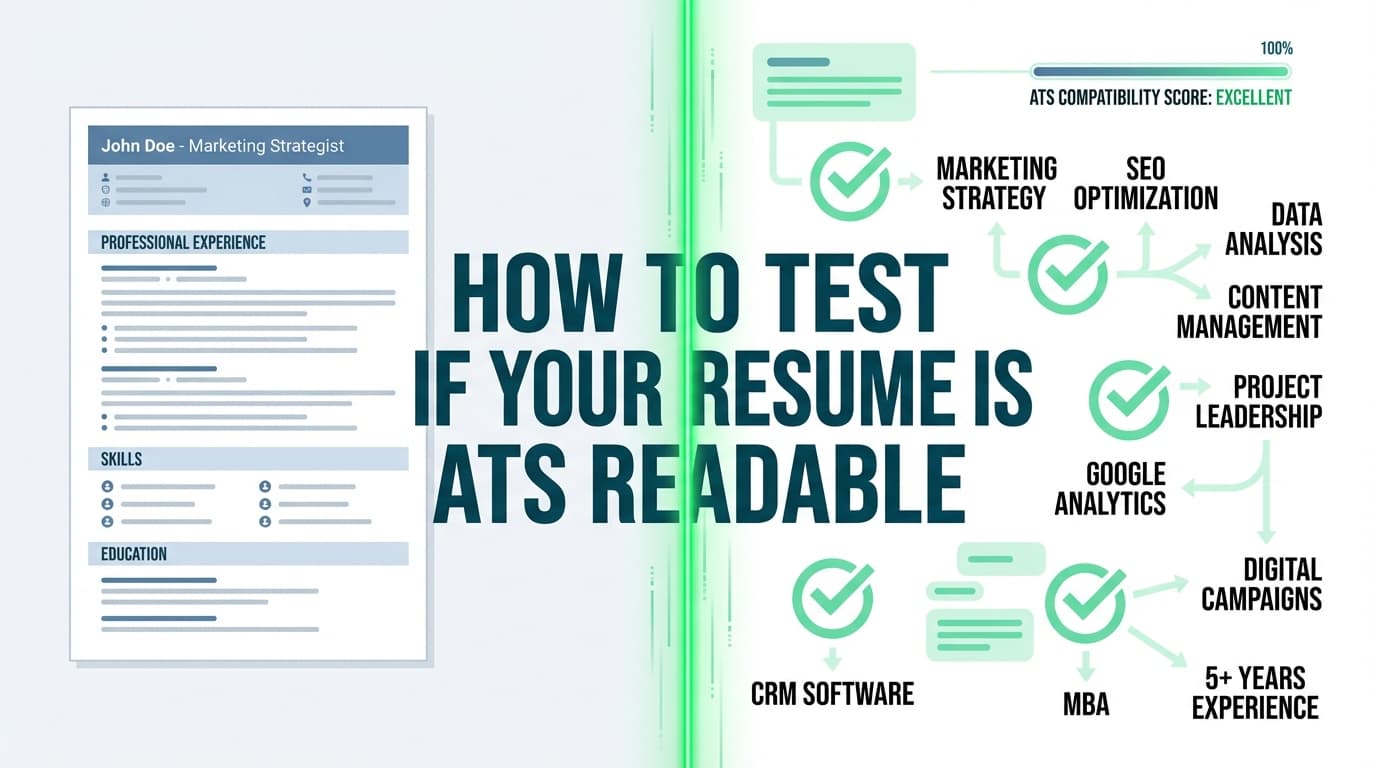
The 2-minute “plain-text parsing test” (do this even if Jobscan looks good)
This is the simplest way to detect hidden formatting problems.
How to do it
- Open your resume (PDF or DOCX).
- Copy all text (Ctrl/Cmd + A, then copy).
- Paste into:
- Notepad (Windows) or TextEdit in plain-text mode (Mac), or
- a blank email draft (basic editor)
- Review the pasted output.
MIT explicitly recommends testing your resume by saving as plain text (.txt) as a simple way to simulate ATS text focus. (Source: https://capd.mit.edu/resources/make-your-resume-ats-friendly/ — Confidence: High.)
What you’re looking for
- Is your contact info intact and near the top?
- Are jobs in the right order?
- Do dates stay attached to the right roles?
- Did your skills collapse into broken fragments?
- Did bullets turn into nonsense?
If the plain-text version is messy, your ATS parsing risk is higher.
How to interpret Jobscan match rate (without getting trapped by the number)
A “good” match rate is not the same as a “good resume”
A match rate is a proxy for keyword alignment and (sometimes) formatting/searchability checks.
It doesn’t measure:
- whether your achievements are compelling
- whether your experience is credible
- whether your resume is scannable for a human
- whether the role is actually a fit
Use match rate as a prioritization tool
Use it to answer:
- “What hard skills am I missing that I actually have?”
- “Am I using the industry’s common wording?”
- “Is my resume likely to be searchable in the ATS?”
Then stop.
Avoid overfitting to one job description
Two companies can describe the same capability differently.
Example keyword variants:
- “stakeholder management” vs “cross-functional alignment”
- “ETL” vs “data pipelines”
- “KPI reporting” vs “business intelligence dashboards”
Where it’s honest, include the variants that match your real experience.
Before/after examples (formatting + keyword integration)
Example 1: Skills section (long-form + acronym)
Before (thin coverage):
Skills: AWS, ETL, SQL
After (more searchable):
Skills: Amazon Web Services (AWS), ETL (Extract, Transform, Load), SQL, dbt, Airflow
Example 2: Experience bullet (keyword + proof)
Before (generic):
Responsible for dashboards and reporting.
After (searchable + measurable):
Built Tableau dashboards for weekly revenue reporting, reducing manual analysis time by 6 hours/week and improving forecast accuracy.
Example 3: Headings (ATS-friendly)
Before (creative headings):
Where I’ve Worked
What I Know
After (standard headings):
Work Experience
Skills
Common ATS formatting mistakes to avoid (the high-impact ones)
Mistake 1: Two-column resume with a sidebar
Problem: content can be parsed out of order.
Fix: single-column layout; move sidebar content into standard sections.
Mistake 2: Contact info in header/footer
Problem: headers/footers can be ignored or misread by parsers. (Source: UIC PDF — Confidence: High.)
Fix: move contact info into the top of the main document body.
Mistake 3: Tables for skills or tools
Problem: table cells can collapse into unreadable sequences.
Fix: use a simple list format instead.
Mistake 4: “Designed” resumes exported from design tools (without validation)
Some formats that look great visually can parse poorly when exported.
Fix: run the plain-text test and (if possible) upload into a test application form to see how it fills.
Mistake 5: Keyword stuffing
Problem: reduces readability; can make you sound unnatural. WGU specifically warns against chasing 100%. (Source: https://careers.wgu.edu/resources/jobscan/ — Confidence: Medium.)
Fix: add keywords inside achievement bullets where they’re supported by real outcomes.
Tools to help with ATS formatting + scanning (honest recommendations)
Jobscan
Best for:
- resume vs job description keyword comparison
- spotting common formatting risks
- a structured loop for iterative tailoring
University ATS guides (free, often more practical than “hacks”)
Good examples:
- MIT CAPD ATS-friendly resume guidance: https://capd.mit.edu/resources/make-your-resume-ats-friendly/
- UIC ATS resume PDF checklist: https://careerservices.uic.edu/wp-content/uploads/sites/26/2017/08/Ensure-Your-Resume-Is-Read-ATS.pdf
- Columbia Career Education ATS optimization resource: https://www.careereducation.columbia.edu/resources/optimizing-your-resume-applicant-tracking-systems
JobShinobi (structured resume editing + ATS-focused analysis)
If your biggest pain is “every time I tailor my resume, the formatting breaks” or “I want ATS-focused feedback plus an editor,” JobShinobi is built around a structured workflow:
- Build resumes in LaTeX and compile to PDF inside the app (helps keep formatting consistent)
- AI resume analysis with ATS-focused scoring + detailed feedback
- Job description extraction + resume-to-job matching (paste a job URL or text to get match insights)
- Job application tracking (including a workflow where forwarded emails can be parsed into a tracker)
Pricing (JobShinobi Pro): $20/month or $199.99/year. The marketing mentions a 7-day free trial, but trial mechanics may depend on billing configuration—confirm during checkout. (Confidence: High on price, Medium on trial.)
Note: email-based job tracking/processing is Pro-gated (not available without Pro). (Confidence: High.)
Internal links (if you’re already a user):
- Resume area:
/dashboard/resume - Job tracker:
/dashboard/job-tracker - Subscription:
/subscription
Key takeaways
- Use Jobscan as a diagnostic tool, not a guarantee.
- Fix formatting/parsing first; optimize keywords second.
- Run the plain-text parsing test every time you change templates or export formats.
- Aim for a credible match rate (often ~75–80% guidance), then shift focus to clarity and impact.
- If you want a more structured editing workflow, tools like JobShinobi can help you keep formatting stable while you iterate.
FAQ
How should I format my resume for ATS?
Use a single-column layout, standard headings (Experience, Skills, Education), consistent dates, and keep important info out of headers/footers. Avoid tables, text boxes, and graphics. (Source: UIC ATS resume PDF https://careerservices.uic.edu/wp-content/uploads/sites/26/2017/08/Ensure-Your-Resume-Is-Read-ATS.pdf — Confidence: High.)
Does ATS prefer Word or PDF?
It depends on the ATS and employer instructions. If the portal recommends DOCX, use DOCX. If PDF is requested, use a text-based PDF and validate it with a plain-text parsing test. (Source support: MIT recommends plain-text testing https://capd.mit.edu/resources/make-your-resume-ats-friendly/ — Confidence: Medium overall because ATS behaviors vary.)
Can ATS read tables or columns?
Not reliably across systems. Tables/columns can cause content order problems or dropped text. The safest approach is to avoid them unless you’ve tested parsing thoroughly. (Confidence: High that risk exists; exact failure rates vary.)
What is a good match rate on Jobscan?
Many guides recommend aiming around 75–80% rather than 100%, because over-optimizing can reduce readability and sound unnatural.
Sources: Seattle-King County WDC (80%) https://www.seakingwdc.org/latest-news/2016/10/27/5-tips-for-using-the-new-jobscan-tool and WGU (75%) https://careers.wgu.edu/resources/jobscan/ (Confidence: Medium.)
How do I know if my resume is ATS-friendly without paying for a scanner?
Do the plain-text parsing test: copy/paste your resume into Notepad/TextEdit and check if the order and sections remain readable. MIT recommends testing by saving as plain text (.txt). (Source: https://capd.mit.edu/resources/make-your-resume-ats-friendly/ — Confidence: High.)
Is the “ATS rejects 75% of resumes” statistic true?
It’s widely repeated, but multiple sources argue it’s often overstated or poorly evidenced as a universal rule. Focus on what’s consistently actionable: clean formatting, correct parsing, and relevant keywords.
Sources: HR Gazette https://hr-gazette.com/debunking-the-ats-rejection-myth/ and Davron https://www.davron.net/ats-systems-explained-75-percent-resumes-rejected/ (Confidence: Medium.)