If you’ve been told to “add more keywords” until your resume hits some magical ATS score, you’re not alone. But the better question isn’t how many keywords—it’s which keywords, where they belong, and whether they’re backed by proof (experience + outcomes).
Here’s why this matters: 98.4% of Fortune 500 companies used a detectable ATS in 2024, according to Jobscan’s ATS usage report, and Workday likewise says more than 98% of Fortune 500 companies use an ATS. That means your resume usually has to pass at least one layer of software before a human ever engages with it.
Sources: Jobscan (ATS usage report) and Workday (ATS overview) — High confidence (multiple sources agree)
- https://www.jobscan.co/blog/fortune-500-use-applicant-tracking-systems/
- https://www.workday.com/en-us/topics/hr/applicant-tracking-system.html
And when a human does look? HR Dive reports recruiters skim resumes for about 7.4 seconds on average (based on an eye-tracking study summarized by HR Dive).
Source: HR Dive — Medium confidence (credible publication; referenced study, but not independently replicated here)
In this guide, you’ll learn:
- The practical answer to how many keywords should you include for ATS
- A repeatable method to extract and prioritize keywords from any job description
- Where keywords should go (and where they should not)
- Examples of “good” keyword use vs. keyword stuffing
- Tools and checks to validate your keyword strategy (without chasing vanity scores)
The Quick Answer: How Many Keywords Should You Include for ATS?
There’s no universal “correct” number because ATS setups vary by company, role, and recruiter workflow.
That said, across major career resources, you’ll commonly see ranges like:
- ~15–30 targeted keywords as a practical working range for many resumes (role + skills + tools + certifications), assuming you can include them naturally and truthfully
- Indeed specifically suggests a “general rule of thumb” of 25–30 keywords on a resume
Source: Indeed — Medium confidence (credible platform; guidance-based, not a published study)
The better target (instead of a single number)
Aim for coverage of the job’s “must-have” language, not a raw count:
- 100% coverage of the top “must-have” requirements you actually possess (core tools, skills, certifications, role title)
- Strong coverage of repeated “nice-to-have” terms that match your experience
- Keywords integrated into impact bullets and skills, not dumped into a random list
If you do that well, the number of keywords tends to land in the 15–35+ range depending on role complexity (technical roles often need more).
What “ATS Keywords” Actually Means (And Why People Get This Wrong)
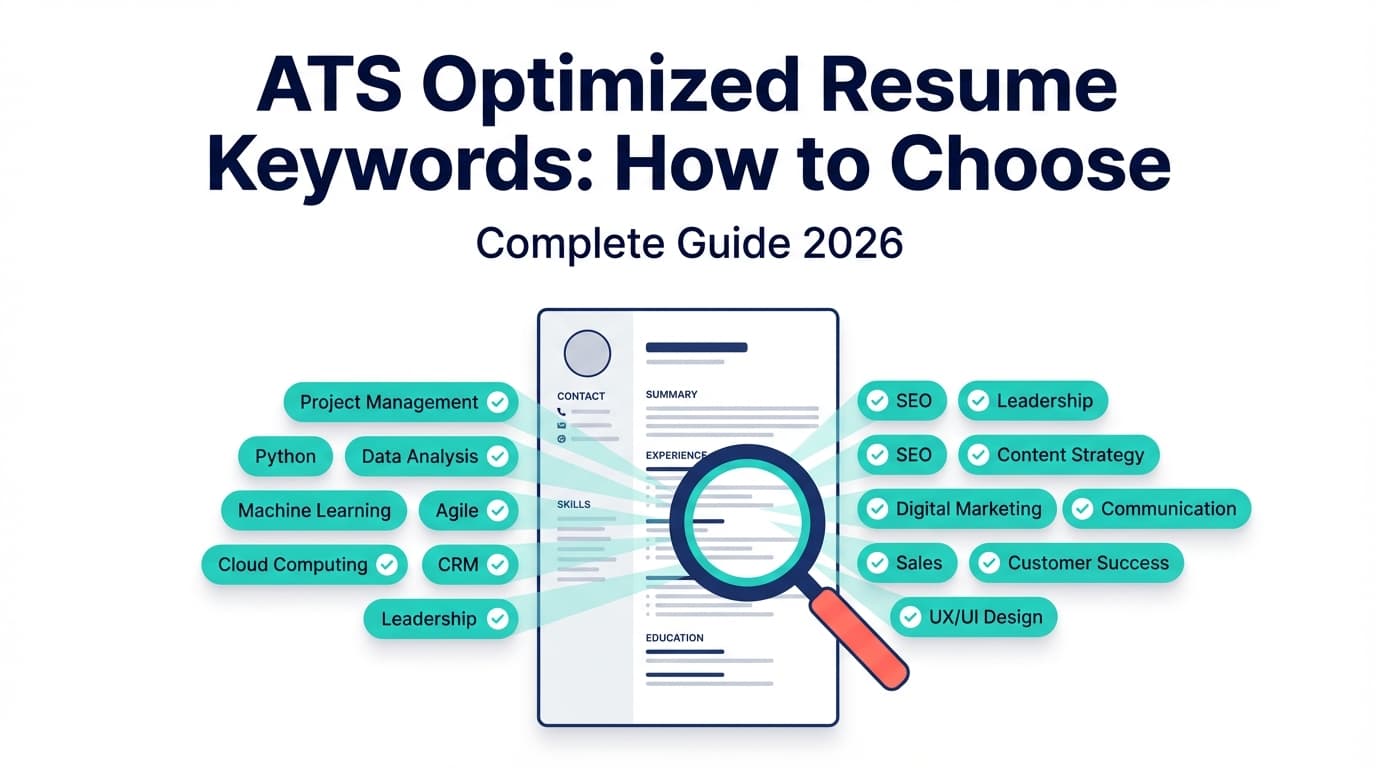
ATS keywords are simply the terms employers (and recruiters using ATS search) use to describe the candidate they want.
They usually fall into these buckets:
- Hard skills / tools: SQL, Python, Tableau, Excel, Salesforce, Kubernetes
- Job titles / role language: “Data Analyst,” “Account Executive,” “Product Manager”
- Certifications: PMP, CPA, AWS Certified Solutions Architect
- Methods / frameworks: Agile, Scrum, ITIL, SOC 2, HIPAA
- Domain terms: underwriting, demand gen, ETL, EHR, AP/AR
- Soft skills (lower priority for ATS, but still useful): stakeholder management, communication, collaboration
ATS doesn’t “think”—it matches and organizes
A key reality most candidates miss: many ATS tools don’t auto-reject resumes. They primarily parse, store, rank, and help recruiters search/filter. That’s one reason “keyword hacks” (white text, copy-pasting the entire job description) are risky—you might trip recruiter trust even if you temporarily increase matches.
Why Keyword Count Isn’t the Real Goal in 2026
Keyword count fails because it ignores three things that actually determine outcomes:
1) “Must-have” vs “nice-to-have” matters more than total keywords
If a job requires:
- “SQL” (must-have)
- “Tableau” (must-have)
- “Looker” (nice-to-have)
Then missing SQL hurts far more than missing Looker—even if you have “30 keywords” overall.
2) Placement matters: ATS + recruiter search behavior
Recruiters often filter/search by:
- Title
- Core tools
- Certifications
- Seniority signals
If your keywords only live in one section (like a huge skills list), you may parse fine but still read poorly in 7.4 seconds.
3) Proof matters: keywords without evidence read like fluff
A resume stuffed with tools but lacking achievements (metrics, scope, outcomes) can pass parsing and still lose.
Keyword Density: A Useful Back-of-the-Napkin Check (Not a Rule)
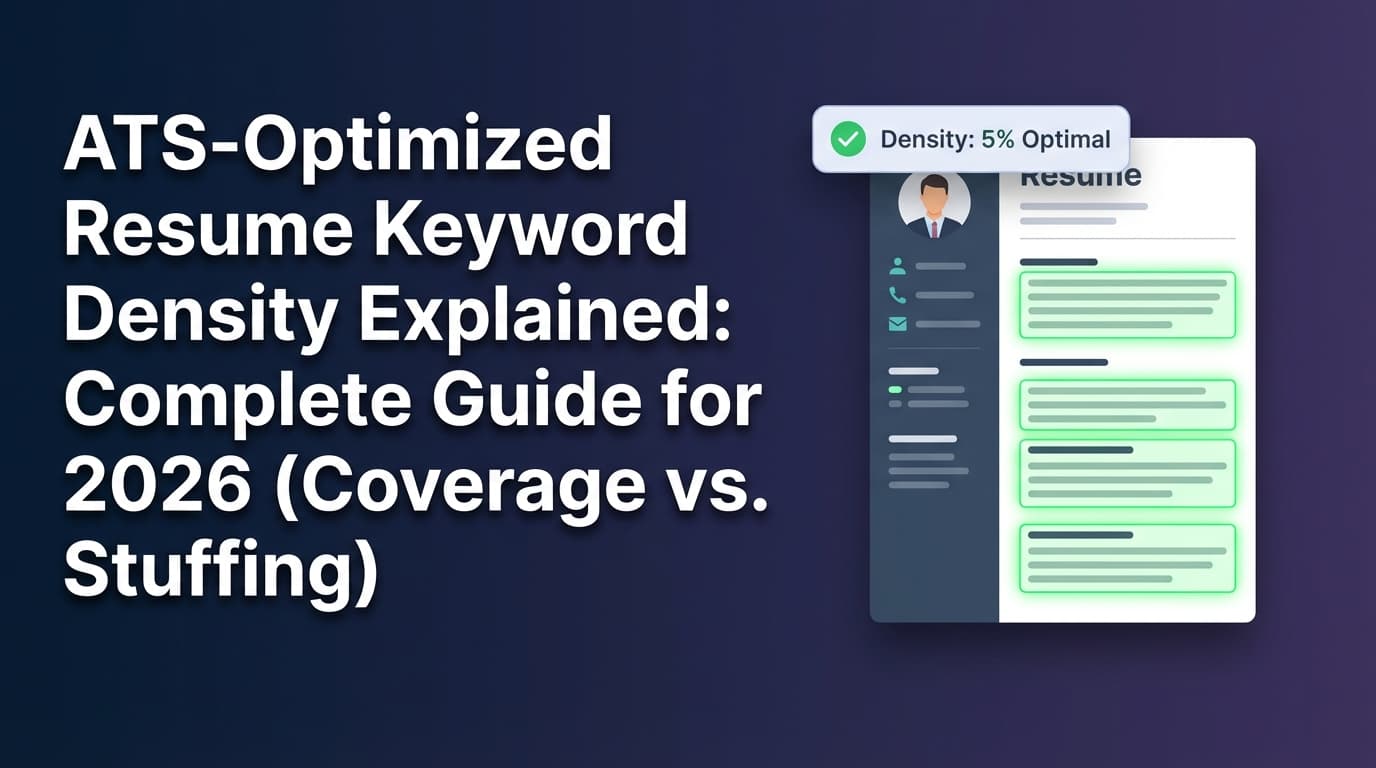
Some guides recommend a “sweet spot” keyword density (often quoted around 2–3%), but this isn’t a standardized ATS rule across employers. Treat it as a sanity check:
- If your resume is ~500 words, then 2–3% density suggests roughly 10–15 keyword occurrences (not unique keywords—occurrences).
Example source that discusses this concept: The Interview Guys (resume keyword list page) — Low confidence as a universal “ATS rule” (blog guidance; not a formal standard) - https://blog.theinterviewguys.com/resume-keyword-list/
Better approach: ensure your top required keywords appear naturally in:
- Summary / headline
- Skills
- 1–3 experience bullets (where relevant)
Step-by-Step: How to Choose the Right Number of Keywords for ATS (Without Stuffing)
Step 1: Extract keywords from the job description (in 10 minutes)
Copy the job description into a doc and highlight:
- Hard requirements (often in “Required Qualifications”)
- Repeated words (terms mentioned multiple times)
- Tools / systems
- Compliance / certifications
- Role outcomes (e.g., “reduce churn,” “build dashboards,” “manage pipeline”)
Pro tip: Also scan 2–3 similar job posts for the same role to identify the “industry baseline” language. (Indeed recommends reviewing multiple postings to find commonly used terms.)
Source: Indeed (finding keywords in job descriptions) — Medium confidence
Output: your “Keyword Bank”
Create a list of 30–60 raw terms. Don’t worry about the final number yet.
Step 2: Deduplicate into “keyword families” (this reduces stuffing)
A keyword family is one concept with variations, such as:
- “Search Engine Optimization” / “SEO”
- “Customer Relationship Management” / “CRM”
- “ETL” / “data pipelines” / “data ingestion”
This matters because ATS and recruiters may search in different ways.
Many career resources advise including both the acronym and the spelled-out version at least once (e.g., “Search Engine Optimization (SEO)”).
Sources — Medium confidence (consistent advice across multiple career resources):
- Jobscan (ATS formatting mistakes includes “spell out acronyms”) https://www.jobscan.co/blog/ats-formatting-mistakes/
- UIC Career Services PDF (ATS optimization guidance) https://careerservices.uic.edu/wp-content/uploads/sites/26/2017/08/Ensure-Your-Resume-Is-Read-ATS.pdf
Pro tip: Put the full phrase + acronym the first time, then you can use either afterward.
Step 3: Prioritize keywords into 3 tiers (this determines “how many”)
Make a table like this:
Tier 1 — Must-have (target: 8–15 items)
- Required tools, certifications, core skills, exact role title
Tier 2 — Strongly preferred (target: 8–20 items)
- Common tools, methods, adjacent skills you truly have
Tier 3 — Context / domain language (target: 5–15 items)
- Industry terms, workflows, reporting language, stakeholder groups
Your keyword “count” is basically Tier 1 + Tier 2, plus a few Tier 3 terms woven in naturally.
For many roles, that lands around 20–35 targeted keywords (unique terms), which lines up with the “25–30” rule-of-thumb guidance you’ll see from Indeed—without forcing it.
Step 4: Place keywords where ATS and humans both benefit
Use this placement order:
1) Headline / Summary (highest leverage)
Include:
- Role title
- 2–4 core keywords
- One specialization
Example (Data Analyst):
Data Analyst focused on SQL, Tableau, and stakeholder reporting, with experience building dashboards and improving data quality for cross-functional teams.
2) Skills section (for ATS search + quick human scan)
Don’t make it a “junk drawer.” Use grouped categories:
- Analytics: SQL, Tableau, Looker, Excel
- Data: ETL, data modeling, data validation
- Methods: A/B testing, cohort analysis, KPI design
3) Experience bullets (where keywords become credible)
This is where you “earn” the keywords with proof.
Bad (keyword list disguised as a bullet):
- “Used SQL, Tableau, Python, Excel, dashboards, analysis, insights…”
Good (keyword + proof + outcome):
- “Built Tableau dashboards using SQL models to track weekly retention KPIs; reduced manual reporting time by 6 hours/week.”
4) Projects / Certifications (when relevant)
If the job asks for a certification or tool you learned outside work, projects can be a valid place to include it—if you can discuss it confidently in interviews.
Step 5: Add missing keywords by rewriting bullets (not adding fluff)
If you find gaps, don’t paste keywords into the skills list only.
Instead, ask:
- Where did I actually use this tool/skill?
- What did it produce?
- What metric, scope, or stakeholder did it impact?
Then rewrite a bullet to include the term naturally.
Step 6: Run a parsing + readability check (so you don’t “win ATS, lose recruiter”)
Even perfect keywords fail if parsing breaks.
Common formatting guidance across ATS resources includes avoiding:
- Headers/footers (contact info can disappear)
- Tables, columns, text boxes
- Over-designed templates
Source example: UIC Career Services ATS PDF recommends simple formatting and warns against headers/footers and complex elements — Medium confidence (career services guidance; widely consistent)
A Simple Framework to Decide “How Many Keywords” (Based on Resume Length)
Instead of guessing, use this rule:
1) Count “Tier 1 must-haves”
If you only include 5 must-have keywords but the job has 12 required tools/skills, you’re likely under-optimized.
A solid starting point:
- 8–15 must-have keywords (if the role truly demands them)
2) Add “Tier 2” until you cover the job’s repeated language
Usually:
- 8–20 strongly preferred keywords
3) Stop when additional keywords stop being truthful or useful
If you start adding keywords that you:
- can’t explain in a real example, or
- used once years ago with no depth,
…you’re past the point of diminishing returns.
Examples: Keyword Optimization Without Keyword Stuffing
Example 1: Customer Success Manager (CSM)
Job keywords (simplified):
- Customer Success, renewals, retention, churn, Salesforce, QBRs, onboarding, stakeholder management
Bad (stuffed):
“Customer Success Manager with customer success, retention, churn reduction, renewals, QBRs, Salesforce, onboarding, stakeholder management…”
Better (tight + credible):
Customer Success Manager focused on renewals and retention, running executive QBRs and improving onboarding. Experienced in Salesforce workflows and cross-functional stakeholder management.
Then in bullets:
- “Owned a $1.2M book of business and led renewal strategy; improved renewal rate by 8% YoY by introducing structured QBRs and onboarding milestones.”
Example 2: Software Engineer
Job keywords:
- TypeScript, React, Next.js, REST APIs, PostgreSQL, AWS, CI/CD
Bad (keyword soup):
- “Built React Next.js TypeScript REST API AWS CI/CD PostgreSQL…”
Better bullet:
- “Shipped Next.js features in TypeScript/React, integrating REST APIs and PostgreSQL; improved Core Web performance and reduced production bugs via CI checks.”
(Only include AWS/CI/CD if you truly used them.)
Common Mistakes to Avoid (These Kill ATS + Human Trust)
Mistake 1: Keyword stuffing (especially hidden text)
The “white text keyword hack” is widely discussed—and widely risky. Reporting notes that ATS or downstream processing can strip formatting and expose hidden content to recruiters.
Source: Built In (hidden prompts / hidden text discussion) — Medium confidence (industry publication; not a controlled study)
If your resume looks manipulated, you can lose the human review even if you pass parsing.
Mistake 2: Copy-pasting the job description into your resume
This can inflate matches but usually destroys readability and credibility.
Instead: convert requirements into your actions + outcomes.
Mistake 3: Hiding keywords only in the skills section
A skills section is helpful, but many recruiters want to see keywords validated in experience bullets.
Mistake 4: Using acronyms only (or full terms only)
To cover both ATS searching and human reading, use:
- “Search Engine Optimization (SEO)” once
- then either SEO or the full term afterward
Sources (see earlier): Jobscan + UIC Career Services PDF — Medium confidence
Mistake 5: Breaking parsing with formatting
If your content is in headers/footers, tables, or text boxes, ATS parsing can scramble or drop it.
Source: UIC Career Services ATS PDF — Medium confidence
Best Practices Checklist: ATS Keywords That Actually Help
- Start with the job description, not a generic keyword list
- Prioritize Tier 1 must-haves first (role title, core tools, certifications)
- Use keyword families (acronym + full term)
- Repeat key terms naturally across summary + skills + experience
- Use standard section headings (Work Experience, Skills, Education)
- Back keywords with proof (scope, metrics, outcomes)
- Avoid keyword stuffing and hacks (white text, micro-font, irrelevant skills)
- Keep formatting ATS-safe (simple structure, no tables/columns)
- Validate with a parse check (and read it like a recruiter would in ~7 seconds)
What About ATS Scores and “Match Rate”? (Don’t Chase 100%)
Many tools show a “match rate” or “ATS score,” but it’s not a universal standard.
Jobscan, for example, says they generally recommend aiming for an 80% match rate, and that some users see success around 75% as well.
Source: Jobscan — Medium confidence (single vendor’s guidance; useful benchmark, not universal truth)
Practical takeaway:
- Use scores to find missing Tier 1/Tier 2 keywords
- Don’t chase 100% if it makes your resume longer, weirder, or less truthful
Tools to Help You Find and Add the Right ATS Keywords
You can do keyword work manually, but tools can speed up gap-finding.
JobShinobi (ATS-focused resume analysis + job matching)
If you want help identifying keyword gaps and tailoring faster, JobShinobi includes:
- An AI resume analysis that provides ATS-focused scoring and feedback (including keyword-related feedback)
- A resume-to-job matching workflow that compares your resume to a job description and surfaces present vs. missing keywords
- A LaTeX-based resume editor that compiles to PDF (helpful for keeping formatting consistent)
Pricing note (accuracy matters): JobShinobi Pro is $20/month or $199.99/year. The pricing page mentions a 7-day free trial, but trial mechanics are not fully verified in product code, so treat trial availability as plan/provider-dependent.
High confidence on pricing; medium on trial mention.
Internal links you can use:
- /login
- /subscription
Other common keyword tools (use thoughtfully)
- Jobscan: popular for match rate + keyword gap scanning (good benchmark, but don’t overfit)
- Resume Worded: job description keyword finder and resume feedback (varies by feature)
- Rezi: parsing/ATS-focused resume writing guidance
- Teal: job tracking + tailoring workflows (tool-specific)
(No tool can guarantee results across every employer ATS configuration.)
Key Takeaways
- There’s no magic number, but for most roles 15–30+ targeted keywords is a realistic range if they are relevant, truthful, and placed well.
- The best strategy is coverage-based: include the job’s Tier 1 must-haves you actually have, then add high-signal Tier 2 terms.
- Put keywords in summary + skills + experience bullets (with proof), not in a giant list.
- Avoid “ATS hacks” like hidden text and keyword dumping—passing software isn’t worth failing the human read.
- Use ATS scores/match rate tools to find gaps, not as the final goal.
FAQ (People Also Ask)
What keywords does ATS look for?
Mostly role titles, hard skills/tools, certifications, and industry terms pulled from the job description. ATS and recruiters often filter/search for exact terms like software names (e.g., “Salesforce”), certifications (e.g., “PMP”), and core skills (e.g., “SQL”).
Is a 70% ATS score good?
It depends on the tool and role. Some scanners treat ~70% as “okay but missing key matches,” while others recommend aiming higher. As one benchmark, Jobscan recommends aiming for 80%, with some users succeeding at 75%.
Source: Jobscan — https://www.jobscan.co/blog/what-jobscan-match-rate-should-i-aim-for/
How do I add ATS keywords without keyword stuffing?
Use this formula:
- Add the keyword only if you can support it with an example
- Place it in context (a bullet with an action + outcome)
- Use keyword families (full term + acronym) instead of repeating the same term unnaturally
Does ATS detect white text?
Many systems or downstream processes can reveal hidden text when formatting is stripped, and recruiters can also detect it by highlighting text. It’s a high-risk tactic that can damage trust.
Source: Built In — https://builtin.com/articles/hidden-ai-prompts-in-resume
Do ATS systems read columns, tables, headers, and footers?
Some ATS parsers struggle with complex layouts. Career services guidance often recommends avoiding headers/footers, tables, columns, and text boxes to prevent missing or scrambled content.
Source: UIC Career Services PDF — https://careerservices.uic.edu/wp-content/uploads/sites/26/2017/08/Ensure-Your-Resume-Is-Read-ATS.pdf
Should I tailor keywords for every job application?
If you’re applying to roles that are truly similar, you can usually create 2–4 “base” versions and tailor lightly (swap a few high-priority keywords and bullets). If roles vary a lot, tailoring matters more—especially for Tier 1 requirements.