If you’re searching “jobscan resume scanner match rate”, you’re not looking for theory—you’re looking for a reliable way to:
- understand why your match rate is low
- identify exactly what’s missing (keywords, skills, role alignment)
- fix your resume quickly without breaking formatting
- re-check, iterate, and apply with confidence
JobShinobi is built for that loop.
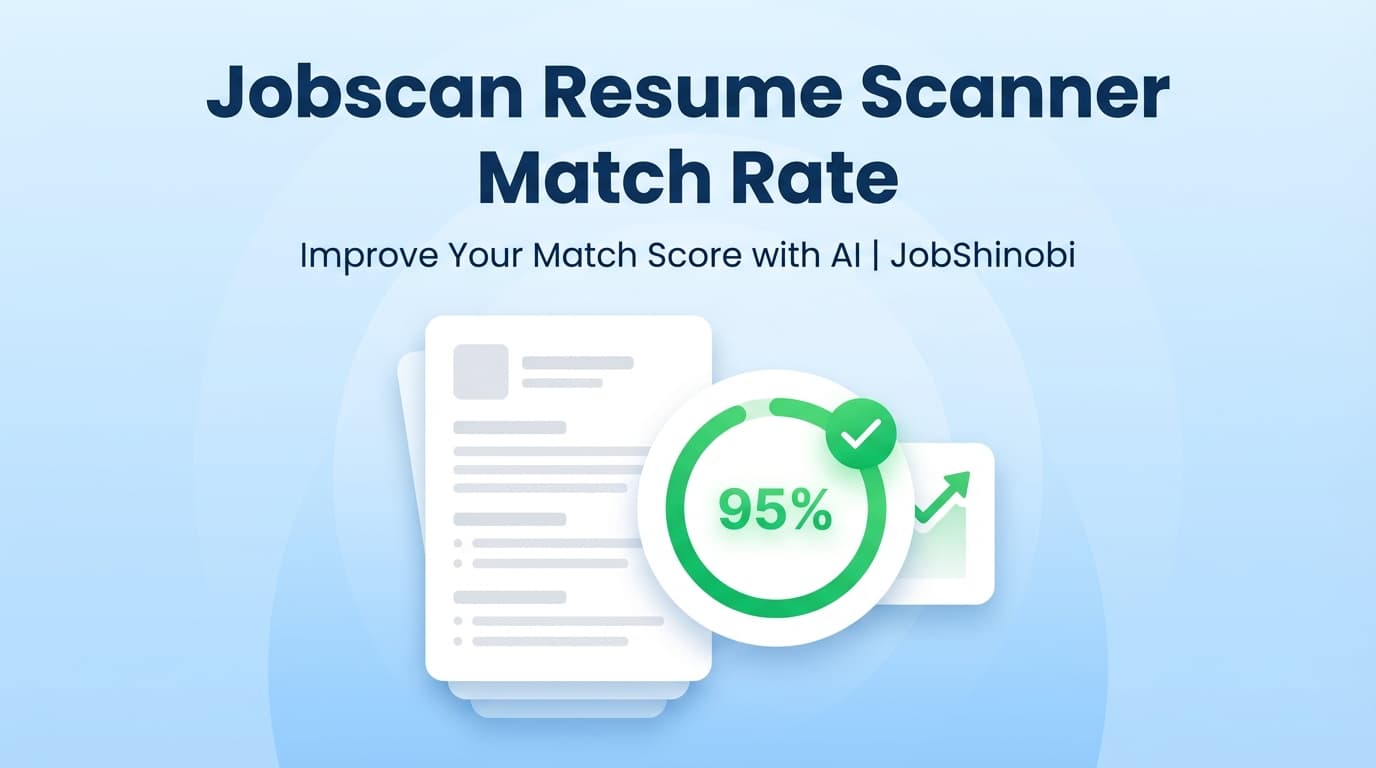
It gives you a Job Match Score (%), lists matching vs. missing keywords, generates recommendations, and pairs it with a full LaTeX-based resume builder plus an AI streaming editor that can help implement changes while keeping your resume structurally consistent.
This page discusses “Jobscan match rate” as a common job-seeker concept. JobShinobi is not affiliated with Jobscan.
Why Job Seekers Obsess Over Match Rate (and What It Actually Measures)
A “match rate” from a resume scanner is typically a proxy for one question:
“Does my resume look relevant to this specific job description?”
Depending on the tool, the score may reflect combinations of:
- keyword/skill overlap (present vs. missing terms)
- job title alignment
- education requirements alignment
- resume structure/ATS-readability checks
The real problem with match rate
Match rate is useful—but it’s easy to misuse.
Many job seekers:
- chase 100% and end up with a resume that reads unnaturally
- add “keywords” only in a skills list (without evidence in experience bullets)
- spend hours reformatting in Word/Docs after every edit
- get inconsistent results across tools and lose confidence
A practical benchmark (without overfitting)
Jobscan’s own guidance commonly references aiming for ~75% (and in some guidance ~80%) as a practical target. You don’t need perfection—you need credible alignment.
Consider this a better goal:
- Cover the must-have hard skills (truthfully)
- Prove them in recent experience (results + context)
- Keep the resume clean, readable, and consistent
JobShinobi is designed for exactly that: diagnose → fix → re-check.
Why Choose JobShinobi for Jobscan-Style Match Rate Improvements?
JobShinobi helps you raise a resume scanner match rate in two ways:
- Clarity: a job-match report that shows what’s missing and what to do
- Speed: tools to apply changes quickly without starting over
Benefit 1: Job Match Score + missing/present keywords + recommendations
In JobShinobi’s resume-to-job matching workflow, you get:
- Job Match Score (%)
- Matching Keywords (what your resume already includes)
- Missing Keywords (what’s absent)
- Recommendations (how to improve fit)
This turns a vague “low match rate” into a concrete action plan.
Benefit 2: Fix the resume without reformatting (LaTeX + PDF preview)
JobShinobi is LaTeX-first. That matters because the biggest hidden cost in “match rate chasing” is formatting breakage.
With JobShinobi you can:
- edit your resume as LaTeX source
- compile and preview as a PDF
- download the finished PDF
- download the .tex source as well
Benefit 3: Go beyond match rate with ATS-focused resume analysis (scores + feedback)
Match rate is job-specific. But your resume can also have broad issues that keep hurting you across applications.
JobShinobi supports AI Resume Analysis that can generate (and store) structured feedback, including:
- overall score (0–100)
- content, keyword, formatting, completeness, and ATS score
- strengths, weaknesses, missing sections
- keyword analysis (present, missing, overused + additional stored metrics)
- optional Enhanced analysis mode for deeper output
Benefit 4: Implement improvements faster with an AI streaming editor (built for resumes)
JobShinobi includes a streaming AI resume editor that can:
- work on specific edits (e.g., a section rewrite)
- update LaTeX resume content
- run a LaTeX compilation check during the workflow to avoid breaking the PDF
This is ideal when you know what needs to change (missing keywords, weak bullets) but don’t want to manually rewrite everything.
How JobShinobi Improves a “Jobscan Resume Scanner Match Rate” (Real Workflow)
Step 1: Build or open your resume in JobShinobi (LaTeX resume builder)
Start in the resume dashboard and open your resume in the editor.
- Use a template if you’re starting from scratch
- Or open an existing resume stored as LaTeX
Internal link: /dashboard/resume
Step 2: Run Resume Analysis (baseline ATS + keyword feedback)
Before matching to a specific job, run analysis to see broad issues that lower performance:
- missing sections
- ATS issues
- strengths/weaknesses
- keyword issues (missing or overused)
JobShinobi can return cached results when your resume hasn’t changed—so you’re not repeating identical scans unnecessarily.
Step 3: Add a job posting (URL or paste the job description text)
In the Job Matching flow you can provide:
- a job posting URL or
- the full job description text
JobShinobi extracts structured job details and key information for matching.
Step 4: Generate the Job Match Score + keyword gaps
After matching, JobShinobi produces:
- Job Match Score (%)
- present keywords vs missing keywords
- recommendations to improve fit
This is the moment most people associate with “Jobscan match rate”—but now you have a clear path to fixing it.
Step 5: Apply Suggestions and iterate (without restarting)
From your match report you can:
- analyze another job, or
- use the Apply Suggestions workflow to return to editing
Then re-run match and confirm the improvements are reflected.
Key Features for Jobscan Resume Scanner Match Rate Use Cases
| Feature | What It Does | Why It Matters |
|---|---|---|
| Job Match Score (%) | Generates a match score against a specific job | Gives a measurable baseline for tailoring |
| Missing vs. Present Keywords | Shows what you’re missing vs what already matches | Removes guesswork and prioritizes edits |
| Recommendations | Actionable improvement list | Helps you change the right things first |
| AI Resume Analysis (Overall + ATS + keyword feedback) | Broad resume scoring + diagnostic feedback | Prevents “match score up, resume quality down” |
| Enhanced analysis mode | Optional deeper analysis output | Useful for more detailed improvements |
| LaTeX Resume Builder + Templates | Resume content stored as LaTeX; template starting points | Stable structure across edits |
| PDF Preview via Cloud Compilation | Compiles LaTeX to a PDF preview | Faster iteration, fewer formatting surprises |
| AI streaming resume editor | Chat-based editing that updates LaTeX and checks compilation | Speeds up credible tailoring |
| Resume version history | Saves versions so you can roll back | Lets you experiment safely |
What to Fix First When Your Match Rate Is Low (High-Impact Order)
If your score is stuck in the 30–60% range, you typically don’t need “more effort.” You need a smarter sequence.
1) Hard skills and tools (but only if real)
The fastest way to raise match rate usually comes from correctly aligning:
- tools/technologies
- frameworks/platforms
- domain-specific hard skills
How to do it right:
- add a skill only if you can support it with real experience
- reflect it in a bullet point or project, not just a skills list
JobShinobi helps by explicitly listing missing keywords and showing what you already have.
2) Your most recent experience bullets (proof beats lists)
Many scanners (and humans) weigh recent experience heavily.
Make sure your recent bullets:
- start with strong action verbs
- mention relevant tools (in context)
- show scope + impact (numbers where possible)
JobShinobi’s resume analysis focuses on content quality, keywords, and ATS signals—so you don’t improve match rate by sacrificing substance.
3) Role title alignment (avoid being “almost right”)
If the job is “Data Analyst” and your resume looks like “Business Intelligence Specialist,” some scanners interpret that as lower alignment—even if you’re qualified.
You don’t need to lie about titles, but you can improve alignment by:
- using the target title in your summary (if accurate)
- clarifying equivalents (e.g., “Business Intelligence (Data Analytics)”)
- echoing the job’s phrasing where it’s truthful
4) Don’t chase 100% (keyword stuffing backfires)
Trying to force 100% often leads to:
- unnatural language
- a “laundry list” resume that doesn’t persuade humans
- meaningless keywords without proof
A strong workflow is:
- cover must-haves
- show evidence
- keep it readable
Jobscan Match Rate vs JobShinobi Job Match Score (How to Compare Them)
You’re likely using Jobscan as a benchmark. Here’s the most helpful way to compare tools:
Similar goal: score alignment to a specific job description
JobShinobi provides a Job Match Score (%) and keyword gap list that supports the same job-to-resume alignment goal.
Different advantage: applying changes faster (and cleaner)
JobShinobi is strongest when you’re iterating across multiple jobs because it combines:
- job match scoring + recommendations
- resume analysis (ATS + keyword + structure feedback)
- a stable resume format workflow (LaTeX + PDF compile/preview)
- an AI streaming editor to implement improvements
If you’re repeatedly raising match rate for different roles, the real win is reducing the time per application—without degrading quality.
A Repeatable System to Improve Match Rate in 15–30 Minutes per Job
Use this system every time you tailor.
Phase A — Extract and prioritize keywords (5 minutes)
- Run job extraction (URL or paste text)
- Review missing keywords
- Pick the top 5–10 that are:
- genuinely relevant to the job’s core responsibilities
- truthful for you to claim
- “resume-appropriate” (not buzzwords only)
Phase B — Add keywords with evidence (10–20 minutes)
Add keywords where they matter most:
Best places:
- recent experience bullets
- projects (especially if tools/skills were applied)
- skills section (only as a support layer)
Bad place (alone):
- skills list with no proof anywhere else
Phase C — Re-run match + analysis (5 minutes)
- Re-run match to verify keywords moved from missing → present
- Re-run resume analysis to ensure you didn’t introduce:
- overused keywords
- ATS issues
- weaker clarity/structure
Phase D — Export the final PDF
Once the resume is aligned and clean, export and apply.
Common Reasons You Can’t Break 70–80% (and What to Do)
Reason 1: The job description is a wishlist
Some postings list 25 tools and 15 responsibilities. Your score will be capped unless you:
- focus on the must-have subset
- apply anyway if you meet the core requirements
Reason 2: You’re targeting a different seniority level
If the job expects system design leadership and your resume shows mostly execution-level tasks, you may need:
- stronger outcomes
- ownership language
- scope and leadership signals
Reason 3: You’re adding keywords without context
If you only add keywords in a skills list, many tools (and recruiters) will still perceive low relevance.
Fix: attach keywords to achievements and responsibilities in experience bullets.
Reason 4: You’re optimizing for the score, not the story
A resume that reads like a keyword dump can get rejected by humans even if it “passes” a scanner.
JobShinobi’s analysis + editing workflow is designed to keep your resume persuasive while you tailor.
Conversion-Focused: What You Can Do in JobShinobi Right Now
Option 1: Create a stable, ATS-friendly resume foundation
- choose a resume template
- compile to PDF preview
- run resume analysis to fix structural issues
Internal link: /dashboard/resume
Option 2: Run job matching for your next application
- paste a job description or submit a job URL
- get a Job Match Score + keyword gaps
- apply recommendations and iterate
Internal link: /dashboard/resume (then open Resume Analysis / Job Matching)
Option 3: Keep your applications organized (so you don’t lose momentum)
JobShinobi also includes a Job Application Tracker with:
- realtime updates
- Excel (.xlsx) export
Internal link: /dashboard/job-tracker
Pricing
JobShinobi offers paid subscriptions via Stripe:
- Monthly: $20.00
- Yearly: $199.99
Internal link: /#pricing
Sign in: /login
Frequently Asked Questions
What is a good Jobscan resume scanner match rate?
Jobscan’s guidance commonly references aiming for ~75% (and sometimes ~80%) as a practical target. Treat that as a guideline, not a requirement. A resume can still perform well if it:
- covers must-have hard skills
- proves them in recent experience
- reads clearly for humans
JobShinobi helps by generating a Job Match Score (%), showing missing vs present keywords, and providing recommendations you can apply.
Is Jobscan match rate the same as an ATS score?
Not necessarily. Many tools use “match rate” as a job-description alignment score rather than a literal “ATS pass/fail” score.
JobShinobi separates these ideas by supporting:
- Job Match Score (job-specific alignment)
- Resume Analysis scores, including an ATS score and structured feedback
Why does my match rate change so much between scans?
Scores can change because:
- the tool extracts different keywords between runs
- the job description has ambiguous phrasing
- small edits shift keyword frequency or detection
- different tools weigh categories differently
That’s why it helps to focus on durable improvements:
- add core hard skills with evidence
- strengthen recent bullets
- keep formatting and structure consistent
How do I increase my match rate without keyword stuffing?
Use this rule: keywords must be attached to proof.
Instead of dumping keywords, add them where they belong:
- in experience bullets tied to outcomes
- in projects with tools + results
- in a skills section only as support
JobShinobi reinforces this by pairing match scoring with deeper resume analysis (strengths/weaknesses, ATS issues, keyword feedback).
Can JobShinobi match my resume to a job description?
Yes. JobShinobi includes a resume-to-job matching workflow that produces:
- a Job Match Score (%)
- missing_keywords and present_keywords
- recommendations and supports an Apply Suggestions flow back to your resume editor.
Can JobShinobi edit my resume for me?
JobShinobi includes an AI streaming resume editor that can help revise your LaTeX resume content and check compilation validity as part of the workflow. You remain in control of what you accept and export.
Does JobShinobi auto-apply to jobs or integrate with job boards?
No. JobShinobi does not auto-apply to jobs or integrate directly with job boards for applying.
Does JobShinobi parse PDFs or scanned images of resumes?
No. JobShinobi does not provide an image/PDF OCR pipeline for parsing scanned resumes.
Get Started with JobShinobi Today
If you’re stuck chasing a Jobscan resume scanner match rate, the fastest path forward is a better loop:
Get the match score → identify missing keywords → apply credible fixes → export a clean resume → apply.
- Sign in: /login
- Build resumes + run analysis + job matching: /dashboard/resume
- Track applications: /dashboard/job-tracker
- Manage billing/settings: /dashboard/settings