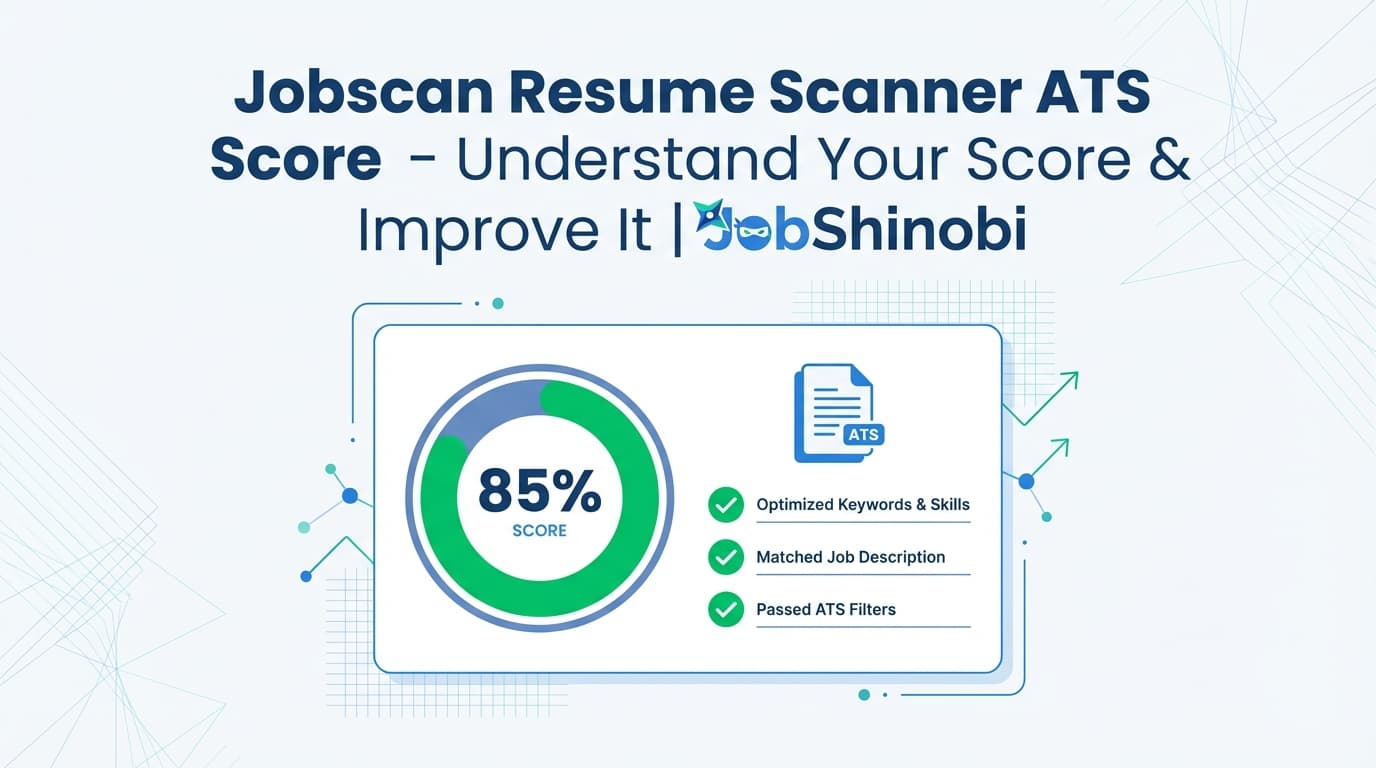
If you searched “jobscan resume scanner ats score”, you’re likely trying to answer one of these:
- “What does my ATS score / match rate actually measure?”
- “Why is my score low even though I’m qualified?”
- “What should I change to get more interviews—keywords, formatting, or content?”
JobShinobi is built for that exact “scanner-score → fix → rescan” workflow—without turning your resume into a keyword-stuffed mess. Inside JobShinobi you can:
- Create and manage resumes as LaTeX source (structured and consistent)
- Get an AI resume analysis with a 0–100 score and category scores (including ATS score and keyword score)
- Run job description extraction (URL or pasted text) and generate a resume-to-job match score with missing/present keywords
- Use a streaming AI Resume Agent to help you edit, while the system can compile LaTeX to verify the output
- Track applications in a Job Tracker and export to Excel (.xlsx)
JobShinobi is not affiliated with Jobscan. This page targets the common search intent behind “Jobscan ATS score” and offers a supported alternative workflow in JobShinobi.
Why JobShinobi for “Jobscan Resume Scanner ATS Score” Intent?
People don’t really want a score—they want callbacks. Scores are only useful if they translate into clear next steps.
JobShinobi turns “ATS score anxiety” into a concrete, repeatable process:
- Analyze: Get scores + strengths/weaknesses + ATS issues + keyword analysis
- Match: Compare against a specific job (URL or text) to find keyword gaps
- Edit: Fix issues in Resume Studio (manual LaTeX editing or AI Agent)
- Preview: Compile and preview the PDF to confirm formatting
- Repeat: Re-analyze and track improvement over time (analysis is stored; cached when unchanged)
What an “ATS Score” Usually Represents (and Where Scores Go Wrong)
Most resume scanners (including Jobscan-style tools) are trying to approximate a few things:
1) Keyword alignment to the job description
Do you include the skills, tools, and role language the job posting emphasizes?
2) ATS readability & parsing
Can a system reliably extract your job titles, companies, dates, and bullet points?
3) Section completeness
Do you include core sections employers expect for your role (Experience, Skills, Education, etc.)?
4) Content quality signals
Are your bullets clear? Do they show measurable outcomes and impact?
Scores go wrong when job seekers optimize only for keyword overlap:
- You can increase overlap while reducing readability
- You can stuff keywords but still have weak bullets
- You can hit a “high score” while targeting the wrong role
JobShinobi addresses this by breaking analysis into multiple score categories and giving structured feedback you can implement.
How JobShinobi’s Resume Analysis Works (Scores + Feedback You Can Act On)
JobShinobi’s analysis endpoint generates a structured scoring record that includes:
overall_scorecontent_scorekeyword_scoreformatting_scorecompleteness_scoreats_score
Along with detailed feedback like:
- strengths / weaknesses
- missing sections
- ATS issues
- keyword analysis (present / missing / overused)
- additional keyword fields (e.g., density/contextual metrics)
- optional deeper objects: section scores, bullet analysis, ATS analysis, length analysis, benchmarking, role alignment
- optional enhanced analysis mode (when enabled)
Faster iteration: cached analysis when your resume hasn’t changed
If your resume hasn’t been updated since your last analysis, JobShinobi can return cached results instead of re-running the analysis. That means faster “edit → check → edit” cycles.
How JobShinobi’s Job Matching Works (Resume vs Job Description)
If your intent is “Jobscan resume scanner ATS score,” you’re often optimizing for one specific posting. JobShinobi supports that directly:
Step 1: Provide the job (URL or text)
In JobShinobi, you can:
- Paste a job posting URL (LinkedIn, Indeed, company site, etc.)
- Or paste the full job description text
Step 2: Extract job details
JobShinobi uses AI to extract structured job details from the input (URL or text).
Step 3: Match resume to the job
JobShinobi generates and stores a job analysis including:
match_scoremissing_keywordspresent_keywordsrecommendations
Step 4: Apply suggestions in Resume Studio
You can jump back to the editor to implement changes, then re-run analysis/matching.
Why JobShinobi Uses LaTeX for Resume Editing (and Why It Helps ATS Iteration)
JobShinobi resumes are stored as LaTeX source and edited in Resume Studio with:
- Editor mode (manual LaTeX editing)
- Agent mode (AI chat that can propose and apply targeted edits)
- Compile + PDF preview (so you can verify output quickly)
- Export options:
- Export PDF
- Download .tex
This matters for ATS-score workflows because you’re changing content frequently. A structured source format plus compilation-backed preview helps keep formatting stable while you iterate.
Key Features for “Jobscan Resume Scanner ATS Score” Use Cases
| Feature | What It Does | Why It Matters |
|---|---|---|
| Resume Analysis (0–100 + category scores) | Generates overall + ATS + keyword + formatting + completeness + content scoring | Helps you diagnose why your “ATS score” is low |
| Keyword analysis (present/missing/overused) | Shows keywords found, missing terms, and potential overuse | Prevents blind keyword stuffing |
| Job Description Input (URL or text) | Accepts a job URL or pasted description | Makes optimization job-specific |
| Resume-to-Job Match | Creates a match score + keyword gaps + recommendations | Turns “score” into a clear action list |
| LaTeX Resume Templates + Saved Resumes | Start from templates, save multiple resumes | Maintain consistent structure while tailoring |
| PDF compile + preview | Compiles LaTeX and previews the PDF | Verify formatting immediately |
| Streaming AI Resume Agent | Chat-based editing workflow with tool calls (including compilation checks) | Faster revisions while staying in control |
| Job Tracker + Excel export | Track applications and export to .xlsx |
Connect resume iteration to real application outcomes |
Jobscan Resume Scanner ATS Score vs JobShinobi (A Practical Comparison)
If you’re using Jobscan for the score…
That’s a common starting point. Many job seekers use it to get:
- a 1–100 style score
- keyword overlap guidance
- formatting tips
JobShinobi focuses on the full workflow: Analyze → Match → Edit → Preview → Repeat
JobShinobi pairs scoring with a resume production environment:
- Score breakdown includes ATS + keyword + formatting + completeness + content
- Job matching produces a match score plus missing/present keywords and recommendations
- Resume Studio helps you implement changes safely (LaTeX source + PDF preview)
- Versioning helps you iterate without losing prior drafts
- Job Tracker helps you measure outcomes (applications, statuses, and trends)
If your current process is “I keep rescanning but I’m not getting interviews,” JobShinobi is built to close that loop.
How to Improve Your ATS Score Without Gaming It
1) Fix parsing risks first
If the scanner says ATS/readability issues exist, address those before keyword tuning. Getting the ATS to correctly read your experience is foundational.
2) Use job-specific keywords in context
Instead of dumping tools into a Skills section, anchor them to proof:
- tools used
- impact delivered
- scope and measurable outcomes
JobShinobi shows missing/present keywords and also provides recommendations, so you can add the right terms where they belong.
3) Don’t chase 100%
A higher score isn’t always better if it makes the resume unnatural. Your goal is:
- enough coverage to pass initial filters
- strong content to win the interview
4) Iterate safely using preview + history
Make one change at a time, compile/preview, then re-analyze. That’s how you avoid breaking formatting during rapid optimization.
Pricing
JobShinobi offers paid subscriptions via Stripe:
- Monthly: $20.00
- Yearly: $199.99
Link: /subscription
Note: JobShinobi does not claim a verified free trial on this page.
Frequently Asked Questions
Is Jobscan an ATS score or a match score?
Resume scanners commonly calculate a “score” or “match rate” based on how well your resume aligns with a job description (keywords, relevancy, and formatting signals). In JobShinobi, you can view both resume scoring (including an ATS score and keyword score) and a job match score with missing/present keywords.
How can I check the ATS score of my resume in JobShinobi?
Open Resume Studio, then run Resume Analysis. You’ll receive a 0–100 overall_score plus category scores including ats_score, keyword_score, formatting_score, content_score, and completeness_score, along with strengths/weaknesses, ATS issues, and keyword findings.
Can JobShinobi compare my resume to a job description like Jobscan?
Yes. JobShinobi supports job description extraction (URL or pasted text) and resume-to-job matching that outputs a match_score plus missing/present keywords and recommendations.
Does JobShinobi support PDF resume uploads for scanning?
JobShinobi’s analysis is built around your resume stored as LaTeX source in the platform. This enables more reliable structured analysis and editing inside Resume Studio.
Will JobShinobi keep my resume formatting consistent while I optimize?
JobShinobi uses a LaTeX resume workflow with PDF compilation and preview, which helps you validate formatting as you make edits.
Can JobShinobi track my job applications too?
Yes. JobShinobi includes a Job Tracker with realtime updates and Excel (.xlsx) export. (No Google Sheets sync is claimed.)
Get Started with JobShinobi Today
- Run a resume analysis and see your score breakdown: /login → /dashboard/resume
- Match your resume to a specific job posting: /dashboard/resume/analyze/[id]
- Track applications and outcomes: /dashboard/job-tracker
If your search was “jobscan resume scanner ats score,” JobShinobi gives you the same core intent—understand the score and improve it—plus a complete edit + preview + job-match workflow to help you translate scanner feedback into real interviews.