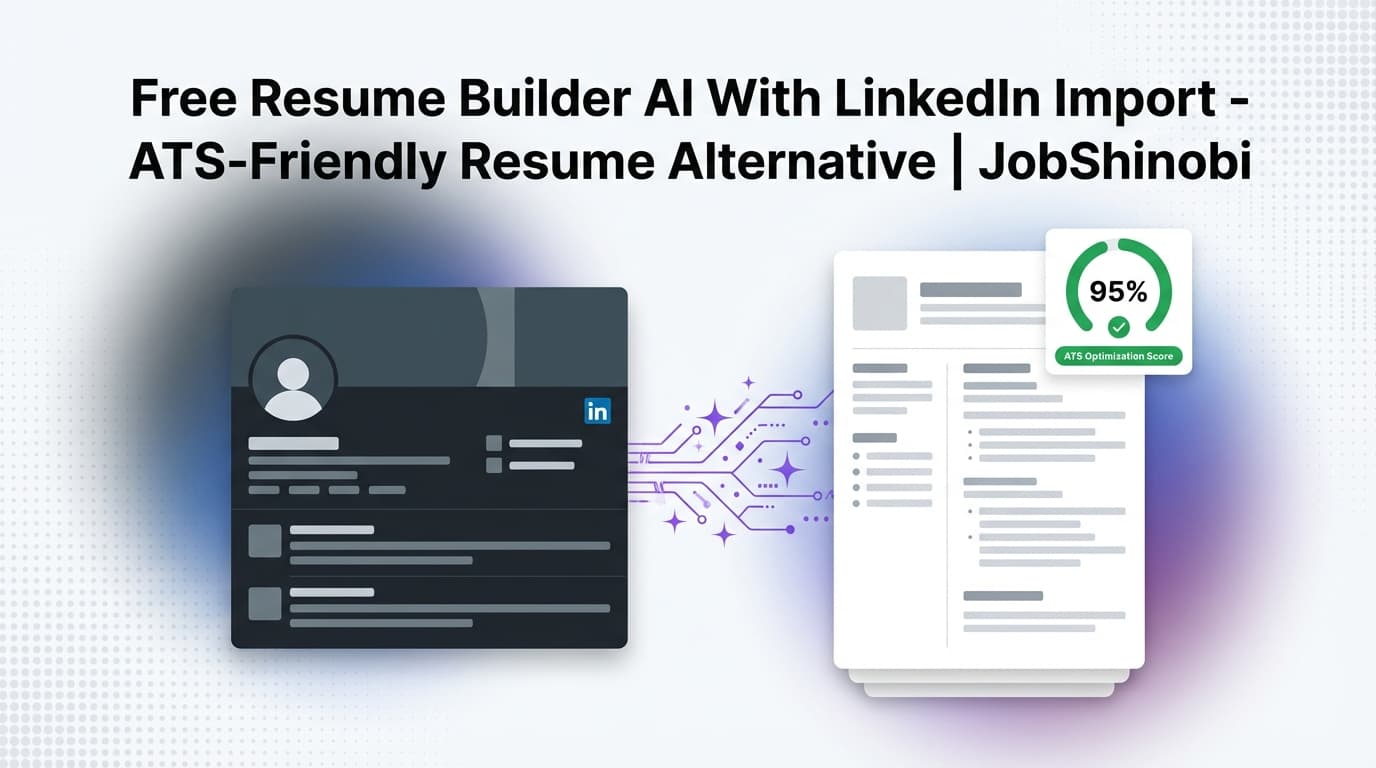
If you searched “free resume builder ai with linkedin import”, you’re probably trying to do two things quickly:
- Turn your LinkedIn profile into a resume without retyping everything, and
- Get an ATS-friendly resume you can confidently submit today.
Many tools promise “free + one-click LinkedIn import,” but job seekers often run into a familiar set of problems: messy formatting, generic content, weak keyword alignment to the job description, and limited ways to iterate without breaking the document.
JobShinobi takes a different approach: it’s a LaTeX-based resume builder with an AI resume editor (streaming), AI resume analysis (with stored results), and resume-to-job matching—plus a job tracker and job search analytics so your resume improvements connect to outcomes.
Important clarity (so you don’t waste time):
- JobShinobi does not support direct LinkedIn import today.
- JobShinobi is a paid subscription product (Monthly $20, Yearly $199.99).
This page is designed to match your search intent honestly: if you want LinkedIn import, we’ll show the fastest workaround—then how JobShinobi helps you build a cleaner, more ATS-friendly resume you can tailor per job.
Why Choose JobShinobi for This “LinkedIn Import Resume Builder” Use Case?
When people ask for “LinkedIn import,” what they usually want is speed. But the goal isn’t a resume that merely exists—it’s one that:
- holds up under ATS parsing,
- reads cleanly to recruiters,
- can be tailored to specific job descriptions, and
- stays stable as you iterate.
JobShinobi is built for iterative job searching, where your resume evolves across dozens of applications.
LaTeX-first structure (stable formatting you can control)
JobShinobi resumes are stored as LaTeX source and compiled into a PDF preview. That means you’re editing the document, not fighting a drag-and-drop layout.
This matters because formatting drift is a real productivity killer when you’re applying at volume.
What JobShinobi supports in the resume workflow:
- Resume templates library you can start from
- LaTeX editor for direct control
- PDF preview via LaTeX compilation
- Export your resume as PDF and as .tex
AI that supports real resume workflows (not generic “chat”)
JobShinobi includes:
- AI Resume Analysis (comprehensive mode and an enhanced mode option)
- Streaming AI resume editor designed to help rewrite, refine, and update sections
- Job description extraction (paste a job URL or job description text)
- Resume-to-job matching (match score + missing/present keywords)
This is especially useful when your starting point is LinkedIn content, which is often too long, too descriptive, and not tailored to a role.
Built-in job tracking + analytics (so you can measure progress)
JobShinobi includes:
- a Job Application Tracker with realtime updates
- Job search analytics (e.g., response rate, offer rate, interview conversion, trends)
- ability to export your job tracker to Excel (.xlsx)
And for users on a Pro membership, there’s an additional automation workflow:
- Email forwarding + parsing (SendGrid inbound processing) that can extract job application details from forwarded emails and create/update records in the tracker.
How JobShinobi’s Resume Workflow Works (Without LinkedIn Import)
Because JobShinobi doesn’t offer one-click LinkedIn import, the goal is to get the “import benefit” (speed) while producing a resume that’s cleaner and more ATS-aligned than a raw profile conversion.
Step 1: Copy the right content from LinkedIn (fast, but selective)
Instead of importing everything, copy only what belongs on a resume:
- role titles + companies + dates
- 3–6 high-impact bullets per role (not paragraphs)
- skills/tools relevant to the target role
- education + certifications
- your LinkedIn URL (optional to display on the resume)
If you’re short on time, start with your last 2–3 roles only. You can add older experience later once you’ve validated that you’re getting better responses.
Step 2: Start from a JobShinobi resume template
In JobShinobi, you can start from a resume template and immediately begin editing LaTeX content.
Path:
- Sign in: /login
- Go to resumes: /dashboard/resume
- Create from a template → open the editor
In the editor, you’ll work with:
- LaTeX code (source of truth)
- a PDF preview (compiled output)
- an AI chat mode (for guided edits)
Step 3: Build structure first (then polish)
Paste your LinkedIn content into the right resume sections:
- Header (name, contact, links)
- Summary / headline (optional but recommended for many roles)
- Experience (bullet-driven, accomplishment-focused)
- Skills (tools + methods relevant to the role)
- Education
JobShinobi’s approach encourages you to keep the layout clean and consistent while focusing on content quality.
Step 4: Run AI Resume Analysis (and keep results over time)
JobShinobi’s Resume Analysis generates a structured scoring output and feedback.
What it can include (as supported by the analysis endpoint):
- overall score and category scores (content, keyword, formatting, completeness, ATS)
- strengths, weaknesses, missing sections
- keyword analysis (present/missing/overused, density and related fields)
- ATS-related issues and analysis objects
- optional enhanced analysis outputs when enabled
JobShinobi can also return cached analysis results if the resume hasn’t changed since the last analysis—useful when you’re iterating and want consistency.
Step 5: Match your resume to a job description (tailor with intent)
When you’re applying to a specific role:
- Paste a job URL or job description text
- Extract structured job details (company, position, requirements, keywords)
- Run resume-to-job matching to get:
- match score
- missing vs present keywords
- recommendations and tailoring suggestions
Then you can apply the changes in the editor.
Step 6: Use the streaming AI resume editor to refine sections
JobShinobi includes a streaming AI resume editor that can help with targeted improvements without forcing you into a generic template.
High-value prompts to use when starting from LinkedIn content:
- “Rewrite these bullets to be accomplishment-focused and quantified where appropriate.”
- “Condense this role into 4 bullets that align with a [Target Role] job description.”
- “Improve clarity and remove repetition across these roles.”
- “Optimize my skills section for [job title] without keyword stuffing.”
Step 7: Export as PDF (and keep the .tex source)
Once your resume looks right:
- export PDF for submissions
- export .tex so you always retain the structured source document
This is ideal if you want multiple variants for different role families (e.g., Data Analyst vs Analytics Engineer vs BI Analyst).
Key Features for This Use Case
| Feature | What It Does | Why It Matters |
|---|---|---|
| LaTeX-based resume builder | Create and manage resumes stored as LaTeX source | Stable structure and consistent formatting |
| Resume templates library | Start from categorized templates | Faster than starting from scratch |
| LaTeX compilation + PDF preview | Compile LaTeX and preview output | Immediate feedback while editing |
PDF + .tex downloads |
Export in practical formats | Submit confidently; keep maintainable source |
| AI Resume Analysis | Scores and provides detailed feedback; stores results | Systematic improvement instead of guessing |
| Enhanced analysis option | Adds deeper structured analysis outputs when enabled | More depth when you need it |
| Job description extraction | Extract job details from URL or pasted text | Faster setup for tailoring |
| Resume-to-job matching | Match score + missing/present keywords + recommendations | Tailor each application more effectively |
| Streaming AI resume editor | Guided editing via chat and tool-driven updates | Faster iteration with controlled structure |
| Resume version history | Save versions (manual and chat-based) | Safe iteration; easy rollback |
| Job application tracker | Track applications in a dashboard with realtime updates | Stay organized during high-volume applying |
| Export tracker to Excel (.xlsx) | Download your job tracking data | Analyze or share outside the app |
| Pro: email forwarding + parsing | Forward job emails; AI extracts details and updates tracker | Reduces manual data entry for tracking |
Free LinkedIn Import Resume Builders vs. JobShinobi (Honest Comparison)
Most tools ranking for “free resume builder ai with linkedin import” are optimized around:
- “Paste your LinkedIn URL”
- “Generate instantly”
- “Download”
That can be great for a first draft. But there are tradeoffs.
Where one-click LinkedIn import tools win
- Fastest way to produce a resume draft
- Helpful if you have no resume at all
- Useful for extracting dates/titles quickly
Where LinkedIn import tools often fall short
- Output can be overly generic (“responsibilities” instead of “outcomes”)
- Keyword alignment to a specific job description is often shallow
- You end up maintaining multiple versions anyway
- Formatting can be hard to stabilize across edits (especially after multiple downloads)
Where JobShinobi wins (even without LinkedIn import)
JobShinobi is ideal if you want:
- a controlled, consistent resume document (LaTeX source)
- AI analysis you can run repeatedly and track over time
- job-specific tailoring through job extraction + resume match
- a workflow designed for iteration (versions + AI editing)
- job tracking + analytics to measure whether changes improve outcomes
Tradeoff: you’ll copy/paste your LinkedIn content rather than importing it.
Pricing
JobShinobi offers paid subscriptions via Stripe:
- Monthly: $20.00
- Yearly: $199.99
Stripe plan links:
- Monthly: https://buy.stripe.com/7sYeV61P10GS310eTy0VO02
- Yearly: https://buy.stripe.com/6oU9AM0KXexIdFE5iY0VO03
For existing subscribers, billing management is available via a Stripe Customer Portal link in the app settings.
Frequently Asked Questions
Does JobShinobi support LinkedIn import?
No. JobShinobi does not currently support direct LinkedIn import.
You can still build a resume quickly by copying the relevant sections from LinkedIn into a JobShinobi template, then using AI analysis + job matching to tailor it.
Is JobShinobi a free resume builder AI with LinkedIn import?
No. JobShinobi is a paid subscription product and does not offer LinkedIn import.
If your top priority is “free + one-click import,” start with a LinkedIn-import tool for a draft—then consider JobShinobi when you want ATS-focused structure, deeper analysis, and job-specific tailoring.
How do I export my LinkedIn profile to my resume?
A practical approach is:
- Gather your LinkedIn role titles, companies, dates, and best bullets
- Paste them into a structured resume template
- Tailor the resume against a job description (keywords + requirements)
JobShinobi supports templates, AI resume analysis, and resume-to-job matching to help with steps 2–3.
Can JobShinobi analyze my resume with AI?
Yes. JobShinobi includes AI Resume Analysis, with a comprehensive mode and an enhanced analysis option. Results are stored, and the system can return cached results if the resume hasn’t changed since the last analysis.
Can JobShinobi tailor my resume to a job description?
Yes. You can paste a job description (or provide a job URL), extract job details, then run resume-to-job matching to get a match score and keyword gap insights.
Does JobShinobi include job tracking?
Yes. JobShinobi includes a job tracker with realtime updates, analytics, and Excel export. Pro members can also use email forwarding + parsing to help automate application tracking from forwarded emails.
Get Started with JobShinobi Today
If your search for a free resume builder AI with LinkedIn import is really about speed and getting an ATS-friendly resume, JobShinobi is built for the part that matters after the draft:
- start from a clean LaTeX template
- build a stable resume you can iterate on
- run AI analysis and job matching to tailor per application
- track your applications and measure results
Next step:
- Sign in: /login
- Create your resume: /dashboard/resume
- Track applications: /dashboard/job-tracker
- View performance trends: /dashboard/analytics