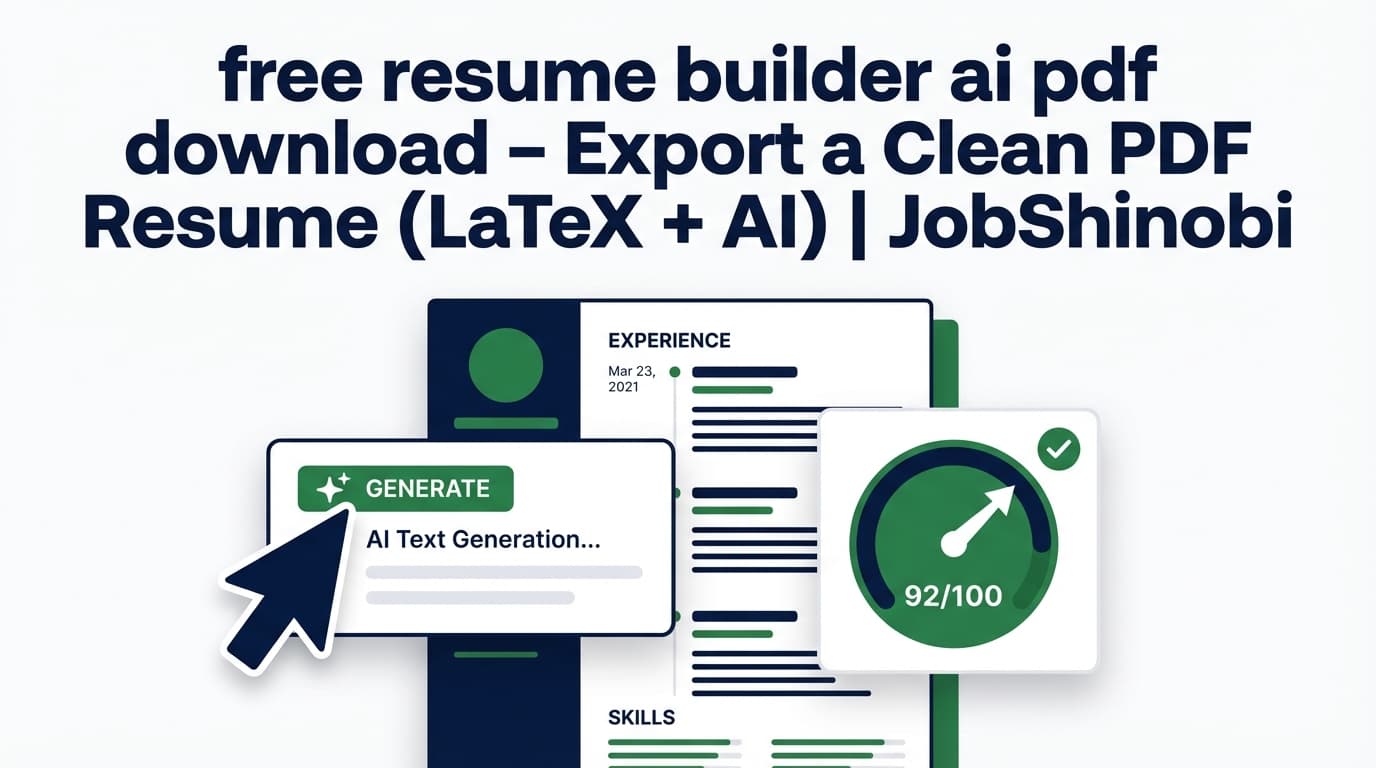
If you’re searching for “free resume builder ai pdf download”, you’re not just looking for another template—you’re trying to get a resume you can actually submit: a clean PDF, readable by ATS, tailored to the job, and easy to revise without fighting formatting.
JobShinobi is a LaTeX-based resume builder with AI assistance that compiles your resume into a PDF preview and lets you export your resume as a PDF (and download the .tex source). It also includes AI resume analysis (ATS/keyword/content feedback) and job-description matching to help you tailor your resume for a specific role.
Important pricing note: JobShinobi is a paid subscription (Monthly $20.00 or Yearly $199.99). This page targets a “free” keyword because many job seekers want free PDF downloads—but the content below is accurate about what JobShinobi offers today.
CTA: Sign in to JobShinobi → open Resume Builder → edit with AI → Export PDF.
Why Choose JobShinobi for “free resume builder ai pdf download” Intent?
Most “free resume builder” searches are really about three things:
- PDF export that doesn’t break formatting
- ATS-friendly structure and readable text
- Fast tailoring to job descriptions with AI
JobShinobi is built around a workflow designed to deliver those outcomes using a LaTeX-first Resume Studio with an AI editor and built-in analysis.
LaTeX resume formatting you can actually control
Instead of dragging text boxes around (which can lead to unpredictable PDF output), JobShinobi uses LaTeX source for your resume. That means you’re editing a structured document, then compiling to a PDF preview.
What you get in the Resume Studio:
- A LaTeX resume editor
- A PDF preview generated from compilation
- A one-click Export PDF action
- A one-click download
.texaction (your source)
AI resume analysis (with cached results when nothing changed)
JobShinobi includes an AI Resume Analysis endpoint that can return cached results if the resume hasn’t changed since the last analysis—useful when you’re iterating quickly.
The analysis includes structured feedback such as:
- Overall score + sub-scores (content/keyword/formatting/completeness/ATS)
- Strengths + weaknesses
- Keyword analysis (present/missing/overused + density/contextual metrics when available)
- ATS issues and structured analysis objects (section scores, bullet analysis, etc.)
Job description matching to tailor faster
If you’re applying to multiple roles, the fastest way to improve interview rate is tailoring. JobShinobi supports resume-to-job matching: provide a job description (or job details) and get a match score plus keyword coverage (present vs missing) and suggestions to tailor.
Bonus: job application tracking (manual + email-forwarding automation)
JobShinobi isn’t only a resume tool. It also includes a Job Tracker with:
- Job application dashboard tracking
- Realtime updates
- Export to Excel (.xlsx)
And for Pro members, there’s a unique workflow: forward job-related emails to your JobShinobi forwarding address and the system can extract details and create/update job applications automatically.
How JobShinobi’s Resume Studio Works (AI → PDF Download)
Step 1: Sign in and open Resume Builder
Go to Login and sign in (Google OAuth). Then open the Resume Builder area.
- Start from a template (template library with categories)
- Or open a saved resume you already created
Internal link: /dashboard/resume
Step 2: Choose a LaTeX template and generate a baseline resume
Pick a template and start with a clean structure. JobShinobi stores your resume with latex_source, and supports saving and managing multiple resumes.
You can:
- Create a resume from a template
- Duplicate a resume
- Delete a resume (with associated versions/conversations)
Step 3: Edit in “Agent” mode or “Editor” mode
In the Resume Studio, you can switch between:
- Agent (AI chat-based editor): ask the AI to rewrite bullets, improve clarity, add metrics, adjust sections, etc.
- Editor (manual LaTeX editing): edit the source directly
Behind the scenes, the AI editor uses a tool-style workflow that can:
- Fetch the latest resume content
- Edit sections
- Update resume LaTeX
- Compile LaTeX to validate output
Step 4: Compile to preview the PDF
JobShinobi compiles the LaTeX into a PDF preview so you can verify the output before exporting.
Compilation is cached for performance (so repeating compiles of the same LaTeX is faster).
Step 5: Export your PDF (and optionally download .tex)
When you’re ready to apply:
- Click Export PDF to download
resume.pdf - Click Download
.texif you want the source
This is especially useful if you want:
- A consistent PDF for applications
- Versionable source you can reuse and edit later
Step 6 (Recommended): Run resume analysis + job match before you submit
Before you submit the PDF:
- Run Resume Analysis for ATS + keyword + content feedback
- Add a job description to generate a job match score and keyword gaps
Then apply suggestions and re-export the PDF.
Key Features for “AI Resume Builder + PDF Download” Use Cases
| Feature | What It Does | Why It Matters |
|---|---|---|
| LaTeX Resume Studio | Edit latex_source and generate a PDF preview via compilation |
More predictable output than drag-and-drop layouts |
| Export PDF | Downloads your compiled resume as resume.pdf |
The format most applications accept |
Download .tex |
Downloads your LaTeX source (resume.tex) |
Portability + easy future edits |
| AI Resume Agent (Streaming) | Chat-based editing that can update LaTeX and compile to verify | Faster rewriting/tailoring without manual formatting |
| Resume Analysis (AI) | ATS/keyword/content/formatting/completeness scoring + feedback | Identify issues before the ATS does |
| Job Description Match | Match score + present/missing keywords saved to job analyses | Tailor faster for each application |
| Version History | Resume versions saved (manual + chat-driven) | Roll back or compare changes confidently |
| Job Tracker + Excel Export | Track applications and export .xlsx |
Organize your search and keep proof of activity |
| Email-forwarding automation (Pro) | Forward confirmation emails; AI extracts job title/company/status | Reduce manual tracking work (Pro-only processing) |
“Free Resume Builder AI PDF Download” vs. Common Alternatives
Alternative A: “Free” resume builders that restrict PDF export
Many resume builders advertise “free” creation, but limit the exact thing you came for: PDF download (or they push upgrades at export time).
JobShinobi approach: clear subscription pricing (Monthly $20 / Yearly $199.99) and a workflow that’s explicitly built around compile → preview → export PDF.
Alternative B: Canva-style designs and text-box layouts
Design-first tools can look great visually, but resumes created with complex layouts can be harder to keep consistent when you tailor frequently.
JobShinobi approach: LaTeX-first editing for a structured resume workflow that’s optimized for iteration: edit content → compile → export.
Alternative C: Word/Google Docs + copying from ChatGPT
This can work—but it’s easy to lose track of versions, accidentally break spacing, or forget which resume variant you used for which job.
JobShinobi approach:
- Versioned resumes
- AI analysis and job-match feedback
- A single place to create, tailor, and export PDFs consistently
What Makes JobShinobi Different (Beyond “PDF Download”)
1) The resume is built to be iterated (not just “generated once”)
JobShinobi is built for real job searching: you don’t write one resume—you refine and tailor repeatedly.
That’s why the product includes:
- Resume analysis (with caching when unchanged)
- Job match analysis for each job description
- Version history from manual saves and AI edits
2) AI that edits your actual resume source (LaTeX), not just suggestions
Some tools give feedback but leave the execution to you.
In JobShinobi, the AI editor is integrated into the Resume Studio and can update your LaTeX resume (then compile to confirm it still produces a valid PDF).
3) A job tracker that connects to the reality of applying
If you’re applying at volume, your resume is only half the battle.
JobShinobi includes:
- A Job Tracker with realtime updates
- Excel export for reporting and organization
- (Pro) Email-forwarding automation that can update your tracker from application emails
Pricing
JobShinobi offers paid subscriptions via Stripe payment links:
- Monthly: $20.00
- Yearly: $199.99
If you want to use Pro features (including email-forwarding processing for job tracking), you’ll need an active Pro membership.
Tip: If your primary need is resume creation + AI analysis + PDF export, start with the plan that matches how long you expect to search (monthly for short searches, yearly if you’re applying all year).
Frequently Asked Questions
Is there a completely free AI resume builder with PDF download?
Some tools offer free PDF downloads, but many “free” resume builders restrict exporting. JobShinobi is a paid subscription (Monthly $20.00 / Yearly $199.99) and includes a Resume Studio that compiles your resume and lets you export a PDF.
Can I download my resume as a PDF in JobShinobi?
Yes. In the Resume Studio, JobShinobi compiles your LaTeX resume into a PDF preview and provides an Export PDF download.
Can I download the resume source file too?
Yes. JobShinobi supports downloading the resume as a .tex file (LaTeX source), which is useful if you want full portability or to keep your resume in version control outside JobShinobi.
Does JobShinobi export to DOCX (Word)?
JobShinobi’s resume workflow is LaTeX-based and supports PDF export and .tex download. DOCX export is not part of the supported feature set described here.
Can JobShinobi tailor my resume to a job description?
Yes. JobShinobi supports resume-to-job matching: you provide job description data and get a match score plus present/missing keywords and recommendations, which you can apply back in the editor.
Does JobShinobi scan or OCR an uploaded PDF resume?
JobShinobi is built around editing LaTeX source resumes. Image/PDF OCR parsing is not a supported capability described here.
Can JobShinobi track my job applications too?
Yes. JobShinobi includes a Job Tracker dashboard and lets you export your applications to Excel (.xlsx). For Pro members, JobShinobi can also process forwarded job-related emails to automatically create/update job applications.
Does email-forwarding job tracking work on the free plan?
Email processing requires Pro membership. JobShinobi checks Pro status before processing forwarded emails.
Get Started with JobShinobi Today
If your goal is AI resume building with PDF download—and you want a workflow built for real job searching (tailoring, analysis, versioning, and optional job tracking)—JobShinobi is designed for that.
- Build from a template in Resume Builder
- Edit with the AI Resume Agent or manual LaTeX editor
- Compile to preview
- Export your resume as a PDF
- Run ATS/keyword analysis and job-match checks before you apply
Start here: Sign in to JobShinobi