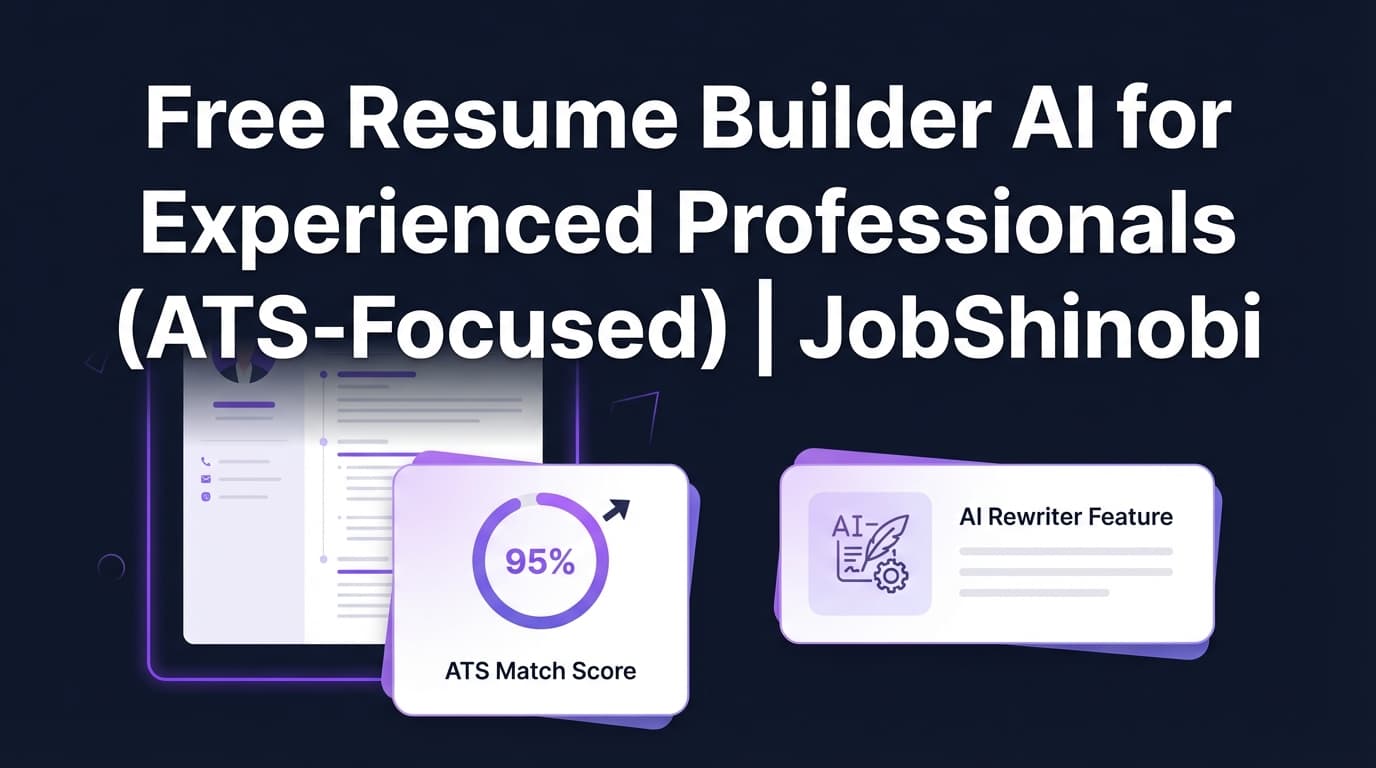
If you’re searching for a free resume builder AI for experienced professionals, you’re probably trying to do two things fast: (1) keep your resume clean and ATS-readable, and (2) tailor it to specific roles without spending hours rewriting bullet points.
JobShinobi is built for that exact workflow—using a LaTeX-based resume builder (precise structure, predictable formatting), an AI Resume Analysis scorecard, job description extraction + match scoring, and a streaming AI resume editor that can help rewrite and improve sections while keeping your resume consistent.
Pricing note (important): JobShinobi is a paid subscription product (Monthly $20.00, Yearly $199.99). This page targets “free” search intent transparently—so you can quickly decide whether a paid, ATS-focused workflow is worth it for your next role.
Why Choose JobShinobi for “Free Resume Builder AI for Experienced Professionals” Search Intent?
Most “free AI resume builders” are great until you hit one of these mid-career problems:
- You need more control over formatting (spacing, sections, density) as your experience grows.
- You’re applying to roles where small keyword gaps cost you interviews.
- You want a resume that is easy to tailor repeatedly—without breaking layout each time.
- You want to track what’s working across dozens of applications.
JobShinobi is designed around these realities with three core strengths:
- LaTeX-first resume building (templates + saved resumes + PDF preview)
- AI resume analysis with structured scoring and feedback you can act on
- Job matching (paste a job URL or description → extract keywords → get match score + recommendations)
Built for experienced professionals (mid-level to senior)
Experienced candidates don’t need “fill-in-the-blank” advice—they need:
- Bullet points that show impact and scope
- Clear career progression
- Strong keyword alignment without keyword stuffing
- A format that’s clean for ATS parsing and still readable for humans
JobShinobi supports that with resume scoring, keyword analysis, and an AI editor that works directly on your resume’s LaTeX source.
Benefit 1: LaTeX resumes that stay structured as your experience grows
JobShinobi’s Resume Builder is LaTeX-based, which is ideal when you’re dealing with:
- multiple roles
- multiple projects
- promotions
- leadership + technical detail
- dense skill sets
Instead of fighting spacing issues and formatting drift, you start from a template and maintain a consistent structure—then export a polished PDF.
What you can do in JobShinobi (resume builder):
- Start from a template library with categories
- Create and manage multiple saved resumes
- Edit resume content as LaTeX
- Generate a PDF preview via cloud compilation
- Download PDF and .tex exports
Benefit 2: AI Resume Analysis that breaks down ATS and keyword issues
JobShinobi includes an AI-powered Resume Analysis endpoint that can return:
- an overall score
- category scores (content, keywords, formatting, completeness, ATS)
- strengths, weaknesses, missing sections
- keyword analysis (present/missing/overused)
- ATS issues (as detected by the analysis output)
It also supports an enhanced analysis mode for deeper feedback (e.g., semantic keywords, impact analysis, career progression, action queue) when enabled.
Benefit 3: Job Description → keyword extraction → match score (then apply suggestions)
Experienced professionals often qualify—but lose to candidates whose resumes mirror the job language more closely.
With JobShinobi, you can:
- Paste a job posting URL or the full job description text
- Extract structured job details and keywords
- Run a resume-to-job match score with:
- present keywords
- missing keywords
- recommendations
- Click Apply Suggestions and jump back into the resume editor to implement changes
This turns tailoring from “rewrite everything” into a repeatable process.
How JobShinobi’s Resume Builder Works (Real Workflow)
Step 1: Start from a template (or open an existing resume)
Go to the Resume Builder and choose:
- Start from Template (template library)
- or My Resumes (your saved resumes)
This is built for people who maintain multiple resume versions (e.g., “Engineering Manager,” “Senior SWE,” “Data/ML,” “Program Manager”).
Step 2: Edit in the LaTeX editor (or use AI Agent mode)
In the editor, you can work in two ways:
- Code mode: edit the LaTeX directly
- AI mode: use the streaming AI chat to request changes like:
- “Make these bullets more quantified”
- “Rewrite this experience for a frontend role”
- “Summarize my impact in 3 bullets”
Under the hood, the AI workflow is designed to:
- fetch the current resume content first
- apply targeted edits (section edits or full updates when needed)
- run compilation checks to reduce formatting-breaking changes
Step 3: Compile to PDF preview (cloud compilation)
When you compile, JobShinobi calls a LaTeX compilation service and returns a PDF preview (as a base64 data URL). This is especially useful when you’re making repeated tailoring edits and want quick verification that everything still renders cleanly.
Step 4: Save versions (resume history you can revert)
Every time you save (and when AI chat produces saved versions), JobShinobi stores versions in resume_versions. That gives you a practical “version history” workflow—useful for experienced professionals who test different positioning for different job families.
Step 5: Analyze your resume (scores + feedback)
From the analysis experience, you can run Resume Analysis and get:
- score breakdown
- keyword findings
- ATS issues
- recommendations
If the resume hasn’t changed since the last analysis, JobShinobi can return cached results (so you’re not waiting on repeated identical analyses).
Step 6: Match your resume to a job description (URL or text)
In the Job Matching flow:
- paste a job URL or job description text
- extract job details + keywords
- run the match to get a score and keyword gaps
- use recommendations to guide your next edits
Key Features for “Free Resume Builder AI for Experienced Professionals” Use Case
| Feature | What It Does | Why It Matters for Experienced Pros |
|---|---|---|
| LaTeX Resume Builder | Create and edit resumes stored as LaTeX source | Keeps formatting stable as your resume gets longer and more complex |
| Template Library | Start from categorized templates stored in the database | Faster setup for multiple resume versions |
| PDF Preview (cloud compile) | Compile LaTeX and preview the PDF output | Confirm layout instantly after edits/tailoring |
| PDF + .tex download | Export your resume to PDF and download the LaTeX source | You keep portable outputs for applications and archiving |
| AI Resume Analysis (scoring) | Generates overall + category scores, strengths/weaknesses, ATS/keyword feedback | Quickly identify what’s holding your resume back |
| Enhanced Analysis mode | Optional deeper analysis output (e.g., semantic keywords, impact analysis) | Better insight for senior-level storytelling and positioning |
| Job Description Extraction | Paste URL or text to extract structured job details + keywords | Turns any job post into a tailoring checklist |
| Resume-to-Job Match Score | Match score with missing/present keywords + recommendations | Helps you close keyword gaps without guessing |
| Streaming AI Resume Editor | Chat-based editing workflow that updates LaTeX and checks compilation | Faster rewrites without breaking formatting |
| Resume Version History | Resume versions saved from manual and AI changes | Compare, revert, and maintain multiple targeted variants |
| Job Tracker (dashboard) | Track applications in a table UI with realtime updates | Helpful for high-volume applicants managing many roles |
| Export job tracker to Excel | Export applications to .xlsx |
Share with mentors/coaches or analyze offline |
| Analytics dashboard | Calculates response rate, offer rate, interview conversion + trends | Helps you spot whether resume changes are improving outcomes |
“Free Resume Builder AI for Experienced Professionals” vs. Typical Free Builders
A lot of “free” resume builders can be fine for early-career candidates. But experienced professionals run into common issues:
Where typical free builders often fall short
- Formatting drift when you keep editing and re-editing the same document
- A focus on “pretty templates” instead of predictable structure
- Weak tailoring support (generic bullet rewriting without job alignment)
- Limited transparency around keyword gaps and ATS issues
- Difficulty maintaining multiple resume variants cleanly
How JobShinobi is different (what it prioritizes)
- LaTeX-first structure: stable formatting under repeated edits
- Scoring + feedback: clear signals on ATS/keyword/formatting/completeness
- Job matching: extract keywords from a job URL/text and measure alignment
- Version history: create and keep separate tailored variants without losing your baseline
If your goal is “free,” JobShinobi may not match your budget—but if your goal is repeatable tailoring and ATS-focused quality, it’s built for that outcome.
How JobShinobi Helps Experienced Professionals Tailor Without Keyword Stuffing
Keyword stuffing is easy to detect (and often makes a resume harder to read). The better approach is:
- Identify missing keywords and themes from the job description
- Add them where they naturally belong:
- Skills
- Tools/stack
- Project context
- Bullet points that demonstrate applied experience
- Re-check keyword balance and ATS issues
JobShinobi supports this through:
- keyword analysis (present/missing/overused)
- job match scoring
- AI editing prompts (e.g., “add missing keywords naturally in Experience bullets”)
Use Cases (Examples) for Experienced Candidates
Use case: Mid-level → Senior promotion pivot
You have strong delivery experience, but the resume reads “task-based” instead of “outcome-based.”
JobShinobi workflow:
- Run Resume Analysis → identify weak bullet patterns
- Use AI chat prompts like:
- “Make these bullets more quantified”
- “Rewrite to emphasize scope, ownership, and business impact”
- Re-compile PDF preview to confirm clean formatting
- Save versions to compare “before/after” positioning
Use case: Switching domains (e.g., backend → platform, IC → EM, marketing → growth)
Your experience is relevant, but the job language is different.
JobShinobi workflow:
- Paste job description URL/text → extract keywords
- Run Job Match → see missing keywords + recommendations
- Apply Suggestions → update resume to reflect role language while staying truthful
- Keep multiple resume variants (one per target role family)
Use case: High-volume applicant who wants to track outcomes
If you’re applying broadly and iterating, you need feedback loops.
JobShinobi includes:
- a Job Tracker with realtime updates
- an Analytics dashboard (response rate, offer rate, interview conversion, trends)
- export to Excel (.xlsx) for your own analysis
How JobShinobi’s AI Resume Editor Works (Streaming Agent)
JobShinobi includes a streaming AI endpoint for resume editing. Practically, this means:
- you ask for changes in chat
- the assistant responds in a streaming format
- it can update LaTeX and run compilation checks as part of the workflow
The editor supports model selection via JobShinobi’s tiered model names:
- Shinobi Swift
- Shinobi Turbo
- Shinobi Pro
This is useful when you want speed for quick tweaks or higher depth for larger rewrites.
Pricing
JobShinobi offers paid subscriptions via Stripe:
- Monthly: $20.00
- Yearly: $199.99
For the highest-intent next step:
- Create an account: /login
- If prompted for access to subscription features, see: /subscription
Note: Some job tracking automation (such as inbound email processing for application updates) is explicitly gated to Pro membership.
Frequently Asked Questions
Is JobShinobi a free resume builder AI for experienced professionals?
No. JobShinobi is a paid subscription product (Monthly $20.00, Yearly $199.99). This page is designed to help you evaluate it honestly if you searched for a free AI resume builder and want an ATS-focused alternative built for experienced candidates.
What makes JobShinobi better for experienced professionals than a typical resume builder?
Experienced resumes tend to be denser and more complex. JobShinobi uses a LaTeX-based resume workflow with:
- stable formatting
- PDF preview via compilation
- AI analysis (ATS + keywords + structure)
- job description matching and keyword gap recommendations
- version history for multiple tailored variants
Can I tailor my resume to a specific job description?
Yes. You can paste a job posting URL or job description text, extract job details and keywords, and run a match score that highlights missing/present keywords and recommendations.
Does JobShinobi export my resume to PDF?
Yes. The editor supports PDF export (via LaTeX compilation) and also lets you download the .tex source.
Does JobShinobi parse my existing resume PDF or do OCR?
No evidence of PDF/image OCR resume parsing is supported. JobShinobi’s resume workflow is built around editing and analyzing LaTeX source.
Does JobShinobi auto-apply to jobs or integrate with job boards?
No. There’s no supported “auto-apply” feature or job board integration.
Can I track job applications in JobShinobi?
Yes. JobShinobi includes a Job Tracker dashboard where you can track applications and export them to Excel (.xlsx). It also supports realtime updates in the tracker.
Does JobShinobi sync to Google Sheets?
No evidence of a direct Google Sheets integration. Export is supported via Excel (.xlsx).
Get Started with JobShinobi Today
If you’re an experienced professional who’s tired of:
- rewriting the same resume repeatedly,
- losing formatting control,
- guessing which keywords matter most,
JobShinobi gives you a clean, repeatable workflow:
- Start from a template
- Edit in LaTeX (manual or AI chat)
- Compile and preview the PDF
- Analyze for ATS/keyword gaps
- Match to a job description and tailor confidently
Next steps
- Sign in to start building: /login
- Go straight to Resume Builder (after login): /dashboard/resume
- Track applications and outcomes: /dashboard/job-tracker and /dashboard/analytics


