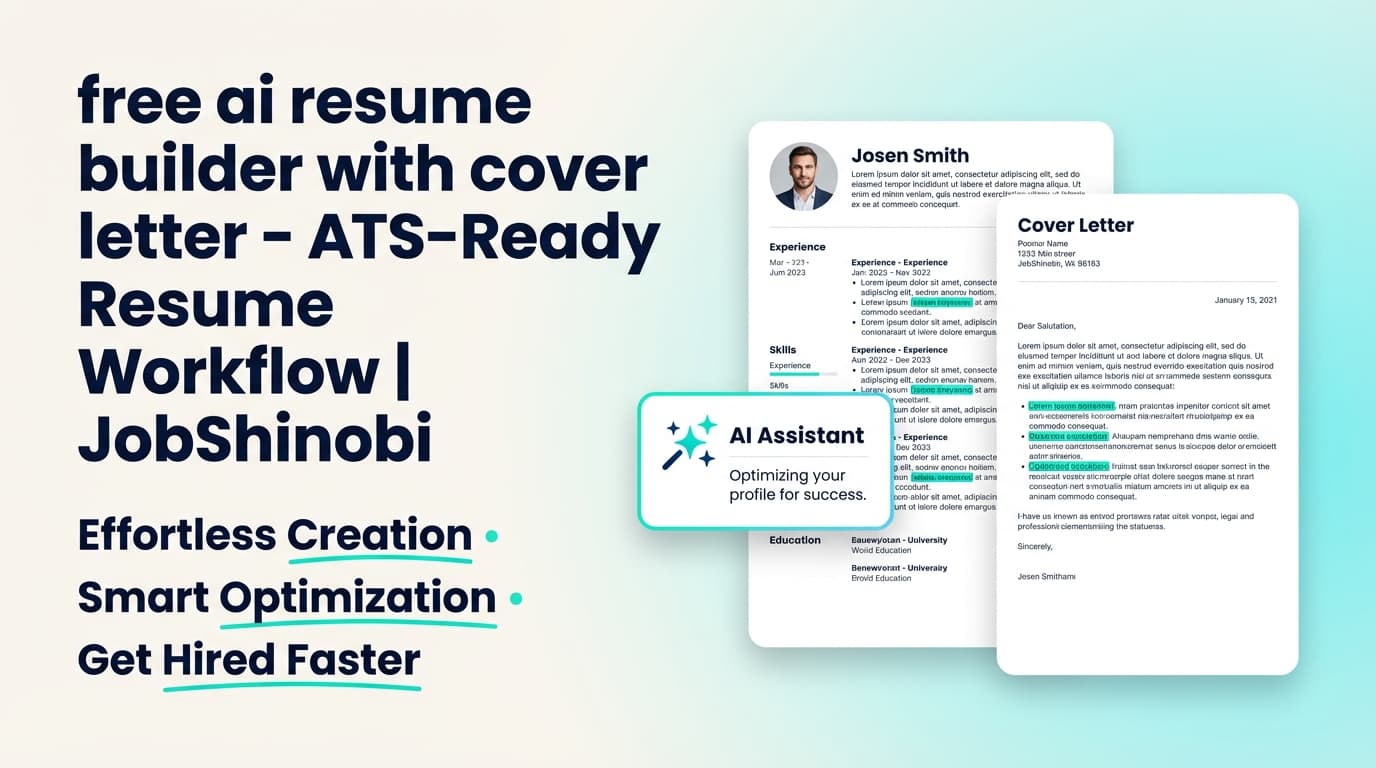
If you’re searching for a free AI resume builder with cover letter, you’re probably trying to do two things under pressure:
- get an ATS-friendly resume that actually matches the job, and
- send a cover letter that doesn’t read like generic AI.
JobShinobi is not a free product, and JobShinobi does not include an in-app cover letter builder/generator.
What JobShinobi does include is a resume workflow that makes cover letters dramatically easier to write: a LaTeX-based resume builder, AI resume analysis, job description extraction, and resume-to-job match analysis—plus a job tracker so you can stay organized during high-volume applications.
Next step: Sign in with Google and start building your resume in JobShinobi.
Why Choose JobShinobi for “free ai resume builder with cover letter” Intent?
People don’t really want “a tool that outputs a cover letter.” They want more interviews. The fastest path to that is:
- a resume that parses cleanly,
- a resume that matches the job’s keywords and requirements,
- and a cover letter that references real, specific overlap (not fluff).
JobShinobi is designed around that loop.
What JobShinobi can do (verified features)
- Create and manage resumes stored as LaTeX (
latex_source) - Use a template library to start quickly
- Edit your resume with a LaTeX editor + PDF preview (compile to preview)
- Run AI resume analysis, including an enhanced analysis mode
- Paste a job URL or job text to extract job details
- Run resume-to-job matching (match score + missing/present keywords)
- Use an AI Resume Agent (streaming) to iterate and improve content while preserving formatting checks
- Track applications in a Job Tracker with realtime updates
- Export your job tracker to Excel (.xlsx)
- (Pro) Forward application emails to a unique address to auto-create/update job tracker entries
What JobShinobi does not do (important)
- It does not generate cover letters inside the product
- It does not provide “auto-apply” to job boards
- It does not support OCR/image-based resume parsing
If you need a tool that is both free and includes a cover letter generator inside the same app, JobShinobi won’t match that exact requirement. If you want a resume workflow that is built for ATS readability + job alignment, JobShinobi is built for that.
The Problem With Most “Free AI Resume + Cover Letter” Tools
From the search results for this query, most pages ranking are either:
- cover letter generators, or
- “free” resume builders that upsell downloads/exports, or
- platforms where cover letter generation is an account/subscription feature.
Common issues job seekers report with this category:
-
You can generate text, but you can’t validate alignment.
A “cover letter” is easy to produce; job-specific credibility is hard. -
Formatting drift breaks ATS readability.
Resume formatting often breaks when you copy/paste edits between tools. -
No job-specific feedback loop.
You’re guessing what keywords are missing and what to rewrite.
JobShinobi’s approach is to give you a repeatable system:
- build the resume in a structured format (LaTeX)
- analyze + match against the job
- iterate quickly via AI + versioning
- then draft the cover letter using the same job-specific inputs
How JobShinobi’s Resume + Job Match Workflow Works
Step 1: Sign in and open the Resume dashboard
JobShinobi uses Google OAuth for sign-in.
- Go to: Login
- Then open: My Resumes
Step 2: Start from a LaTeX resume template
Choose a template from the library, then generate a resume you can edit and save.
You’re working with LaTeX source, which helps keep structure consistent across changes.
Step 3: Edit with LaTeX + compile to a PDF preview
In the editor, you can:
- edit the LaTeX directly
- compile and preview the PDF
- download the PDF
- download the
.texsource
This is useful for job seekers who want consistent formatting while iterating quickly.
Step 4: Run AI resume analysis (with caching)
JobShinobi includes an analysis endpoint that can:
- score multiple aspects of your resume
- return structured feedback
- reuse cached results when the resume hasn’t changed
You can also enable enhanced analysis mode when you want deeper feedback.
Step 5: Extract a job description and run a resume-to-job match
Paste a job URL or job text. JobShinobi can:
- extract structured job details
- analyze your resume against that job
- calculate match score and keyword coverage (missing vs present keywords)
- store results for reference
Step 6 (Outside JobShinobi): Write the cover letter using the same job-match outputs
JobShinobi does not generate the cover letter for you, but it gives you the high-leverage pieces that make a cover letter feel tailored:
- the role’s real requirements
- keywords you’re missing (and should address)
- your strongest aligned experience (after you tailor the resume)
Key Features for “Resume + Cover Letter” Outcomes (Without Pretending to Be a Cover Letter Generator)
| Feature | What It Does | Why It Matters for Cover Letters |
|---|---|---|
| LaTeX Resume Builder | Saves and edits resumes as LaTeX source | Stable formatting while you iterate and tailor |
| Template Library | Start from a proven structure | Faster setup, less time fighting layout |
| PDF Preview via Compilation | Compile LaTeX and preview PDF | Confidence your final output looks correct |
| AI Resume Analysis (Comprehensive + Enhanced Mode) | Structured scoring and feedback | Improves resume quality so your cover letter has stronger “evidence” |
| Job Description Extraction | Extract job details from URL or text | Converts job posts into usable inputs |
| Resume-to-Job Match | Match score + missing/present keywords | Tells you what to mention (and what to fix) |
| AI Resume Agent (Streaming) | Chat-based editing with compile checks | Faster iterations without breaking LaTeX |
| Resume Version History | Stores versions as you save/iterate | Revert safely when experimenting |
| Job Tracker (Realtime) | Track applications with live updates | Keeps job search organized |
| Excel Export (.xlsx) | Export applications data | Analyze patterns or share with a coach |
| (Pro) Email Forwarding Auto-Tracking | Forward application emails to a unique address | Reduces manual tracking workload |
“free ai resume builder with cover letter” vs. JobShinobi (Honest Comparison)
If you truly need “free + cover letter generator”
A free cover letter generator may be the right short-term fit if you:
- want a quick first draft
- don’t care about long-term iteration
- don’t need job-match analytics
But “free” tools often optimize for output, not outcomes.
If you want better interview odds
JobShinobi is built around:
- resume structure that stays consistent while you iterate (LaTeX workflow)
- analysis + job matching so you know what to change
- job tracking so you don’t lose momentum across dozens of applications
And even though JobShinobi doesn’t generate cover letters inside the app, it gives you the hardest part of cover letter writing: job-specific substance.
How to Write a Strong Cover Letter Using JobShinobi Outputs (Practical Template)
Use your JobShinobi job extraction + match analysis to fill this in:
Cover Letter Structure (4 short parts)
1) Opening (2–3 sentences)
- Name the role
- Mention 1–2 keywords/requirements from the job post
- State your “why you” connection (not generic enthusiasm)
2) Proof paragraph (3–5 sentences)
- Pick 1–2 resume bullets you refined in JobShinobi
- Tie each bullet directly to a job requirement
- Add numbers when possible (impact > responsibilities)
3) Fit + motivation (2–3 sentences)
- Reference something real about the company/team/role
- Connect it to your past work (keep it specific)
4) Close (1–2 sentences)
- Thank them and suggest next step (interview / conversation)
What to pull from JobShinobi
- From Job Description Extraction: requirements + keywords
- From Resume-to-Job Match: missing keywords to address, present keywords to reinforce
- From AI Resume Analysis: clarity issues to fix before applying
Pricing
JobShinobi offers paid subscriptions via Stripe:
- Monthly: $20.00
- Yearly: $199.99
Important: JobShinobi’s /subscription page currently contains a placeholder Stripe link, so the reliable path is to start from the product and use the live Stripe payment links when available in the pricing UI.
Start here: Login
Frequently Asked Questions
Is JobShinobi a free AI resume builder with cover letter?
No. JobShinobi is not free, and it does not include an in-app cover letter builder/generator. It is a paid resume and job-search workflow product focused on resume creation (LaTeX), AI analysis, job matching, and job tracking.
Can JobShinobi generate a cover letter from my resume?
Not inside the product. JobShinobi can help you tailor the resume and generate job-match insights (keywords, requirements, gaps) so you can write a cover letter faster using those outputs.
Is there a completely free AI resume builder?
Some tools advertise free resume building, but “free” often means limited exports/downloads or feature gating. If your requirement is “completely free,” confirm what’s included before investing time. JobShinobi is a paid product.
Can AI write me a cover letter based on my resume?
Yes—many tools and general-purpose AI models can generate drafts. The bigger challenge is making the cover letter job-specific and believable. A good workflow is: tailor resume to job first (keywords + evidence), then draft the cover letter from that.
Can JobShinobi help with ATS?
JobShinobi includes AI resume analysis with ATS-oriented feedback signals and a resume-to-job match workflow (match score + keyword coverage). It also uses a structured LaTeX resume workflow with PDF preview to help keep formatting consistent while you iterate.
Can I tailor my resume to a job description in JobShinobi?
Yes. You can paste a job URL or job text, extract job details, then run resume-to-job matching to see keyword gaps and recommendations.
Does JobShinobi track job applications?
Yes. JobShinobi includes a Job Tracker with realtime updates and Excel (.xlsx) export. Pro users can also forward application emails to a unique address to auto-create/update tracker entries.
Does JobShinobi auto-apply to LinkedIn/Indeed?
No. JobShinobi does not provide job-board auto-apply integrations.
Get Started with JobShinobi Today
If your real goal behind “free ai resume builder with cover letter” is getting more interviews, the highest-leverage move is to:
- build a resume that stays structurally clean while you edit,
- match it to the job so you know exactly what to change, and
- write a short, specific cover letter using those same job insights.
Start now: Sign in
Go to your resumes: /dashboard/resume
Track applications: /dashboard/job-tracker
Manage settings (including email forwarding): /dashboard/settings