If you’re Googling “free ai resume builder pdf download”, you’re probably trying to avoid two common problems:
- Spending an hour building a resume… only to hit a PDF download paywall at the end
- Downloading a PDF that looks fine but doesn’t parse cleanly in an ATS
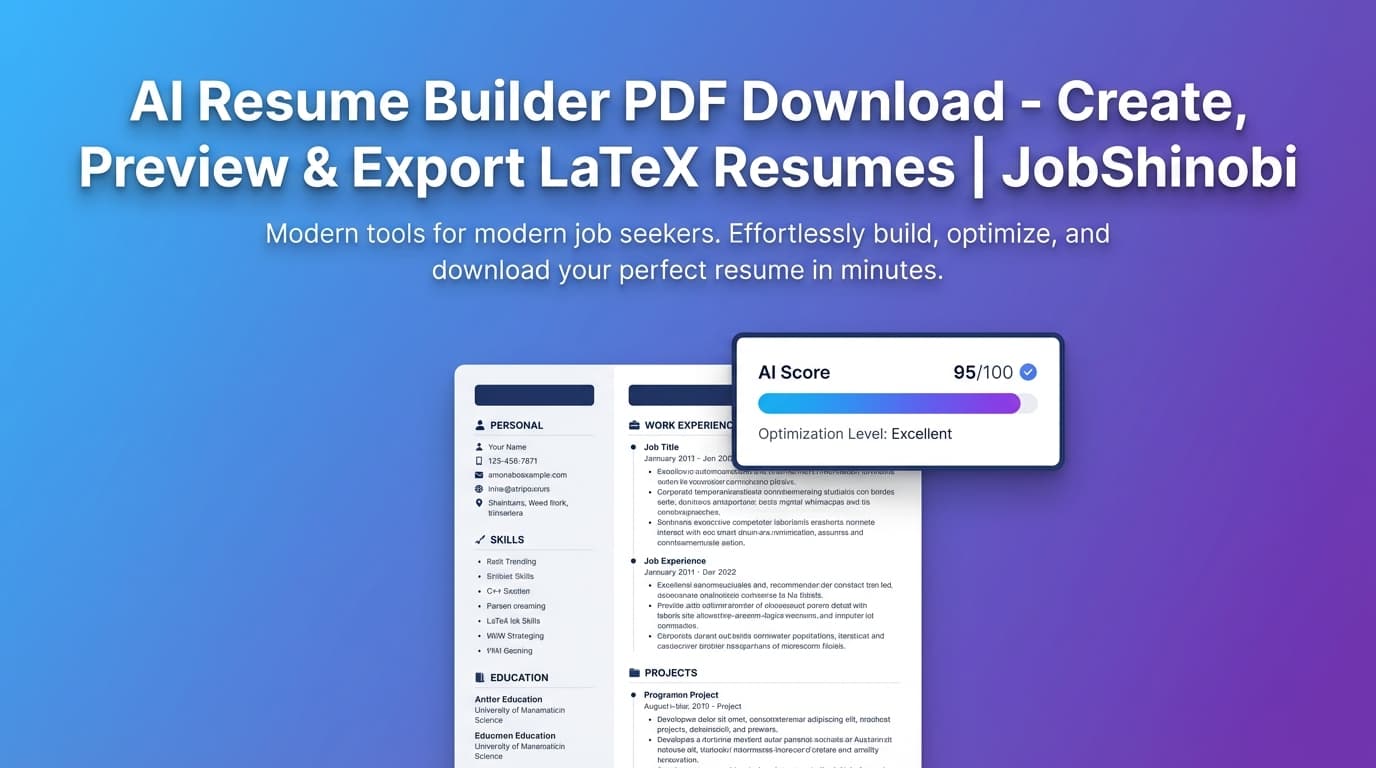
JobShinobi is built around a LaTeX-based resume workflow (structured, consistent formatting) with AI-powered editing and analysis, so you can preview your resume as a PDF and download it when you’re ready.
Important pricing note: JobShinobi is a paid subscription (Monthly $20.00 or Yearly $199.99). This page targets the “free” query because that’s what people search—but we won’t pretend JobShinobi is free.
Primary outcome: a clean, ATS-friendly, text-based PDF resume generated from your LaTeX source—plus the option to download the .tex file too.
Why Choose JobShinobi for “PDF Download Resume Builder” Intent?
Most “free resume builder PDF download” searches are really about control:
- control over formatting
- control over exports
- control over whether your resume breaks when you edit it
- control over ATS-readability
JobShinobi is different because the resume is not a drag-and-drop canvas. It’s a LaTeX document behind the scenes, with:
- a template library (start fast)
- a resume editor (edit manually or with AI)
- PDF compilation + preview
- download PDF + download .tex
- resume analysis (with cached results when your resume hasn’t changed)
- job matching + keyword gap against a job description
What you get that matters for PDF downloads
A PDF isn’t just a file type—it’s the final artifact recruiters and ATS systems see. JobShinobi’s workflow is built around generating that artifact reliably:
- LaTeX → PDF preview so you can see exactly what you’re sending
- Download PDF from the editor (no copy/paste to another tool)
- Download .tex if you want full portability and long-term ownership of your resume source
The “Free AI Resume Builder PDF Download” Reality Check (So You Don’t Waste Time)
A lot of tools rank for “free” because they let you start for free—but the moment you need a clean PDF export, you discover limitations (watermarks, paywalls, restricted templates, or export-only-to-TXT).
If your main goal is a resume you can submit today, the practical checklist is:
- Can I download a standard PDF?
- Does the PDF contain selectable text (not an image)?
- Is the layout stable when I edit?
- Can I quickly tailor it to a job description without rewriting everything?
JobShinobi is built to cover that checklist end-to-end—while being transparent that it’s a paid product.
How JobShinobi’s Resume Builder Works (Real Workflow)
Step 1: Sign in and open the Resume Builder
- Sign in via Google on the login page: /login
- Go to your Resume Builder dashboard: /dashboard/resume
Step 2: Start from a LaTeX resume template
Inside Resume Builder, you can:
- browse templates pulled from the templates library
- click Use Template to open it in the editor
This creates a real resume draft backed by LaTeX source (not a fragile drag-and-drop layout).
Step 3: Edit in the LaTeX editor (manual or AI-assisted)
In the resume editor, you can:
- edit the LaTeX directly in code mode
- use the AI chat to request changes (e.g., rewrite bullets, improve impact, tailor for a role)
The AI experience is built as a streaming assistant, so changes and responses come through progressively.
Step 4: Compile and preview your resume as a PDF
JobShinobi compiles your LaTeX and generates a PDF preview so you can confirm:
- layout
- spacing
- headings/sections
- consistency across pages
Step 5: Download your resume
When you’re ready, you can export:
- Download PDF (resume.pdf)
- Download .tex (resume.tex)
This is the simplest path from “builder” → “PDF I can submit”.
Key Features for “AI Resume Builder + PDF Download”
| Feature | What It Does | Why It Matters |
|---|---|---|
| LaTeX-based resume builder | Stores your resume as LaTeX source and compiles to PDF | Stable formatting and predictable structure |
| Template library | Start from a template (with categories) | Faster setup; consistent layout |
| PDF preview (compiled) | Generates a PDF preview from your LaTeX | See exactly what you’ll submit |
| Download PDF | Downloads the compiled PDF from the editor | Submit-ready output |
Download .tex |
Exports your LaTeX source | Portability and long-term ownership |
| AI Resume Editor (streaming) | Chat-based edits to your resume content | Faster rewriting, tailoring, and iteration |
| Resume Analysis (Comprehensive + Enhanced modes) | Scores and feedback; can return cached results if unchanged | Repeatable QA without re-running every time |
| Job matching + keyword gap | Compare resume vs job description and store match analysis | Improves relevance per application |
| Resume version history | Saves versions so you can revert | Safer experimentation when tailoring |
Why LaTeX Helps When Your End Goal Is a PDF Download
When someone searches “free ai resume builder pdf download,” they often care about PDF because:
- recruiters ask for PDF
- PDFs preserve formatting across devices
- PDFs are easy to upload
But not all PDFs behave the same in an ATS. A clean, text-based PDF is usually preferable to a PDF that’s effectively an image or a layout that confuses parsing.
LaTeX is designed for structured documents. In practice, that means:
- headings and sections are consistent
- spacing and alignment don’t “randomly shift” as you edit
- you generate a polished, professional PDF output
JobShinobi’s editor is designed around that: write/edit LaTeX → compile → preview → download.
Use AI Without Losing Control of the Document
A common frustration with resume “AI generators” is that they produce text, but you still have to:
- reformat everything,
- paste it into a template,
- or fight a design-heavy editor.
JobShinobi’s approach is different: the AI operates inside a resume workflow that already has structure.
What you can ask the AI to do (practical examples)
- “Make these bullets more quantified.”
- “Tailor this resume for a frontend role.”
- “Rewrite my summary to match this job description.”
- “Strengthen action verbs in my Experience section.”
And because JobShinobi supports resume versions, you can iterate without fear of losing a working draft.
Resume Analysis: Fix Issues Before You Download the PDF
JobShinobi includes a dedicated resume analysis endpoint with two modes:
- Comprehensive analysis
- Enhanced analysis (enabled via an
enhancedModeflag)
Analysis results can be saved (and cached when the resume hasn’t changed), so you can:
- analyze,
- apply improvements,
- re-check without wasting time.
What the analysis can cover (high-signal areas)
- overall scoring and sub-scores (content, keywords, formatting, completeness, ATS)
- strengths and weaknesses lists
- missing keywords / present keywords / overused keywords
- ATS issues and structured breakdowns (stored for later reference)
If your goal is “download a PDF resume,” this step is how you avoid downloading a PDF that looks good but underperforms.
JobShinobi’s PDF Resume Download + Tailoring Workflow (Step-by-Step)
Step 1: Build your base resume once
- Choose a template
- Fill out Experience/Education/Projects/Skills
- Compile and preview PDF
Step 2: Paste a job description (or URL) for matching
JobShinobi supports job-description extraction and job matching so you can:
- identify missing keywords
- get a match score
- generate suggestions to tailor
Step 3: Apply changes in the editor (with AI help)
Use the AI editor to implement the recommendations faster:
- rewrite bullets
- adjust skills wording
- update summary positioning
- tighten the narrative for the role
Step 4: Recompile and download the final PDF
This is the final mile: compile → preview → download PDF.
free ai resume builder pdf download vs. “Typical Free Resume Builder” (What Usually Breaks)
This is a general comparison based on what consistently shows up in search results and user discussions around “free resume builder PDF download”:
Typical free resume builder approach
- Designed for fast onboarding
- Often optimized for “create” more than “export”
- PDF download may be restricted, watermarked, or delayed until checkout
- Formatting can be design-heavy (which can hurt parsing)
JobShinobi approach
- Resume is stored as LaTeX source (structure-first)
- PDF export is a core part of the workflow (compile + preview)
- You can also export .tex for portability
- Built-in analysis + job matching helps you tailor before downloading
Bottom line: If you need a resume PDF you can confidently submit—and you want AI help without losing document control—JobShinobi is built for that.
Bonus: Track Applications After You Download the Resume (Optional, but Valuable)
Once you’ve built and downloaded your resume, the next bottleneck is usually tracking applications. JobShinobi includes a Job Tracker:
- track applications in a dashboard
- real-time updates via Supabase Realtime
- export job applications to Excel (.xlsx)
There’s also an advanced automation feature:
- email forwarding → automatic job application tracking
- parses inbound job emails and updates your tracker
- requires Pro membership for processing
If you want one system for resume + applying + tracking, this is where JobShinobi becomes more than a resume builder.
Pricing
JobShinobi is a paid subscription via Stripe payment links:
- Monthly: $20.00
- Yearly: $199.99
If you’re comparing tools purely on “free PDF download,” JobShinobi may not be your pick. But if you want a repeatable workflow—build once, tailor often, download clean PDFs repeatedly, track your applications—JobShinobi is designed for the full job-search loop.
Frequently Asked Questions
Is JobShinobi a free AI resume builder with PDF download?
No. JobShinobi is a paid subscription (Monthly $20.00 / Yearly $199.99). This page targets the “free ai resume builder pdf download” keyword because that’s how people search, but we won’t misrepresent pricing.
Can I download my resume as a PDF from JobShinobi?
Yes. The resume editor compiles your LaTeX resume to a PDF and provides a download PDF action.
Can I download the source file too?
Yes. You can also download your resume as a .tex file (LaTeX source).
Do I need to know LaTeX to use JobShinobi?
You’ll be working with LaTeX-based templates, but you don’t have to be a LaTeX expert to get value. You can:
- start from templates,
- make straightforward edits,
- and use the AI chat editor to help rewrite sections and bullets.
Can ATS systems read a PDF resume?
Many ATS systems can parse PDFs, especially when the PDF contains selectable text (not a scanned image). JobShinobi generates a standard PDF from LaTeX, which is designed for structured documents.
Can ChatGPT build a resume instead?
ChatGPT can help generate resume content, but it won’t automatically give you:
- a stable template system,
- consistent PDF compilation/preview,
- version history,
- analysis and keyword gap tracking against a job description.
JobShinobi combines AI assistance with a resume workflow built around export-ready PDFs.
Does JobShinobi help tailor my resume to a job description?
Yes. JobShinobi supports resume-to-job matching and can identify missing/present keywords and store match analysis, so you can tailor before exporting the final PDF.
Get Started with JobShinobi Today
If your real goal behind “free ai resume builder pdf download” is: “I need a clean, ATS-friendly PDF resume I can submit—and I want AI help without formatting chaos,” JobShinobi is built for that workflow.
- Sign in: /login
- Build from templates: /dashboard/resume
- Edit + preview + download PDF from the resume editor
- Optional: analyze and tailor to each job description before you submit