Remote job searches are messy by default: you apply across dozens of company sites and remote boards, you get buried in confirmation emails, and your resume changes slightly for every role. JobShinobi is an ATS resume tracker for remote job search that brings those workflows together:
- Track job applications in a dashboard (with realtime updates)
- Automatically log applications from forwarded emails (Pro membership required for email parsing/processing)
- Export your job tracker to Excel (.xlsx) for offline review
- Analyze your resume for ATS and keyword fit and match it to a job description (URL or pasted text)
- Edit your resume in a LaTeX-based editor with PDF preview and version history
Sign in with Google to start tracking your remote job search.
Why JobShinobi Works Better for Remote Job Search (Where “One Platform” Doesn’t Exist)
Remote job seekers rarely apply in one place. A “remote job pipeline” might include:
- a remote job board
- a company careers page
- a referral link
- a recruiter email thread
- an ATS portal (Workday/Greenhouse/etc.)
That fragmentation is the real problem. JobShinobi is designed around a workflow that still works when your applications are spread out: email-based tracking + a single tracker dashboard + ATS resume optimization tools.
Built for high-volume remote applying (without spreadsheet fatigue)
JobShinobi’s job tracker supports:
- viewing all applications in one table
- adding/editing/deleting applications
- updating status as your search progresses (e.g., Applied, Interview, Offer, Rejected)
And because the tracker supports realtime updates, your dashboard stays current as records change.
Turn confirmation emails into structured tracker entries (Pro)
Remote job applying generates an inbox full of signals:
- “Thanks for applying…”
- “We’d like to schedule an interview…”
- “We’re moving forward with other candidates…”
JobShinobi lets you forward those emails to your unique forwarding address, then uses AI to extract structured details (e.g., company, job title, status) and create/update your tracker automatically.
Important: Email parsing/processing requires Pro membership.
ATS resume analysis + job matching (so you apply smarter, not just more)
A tracker alone won’t fix a low response rate. JobShinobi includes an ATS-oriented resume workflow:
- Resume analysis (including ATS/keyword/formatting/completeness scoring with detailed feedback)
- Job description extraction (from a job URL or pasted text)
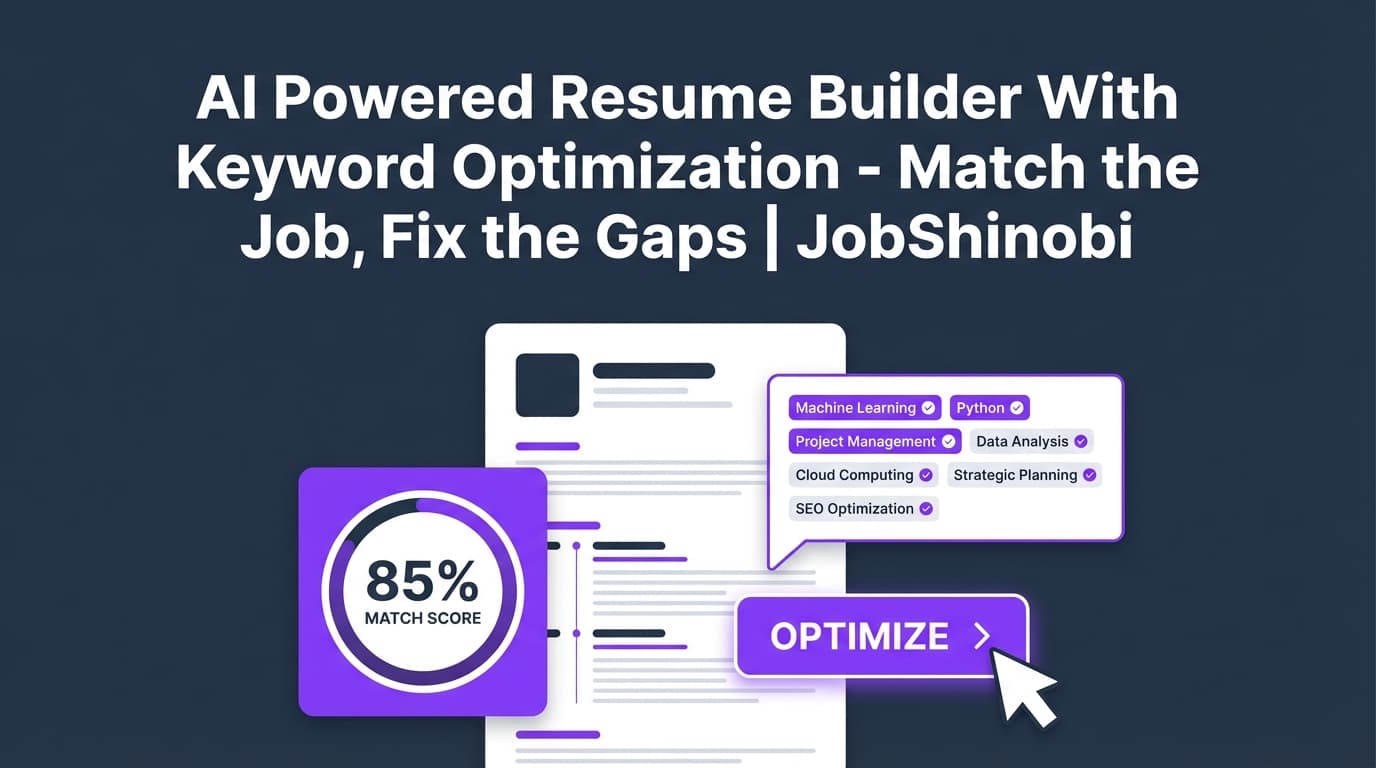
- Resume-to-job matching (match score + present/missing keywords saved to your account)
So instead of guessing why remote applications aren’t converting, you can systematically improve alignment role by role.
How JobShinobi’s ATS Resume Tracker for Remote Job Search Works
Step 1: Sign in and open your dashboard
Start here: /login
Once you’re signed in, you can access:
- Job Tracker
- Resume tools (templates, editor, analysis)
- Analytics (response rate, offer rate, interview conversion, trends)
Step 2: Choose how you want to track applications
You can track in two ways:
Option A — Manual tracking (fast and simple):
- Add a job title, company, and status
- Edit and update as you go
Option B — Automatic tracking from emails (Pro):
- Forward job-related emails to your unique forwarding address
- JobShinobi parses the message content and extracts job details
- Your tracker is created/updated automatically
Step 3: Forward job emails to your unique forwarding address (Pro)
In settings, you’ll find a unique forwarding email address (formatted like [email protected]).
Forward emails like:
- application confirmations
- interview scheduling messages
- offers / rejections
JobShinobi’s email workflow is designed to avoid tracker clutter by attempting fuzzy matching (company/title similarity) to update an existing application when it’s likely the same role.
Step 4: Review and manage applications in the Job Tracker
Open your tracker here: /dashboard/job-tracker
In the dashboard you can:
- view your applications sorted by date
- update statuses (e.g., Applied → Interview → Offer)
- delete duplicates
- export your data to Excel
Step 5: Export to Excel (.xlsx) when you need a snapshot
When you want to:
- audit your pipeline
- share with a coach/mentor
- run your own filters/pivots offline
…export the tracker to an .xlsx file.
Step 6: Improve ATS fit for remote roles with resume analysis + job matching
For the applications that matter most, switch from “tracking” to “optimizing”:
- Open your resume workspace: /dashboard/resume
- Run Resume Analysis (includes cached results if your resume hasn’t changed since the last analysis)
- Paste a job description or provide a job URL for job detail extraction
- Run resume-to-job matching to see match score and keyword gaps
- Apply suggestions by jumping back to the resume editor
Key Features (Mapped to Remote Job Search + ATS Outcomes)
| Feature | What It Does | Why It Matters for Remote Job Search |
|---|---|---|
| Job Application Tracker | Track job title, company, and status in a dashboard | Centralizes applications from many remote sources |
| Realtime updates | Updates tracker data live as it changes | Keeps your pipeline accurate without constant refresh |
| Email forwarding + AI parsing (Pro) | Forward job emails to your unique address to auto-create/update tracker entries | Reduces manual entry when applying across many platforms |
| Fuzzy match updating | Attempts to match new emails to existing applications by company/title similarity | Helps prevent duplicates and keeps threads connected |
| Excel export (.xlsx) | Export tracker table to a spreadsheet file | Makes reporting, backup, and offline review easy |
| LaTeX resume templates | Start from a template catalog and save resumes | Structured formatting that’s easy to edit and maintain |
| LaTeX editor + PDF preview | Edit LaTeX and compile to a PDF preview | Validate layout changes quickly before applying |
| Resume analysis (AI) | Provides ATS/keyword/formatting/completeness scores + detailed feedback | Helps you diagnose why you’re not getting callbacks |
| Enhanced analysis mode | Optional deeper analysis mode (when enabled) | More depth when you’re optimizing a priority role |
| Job description extraction | Extract job details from a URL or pasted text | Faster setup for matching (especially for remote boards) |
| Resume-to-job matching | Match score + present/missing keywords saved to your account | Makes tailoring more systematic and measurable |
| Resume version history | Saves resume versions so you can revert changes | Tailor aggressively without losing a stable baseline |
Remote Job Search Tracking: JobShinobi vs Common Alternatives
JobShinobi vs a spreadsheet
Spreadsheet strengths: flexible, familiar.
Spreadsheet weaknesses (for remote searches): manual entry, messy updates, hard to keep consistent, easy to forget which applications need attention.
JobShinobi advantage: your tracker lives in an app with realtime updates, Excel export, and (with Pro) email-based auto-tracking to cut down on manual upkeep.
JobShinobi vs browser-extension trackers
Many job trackers rely heavily on a browser extension to save jobs “as you apply.”
JobShinobi advantage: it can capture applications via email forwarding, which works regardless of where you applied—as long as you receive an email confirmation or update.
JobShinobi vs “ATS score only” tools
Some tools focus purely on resume scoring without solving the operational side of job searching.
JobShinobi advantage: you can pair resume analysis + job matching with a job tracker so optimization and execution live in one workflow.
Pricing
JobShinobi offers paid subscriptions via Stripe payment links:
- Monthly: $20.00
Subscribe: https://buy.stripe.com/7sYeV61P10GS310eTy0VO02 - Yearly: $199.99
Subscribe: https://buy.stripe.com/6oU9AM0KXexIdFE5iY0VO03
Note: Automatic email parsing/processing for job tracking requires Pro membership.
You can also visit: /subscription
Frequently Asked Questions
Is JobShinobi an ATS or an applicant tracking system?
JobShinobi is built for job seekers, not employers. It’s an ATS resume tracker for remote job search in the sense that it helps you:
- track your applications
- analyze ATS/keyword fit on your resume
- match your resume to a job description
It’s not an employer-side ATS for managing candidates.
Can JobShinobi automatically track my remote job applications?
Yes—if you’re a Pro member. You can forward job-related emails to your unique forwarding address, and JobShinobi will parse the email to create/update job applications in your tracker.
What details can JobShinobi extract from forwarded emails?
The email parser is designed to extract:
- company
- job title
- application status (Applied / Interview / Offer / Rejected / Other)
- optional fields when present (location, salary, job URL, additional info)
Does JobShinobi auto-apply to jobs for me?
No. JobShinobi does not provide auto-apply or job board integrations to submit applications on your behalf.
Can I compare my resume to a specific remote job description?
Yes. You can paste a job description or provide a job URL for extraction, then run resume-to-job matching to get match score insights and keyword gaps.
Can I export my applications to Excel?
Yes. JobShinobi supports exporting your job tracker to an Excel (.xlsx) file.
Do I need to upload a PDF of my resume?
JobShinobi’s resume workflow is LaTeX-based (templates + editor + PDF preview compilation). It analyzes the resume content from your stored LaTeX source.
Get Started with JobShinobi Today
If you’re serious about remote job search outcomes, you need two things working together:
- a reliable application tracker
- an ATS-focused resume workflow you can repeat for every role
JobShinobi gives you both—so you spend less time maintaining a spreadsheet and more time improving conversion.
- Start tracking: /dashboard/job-tracker
- Build and optimize your resume: /dashboard/resume
- See your job search analytics: /dashboard/analytics
Next step: /login