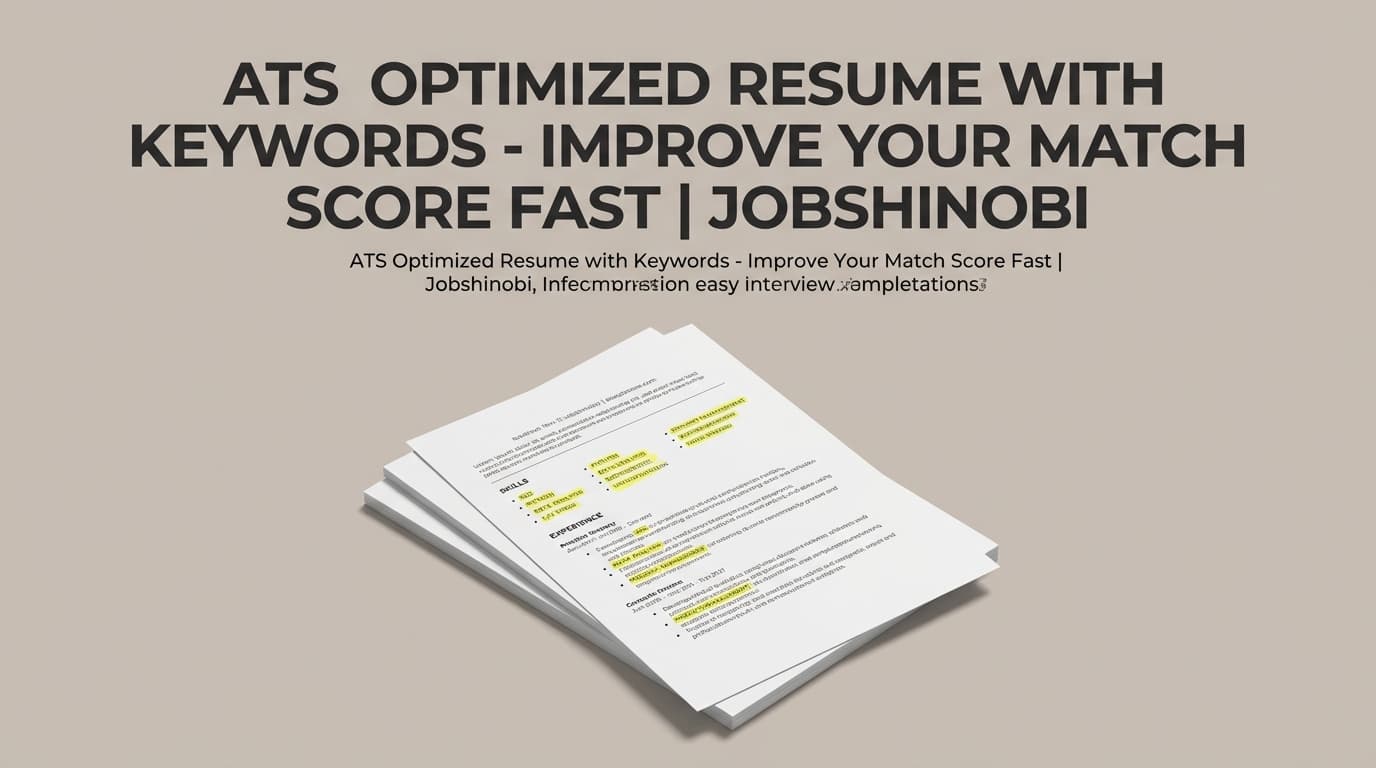
An ATS optimized resume with keywords is a resume that (1) uses the same language employers use in their job postings and (2) stays clean enough for ATS systems to parse reliably.
JobShinobi helps you do both with a LaTeX-based resume builder, an AI resume analyzer (ATS + keyword feedback), and resume-to-job matching that shows your match score, present keywords, missing keywords, and actionable recommendations—then lets you apply changes using a streaming AI Resume Agent that can validate edits with LaTeX compilation checks.
Get started: Sign in with Google
Why Choose JobShinobi for an ATS Optimized Resume With Keywords?
Most “ATS keyword” advice is generic: add keywords, avoid graphics, keep headings simple. That’s fine—until you’re tailoring to a real job description and you need specifics:
- Which keywords are missing from your resume for this job?
- Which keywords are present, but not used strongly (e.g., only in Skills, not in experience bullets)?
- Are you overusing certain terms (which can read unnatural)?
- Are there ATS issues holding you back even if you have the right keywords?
- Can you iterate quickly without breaking formatting?
JobShinobi is designed around that workflow: Match → Identify keyword gaps → Fix → Re-check → Export.
Keyword alignment you can see (not guess)
JobShinobi’s analysis and job matching are built to return structured outputs like:
- Missing keywords
- Present keywords
- Overused keywords
- Keyword density
- Contextual usage score
- ATS issues
- Match score (%) when comparing your resume to a job description
So you’re not “optimizing blindly”—you’re iterating with clear feedback.
LaTeX structure that stays consistent while you tailor
Keyword tailoring often means lots of small edits across bullets and skills. JobShinobi uses a LaTeX-first resume workflow with cloud compilation and PDF preview, so you can make changes without the usual formatting drift.
Tailor faster with the AI Resume Agent (streaming editor)
Once you know what’s missing, JobShinobi’s AI Resume Agent can help you revise sections, rewrite bullets, and incorporate keywords naturally—while keeping the resume in valid LaTeX.
What “ATS Optimized Resume With Keywords” Actually Means
An ATS typically parses your resume into structured fields (titles, companies, dates, skills) and then recruiters (or systems) search for relevant terms. The “keywords” that matter usually come from the job posting:
- tools & technologies (e.g., SQL, Python, Salesforce)
- methods (e.g., forecasting, A/B testing, incident response)
- deliverables (e.g., dashboards, pipelines, playbooks)
- role language (e.g., stakeholder management, cross-functional leadership)
A keyword-optimized resume is not a keyword list. It’s the job’s language woven into your resume where it makes sense:
- Skills (for quick scanning)
- Experience bullets (for proof + context)
- Projects (for tools + outcomes)
- Summary (for positioning, selectively)
JobShinobi supports this by analyzing both:
- keyword alignment (missing/present/overused + density and contextual usage), and
- ATS compatibility (ATS issues and an ATS score).
How JobShinobi’s Keyword + ATS Workflow Works
Step 1: Build your resume in JobShinobi (LaTeX templates + editor)
Go to the resume area and create a resume from a template library. Your resume content is stored as LaTeX (latex_source), which is ideal for consistent formatting.
In the editor you can:
- edit LaTeX directly
- compile and preview your resume as a PDF (cloud compilation)
- download PDF
- download .tex
- save versions as you iterate
Start your resume: /dashboard/resume
Step 2: Run Resume Analysis (ATS + keyword feedback)
JobShinobi’s resume analysis can return an overall score and a breakdown, including:
- keyword score
- ATS score
- ATS issues
- keyword analysis (present/missing/overused keywords, keyword density, contextual usage score, industry coverage, and more)
If your resume hasn’t changed since the last run, JobShinobi can return a cached analysis—useful when you’re iterating and re-checking frequently.
Step 3: Match your resume to a specific job description (URL or text)
To build an ATS optimized resume with keywords for a real role, you need job-specific context.
In JobShinobi you can provide:
- a job posting URL, or
- the full job posting text
JobShinobi can extract job details and keywords, then run a resume match that produces:
- Job Match Score (%)
- Present keywords
- Missing keywords
- Recommendations to improve alignment
Step 4: Apply suggestions with the AI Resume Agent (streaming)
After you see missing keywords and recommendations, use the AI Resume Agent to update sections and bullets.
The AI editing workflow is designed for a LaTeX resume and includes LaTeX compilation checks so you can iterate with fewer formatting surprises.
Step 5: Re-check, export, and apply
Run analysis again to confirm improvements, then export a clean PDF and apply with confidence.
Sign in to start: Sign in
Key Features for an ATS Optimized Resume With Keywords
| Feature | What It Does | Why It Matters |
|---|---|---|
| LaTeX Resume Builder | Create/manage resumes as LaTeX (latex_source) |
Keeps formatting stable while you tailor keywords |
| Template Library | Browse resume templates (with categories) | Start from a structured layout instead of fixing formatting later |
| Cloud LaTeX Compilation + PDF Preview | Compile and preview PDF in-app | Validate formatting after each tailoring pass |
| Resume Analysis (Comprehensive + Enhanced modes) | Scores + detailed feedback (ATS + keyword-focused) | Quickly see what’s hurting ATS compatibility and keyword alignment |
| Keyword Analysis Outputs | Present/missing/overused keywords + keyword density + contextual usage score | Optimize without keyword stuffing |
| Resume-to-Job Matching | Match score + present/missing keywords + recommendations | Tailor to each role using the job posting’s language |
| AI Resume Agent (Streaming) | Chat-based editing workflows for LaTeX resumes | Apply changes faster than manual rewriting |
| Resume Version History | Versions saved as you edit (manual + AI workflows) | Tailor for multiple roles without losing prior drafts |
| Job Tracker + Excel Export | Track job applications and export to .xlsx |
Stay organized while tailoring many applications |
Keyword Optimization Without Keyword Stuffing (A Simple Method)
Here’s a practical approach JobShinobi supports end-to-end:
1) Extract role keywords from the job posting
Don’t guess. Use the job’s:
- requirements
- responsibilities
- “nice to have” section
- tools/stack list
2) Compare the job keywords vs your resume
Your goal isn’t 100% “match rate.” Your goal is:
- the right keywords
- in the right places
- with real experience behind them
JobShinobi shows present keywords and missing keywords so you can focus on what matters.
3) Add keywords with evidence (context beats lists)
Bad (no proof):
- “Python, SQL, ETL, dashboards, stakeholder management”
Better (proof + context):
- “Built an ETL pipeline in Python and SQL to automate weekly reporting, reducing manual effort by 40% and improving dashboard accuracy.”
JobShinobi’s contextual usage score and recommendations help you avoid adding keywords that read like filler.
4) Watch for overuse
Repeating the same keyword in every bullet can look unnatural. Use keyword feedback (including overused keywords and keyword density) to balance repetition.
5) Fix ATS issues before polishing
If formatting or structure causes parsing problems, keyword improvements won’t help. JobShinobi includes ATS issues feedback so you can handle compatibility first, then refine writing.
ATS Optimized Resume With Keywords vs. “One-Size-Fits-All” Resume Tweaks
One-size-fits-all approach
- You add a generic keyword list
- You don’t know what’s missing for a specific job
- You get inconsistent results between different scanners
- You spend hours rewriting bullets without a clear plan
JobShinobi’s job-specific approach
- You match your resume to a job posting and get a match score
- You see missing keywords and present keywords
- You get recommendations and can apply them via AI editing
- You keep formatting consistent with a LaTeX workflow
- You save versions to tailor faster across many applications
Pricing
JobShinobi offers paid subscriptions via Stripe:
- Monthly: $20.00
- Yearly: $199.99
If you want to use the email-forwarding automation for job tracking, that workflow is gated to Pro membership.
Start here: Sign in
Frequently Asked Questions
What keywords does ATS look for?
ATS-related keyword matching typically comes from the job posting: skills, tools, certifications, and role responsibilities. JobShinobi helps you identify present keywords, missing keywords, and overused keywords, and provides job-specific recommendations when you run a resume match.
What is ATS keyword optimization?
ATS keyword optimization means aligning your resume to the job description’s language in a natural, evidence-based way. JobShinobi supports this with keyword analysis (including keyword density and contextual usage scoring) plus ATS feedback.
How do I optimize my resume for ATS and keywords at the same time?
Use a workflow that checks both:
- ATS compatibility (formatting/structure issues), and
- keyword alignment (missing/present/overused keywords against the job description).
JobShinobi runs resume analysis for ATS and keyword signals, and also provides job-specific matching with a match score and keyword gaps.
Can JobShinobi match my resume to a job description?
Yes. JobShinobi supports resume-to-job matching and returns a match score, missing keywords, present keywords, and recommendations to improve alignment.
Can I export my tailored resume?
Yes. JobShinobi’s resume editor supports exporting a compiled PDF and downloading the .tex source file.
Does JobShinobi parse my existing PDF resume?
JobShinobi’s resume workflows are LaTeX-based, and there’s no supported OCR/image/PDF parsing pipeline to extract content from PDFs or images. The intended workflow is to create/edit your resume in the LaTeX editor and then compile/export.
Get Started with JobShinobi Today
Stop guessing whether your resume is ATS optimized “enough.” Build a structured resume, match it to a real job posting, see exactly which keywords are missing, fix ATS issues, and iterate quickly with AI—without losing formatting.
Next step: Sign in with Google