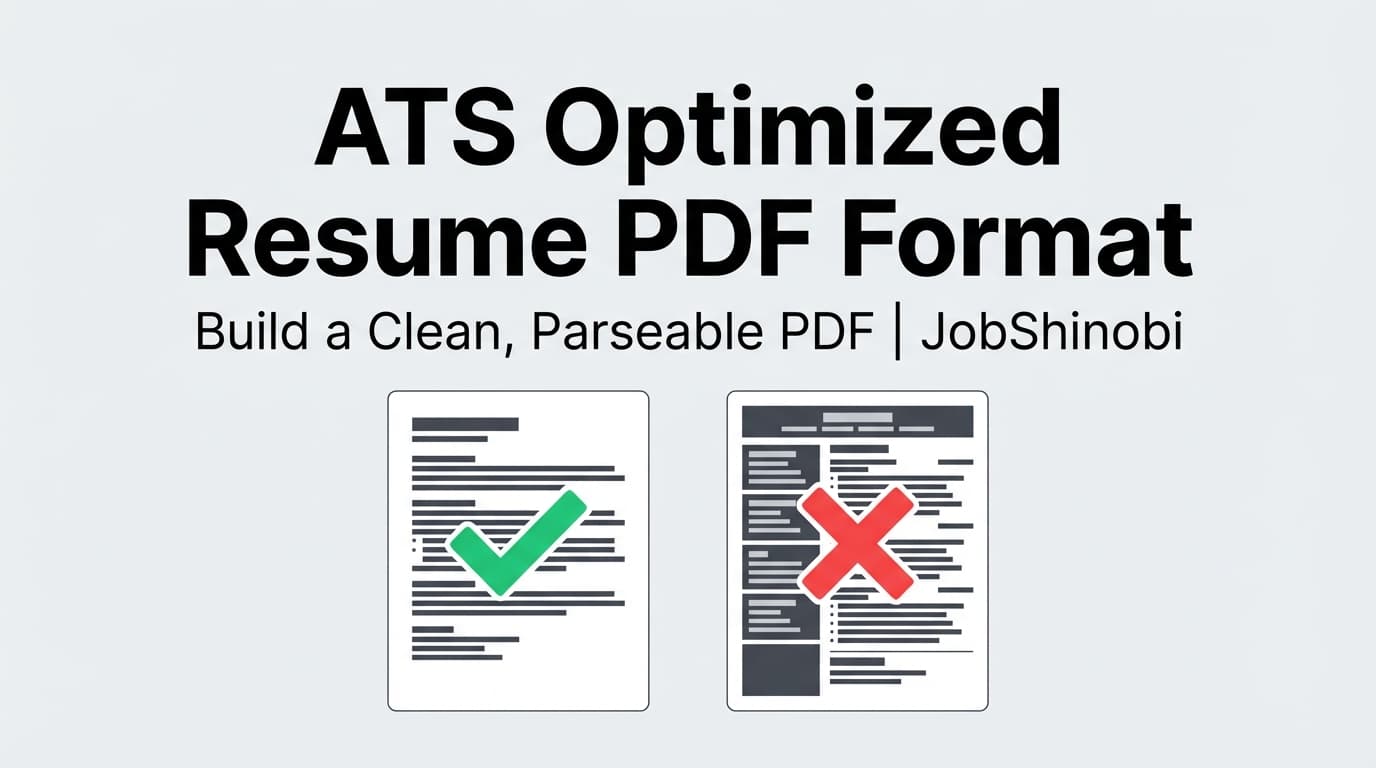
JobShinobi helps you create an ATS optimized resume PDF format using a LaTeX-first resume builder (structured text), a live PDF preview (cloud compilation), and AI resume analysis that includes an ATS score, keyword gaps, strengths, and improvement areas. Instead of guessing whether your PDF will parse cleanly, you can iterate fast—compile, analyze, edit, and download.
CTA: Ready to generate a better PDF resume? Sign in to JobShinobi and start a resume from a template.
Why Choose JobShinobi for an ATS Optimized Resume PDF Format?
Most “ATS resume advice” focuses on generic rules (single column, avoid tables, use standard headings). Those rules matter—but your real advantage is being able to apply them consistently while tailoring keywords to each role without destroying formatting.
JobShinobi is built around that workflow:
- Write resumes in LaTeX (structured, text-based source instead of design-first layouts)
- Compile to PDF instantly to see exactly what you’ll submit
- Run Resume Analysis to get an ATS score + keyword feedback you can act on
- Match your resume to a job description (match score, missing keywords, recommendations)
- Use the AI Resume Agent to edit sections and check compile validity as you iterate
- Use resume version history to track changes and revert when you need to
Benefit 1: A PDF workflow designed for parsing-first formatting (without “template roulette”)
JobShinobi’s resume editor is LaTeX-based, which encourages a clean content structure and repeatable formatting. You can keep your resume consistent while making targeted edits—without fighting hidden text boxes, layered objects, or layout surprises that can happen in design-heavy editors.
What you get in JobShinobi (real features):
- A LaTeX resume editor (
latex_sourcestored for each resume) - A template library (stored in
resume_templates) - PDF preview via cloud LaTeX compilation
- Downloads for both PDF and .tex
Benefit 2: ATS + keyword feedback that’s connected to your actual resume content
“ATS optimized” isn’t just file format—it’s also whether your content matches what the ATS (and recruiter searches) are looking for.
JobShinobi’s Resume Analysis returns:
- Overall score and component scores (including ATS score and keyword score)
- Strengths and improvement areas
- Keywords found vs. missing keywords
- ATS issues (returned in analysis output)
- Optional enhanced analysis mode for deeper insights
Benefit 3: Job-specific optimization (match score + missing keywords) in the same tool
For high-intent applications, your PDF format can be perfect and still lose because you’re missing role keywords.
JobShinobi includes Job Description Extraction + Resume-to-Job Matching, so you can:
- Paste a job description (or a job URL) to extract structured job details
- Get a match score
- See present keywords, missing keywords, and recommendations
- Click Apply Suggestions to jump back into the editor and implement changes
What “ATS Optimized Resume PDF Format” Actually Means (Quick Checklist)
If you’re here, you’re likely trying to avoid one of these outcomes:
- The ATS upload “parses” your resume into nonsense fields
- Your experience bullets get jumbled or reordered
- Headings disappear or get misread
- The recruiter sees a PDF that looks fine, but the ATS database version is broken
A practical definition of an ATS optimized resume PDF format:
- Text-based PDF (not an image/scanned PDF)
ATS systems can’t reliably extract text if the PDF is image-only. - Readable content flow
Complex layouts (multi-column, heavy tables, text boxes) can scramble extraction. - Standard headings and structure
Use recognizable section titles (e.g., “Experience,” “Education,” “Skills”). - Keyword alignment to the role
ATS search is often keyword-driven—missing keywords can reduce discoverability. - Consistent formatting choices
Dates, job titles, and section structure should be predictable.
JobShinobi supports this by letting you manage a clean source (LaTeX), compile to PDF, then analyze and tailor content with ATS + keyword feedback.
How JobShinobi’s LaTeX Resume Builder Works (PDF-First Workflow)
Step 1: Start from a resume template (or open an existing resume)
In JobShinobi, you can:
- Open the Resume hub and choose from the template library
- Or load a saved resume you’ve already created (stored with
latex_sourceand version history)
Tip: If your goal is “ATS optimized resume PDF format,” start from a simple structure and add only what helps readability.
Step 2: Edit your resume in LaTeX (structured, consistent formatting)
Use the editor to update:
- Work experience bullets
- Skills and tools
- Projects
- Education
- Role-specific keywords
JobShinobi also supports an AI Resume Agent (streaming) that can help edit sections and update the underlying LaTeX.
Step 3: Compile and preview your PDF (cloud compilation)
Click compile to generate a PDF preview. JobShinobi compiles your LaTeX using a connected compilation service and returns a PDF preview so you can verify:
- Headings look correct
- Spacing and alignment are consistent
- Nothing is missing
- The file renders as expected
Step 4: Run Resume Analysis (ATS score + keyword feedback)
From your resume workflow, you can analyze your resume to receive:
- ATS score and other score breakdowns
- Strengths + improvements
- Keywords found and missing keywords
- ATS issues surfaced by analysis
JobShinobi can also return cached analysis results if the resume hasn’t changed—useful when you’re iterating quickly and don’t want redundant re-analysis.
Step 5: Match to a job description (optional—but high leverage)
If you’re applying to a specific role, run Job Matching to get:
- Match score (%)
- Present vs missing keywords
- Recommendations
Then use Apply Suggestions to jump back into the editor and implement changes cleanly.
Step 6: Download your resume as a PDF (and keep the .tex source)
When you’re ready to submit:
- Download the PDF
- (Optional) download the .tex file for your own archive/workflow
Key Features for ATS Optimized Resume PDF Format
| Feature | What It Does | Why It Matters |
|---|---|---|
| LaTeX Resume Builder | Create and manage resumes using LaTeX source (latex_source) |
Structured source helps you maintain consistent, ATS-friendly formatting |
| PDF Preview via Cloud Compilation | Compile LaTeX into a PDF preview | You can verify the exact PDF you’ll submit before applying |
| Download PDF + Download .tex | Export your finished resume as PDF and also download the LaTeX file | PDF for submissions; .tex for version control and future edits |
| Resume Analysis (ATS + Keywords) | Provides overall score, ATS score, keyword score, strengths, weaknesses, missing keywords, ATS issues | Helps you improve both formatting signals and content relevance |
| Enhanced Analysis Mode | Optional deeper analysis objects (when enabled) | Adds more depth when you want a more intensive review |
| Job Matching | Match your resume to a job description/URL (match score, missing/present keywords, recommendations) | Turns “ATS optimized” into job-specific optimization—not generic advice |
| AI Resume Agent (Streaming Editor) | Chat-based editing workflow that updates LaTeX and checks compilation | Faster iteration without breaking formatting |
| Resume Version History + Undo/Revert | Saves versions from manual saves and AI chat edits | Safely experiment without losing your best version |
ATS Optimized Resume PDF Format vs. Common Alternatives
Alternative 1: “Design-first” resume builders (heavy layout, icons, multi-column)
Many resume builders push templates that look impressive but can introduce parsing risk:
- Columns and tables can disrupt text extraction order
- Icons and graphics can replace useful text
- Headings can become stylized instead of standardized
JobShinobi’s advantage: You work from a LaTeX source that emphasizes text structure, then compile to a PDF you can preview and refine.
Alternative 2: Submitting whatever PDF you have (and hoping the ATS reads it)
A lot of job seekers only discover parsing issues when:
- They upload to a portal and see messy fields
- They’re forced to retype everything because the parser failed
JobShinobi’s advantage: You can compile, analyze, and iterate before you submit—so you’re not debugging your resume at the worst possible moment.
Alternative 3: Using DOCX “just in case”
Some ATS flows prefer DOCX, and some employers explicitly request it. If a posting requires DOCX, follow the instructions.
Important: JobShinobi’s resume export is focused on PDF (and downloadable .tex).
If a specific application requires Word/DOCX, you should comply with that requirement using the format the employer requests.
Practical Tips: Make Your PDF More ATS-Friendly (What to Do Before You Apply)
Use this as a final “pre-submit” checklist for your ATS optimized resume PDF format:
- Verify it’s not image-based
- You should be able to select text in the PDF (and copy/paste should produce readable text).
- Keep headings standard
- “Experience,” “Education,” “Skills,” “Projects,” etc.
- Avoid layout traps
- Minimize complex tables, multiple columns, and decorative elements that could change reading order.
- Use consistent dates
- Keep your date format consistent across roles.
- Tailor keywords to the job
- Use JobShinobi Job Matching to identify missing keywords and implement them naturally.
Pricing
JobShinobi is a paid subscription product sold via Stripe payment links:
- Monthly: $20.00
- Yearly: $199.99
You can review pricing on the site and choose a plan when you’re ready to subscribe. See: Pricing
Frequently Asked Questions
Can ATS read a PDF resume?
Often, yes—if it’s a text-based PDF and the formatting is simple. Problems tend to appear with scanned/image PDFs or complex layouts that disrupt text extraction order.
JobShinobi helps by generating your resume from LaTeX and compiling it into a PDF you can preview and refine.
What breaks ATS parsing in a PDF?
Common issues include:
- Multi-column layouts that change reading order
- Heavy tables/text boxes that split content into blocks
- Graphics/icons that replace text
- Placing important content where extraction may fail (varies by system)
JobShinobi’s workflow makes it easier to keep formatting predictable while you iterate.
Is PDF or DOCX better for ATS?
It depends on the employer and the specific ATS/application flow. If the job posting specifies a format, follow it.
JobShinobi is built around producing a high-quality PDF (plus you can download the .tex source). If you need DOCX for a particular application, you should submit the format requested by the employer.
Does JobShinobi analyze my uploaded PDF?
JobShinobi’s Resume Analysis works from your resume LaTeX source (the content you edit inside JobShinobi). It does not rely on image-based parsing/OCR of PDFs.
How do I tailor my resume to a job description without breaking formatting?
Use JobShinobi’s Job Matching:
- Provide a job description (or job URL)
- Review match score, missing keywords, and recommendations
- Click Apply Suggestions to return to the editor
- Use the AI Resume Agent (optional) to rewrite bullets while keeping LaTeX structure intact
- Re-compile and re-analyze
Get Started with JobShinobi Today
If your goal is an ATS optimized resume PDF format, the fastest path is: template → edit → compile → analyze → (match to job) → download.
- Build your LaTeX resume and preview the PDF
- Get ATS + keyword feedback you can actually act on
- Tailor each version to the job without losing control of formatting
Start here: Sign in to JobShinobi


