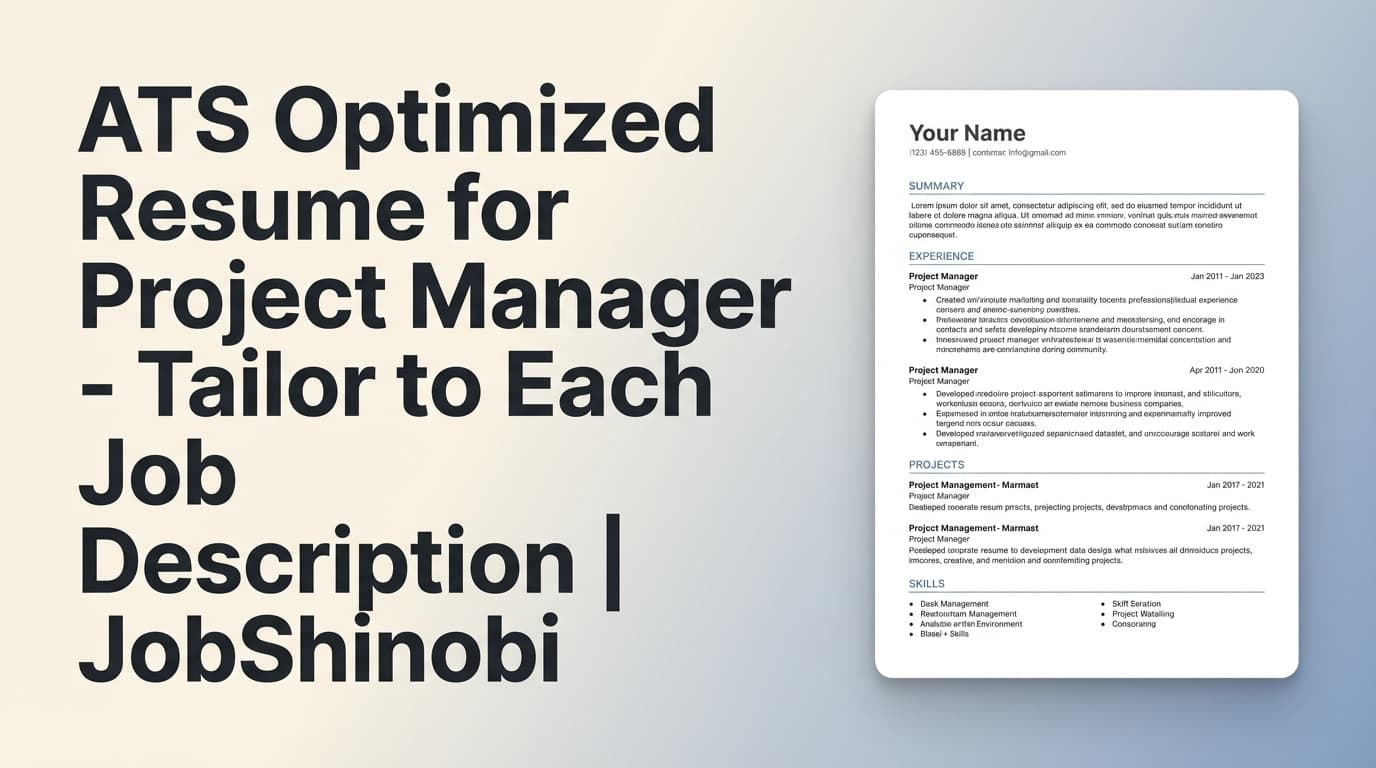
An ATS optimized resume for project manager roles isn’t about chasing a perfect score—it’s about making sure your resume (1) parses cleanly, and (2) matches the language of the job description so you show up in searches and screening filters.
JobShinobi helps you do both with a practical workflow:
- LaTeX resume templates + a LaTeX editor (stable, structured formatting)
- AI Resume Analysis with ATS- and keyword-focused feedback (stored and cacheable when your resume hasn’t changed)
- Job description extraction (URL or text) + resume-to-job matching (missing vs present keywords, match score, recommendations)
- AI streaming resume editor chat to iterate quickly, with resume version history
- Export a submit-ready PDF (and your .tex source)
Start your project manager resume →
Why Choose JobShinobi for an ATS Optimized Project Manager Resume?
Project management job ads can look similar, but the keywords that matter vary a lot by company and environment (Agile vs. waterfall, PMO vs. delivery, client implementations vs. internal transformation, IT vs. construction vs. operations).
JobShinobi is designed for job seekers who need to tailor fast without breaking formatting.
Role-specific optimization (job description → keywords → match)
Instead of relying on generic PM keyword lists, JobShinobi lets you paste a job description or URL and run a resume match analysis. You get:
- a match score
- missing keywords to consider adding (where truthful)
- keywords you already have
- recommendations you can apply in the editor
Formatting you can trust (LaTeX-first workflow)
Many ATS issues come from formatting that looks fine to a human but parses poorly. JobShinobi’s resume builder stores your resume as LaTeX source, so your structure stays consistent as you tailor across applications.
Iterate without losing your best version
When you’re applying to multiple PM roles, you need to test changes. JobShinobi keeps resume version history (saved versions from manual editing and AI-assisted edits), so you can revert and keep a “base PM resume” plus targeted variants.
How JobShinobi’s Project Manager Resume Workflow Works
Step 1: Create your resume from a LaTeX template
Go to your resume dashboard and choose a template to start a new resume. JobShinobi stores your resume as LaTeX (latex_source) so the structure stays stable while you tailor.
Pro tip for PM resumes: keep sections clear and ATS-readable:
- Summary
- Skills
- Experience
- Education
- Certifications (only what you actually have)
- Tools (only what you’ve used)
Step 2: Edit in the LaTeX editor and preview as a PDF
Open the editor to update content and compile a PDF preview. This helps you confirm the final file you submit is clean and consistent.
You can export:
- Download PDF
- Download .tex
Step 3: Run AI Resume Analysis (ATS + keywords + formatting + completeness)
Click analyze to generate a structured report, including:
- overall score
- ATS-related issues
- keyword analysis (present/missing/overused + density/context fields)
- section scores, bullet analysis, role alignment (where available in the analysis output)
JobShinobi stores results so you can compare improvements over time, and it can return cached analysis if your resume hasn’t changed since the last analysis.
Step 4: Paste a job description (or job URL) to extract requirements
In the Job Matching area, paste:
- the job URL, or
- the job description text
JobShinobi extracts structured job data (role/company/requirements/keywords) so you don’t have to manually build a keyword list.
Step 5: Run Resume-to-Job Matching (then apply improvements)
Run the match to get:
- match score
- missing keywords and present keywords
- recommendations
Then click Apply Suggestions to jump back into the resume editor and implement changes—manually or with the AI chat editor.
Try the PM resume → job match workflow →
Key Features for an ATS Optimized Resume for Project Manager Roles
| Feature | What It Does | Why It Matters |
|---|---|---|
| LaTeX Resume Builder | Create/manage resumes stored as LaTeX source | Stable formatting while tailoring across many applications |
| Resume Templates Library | Start from a structured template | Saves time and reduces formatting mistakes |
| PDF Preview (LaTeX compilation) | Compile and preview your resume | Confirms the file you submit is consistent and readable |
| Download PDF + .tex | Export your final resume and source | Submit-ready PDF + editable source for future variants |
| AI Resume Analysis (ATS/keywords/formatting) | Generates feedback and a score breakdown | Helps you identify ATS risks and keyword gaps |
| Job Description Extraction (URL or text) | Pulls structured job requirements | Faster tailoring (no manual keyword mining) |
| Resume-to-Job Matching | Shows missing vs present keywords + recommendations | Aligns your resume to the specific PM role you’re applying to |
| AI Streaming Resume Editor Chat | Iterative edits with live responses | Speed up rewrites for summary/skills/bullets |
| Resume Version History | Saves versions as you edit | Compare variants, revert safely, and keep a strong baseline resume |
What “ATS Optimized” Means for Project Managers (A Practical Checklist)
1) Your keywords must match the job’s PM environment
A project manager posting might emphasize:
- Delivery style: Agile / Scrum / Kanban / Waterfall / hybrid
- Governance: PMO, change control, steering committees
- Artifacts: RAID log, project charter, WBS, RACI, status reporting
- Delivery metrics: on-time delivery, budget variance, cycle time, defect leakage, throughput/velocity, adoption
- Tools: Jira, Confluence, MS Project, Smartsheet, Asana, Azure DevOps, ServiceNow
- Domain language: ERP implementation, infrastructure rollout, client onboarding, data migration, construction phases, vendor management, etc.
JobShinobi’s job extraction + match analysis helps you see which keywords the posting emphasizes so you can align your resume truthfully.
2) Your experience bullets must prove the keywords (not just list them)
ATS optimization fails when keywords appear only in a skills list with no evidence. A strong PM bullet often includes:
- scope + stakeholders
- method/tool
- outcome + metric
Examples (structure you can adapt to your real experience):
- “Led cross-functional delivery of ___, coordinating ___ stakeholders; reduced ___ by ___% and delivered ___ weeks early.”
- “Owned project plan, risks, and dependencies (RAID); improved on-time milestone completion from ___ to ___.”
- “Managed vendor delivery and change control; reduced scope creep by ___ and improved forecast accuracy by ___.”
JobShinobi’s analysis and editor workflow helps you spot thin bullets and iterate.
3) Your formatting should be predictable to parse
Even if a template looks great, ATS can struggle with overly complex layouts. The safest approach is consistent headings and straightforward section structure. JobShinobi’s LaTeX workflow is built around structured resume content, and the PDF preview lets you verify the final output before submission.
ATS Optimized Resume for Project Manager vs. Manual Tailoring (Copy/Paste + Spreadsheets)
Manual approach (common pain points)
- You re-read every job description and manually track keywords
- You change a few lines, but you’re never sure if you covered what matters
- You lose time managing versions (“Which file did I send to this company?”)
- Formatting drifts as you edit repeatedly across roles
JobShinobi approach (repeatable system)
- Extract job requirements from URL or text
- See missing vs present keywords in the match analysis
- Run AI Resume Analysis to catch ATS/formatting issues
- Use AI chat editing when helpful, while keeping the underlying structure consistent
- Keep version history so you can revert or branch variants
Bonus: Track Your PM Applications (and export to Excel)
If you’re applying to multiple roles, staying organized is part of winning the search. JobShinobi includes a Job Tracker where you can:
- view and manage job applications in a dashboard
- see realtime updates in the tracker
- export your applications to Excel (.xlsx)
JobShinobi also supports an email-forwarding workflow that can parse inbound job-related emails and update application records (email processing is gated for Pro members).
Pricing
JobShinobi offers paid subscriptions via Stripe:
- Monthly: $20.00
- Yearly: $199.99
Frequently Asked Questions
How do I make an ATS optimized resume for project manager roles with JobShinobi?
- Create your resume from a template in the LaTeX Resume Builder
- Compile to preview the PDF
- Run AI Resume Analysis to identify ATS/keyword/formatting gaps
- Paste the job description (or URL) and run Resume-to-Job Matching
- Apply updates in the editor and re-run analysis as needed
Can JobShinobi match my resume to a specific project manager job description?
Yes. You can paste a job description (or a job URL), extract requirements, and run a match to see missing vs present keywords, a match score, and recommendations.
Does JobShinobi export Word (.docx)?
JobShinobi supports exporting a PDF and downloading the .tex source from the LaTeX editor.
Can JobShinobi automatically apply to jobs for me?
No. JobShinobi focuses on resume building, analysis, job matching, and application tracking—not automated job applications.
Will JobShinobi track my job applications?
Yes. JobShinobi includes a Job Tracker with realtime updates and Excel (.xlsx) export. Email-forwarding ingestion is available for Pro members.
Get Started with JobShinobi Today
If you want an ATS optimized resume for project manager roles that’s tailored to each posting—without sacrificing clean formatting—JobShinobi gives you a clear workflow:
- Template → LaTeX editor → PDF preview
- ATS + keyword analysis
- Job description extraction + resume match
- Version history so you can tailor fast and revert safely


