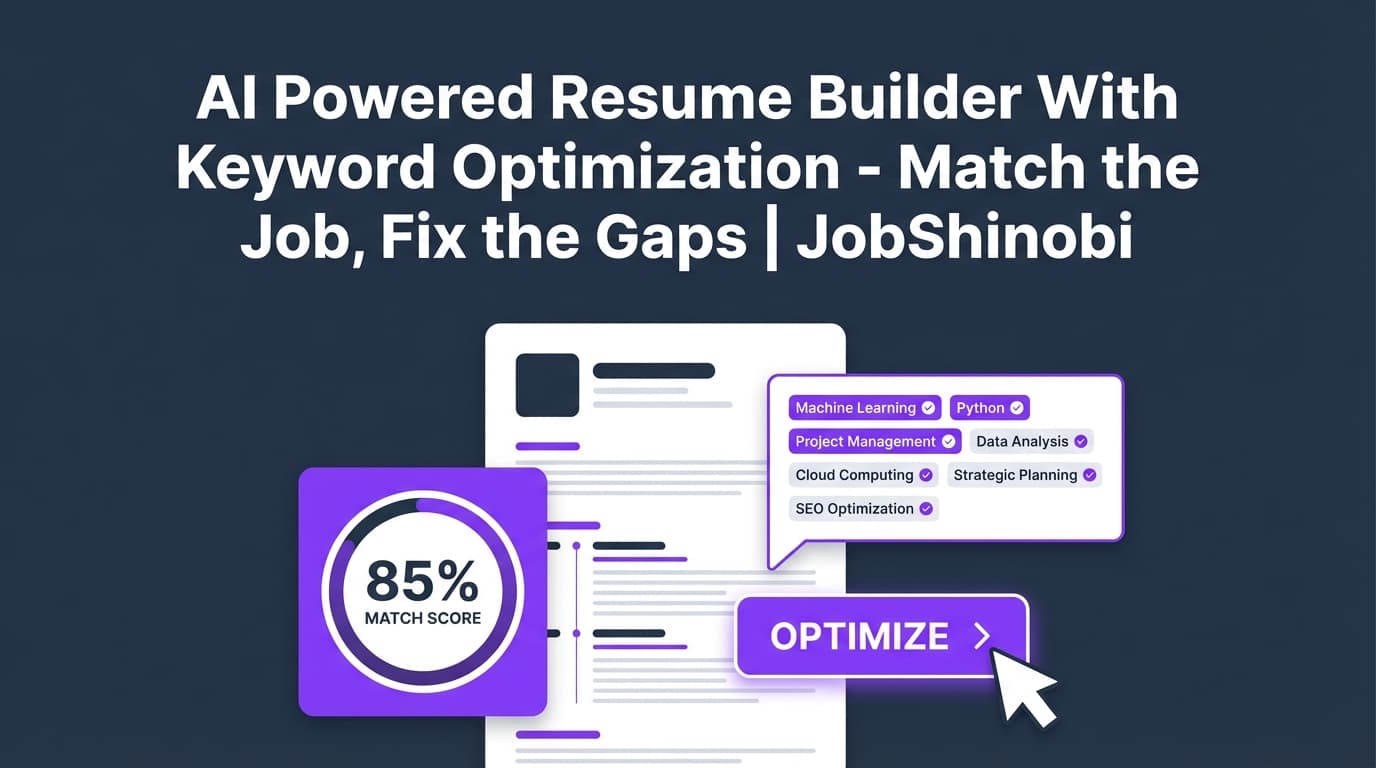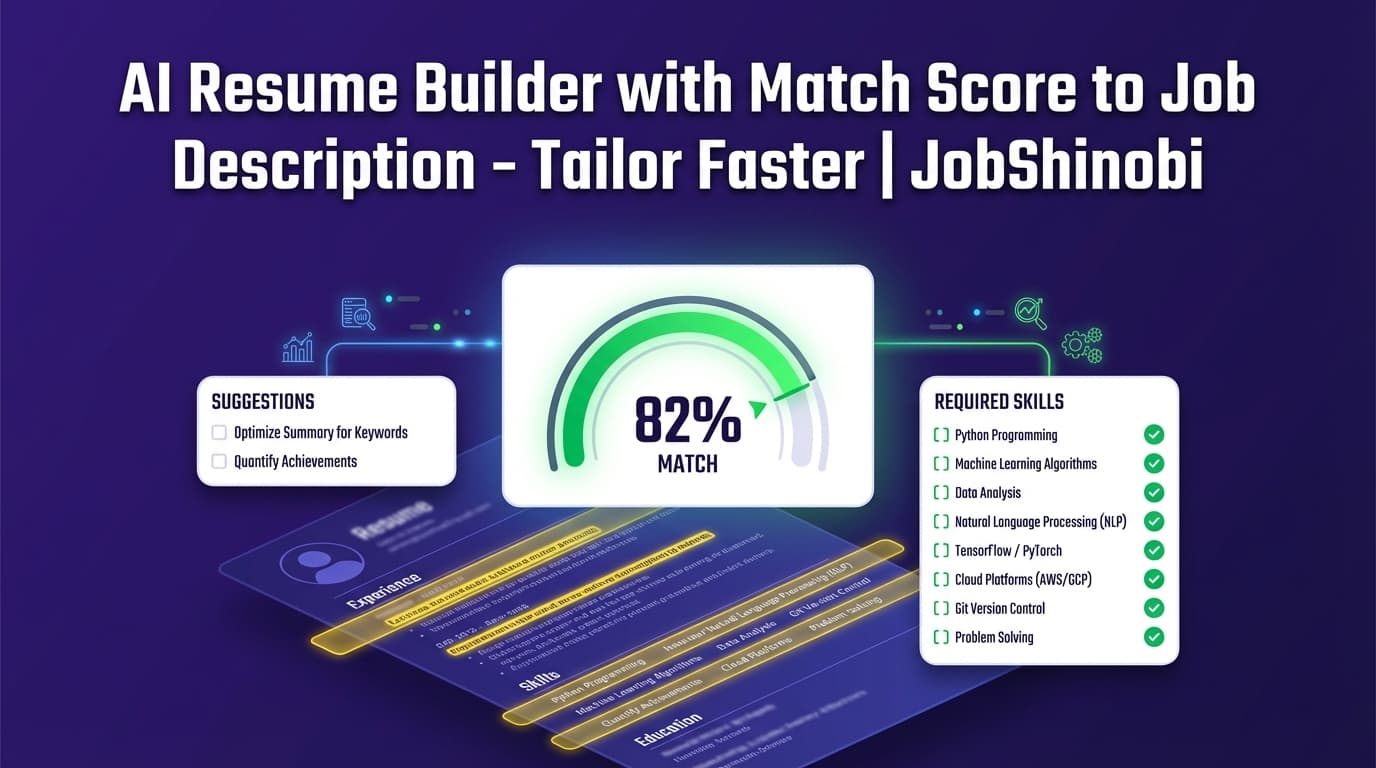
JobShinobi is an AI resume builder that gives you a job match score (%) against a specific job description—plus matching keywords, missing keywords, and clear recommendations you can apply in your resume editor. Instead of guessing what the ATS wants, you get a structured, job-specific “what to change next” report and a LaTeX-based resume workflow that keeps formatting consistent.
Best for: job seekers tailoring applications at scale and anyone tired of vague “ATS advice” that doesn’t map to a specific posting.
Sign in with Google to start, then build your resume and run job matching inside your dashboard.
Why Choose JobShinobi for an AI Resume Builder with Match Score to Job Description?
Most “match score” tools stop at a number. JobShinobi is built to help you act on the score—with a workflow that ties your job match analysis directly to your resume editor.
A match score you can actually use (not just a vanity metric)
JobShinobi’s job matching experience is designed around the output you need to tailor fast:
- Job Match Score (0–100%)
- Matching Keywords (what your resume already covers)
- Missing Keywords (what the job asks for that your resume doesn’t reflect yet)
- Recommendations (specific guidance to improve alignment)
- A clear Apply Suggestions path that sends you back to the editor to implement changes
Job description input that matches how people actually apply
When you’re applying, you usually have either:
- A job posting URL, or
- A job description block you copied from LinkedIn/Indeed/company site
JobShinobi supports both workflows. You can paste a URL or raw job description text, extract job details, and then run the match.
LaTeX-based resumes for structure + consistency
JobShinobi is built around a LaTeX resume workflow:
- Start from templates
- Edit in a dedicated LaTeX editor
- Preview via PDF compilation
- Keep your formatting stable while you tailor content for each role
This matters because tailoring often breaks formatting in typical editors. JobShinobi’s flow is optimized for repeatable edits without “layout drift.”
Go beyond matching: ATS-oriented resume analysis included
Job matching is only one piece. JobShinobi also supports resume analysis with score breakdowns and ATS-focused feedback (including keyword-focused feedback and ATS issues), so you can improve both:
- Your baseline resume quality, and
- Your job-specific fit
Built for high-volume applicants: version history + quick iterations
If you tailor often, you need to make changes quickly and safely. JobShinobi supports a versioned resume workflow, so you can iterate without losing your “good” baseline.
How JobShinobi’s Job Description Match Score Works (In Practice)
JobShinobi’s job match workflow is designed to be straightforward:
- You provide a job posting (URL or text).
- JobShinobi extracts structured details (company/position/requirements/keywords).
- Your resume is compared and you get:
- A match score (%)
- present vs. missing keywords
- recommendations to improve fit
Important: A match score is directional guidance—not a guarantee of interviews. The goal is to help you cover relevant requirements truthfully and clearly, without keyword stuffing.
How JobShinobi’s Job Match Workflow Works
Step 1: Create or open your resume (template → LaTeX editor)
Go to your resume dashboard and choose a template or open an existing resume:
- Browse the template library
- Create a resume
- Edit content in the LaTeX resume editor
- Compile to preview as a PDF (so you can see what recruiters will see)
Tip: Treat this as your “master resume” that you tailor per role.
Step 2: Open Resume Analysis → “Job Matching”
From your resume list, open the resume analysis view. You’ll see tabs for:
- Score & feedback
- Job matching
- Detailed feedback
Choose Job Matching to start the match score workflow.
Step 3: Paste a job posting URL or the full job description text
JobShinobi supports two input styles:
- URL: Paste a link to the job posting
- Text: Paste the full job description (recommended if the URL is gated or behind a login)
Click Extract Job Details.
Step 4: Get your match score + keyword gap breakdown
Once job details are extracted, JobShinobi generates:
- Job Match Score (percentage)
- Matching Keywords (skills already reflected in your resume)
- Missing Keywords (skills/terms found in the job details that don’t appear in your resume text)
- Recommendations (what to update to improve alignment)
Step 5: Apply suggestions in the editor (without losing your baseline)
Click Apply Suggestions to jump back into your resume editor and implement changes.
If you prefer, you can also use JobShinobi’s AI resume editor chat to help rewrite or refine sections while keeping your resume LaTeX structure intact.
Key Features for an “AI Resume Builder with Match Score to Job Description” Use Case
| Feature | What It Does | Why It Matters |
|---|---|---|
| Job Description Input (URL or Text) | Lets you paste a job link or description to extract job details | Matches real application workflows (job boards + copied postings) |
| Job Match Score (%) | Generates a numeric score for how well your resume matches the job | Gives a fast “fit check” before you apply |
| Missing vs. Matching Keywords | Lists keywords you already have and keywords you’re missing | Makes tailoring concrete and faster than manual scanning |
| Recommendations + Apply Suggestions | Shows improvement recommendations and routes you to the editor | Turns analysis into action without starting over |
| LaTeX Resume Builder + Templates | Build resumes from LaTeX templates and manage saved resumes | Keeps formatting consistent while you tailor content repeatedly |
| PDF Preview via LaTeX Compilation | Generates a PDF preview of your LaTeX resume | Lets you validate layout after every edit |
| AI Resume Analysis (Scoring + Feedback) | Provides overall + category scores and ATS-oriented feedback | Improves your baseline resume quality beyond one job |
| Streaming AI Resume Editor (Chat) | Get AI help modifying resume content with a streaming editor experience | Speeds up rewriting while keeping you in one workflow |
| Resume Version History | Saves versions across edits so you can revert | Makes tailoring safer and easier to iterate |
What You’ll See in Your Job Match Report (And How to Use It)
1) Job Match Score (%)
Your match score is displayed as a clear percentage (0–100). Use it as a checkpoint:
- Low score: likely missing key role terms/skills or your resume is too generic
- Mid score: you’ve got some alignment; focus on the “missing keywords” and recommendations
- High score: you’re covering much of the role language; refine for clarity and evidence
Practical use: Don’t chase 100%. Aim for truthful coverage and strong evidence in bullets (impact, scope, tools, outcomes).
2) Matching Keywords
These are skills/terms that appear in both:
- the extracted job keywords, and
- your resume text
Practical use: Make sure those keywords appear in context (e.g., in experience bullets), not only in a Skills list.
3) Missing Keywords
These are extracted job keywords that are not found in your resume text.
Practical use: This is your tailoring checklist. For each missing keyword, ask:
- Do I actually have this experience?
- If yes, where can I demonstrate it with proof (project, bullet, tool usage, metric)?
- If no, do I have a related skill I can present truthfully?
4) Recommendations
Recommendations are the “next best actions” to improve alignment.
Practical use: Apply recommendations by updating:
- Summary (if you use one)
- Skills section (only with skills you truly have)
- Experience bullets (best place for credibility)
- Projects (especially for early-career and career-switchers)
5) Apply Suggestions → back to the editor
JobShinobi is designed so you don’t get stuck in analysis mode. When you’re ready, you can jump back to the editor and implement changes.
JobShinobi vs. Typical “Match Score” Tools (The Problem With Most Scores)
Many tools that offer “resume match scores” suffer from a few common issues:
They separate scoring from editing
You get a report, then you’re on your own to implement changes—often in a different editor or document, and sometimes you lose formatting along the way.
JobShinobi advantage: job matching is connected to your resume editing workflow, so you can analyze → update → re-check quickly.
They encourage keyword stuffing
Some tools push you to “add every keyword,” which can lead to:
- unnatural resumes
- thin, unsupported claims
- reduced readability
JobShinobi approach: you get missing keywords and recommendations, but you can (and should) add skills only when you can support them with real experience.
They don’t protect formatting during repeated tailoring
If you tailor frequently in standard editors, formatting can degrade over time (spacing shifts, sections break, inconsistent layout).
JobShinobi advantage: LaTeX-based resumes help keep structure consistent, while you focus on content changes.
They don’t support a repeatable system for high-volume applicants
Tailoring is not a one-time event. Most job seekers apply to many roles and need:
- a stable baseline resume
- a way to create job-specific variants safely
JobShinobi advantage: resume version history supports iteration, making it easier to tailor repeatedly.
A Simple, Repeatable Tailoring Framework (Powered by Match Score + Keyword Gap)
If you want a reliable workflow, use this loop:
- Start with a solid baseline (strong bullets, quantified impact, clear skills)
- Run job matching on the specific posting
- Fix the missing keywords you can support with evidence
- Upgrade evidence (add metrics, outcomes, scope) so keywords don’t look pasted in
- Re-check match score
- Stop when it’s strong and truthful, then apply
This process scales—especially for high-volume applications.
Use Job Matching Without Overfitting (How to Improve Match Score the Right Way)
A “match score to job description” is helpful, but only when used responsibly. Here are the highest-leverage improvements that usually raise match score and resume quality:
Add the “hard skill” keywords inside achievement bullets
Instead of:
- “Python, SQL, AWS”
Use:
- “Built a Python pipeline to validate and transform SQL extracts; deployed on AWS to reduce processing time by 35%.”
This improves:
- keyword presence
- contextual usage (readability + credibility)
Mirror role language—but keep it honest
If the posting says “stakeholder management,” and you did it, reflect it:
- “Partnered with stakeholders across Product and Sales to define requirements…”
Don’t only modify the Skills section
Many resumes get tuned only in the Skills section. That can help matching, but it’s not always persuasive.
Better:
- Skills section for coverage
- Experience/Projects for proof
Keep a “master resume,” then tailor variants
Use your master resume as the foundation. Tailor per role and keep versions so you can revert and reuse what works.
Beyond Match Score: Job Tracking That Fits the Same “High-Volume Applicant” Problem
If you’re tailoring often, you’re also likely applying often. JobShinobi includes job tracking features designed for application volume:
- Track job applications in a dashboard
- Realtime updates in the job tracker
- Export your applications to Excel (.xlsx)
JobShinobi also supports an email-forwarding workflow for application updates (available for Pro members), so you can forward job-related emails and keep tracking more automated.
Pricing
JobShinobi offers paid subscriptions via Stripe payment links:
- Monthly: $20.00
- Yearly: $199.99
If you’re evaluating match-score tools, consider how often you’ll tailor. Even a small improvement in speed and consistency can add up across dozens of applications.
Get started: create an account and build your resume, then run job matching from your analysis dashboard.
- Login: /login
- Resume dashboard: /dashboard/resume
Frequently Asked Questions
What is an “AI resume builder with match score to job description”?
It’s a resume tool that compares your resume against a specific job posting and returns:
- a match score (%), and
- specific gaps (like missing keywords) so you know what to change before applying.
JobShinobi supports job matching plus an editor workflow so you can implement changes without starting over.
Does JobShinobi support job matching from a URL, or do I have to paste text?
Both. You can input either:
- a job posting URL, or
- the full job description text
JobShinobi extracts job details and keywords from the input, then generates the match analysis.
What does JobShinobi show besides the match score?
JobShinobi’s match analysis includes:
- Matching keywords
- Missing keywords
- Recommendations for improving your resume for that job
Then you can use Apply Suggestions to jump back to the resume editor.
Is the match score a guarantee I’ll pass an ATS?
No. A match score is an optimization signal, not a guarantee. ATS behavior varies by company and configuration. JobShinobi is designed to help you:
- cover relevant requirements clearly, and
- present those requirements with credible evidence in your resume.
Can I upload a PDF or scan an image resume to get a match score?
JobShinobi’s resume workflow is LaTeX-based. You build and edit your resume in the resume editor and run job matching from there.
How does JobShinobi prevent formatting issues when tailoring?
JobShinobi uses a LaTeX resume workflow with PDF preview via compilation, which helps keep layout consistent while you make frequent content edits.
What’s the fastest way to improve my match score without keyword stuffing?
Use missing keywords as a checklist, then add them only where you can support them with:
- a real project,
- a quantified outcome,
- a specific tool/workflow you used.
The best place is typically experience bullets and projects, not just the Skills section.
Can JobShinobi help me rewrite resume bullets to match a role?
Yes—JobShinobi supports an AI resume editor chat designed to help you modify resume content while keeping your resume structured in LaTeX.
Do I have to re-run analysis every time I edit?
You can re-run analysis after changes. JobShinobi’s resume analysis system can also return cached results when the resume hasn’t changed since the last analysis (useful when you’re iterating quickly).
Does JobShinobi include a job application tracker too?
Yes. JobShinobi includes a job tracker dashboard and supports exporting your job applications to Excel (.xlsx).
Is job application email forwarding supported?
Yes—JobShinobi supports an email-forwarding workflow that can update application tracking based on inbound emails. This processing is gated to Pro membership.
Get Started with JobShinobi Today
Stop guessing whether your resume matches the job. Get a match score to the job description, see missing keywords, and apply changes in a resume editor built for fast iteration.
- Create your account: /login
- Build from templates and run job matching: /dashboard/resume