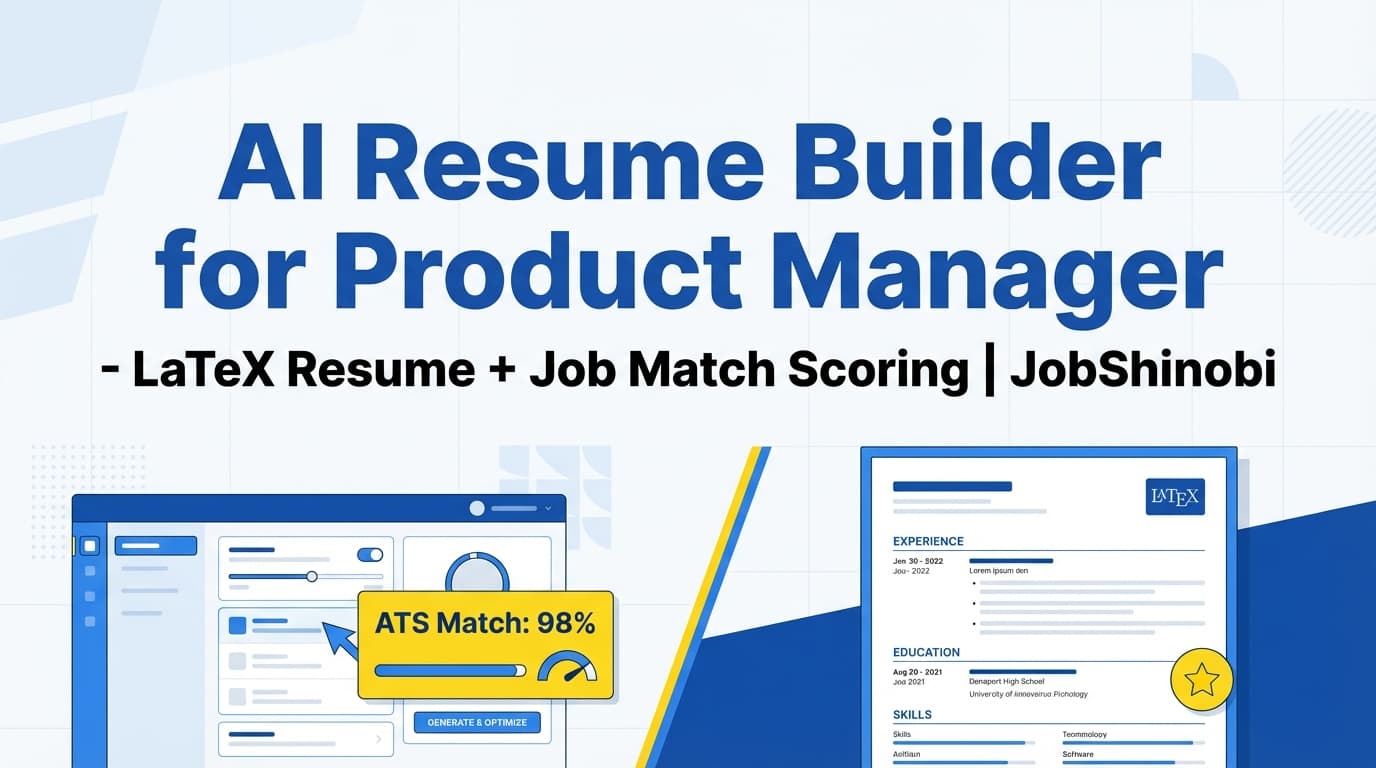
JobShinobi is an AI resume builder for product manager candidates who need to tailor fast—without turning their resume into a formatting mess. You can start from a LaTeX resume template, edit with a streaming AI chat editor, compile a live PDF preview, run resume analysis (scores + keyword/ATS feedback), and use job description matching to identify present vs missing keywords for each PM role you apply to.
If you’re applying across Growth PM, Platform PM, Core Product, B2B, or AI/ML product roles, JobShinobi gives you a structured workflow to iterate quickly and keep versions organized.
Get started: Sign in with Google → open Resume Builder
Why Choose JobShinobi for Product Manager Resume Building?
Most “AI resume builders” help you generate text. Product Manager hiring, however, rewards a repeatable system:
- Consistent structure across dozens of edits and variants
- Job-by-job alignment (keywords, requirements, role framing)
- Version control so you don’t overwrite your best resume
- Output you can confidently send (clean PDF export)
JobShinobi is designed around that loop—create → tailor → analyze → match → revise → export—with product features that support each step.
Benefit 1: A LaTeX-first resume builder that keeps formatting stable
JobShinobi stores your resume as LaTeX source and compiles it to PDF for preview. This means you’re working in a structured format that stays consistent while you rewrite bullets, adjust sections, and tailor to different PM roles.
What you can do:
- Start from a template library in the Resume Builder
- Edit in the LaTeX editor
- Compile and preview your resume as a PDF
- Download your resume as PDF (and download the .tex source)
Why PMs care: you can iterate on content for each job without spending mental energy on spacing/alignment issues.
Benefit 2: AI editing that supports fast, iterative tailoring
JobShinobi includes a streaming AI Resume Editor (chat) that helps you refine your resume in context—while keeping the underlying LaTeX structure intact.
You can use AI chat to:
- Rewrite your Summary for a specific PM archetype (Growth vs Platform vs 0→1)
- Strengthen impact bullets (metrics, baseline → result, scope)
- Improve keyword alignment without obvious keyword stuffing
- Adjust section emphasis (e.g., move experiments up for Growth PM roles)
JobShinobi also includes a model picker with different AI model options (e.g., Shinobi Swift / Shinobi Turbo / Shinobi Pro) so you can choose what you want to use in the editor.
Benefit 3: Resume analysis + job description matching (built into the workflow)
JobShinobi supports:
- Resume analysis that returns structured scores and feedback (including keyword and ATS-related insights)
- Enhanced analysis mode (when enabled)
- Cached results when your resume hasn’t changed (so you can iterate efficiently)
- Resume-to-job matching that produces a match score and identifies missing vs present keywords
Why this matters for product managers: PM job descriptions often share a title but differ in what they prioritize (experimentation vs platform execution vs enterprise roadmap). Matching and keyword gaps help you tailor with intent.
How JobShinobi’s Resume Builder Works (Real Workflow)
Step 1: Start from a LaTeX resume template
Open the Resume Builder and pick a template from the template library.
- Go to: Resume Builder
- Choose Start from Template
- Select a template to open it in the editor
PM tip: prefer a clean, single-column layout with clear section headers (Experience, Projects, Skills) and minimal design elements.
Step 2: Edit in AI mode or code mode
In the resume editor, you can choose how you work:
- AI mode: chat-based editing with streaming responses
- Code mode: direct LaTeX editing for precise control
As you edit, JobShinobi can compile your LaTeX and show a PDF preview so you can validate formatting while you tailor content.
Step 3: Save and keep versions as you tailor
JobShinobi maintains resume version history so you can keep:
- A “Base PM Resume” (your best general version)
- A tailored version per job family (Growth / Platform / B2B / AI PM)
- A tailored version per top opportunity (Company A / Company B)
This prevents the common failure mode: overwriting good work while rushing to apply.
Step 4: Run resume analysis (scores + structured feedback)
Use resume analysis to get:
- Overall score + component scores (including keyword and ATS-related scoring fields)
- Strengths and improvement areas
- Keyword analysis outputs (found/missing/overused and related fields)
- Optional enhanced analysis outputs (when enabled)
If the resume hasn’t changed since the last run, JobShinobi can return a cached analysis.
Step 5: Match to a Product Manager job description
For each job you apply to, run resume-to-job matching to see:
- Match score
- Present keywords
- Missing keywords
- Tailoring recommendations you can implement back in the editor
CTA: Tailor your PM resume now → Sign in
Key Features for “AI Resume Builder for Product Manager”
| Feature | What It Does | Why It Matters for PM Candidates |
|---|---|---|
| LaTeX-based resume builder | Create and manage resumes stored as LaTeX source | Keeps layout consistent across frequent edits and role variants |
| Template library | Choose a resume template from a categorized library | Faster start + consistent structure |
| Cloud LaTeX compilation + PDF preview | Compile LaTeX and preview a PDF | Validate formatting while you tailor content |
Download PDF + download .tex |
Export the resume as PDF and LaTeX source | Send a polished PDF; keep an editable source of truth |
| Streaming AI Resume Editor (chat) | Chat with the editor to modify your resume | Speeds up tailoring of summary, bullets, skills, and role framing |
| Resume analysis (comprehensive / enhanced mode) | Generates structured scoring + feedback (including keyword/ATS-related insights) | Find weaknesses and fix the highest-impact issues first |
| Cached analysis | Returns cached results if resume unchanged | Faster iteration across versions |
| Resume-to-job matching | Match your resume to job data; identifies present/missing keywords | Makes tailoring measurable and job-specific |
| Resume version history | Saves versions across manual and chat-driven changes | Maintain “Base PM” + multiple tailored versions |
| Job tracker dashboard | Track applications by status with realtime updates | Keep your PM job search organized |
Export job tracker to Excel (.xlsx) |
Export job applications to an Excel file | Offline backup and easy sharing |
| Analytics dashboard | Shows response rate, offer rate, interview conversion, and trends | Measure what’s working and adjust your approach |
| Email-forwarding automation (Pro) | Forward job emails to your unique address; auto-creates/updates application records | Reduces manual tracking work (Pro required) |
What a Strong Product Manager Resume Needs (And How to Build It in JobShinobi)
PM resumes are evaluated on impact, clarity, scope, and fit. Here’s a practical structure to follow—and how JobShinobi supports each part.
1) Summary: a clear PM “positioning statement”
Avoid: “Product Manager with experience across cross-functional teams…”
Prefer: a targeted summary that signals domain + outcomes + operating style.
Examples of PM positioning angles to tailor for:
- Growth PM: activation, retention, funnels, experimentation, lifecycle
- Platform PM: reliability, APIs, internal tooling, enablement, governance
- B2B/Enterprise PM: stakeholders, GTM alignment, onboarding, churn reduction
- AI/ML PM: model evaluation, productizing ML, responsible AI considerations
In JobShinobi: use AI chat to rewrite your summary per role, then run job matching to verify keyword alignment.
2) Experience bullets: outcomes first, then mechanism
Strong PM bullets tend to have:
- A measurable outcome (revenue, retention, time saved, conversion)
- The mechanism (what you shipped/changed)
- Scope (users, ARR, segments, markets)
- Collaboration (eng/design/data/marketing/sales)
A simple bullet formula:
- Outcome → Mechanism → Scope/Stakeholders
In JobShinobi:
- Use AI chat to rewrite bullets into outcome-first format
- Compile PDF preview to ensure spacing stays readable
- Save versions as you tailor for different roles
3) Keywords and skills: align without stuffing
PM job descriptions often prioritize keywords like:
- Roadmap, prioritization, discovery, execution
- Stakeholder management, cross-functional leadership
- OKRs, KPIs, metrics, experimentation
- User research, requirements, product strategy, GTM
In JobShinobi: job matching identifies missing vs present keywords so you can place the right terms in the right sections (Experience and Projects), not just dump them into Skills.
4) Versioning: “Base PM” + tailored variants
Most PM candidates apply to multiple role types. If you keep rewriting one file, you’ll lose your best structure and phrasing.
Recommended set of versions:
- Base PM resume (general)
- Growth PM version (metrics + experiments emphasized)
- Platform PM version (technical + enablement emphasized)
- B2B PM version (stakeholders + lifecycle emphasized)
In JobShinobi: version history supports this workflow so you can revert, compare, and reuse what works.
How to Tailor a Product Manager Resume to a Job Description (Step-by-Step)
This is the most common high-intent use case behind the keyword “ai resume builder for product manager”—you’re not just building a resume, you’re tailoring it to this job.
Step 1: Identify the PM “type” the JD is hiring for
Look for signals in the job description:
- Experimentation, funnels, lifecycle → Growth
- API/platform, internal customers, reliability → Platform
- Discovery, user problems, 0→1, ambiguity → 0→1 / Core
- Enterprise stakeholders, GTM, churn, onboarding → B2B
Step 2: Run JobShinobi job matching and read the keyword gaps
Use JobShinobi’s resume-to-job matching to generate:
- Match score
- Missing keywords checklist
- Present keywords (what you already communicate well)
Step 3: Apply changes where they belong (not just Skills)
Best practice for PM resumes:
- Put keywords into Experience where you can prove them
- Use Projects for scope/ownership if you lack direct work examples
- Keep Skills lean and credible
Step 4: Re-run analysis and export a clean PDF
After edits:
- Run resume analysis (scores + structured feedback)
- Compile PDF preview
- Export PDF for submission
AI Resume Builder for Product Manager vs. Alternatives
Versus “generic AI resume builders”
Many tools focus on text generation, templates, or a one-size “ATS score.” The gap for PM candidates is workflow: you need a system for repeated tailoring, versioning, and formatting stability.
JobShinobi’s differentiators (feature-backed):
- LaTeX-based resumes + compilation preview
- Streaming AI editor chat that updates your resume content
- Resume analysis with structured scoring
- Job description matching with missing/present keywords
- Version history to support multiple tailored variants
Versus ChatGPT + Google Docs
A DIY workflow can work, but often breaks down because:
- Formatting drifts across edits
- Versions get lost
- Job-by-job keyword matching is manual
- There’s no integrated “edit → compile preview → analyze → match” loop
JobShinobi keeps that loop in one product.
Versus spreadsheets for job tracking
JobShinobi includes:
- A job tracker dashboard
- Realtime updates
- Excel (.xlsx) export
- A separate analytics dashboard for response rate, offer rate, and interview conversion
And for Pro members, email-forwarding automation can reduce manual updates.
Explore: Job Tracker and Analytics
Pricing
JobShinobi offers paid subscriptions via Stripe payment links:
- Monthly: $20.00
https://buy.stripe.com/7sYeV61P10GS310eTy0VO02 - Yearly: $199.99
https://buy.stripe.com/6oU9AM0KXexIdFE5iY0VO03
Notes:
- Some automation features (like inbound email processing for job tracking) require Pro membership.
- JobShinobi does not advertise a verified free trial in its implemented backend logic; avoid assuming a trial exists.
Frequently Asked Questions
Is JobShinobi an AI resume builder for product manager roles specifically?
JobShinobi is an AI resume builder that works well for PM roles because it supports job description matching, resume analysis, and a structured, versioned workflow. You can tailor your resume for specific PM job descriptions and keep separate versions for Growth, Platform, B2B, or AI PM roles.
Can JobShinobi match my resume to a Product Manager job description?
Yes. JobShinobi supports resume-to-job matching that produces a match score and identifies missing vs present keywords, along with tailoring recommendations you can apply in the editor.
Does JobShinobi export Word (.docx) resumes?
No. JobShinobi supports PDF export and .tex download. Word export is not supported.
Does JobShinobi scan uploaded PDFs of my existing resume?
No. Image/PDF OCR-based parsing is not supported. JobShinobi’s resume workflow is based on LaTeX source and templates.
Does JobShinobi auto-apply to Product Manager jobs on LinkedIn/Indeed?
No. Job board integrations and auto-apply are not supported.
Can JobShinobi help me track PM applications?
Yes. JobShinobi includes a job tracker and an analytics dashboard. Pro members can also use email forwarding automation to help update job applications from inbound emails.
Get Started with JobShinobi Today
If you’re searching for an AI resume builder for product manager roles, you likely need more than a template—you need a repeatable tailoring workflow.
JobShinobi helps you:
- Build a resume from a LaTeX template
- Tailor content with a streaming AI editor
- Analyze ATS/keyword signals and improve iteratively
- Match each resume version to a job description
- Export a clean PDF and keep versions organized
- Track applications and measure response rates
Start here: Sign in → Resume Builder