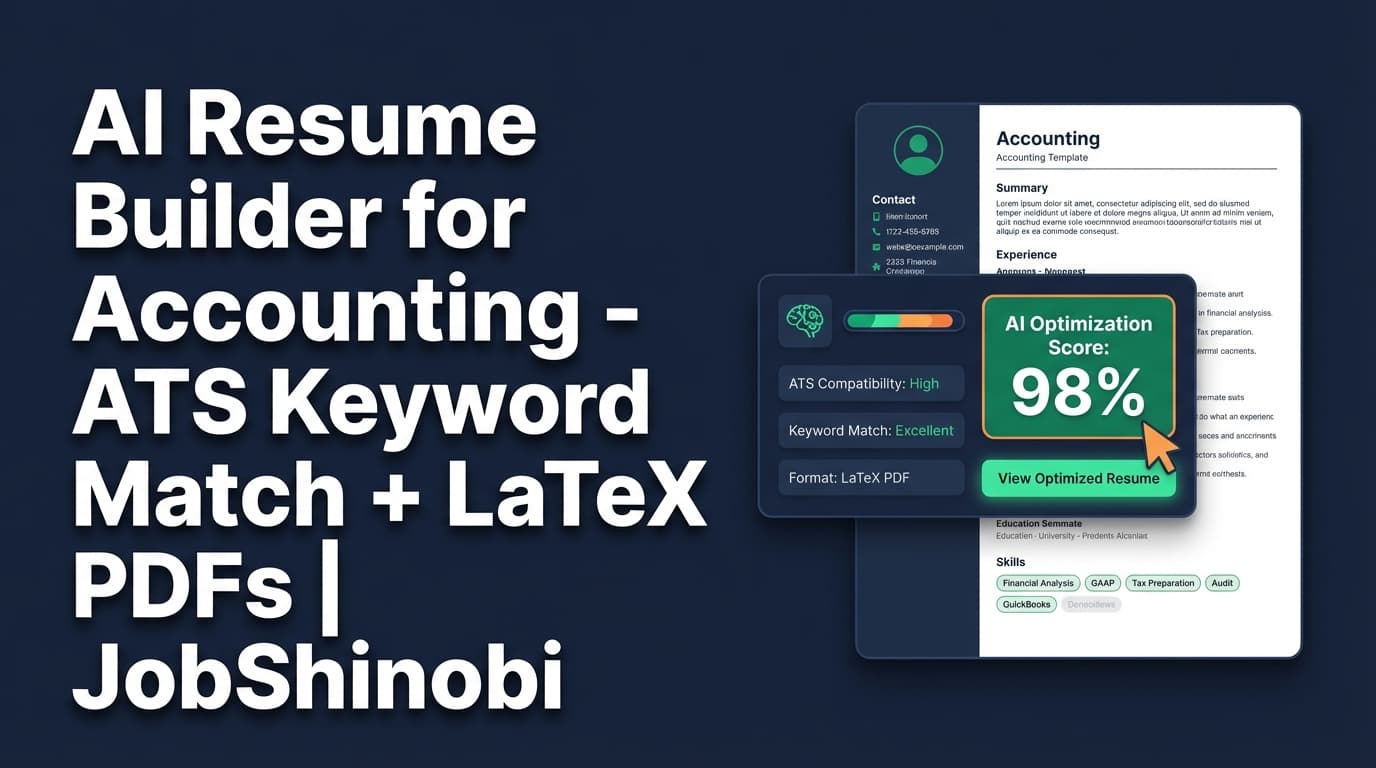
JobShinobi is an AI resume builder for accounting candidates who need a resume that stays structured, scans cleanly in ATS, and can be tailored to specific roles (Staff Accountant, Senior Accountant, AP/AR, Audit, FP&A) using job-description keyword matching. Build with LaTeX templates, refine with a streaming AI editor, run resume scoring + keyword feedback, then download your PDF—without your layout shifting every time you edit.
Primary outcomes for accounting job seekers:
- Keep formatting stable (even when you iterate fast)
- Identify missing keywords from a specific accounting job posting
- Improve resume scores (overall + ATS + formatting + keywords + completeness)
- Track applications in one place—and update statuses from forwarded emails (Pro)
Why Choose JobShinobi for an AI Resume Builder for Accounting?
Most “AI resume builders” are built around generic doc editors. That’s fine—until your accounting resume needs to stay precise, consistent, and ATS-readable while you tailor it across multiple postings.
JobShinobi is different because it combines:
- A LaTeX-based resume builder (designed for structured, predictable output)
- AI Resume Analysis (with cached results when your resume hasn’t changed)
- Resume-to-job matching (paste a job description or job URL to extract requirements and compare)
- A streaming AI editor that can help you revise sections while keeping your LaTeX valid
- A built-in job tracker (including real-time updates and Excel export)
If you’re applying to accounting roles where keywords and clarity matter—GAAP/IFRS, reconciliations, month-end close, AP/AR, financial reporting, audit support, ERP tools, Excel—JobShinobi helps you tailor to the job posting without breaking your resume layout.
Built for “keyword + credibility” accounting resumes
Accounting resumes are evaluated on:
- Hard skills + tools (Excel, ERP, reconciliations, reporting)
- Process ownership (month-end close, variance analysis, audit support)
- Accuracy + controls (compliance, documentation, SOX-type environments where relevant)
- Quantified outcomes (close cycle time, error reduction, cost savings)
JobShinobi’s analysis and matching workflows focus on surfacing keyword gaps and improving clarity—so you’re not guessing what to add.
How JobShinobi’s Accounting Resume Workflow Works
Step 1: Start from a LaTeX resume template
Go to the Resume Builder and pick a template. JobShinobi stores resumes with a latex_source so your formatting stays consistent across edits.
Why this matters for accounting: You can keep headings, spacing, and structure stable while you iterate content for different roles.
Step 2: Edit in “Code” mode or use the AI editor (streaming)
Inside the resume editor you can:
- Edit LaTeX directly (Code)
- Use the AI chat editor (streaming responses) to revise sections
The AI workflow is designed around editing operations (like updating a section and compiling) so your resume stays valid LaTeX.
Step 3: Compile and preview your PDF
JobShinobi compiles your LaTeX and shows a PDF preview so you can verify the final result before downloading.
You can download:
- .tex source
Step 4: Run AI Resume Analysis (ATS + keyword + formatting)
Analyze your resume and get structured scores, including:
- overall score
- content score
- keyword score
- formatting score
- completeness score
- ATS score
You’ll also get detailed feedback like strengths, weaknesses, missing sections, keywords found/missing, and ATS issues. If your resume hasn’t changed since the last scan, JobShinobi can return cached results (so you don’t waste time re-running identical scans).
Step 5: Match your resume to an accounting job description
Paste a job description (or provide a URL), extract job details, and run resume-to-job matching. JobShinobi saves the match analysis and identifies:
- present keywords
- missing keywords
- match score
- recommendations to tailor your resume
Key Features for an AI Resume Builder for Accounting
| Feature | What It Does | Why It Matters for Accounting Roles |
|---|---|---|
| LaTeX Resume Builder | Create and manage resumes stored as LaTeX source | Stable formatting for structured, detail-heavy accounting resumes |
| Cloud LaTeX Compilation + PDF Preview | Compile LaTeX and preview the output PDF | Confirm a clean final PDF before you apply |
| AI Resume Analysis (Comprehensive + Enhanced modes) | Score ATS/formatting/keywords/completeness and provide structured feedback | Find keyword gaps and formatting issues that can hurt screening |
| Job Description Extraction + Resume Matching | Extract requirements/keywords from a job posting and compare to your resume | Tailor to Staff Accountant vs Audit vs FP&A postings without guessing |
| Streaming AI Resume Editor | Chat-based editing that can update your resume while checking LaTeX compilation | Faster iteration while keeping the resume valid |
| Resume Version History | Resume changes are versioned so you can revert | Keep a “base accountant resume” and branch versions per job type |
| Job Application Tracker (Realtime + Excel export) | Track applications and export to .xlsx |
Stay organized during high-volume applications (public accounting, industry roles, etc.) |
| Email Forwarding → Auto Application Updates (Pro) | Forward application emails to your unique address; AI parses and logs/updates entries | Reduce manual tracking work while you focus on tailoring |
Accounting Keyword Tailoring (What to Look For)
JobShinobi doesn’t force a single “accounting keyword list.” Instead, it helps you tailor to the keywords in the specific job description you’re applying to.
Examples of accounting keywords that often appear in postings (and that your match/analysis may surface depending on the role):
- Core accounting: general ledger, journal entries, reconciliations, month-end close, financial reporting
- AP/AR: invoice processing, vendor management, collections, cash application
- Audit / controls: audit support, internal controls, documentation, compliance
- Tools: Excel, accounting systems/ERP, reporting workflows
- Role-specific work: budgeting, forecasting, variance analysis (more common in FP&A-style postings)
Use this as a sanity-check: the best “ATS-friendly” accounting resume is one that mirrors the language of the role without keyword stuffing.
AI Resume Builder for Accounting vs. Generic Resume Builders
Generic resume builders (the common issues)
- Layout shifts when you edit
- Hard to keep formatting consistent across multiple tailored versions
- Keyword “help” is often generic instead of tied to a specific job posting
- No job tracker—so resume tailoring and application management live in separate tools
JobShinobi’s advantage for accounting applicants
- LaTeX-first structure + PDF preview to keep output stable
- Resume scoring + ATS/keyword feedback with structured results
- Job description extraction + match scoring so tailoring is job-specific
- Version history so you can maintain multiple accounting resume variants
- Built-in application tracking, including email-forwarding automation (Pro) and Excel export
Pricing
JobShinobi offers paid subscriptions via Stripe:
- Monthly: $20.00
- Yearly: $199.99
If you want the automated email-forwarding workflow for job tracking, note that inbound email processing is Pro-only.
Frequently Asked Questions
Can I use JobShinobi as an AI resume builder for accounting if I’m applying to multiple role types (AP, audit, FP&A)?
Yes. A practical workflow is to keep one strong “base” resume and create variations using resume version history, then run job matching against each posting to see which keywords you’re missing for that specific role.
Does JobShinobi analyze my resume for ATS and keyword issues?
Yes. JobShinobi provides resume analysis scores (including ATS and keyword scoring) and detailed feedback (strengths, weaknesses, missing sections, keywords found/missing, ATS issues). It can also return cached analysis if your resume hasn’t changed since the last run.
Can I upload a PDF and have it parsed into the editor?
JobShinobi is LaTeX-based and does not claim PDF/image parsing. The supported workflow is to build and edit your resume in the LaTeX editor and download a compiled PDF.
Can JobShinobi tailor my resume to a specific accounting job description?
Yes. You can provide a job description (or URL), and JobShinobi can extract job details and run a resume-to-job match that identifies missing/present keywords and recommendations.
Does JobShinobi integrate with Google Sheets?
No direct Google Sheets sync is supported. JobShinobi supports exporting your job tracker to Excel (.xlsx).
Does JobShinobi auto-apply to jobs on LinkedIn/Indeed?
No. Job board auto-apply integrations are not supported. JobShinobi focuses on resume building, analysis/matching, and application tracking.
Get Started with JobShinobi Today
If you’re searching for an AI resume builder for accounting, start with a template, build your LaTeX resume, run ATS + keyword analysis, and tailor it to the exact job description you’re applying for.
- Create your account: /login
- Build your resume: /dashboard/resume
- Track your applications: /dashboard/job-tracker
- Review your funnel metrics: /dashboard/analytics


