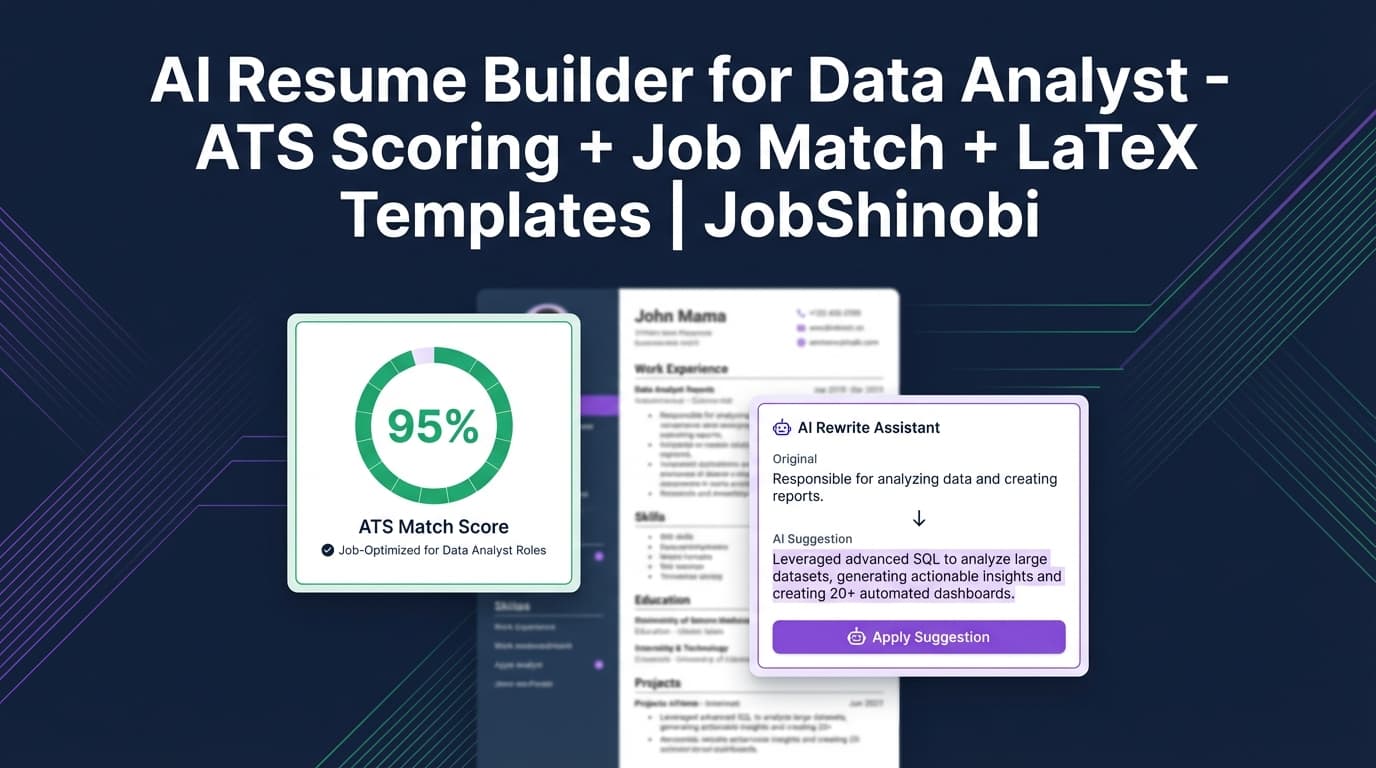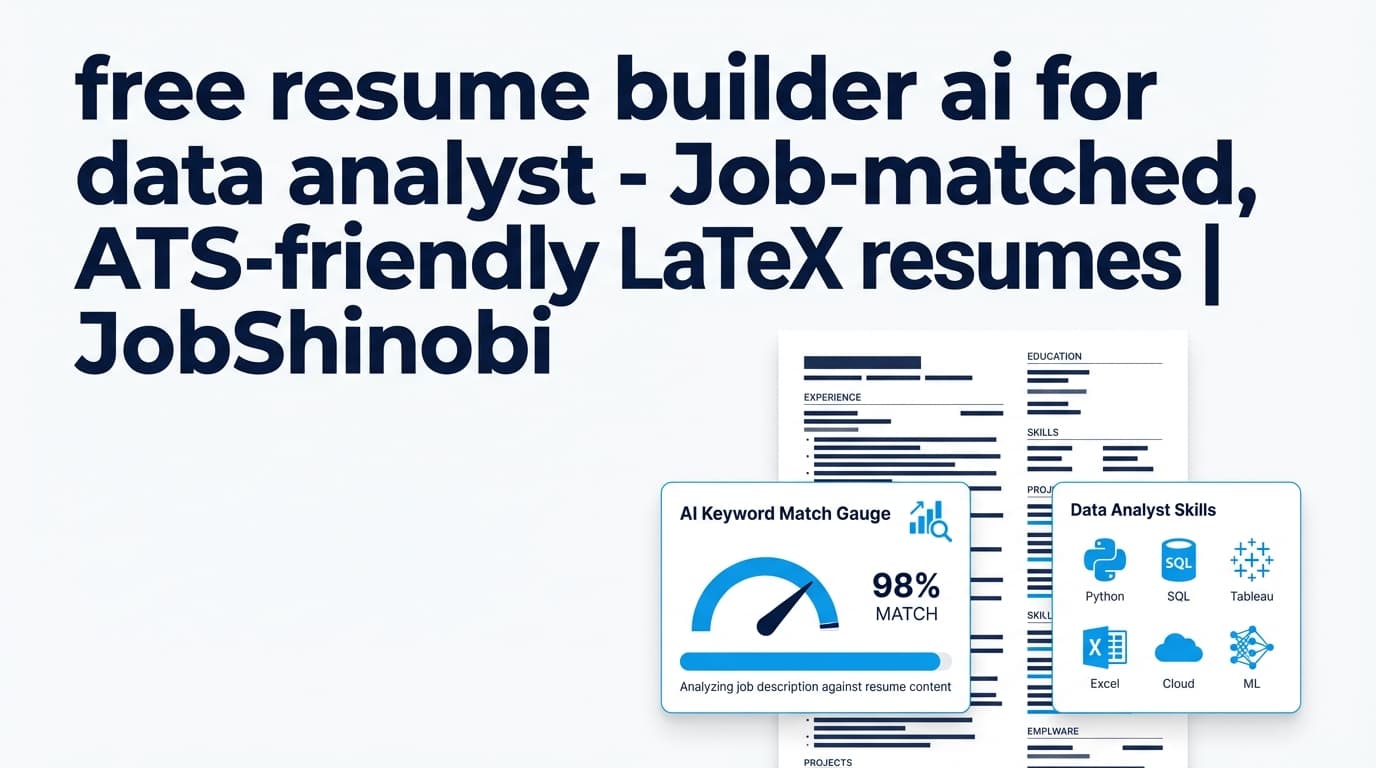
JobShinobi is an AI powered resume builder for data analyst candidates who need two things at the same time: ATS-safe structure and job-specific keyword alignment. Build your resume in LaTeX, compile it to a clean PDF preview, run AI resume analysis (with a scoring breakdown), then match your resume to a job description or job URL to find missing keywords and get recommendations you can apply in your editor.
Best for: data analysts applying across different domains (Product, BI, Marketing, Ops, Finance) who want faster tailoring without breaking formatting.
Start here: Sign in with Google → choose a template → create your resume → analyze → job match → export PDF.
Why Choose JobShinobi for Data Analyst Resume Building?
Data analyst hiring funnels are keyword-heavy (SQL/Python/BI tools, metrics, experimentation, stakeholder communication) and ATS-sensitive (headers, parsing, consistency). JobShinobi is built around the exact workflow analysts need:
- Write in a structured format (LaTeX)
- Score + analyze the resume (ATS issues, keywords, strengths/weaknesses)
- Match it to the job you’re applying for (missing vs present keywords + recommendations)
- Iterate quickly using an AI editor and version history
Instead of guessing whether your resume is “ATS-friendly,” you can check and improve it inside one system.
What makes JobShinobi different (real product capabilities)
- LaTeX resume builder + template library (create and manage resumes as
latex_source) - PDF preview via LaTeX compilation + export PDF and .tex
- AI resume analysis with score breakdown (overall/content/keyword/formatting/completeness/ATS)
- Enhanced analysis mode (optional) for deeper structured feedback
- Job description extraction from a job URL or pasted text
- Resume-to-job matching with:
- match score
- missing keywords
- present keywords
- recommendations
- Streaming AI resume editor that edits while checking LaTeX compilation
- Resume version history (manual saves + chat-driven versions)
- Job application tracker with realtime updates and Excel (.xlsx) export
- Email forwarding → job tracker updates (requires Pro membership)
Why Data Analysts Get Filtered Out (and How JobShinobi Helps)
1) Your resume doesn’t mirror the job’s keyword “shape”
A Product Analyst role might emphasize experimentation and funnels; a BI Analyst role might emphasize dashboards, semantic layers, and data modeling. Same title, different keyword requirements.
JobShinobi fixes this with job matching:
- extract job details and keywords from a URL or JD text
- compare against your resume’s LaTeX source
- surface missing vs present keywords
- provide recommendations to improve alignment
2) Your bullets describe tasks, not outcomes
Analyst resumes need measurable impact (time saved, revenue lift, conversion improvement, accuracy improvements, stakeholder decisions enabled).
JobShinobi fixes this with AI analysis + editing:
- strengths/weaknesses + structured feedback
- section scores and bullet analysis (when available in analysis results)
- an AI editor workflow designed to rewrite and refine sections
3) Formatting breaks ATS parsing or reduces readability
Some resumes look great but don’t parse cleanly—especially when layouts get complex.
JobShinobi uses a LaTeX-first workflow:
- edit structured source
- compile and preview the PDF
- export a consistent PDF output
How JobShinobi Works (Real Workflow Inside the App)
How JobShinobi’s Resume Builder Works
Step 1: Create a data analyst resume from a LaTeX template
Go to your resume dashboard and choose a template from the library.
Suggested “base resumes” to create:
- Data Analyst (general)
- Product Analyst
- BI / Reporting Analyst
- Marketing Analyst
That makes tailoring much faster later.
Step 2: Edit in the resume editor and compile a PDF preview
In the editor, you can:
- update your LaTeX resume content
- compile to generate a PDF preview
- download your resume as PDF or .tex
This is ideal when you want consistent formatting across many tailored versions.
Step 3: Run AI resume analysis (with scoring)
JobShinobi’s analysis returns a score breakdown and structured feedback. It can also return cached results if your resume hasn’t changed (so you’re not re-waiting unnecessarily).
Analysis includes:
- overall score and category scores (content/keyword/formatting/completeness/ATS)
- strengths, weaknesses, missing sections, ATS issues
- keyword analysis (present/missing/overused, plus other fields when available)
- optional enhanced analysis fields (semantic keywords, impact analysis, career progression, action queue) when enabled
Step 4: Paste a job URL or job description to extract job details
Use the job matching tab:
- URL mode: paste a job posting link
- Text mode: paste the full job description
JobShinobi extracts structured job data (company, position, description, keywords).
Step 5: Match your resume to the job and get missing keywords + recommendations
Once extracted, JobShinobi:
- calculates a match score
- shows Matching Keywords and Missing Keywords
- generates Recommendations
- lets you click Apply Suggestions to jump back to the editor and make changes
Step 6: Iterate using the streaming AI resume editor + version history
JobShinobi includes a streaming AI editor that follows a tool-driven workflow (fetch current resume, edit, update, compile check). As you make changes:
- versions are stored (manual saves and chat-driven)
- you can keep role-specific variants without losing your base resume
Key Features for Data Analyst Candidates
| Feature | What It Does | Why It Matters for Data Analyst Hiring |
|---|---|---|
| LaTeX-based resume builder | Create resumes stored as LaTeX source | Stable formatting for tool/metric-dense resumes |
| Resume templates library | Pick from categorized templates | Faster setup for multiple analyst tracks |
| PDF preview via compilation | Compile LaTeX to preview the PDF | Confirm output before submitting |
| Export PDF + .tex | Download resume formats | Easy applications + maintain a source of truth |
| AI resume analysis | Score + structured feedback (strengths, weaknesses, ATS issues, keyword analysis) | Improves ATS readiness and clarity |
| Enhanced analysis mode (optional) | Deeper structured analysis fields when enabled | More actionable next steps for improvements |
| Job URL / JD extraction | Extract job details from URL or text | Faster targeting across many postings |
| Resume-to-job matching | Match score, missing/present keywords, recommendations | Tailor without guessing or stuffing keywords |
| Streaming AI resume editor | AI-driven edits + LaTeX compilation checks | Safer iteration without breaking structure |
| Resume version history | Save and revert resume versions | Manage tailored variants efficiently |
| Job tracker + realtime updates | Track applications and statuses | Stay organized at volume |
| Export job tracker to Excel | Export to .xlsx |
Reporting and follow-up workflows |
| Email forwarding automation (Pro) | Process forwarded job emails and update applications | Reduces manual tracking work |
What to Include on a Data Analyst Resume (A Practical Checklist)
Use this checklist to build your baseline resume, then tailor with JobShinobi’s job matching results.
1) A role-aligned summary (domain + stack + outcomes)
Include:
- domain (product, BI, marketing, finance, ops)
- your stack (SQL + BI tool + Python/R)
- outcomes (speed, revenue, conversion, cost, accuracy, decision impact)
Example pattern:
Data Analyst with X years in [domain], using SQL, [BI tool], and [Python/R] to deliver dashboards and insights that improved [metric/outcome].
2) Skills section that mirrors the job posting
Organize skills in categories for ATS clarity:
- Languages: SQL, Python, R
- BI/Visualization: Tableau, Power BI, Looker
- Analytics: experimentation, funnel/cohort, forecasting, segmentation
- Data: warehouses/databases you’ve used
- Workflow: stakeholder management, requirements gathering
Then use job matching to spot:
- missing keywords you should include only if accurate
- keywords you already have but should surface more clearly (e.g., in bullets, not just skills)
3) Experience bullets with measurable impact
Best-practice structure:
- Action + method/tool + scope + outcome
- include numbers when possible (%, $, hours, latency, adoption)
Examples you can adapt (truthfully):
- “Built a KPI dashboard in Power BI used by X stakeholders; reduced weekly reporting time by Y hours.”
- “Wrote SQL to standardize KPI definitions across teams, reducing metric discrepancies in weekly reporting.”
- “Analyzed funnel drop-off and recommended changes that improved conversion by X%.”
Use JobShinobi’s AI editor to rewrite bullets for clarity and impact, then re-run analysis.
4) Projects (especially for early-career analysts)
Projects should show:
- a question you answered
- data sources
- tools (SQL/Python/BI)
- outcome (what changed / what you found)
AI Powered Resume Builder for Data Analyst vs. Doing It Manually
Manual workflow (common)
- edit in Docs/Word
- ask a chatbot to rewrite text
- manually compare JD vs resume
- track applications in spreadsheets
Where it breaks at scale
- formatting inconsistencies between versions
- no structured match score / missing keyword visibility
- hard to revert after tailoring for one job
- tracking becomes fragmented
JobShinobi’s workflow advantage
- a stable LaTeX resume foundation + PDF compilation preview
- AI analysis with scoring and ATS-focused issues
- job extraction + job match insights (missing vs present keywords)
- apply recommendations by jumping back into the editor
- version history to manage tailored variants
- job tracker + Excel export + realtime updates
Pricing
JobShinobi offers subscriptions via Stripe:
- Monthly: $20.00
- Yearly: $199.99
See subscription options here: /subscription
Frequently Asked Questions
Can I tailor my data analyst resume to a specific job description in JobShinobi?
Yes. You can paste a job URL or job description text, extract job details, and run resume-to-job matching to get a match score plus missing/present keywords and recommendations.
Does JobShinobi provide an ATS score?
JobShinobi’s resume analysis includes an ATS score as part of its scoring breakdown, along with content, keyword, formatting, and completeness scores.
Can JobShinobi export my resume as a PDF?
Yes. JobShinobi compiles your LaTeX resume and supports downloading the compiled PDF, as well as the .tex source.
Can I upload a PDF resume and have it parsed automatically?
JobShinobi’s resume workflow is centered on creating and editing resumes as LaTeX source. It does not claim PDF/image OCR parsing as a supported feature.
Does JobShinobi auto-apply to jobs or integrate with LinkedIn/Indeed?
No. JobShinobi does not claim auto-apply or job board integrations. It focuses on resume creation, analysis, job matching, and application tracking.
Can JobShinobi help me track my job applications?
Yes. JobShinobi includes a job tracker with realtime updates and an Excel (.xlsx) export. There is also an email-forwarding workflow that can process job-related emails and update application records (requires Pro membership).
Get Started with JobShinobi Today
Build a data analyst resume that’s structured, ATS-ready, and tailored to each job—without losing formatting or track of your applications.