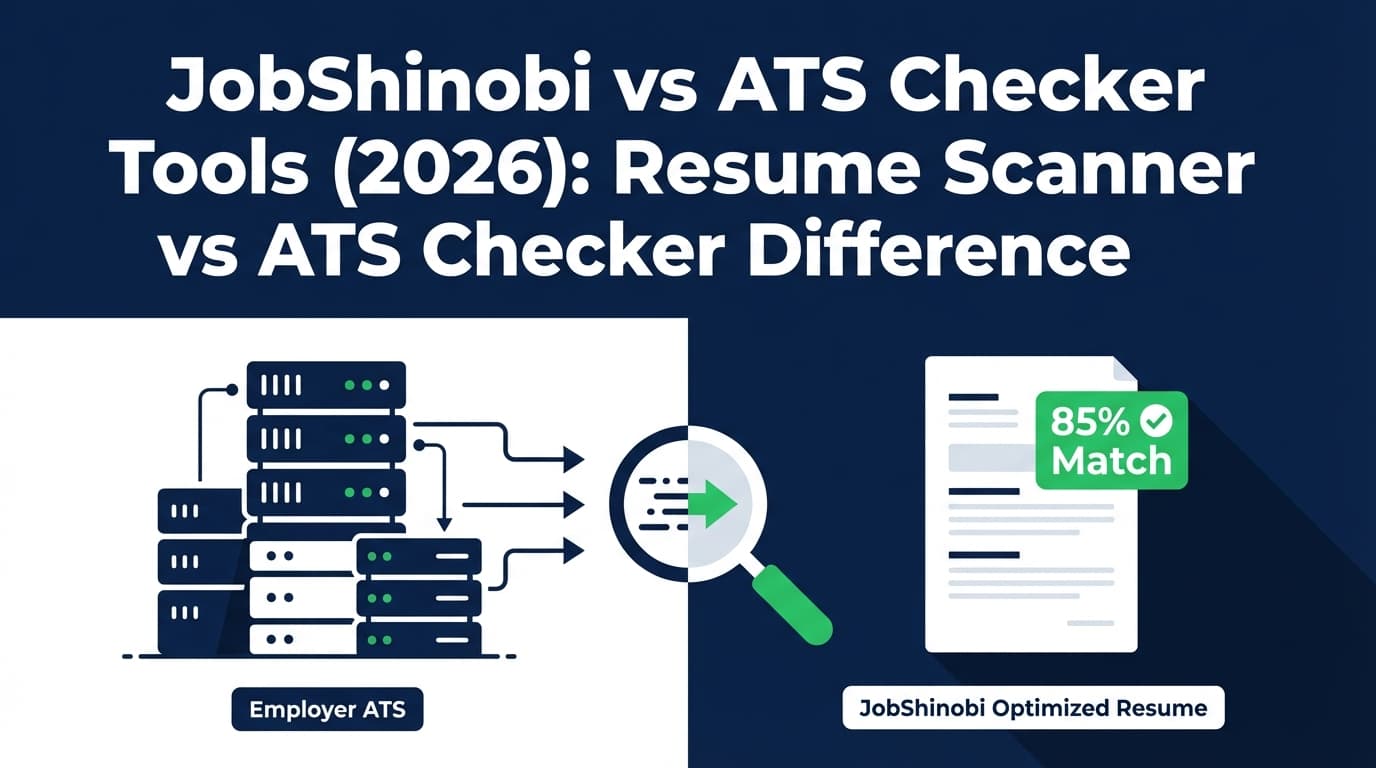
If you’re searching “resume scanner vs ATS checker difference”, you’re likely trying to figure out two things:
- Do these tools actually do different things—or are they the same thing with different marketing?
- Which type of tool will actually help you get more interviews (not just a higher score)?
This page explains the difference in plain English, then compares JobShinobi to the ATS-checker / resume-scanner tools most people mean when they use those terms.
Quick Verdict:
- Choose JobShinobi if you want an end-to-end workflow: build (LaTeX) → analyze → tailor to a job → track applications (including email-forwarding automation on Pro).
- Choose a typical ATS checker / resume scanner if you mainly want fast keyword + formatting feedback and you’re happy editing in Word/Google Docs and tracking applications elsewhere.
Note on the “competitor”: We could not verify a single, distinct product called “Ats Checker Difference” with a dedicated website and pricing. So, for accuracy, we treat the “competitor” as the category of ATS-checker/resume-scanner tools, using verified examples (Kickresume ATS Resume Checker, Resume Worded Targeted Resume, and Jobscan plan information as surfaced in search results).
TL;DR Comparison
| Feature | JobShinobi | ATS Checker / Resume Scanner Tools (Typical) |
|---|---|---|
| Primary purpose | Build + tailor + track job search | Score/scan resume vs ATS rules + job description |
| Editing experience | In-app LaTeX editor + PDF preview | Often upload & scan; editing may be outside the tool or via a template builder |
| ATS/keyword feedback | ✅ Yes (scoring + ATS/keyword feedback) | ✅ Yes (ATS score/match rate + keyword tips) |
| Job description matching | ✅ Yes (job extraction + match analysis) | ✅ Common (resume vs JD comparison) |
| Version history | ✅ Version history + revert/undo workflows | Varies; often limited |
| Application tracking | ✅ Tracker + email-forwarding automation (Pro) | Varies; some include trackers, many don’t automate via email forwarding |
| Starting price (examples) | $20/mo (JobShinobi Pro Monthly) | Ranges widely (some “from $8/mo”; some ~$49.95/mo) |
| Best for | Job seekers who want one “home base” for the process | Job seekers who want quick scan feedback and minimal setup |
Resume Scanner vs ATS Checker: What’s the Difference?
In real-world usage, these terms overlap heavily, but the emphasis differs.
What a “Resume Scanner” usually means
A resume scanner typically focuses on match and content relevance—especially against a specific job description:
- Missing keywords/skills
- “Match rate” or “fit score”
- Suggestions to align wording with the job posting
Verified example: Resume Worded positions “Targeted Resume” as a free resume scanner that compares your resume to a job posting and helps with ATS/keyword optimization:
https://resumeworded.com/targeted-resume
What an “ATS Checker” usually means
An ATS checker typically emphasizes machine readability and “ATS simulation”:
- Can the ATS parse your headings/dates/roles?
- Are there formatting elements that may break parsing?
- An “ATS score” based on checks
Verified example: Kickresume’s page is explicitly an “ATS Resume Checker — Simulate the ATS Scan”:
https://www.kickresume.com/en/ats-resume-checker/
The reality: no tool can perfectly simulate every ATS
Different employers use different ATS platforms and configurations. That’s why scores can vary across tools (and why you’ll see skepticism in communities like Reddit). A score can still be useful—but treat it as debugging feedback, not a guarantee.
JobShinobi Overview
JobShinobi is an AI resume builder + ATS resume analyzer + job application tracker designed for job seekers who want to fix ATS issues and keep their job search organized.
Key capabilities (from product documentation/implementation):
- LaTeX resume builder + cloud PDF compilation/preview (build and export clean PDFs and
.tex) - AI resume scoring + ATS/keyword feedback
- Job description extraction + resume-to-job matching (match score + missing/present keywords)
- Resume version history (save versions; revert/undo workflows)
- Job application tracker + analytics (status tracking, trends, export to Excel)
- Unique differentiator: email-forwarding job tracking (Pro)
Forward application emails to a unique address and JobShinobi parses them into tracked applications automatically.
Key Strengths
- End-to-end workflow: build → tailor → track (less tool-hopping).
- Automation: email-forwarding tracking reduces manual spreadsheet entry.
- Structured editing: LaTeX-first approach can keep formatting consistent.
Limitations (honest)
- LaTeX isn’t for everyone: if you want a purely visual drag-and-drop editor, typical resume builders may feel easier.
- Core automation is gated: inbound email parsing/processing is restricted to Pro.
ATS Checker / Resume Scanner Tools Overview (Verified Examples)
Because “Ats Checker Difference” does not appear to be a single product, here are verified examples of what users commonly mean:
Kickresume (ATS checker example)
- ATS checker landing page: https://www.kickresume.com/en/ats-resume-checker/
- Pricing page exists: https://www.kickresume.com/en/pricing/ (the page is accessible; pricing varies by plan and billing)
Where tools like this often win: a smoother onboarding experience and a broader “resume builder suite” feel.
Resume Worded (resume scanner example)
- Targeted Resume page: https://resumeworded.com/targeted-resume
- Pro upgrade page: https://resumeworded.com/get-pro
Where tools like this often win: very fast “resume vs job posting” feedback loops.
Jobscan (high-intent ATS scanning example; some pages blocked)
Jobscan’s marketing pages frequently blocked automated page fetching during verification (HTTP 403), but plan and support details are visible in indexed results and support pages:
- Plan page (as shown in search results): https://app.jobscan.co/plan
- Support doc on free scans: https://support.jobscan.co/hc/en-us/articles/360056018654-When-do-I-get-my-free-monthly-scans
Where tools like this often win: strong focus on scanning/match rate and a mature ecosystem around ATS optimization.
Feature-by-Feature Comparison
1) Workflow: “Get a score” vs “Ship tailored applications”
JobShinobi:
Best when you want a repeatable loop: analyze → implement edits → re-check → keep versions. It’s built to be the place you do the work, not just get feedback.
Typical ATS checker/resume scanner:
Great at giving you a fast report/score—but you may need to:
- edit elsewhere,
- re-upload,
- manually track what you changed,
- manually track applications.
Winner: JobShinobi for serious, multi-application job searches; scanners for quick one-off checks.
2) Job description matching (the part that often matters most)
JobShinobi:
Supports job description extraction (URL or paste) and resume-to-job match analysis (missing/present keywords plus suggestions).
Typical scanners/checkers:
Resume Worded’s “Targeted Resume” is explicitly designed around “compare your resume to a job posting” and keyword alignment:
https://resumeworded.com/targeted-resume
Winner: Tie on the concept; edge to JobShinobi if you value implementing changes and versioning in one place.
3) Formatting control and ATS parseability
JobShinobi:
LaTeX-based editing + PDF compilation gives you deep control over structure. This can be helpful for maintaining consistent formatting and reducing weird layout artifacts.
Typical scanners/checkers:
Many do a good job flagging common formatting pitfalls, but the editing environment varies (upload-only vs builder).
Winner: Depends on preference:
- Want maximum control? JobShinobi
- Want maximum simplicity? Typical resume builders/scanners
4) Version history and experimentation
JobShinobi:
Resume changes are versioned and you can revert—useful when you tailor many times and don’t want to lose “good versions.”
Typical scanners/checkers:
Versioning varies. Many users end up duplicating files manually (Resume_v3_FINAL_REAL_FINAL.pdf…).
Winner: JobShinobi.
5) Application tracking and job search analytics
JobShinobi:
Includes a tracker, analytics, export, and—most uniquely—email-forwarding → automatic tracking on Pro.
Typical scanners/checkers:
Some have trackers, but email-forwarding automation is uncommon in “scanner-first” tools.
Winner: JobShinobi.
Pricing Comparison (Verified Examples + Notes)
Prices change. The goal here is clarity, not “gotcha” comparisons.
| Plan Type | JobShinobi | ATS Checker / Resume Scanner Tools (Examples) |
|---|---|---|
| Free | Limited (core automation gated) | Often limited scans (varies) |
| Monthly | $20/mo (Pro Monthly) | Example: Jobscan is often cited at $49.95/mo in indexed plan snippets (https://app.jobscan.co/plan) |
| Quarterly | — | Example: Resume Worded shows $99 every 3 months in indexed snippets (https://resumeworded.com/get-pro) |
| “From $X/mo” entry | — | Kickresume pricing snippet indicates Premium starting at $8/month (https://www.kickresume.com/en/pricing/) |
| Yearly | $199.99/yr | Resume Worded and others offer yearly options (varies by provider) |
Value analysis:
- If you only need occasional scans, a free/low-cost tier from a scanner/builder may be enough.
- If you’re applying broadly and want to reduce tool-hopping and admin, JobShinobi’s value comes from combining tailoring + versioning + tracking automation.
Who Should Choose JobShinobi?
You’ll prefer JobShinobi if you:
- Want a single system for resume building + ATS feedback + job matching + application tracking.
- Apply to many roles and need version history (so tailoring doesn’t become chaos).
- Want to save time with email-forwarding job tracking (Pro).
- Are okay with a more technical resume workflow (LaTeX) in exchange for control.
Who Should Choose an ATS Checker / Resume Scanner Tool?
You’ll prefer a typical ATS checker / resume scanner if you:
- Want a quick “what’s missing?” report and prefer editing in Word/Docs.
- Want a very simple UI and minimal learning curve.
- Only need a scanner occasionally (not an end-to-end job search workspace).
- Prefer a broader template-based resume builder experience.
Switching from a Scanner/Checker to JobShinobi
- Migration: If you already have a resume, you’ll likely rebuild/translate it into the JobShinobi template style (LaTeX) rather than “import and perfectly convert.”
- Learning curve: Moderate if you’ve never used LaTeX; easier if you have.
- Tracking: If you currently track in a spreadsheet, JobShinobi supports exporting—importing historical applications may require manual setup depending on your data format.
FAQ
Is a resume scanner the same as an ATS checker?
Most of the time, yes—people use the terms interchangeably. “Resume scanner” often emphasizes keyword match, while “ATS checker” emphasizes parseability/formatting, but many tools do both.
Why do different tools give different ATS scores?
Because they use different rules, keyword weighting, parsers, and heuristics. Also, real ATS setups vary widely across employers. Treat scores as guidance, not truth.
Can any tool guarantee my resume will “pass ATS”?
No. The best practice is:
- keep formatting clean,
- ensure your content matches the job truthfully,
- tailor keywords naturally (avoid stuffing),
- and test readability (copy/paste your PDF text; ensure it reads cleanly).
Is JobShinobi “better” than Jobscan/Kickresume/Resume Worded?
Not universally. JobShinobi is better when you want one integrated workflow (build + tailor + track + automate). A dedicated scanner can be better if you only want fast scoring and prefer a less technical editing experience.