You’re likely here because you’ve heard some version of: “Use Word—it’s what ATS expects” and “Use LaTeX—it’s cleaner and more consistent.” Both can be true depending on how you build and export your resume.
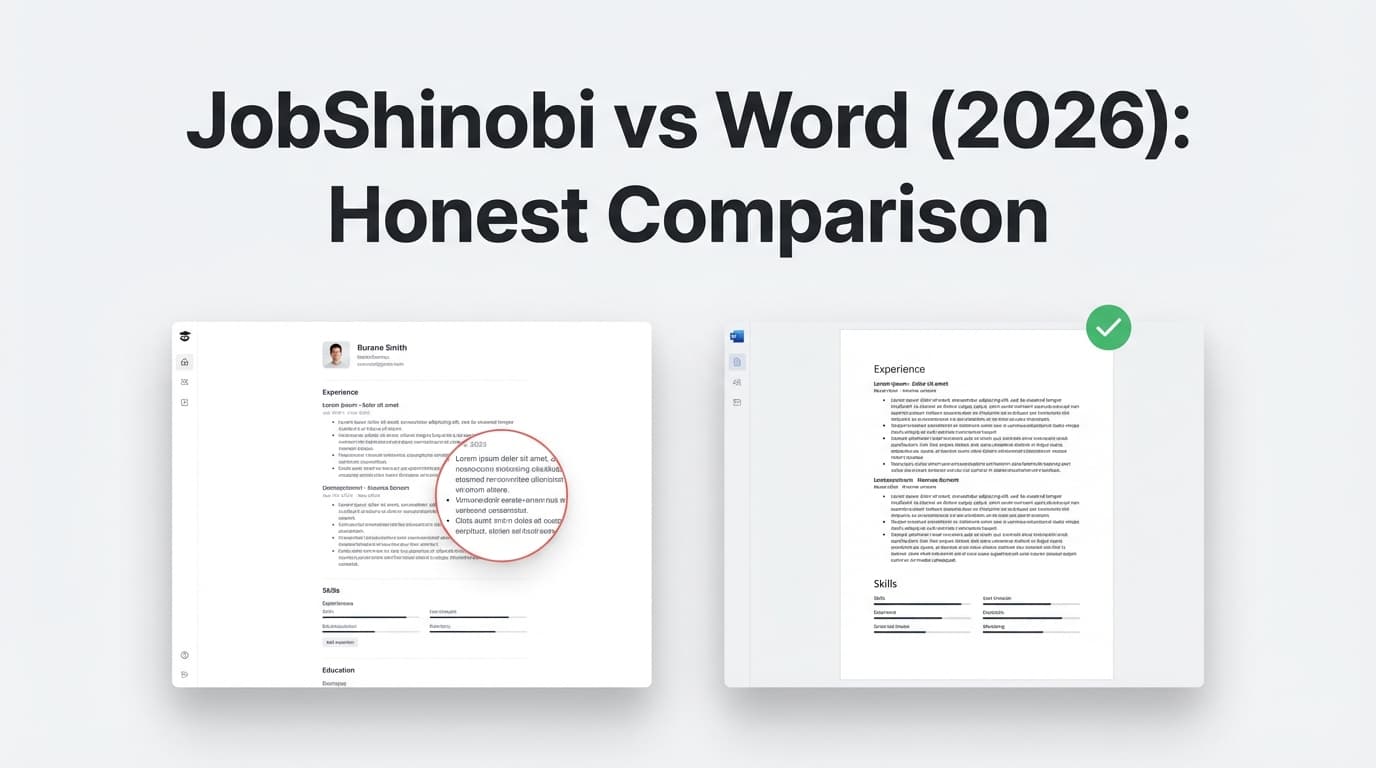
This page compares JobShinobi (a LaTeX-first ATS resume builder + analyzer + job-tracking workflow) with Microsoft Word (the most common resume editor in the world). The goal isn’t to crown a universal winner—it’s to help you choose the best tool for your situation.
Quick Verdict:
- Choose Microsoft Word if you need a universally accepted resume format (especially .docx), easy collaboration, and fast template-based editing.
- Choose JobShinobi if you want a job-search system built around ATS optimization (resume scoring + keyword gaps + job matching), LaTeX-stable formatting, and automated job application tracking.
TL;DR Comparison
| Feature | JobShinobi | Microsoft Word |
|---|---|---|
| Primary use case | ATS resume builder + analyzer + job tracker | General document editor (widely used for resumes) |
| Resume format approach | LaTeX-first, compiled PDF | .docx-first (plus PDF export) |
| ATS feedback / resume scoring | ✅ Built-in scoring + ATS/keyword/formatting feedback | ❌ Not built-in |
| Job description → keyword matching | ✅ Match score + missing/present keywords | ❌ Not built-in |
| Version history for tailoring | ✅ Resume versions + revert workflow | ⚠️ Version history varies by storage (e.g., OneDrive/SharePoint), not resume-specific |
| Job application tracking | ✅ Forward emails → auto-create/update applications | ❌ Not built-in |
| Templates | ✅ LaTeX templates in-app | ✅ Large template ecosystem (Microsoft + third-party) |
| Collaboration (comments, Track Changes) | ⚠️ Not the core focus | ✅ Strong collaboration features |
| Starting price | $20/mo (Pro) | Free (Word for the web) |
| Best for | High-volume applying + systematic tailoring | Simplicity, collaboration, and .docx requirements |
JobShinobi Overview
JobShinobi is built for people who are tired of guessing why they’re not getting interviews. Instead of being just a resume editor, it’s a job-search workflow that combines:
- A LaTeX resume builder with cloud compilation and live PDF preview
- An AI resume agent (chat-based) that can help you revise and tailor your resume
- Resume scoring + ATS/keyword feedback, including structured breakdowns (formatting, ATS, keywords, completeness, etc.)
- Job description extraction + resume-to-job matching to identify missing keywords and tailoring opportunities
- A standout differentiator: email forwarding → automatic job application tracking, with analytics like response rate and trends
Key Strengths
- ATS optimization loop is built-in: scoring, weaknesses/strengths, keyword analysis, and job matching live in the product.
- LaTeX consistency: formatting tends to be stable across machines because output is compiled.
- Less manual tracking: forwarding application emails can automatically populate/update your tracker (Pro feature).
Limitations (Honest)
- Learning curve: if you’ve never used LaTeX-style editing, it may feel less “drag-and-drop” than Word.
- If a job explicitly requires .docx: JobShinobi exports PDF and
.tex, so Word is the safer default when the employer mandates Word format. - Pricing/trial details: JobShinobi lists a 7‑day trial in marketing, but trial enforcement may be configured in Stripe rather than visible in application code.
Microsoft Word Overview
Microsoft Word is the default resume tool for a reason: most hiring managers have seen thousands of Word resumes, and many companies still request .docx specifically.
Word is available as:
- Word for the web (free, in a browser with a Microsoft account; feature set is more limited than desktop Word)
- Desktop Word via Microsoft 365 subscriptions or one-time Office purchases (region-dependent)
Microsoft also publishes resume template collections (including pages that mention “ATS-friendly” resume templates), and Word has a huge third-party template ecosystem.
Key Strengths (Verified)
- Universality / acceptance: .docx is commonly accepted, and sometimes explicitly requested.
- Collaboration: comments, Track Changes, and real-time editing (especially in Microsoft 365 environments).
- Templates: extensive template libraries (Microsoft-hosted and third-party), including resume template galleries.
Limitations (Verified + common review themes)
- Easy to accidentally create ATS parsing problems if you use columns, tables, or text boxes (many ATS guidelines recommend avoiding these). Word templates can encourage complex layout unless you choose carefully.
- Web vs desktop gap: Microsoft provides a Word web vs desktop feature comparison, and the web version has fewer advanced features.
- Cross-version formatting quirks: user reviews commonly mention formatting differences when sharing across versions/devices (a known pain point for resume consistency).
Feature-by-Feature Comparison
1) ATS-Optimized Formatting (LaTeX vs Word)
JobShinobi:
JobShinobi is explicitly built around ATS-safe structure. The LaTeX-first workflow pushes you toward consistent headings and layout, and the output is compiled into a PDF (less “mystery formatting” across devices). It also pairs formatting with ATS-focused analysis, not just styling.
Word:
Word can absolutely produce an ATS-friendly resume—but the burden is on you to follow ATS rules. Many resume/ATS resources advise avoiding:
- tables
- multiple columns
- text boxes
- graphics/icons used as structure
Word’s strength (flexible design) is also a risk (easy to create layouts that parse poorly).
Winner: JobShinobi for ATS guardrails and systemized feedback; Word if you already know exactly how to keep formatting simple and compliant.
2) Job Description Keyword Matching & Tailoring
JobShinobi:
Includes job description extraction and resume-to-job match analysis (missing vs present keywords, match score, tailoring suggestions). This is ideal when you’re applying frequently and want a repeatable method.
Word:
No built-in keyword matching. You can tailor manually using the job description and Find/Replace, but you won’t get structured gap analysis unless you use an external tool.
Winner: JobShinobi
3) Resume Feedback & Iteration Speed
JobShinobi:
Gives you structured resume scoring (overall + sub-scores) and an AI agent workflow that can revise bullets and content while keeping formatting consistent, plus resume version history for iterating safely.
Word:
Excellent for writing and editing mechanics, and can be great with Track Changes when collaborating with a mentor/reviewer. But it’s not a resume optimization engine by default.
Winner: Tie—JobShinobi for ATS optimization; Word for collaboration-based editing.
4) Version History & Managing Multiple “Tailored” Resumes
JobShinobi:
Built around saved resumes and versions, supporting revert/undo-like workflows so you can tailor without losing your base resume.
Word:
Version history depends on how you store files (e.g., OneDrive/SharePoint). Many job seekers still end up with messy filename versioning. Word doesn’t organize “tailored variants per job” as a first-class workflow.
Winner: JobShinobi (resume-specific versioning)
5) Job Application Tracking
JobShinobi:
A standout capability: forward job-related emails (confirmations, updates) and JobShinobi can extract structured fields (company, title, status) and update your tracker automatically (Pro-gated). It also includes analytics dashboards (response rate, interview conversion, trends).
Word:
No tracking. You’ll need spreadsheets, Notion, or a separate job tracker tool.
Winner: JobShinobi
6) Templates & Ease of Getting Started
JobShinobi:
Provides LaTeX resume templates in-app and a workflow optimized for clean structure.
Word:
Massive template advantage. Microsoft hosts resume template pages and many third-party sites sell or share Word resume templates. (Just be cautious: “pretty” templates sometimes rely on columns/text boxes.)
Winner: Word (breadth), JobShinobi (consistency + ATS focus)
Pricing Comparison (Current as of 2026-01-21)
Microsoft pages sometimes block automated requests; pricing below is verified via Microsoft’s official Microsoft 365 plan comparison page snippets and related Microsoft pages surfaced in search results.
| Plan | JobShinobi | Microsoft Word |
|---|---|---|
| Free | Limited (dashboard access; core automation like email processing gated to Pro) | Free via Word for the web (Microsoft 365 web apps) |
| Monthly | $20.00/mo (Pro) | Microsoft 365 Personal $9.99/mo; Family $12.99/mo |
| Annual | $199.99/yr | Personal $99.99/yr; Family $129.99/yr |
| One-time purchase | ❌ No | Office Home 2024 $149.99 (one-time); Office Home & Business 2024 $249.99 (one-time) |
Value Analysis:
- If your main need is “create a resume and send it,” Word for the web (free) is the lowest-cost option.
- If you want an all-in-one workflow for repeated applying—keyword matching, ATS scoring, versioning, and automated tracking—JobShinobi’s value is in reducing guesswork and manual tracking time.
Who Should Choose JobShinobi?
You’ll prefer JobShinobi if you:
- Want ATS optimization feedback built into the workflow (not separate tools)
- Tailor often and need version history that’s resume-specific
- Want job description → keyword gap analysis and match scoring
- Are applying at volume and want job tracking via email forwarding instead of spreadsheets
- Prefer LaTeX-style control and consistent compiled output
Who Should Choose Word?
You’ll prefer Microsoft Word if you:
- Need a resume editor that’s universally familiar and accepted
- Apply to roles that explicitly request .docx
- Want collaboration features (Track Changes, comments, coauthoring)
- Depend on templates and want to iterate quickly without learning a new workflow
- Already know how to keep formatting ATS-safe (single column, minimal layout complexity)
Switching from Word to JobShinobi
- Migration: Expect a manual move (copy/paste content into a JobShinobi template). There’s rarely a perfect Word → LaTeX conversion for resumes.
- Learning curve: Moderate for first-time LaTeX users, but JobShinobi’s AI agent + live compile/preview loop can reduce the friction.
- Maintaining .docx variants: If you regularly need .docx, you may end up using a hybrid approach: JobShinobi for ATS optimization + a Word export workflow when employers demand it.
FAQ
Is LaTeX always better for ATS than Word?
No. ATS success usually comes from structure and simplicity, not the tool itself. A clean, single-column Word resume can parse perfectly. LaTeX can help keep formatting consistent, but you still need ATS-friendly structure.
Can Word resumes fail ATS parsing?
Yes—typically because of layout choices (columns, tables, text boxes, complex headers/footers). Many ATS guidelines recommend avoiding these elements regardless of the editor you use.
Does Microsoft Word have “ATS-friendly” resume templates?
Microsoft hosts resume template pages and also publishes pages that reference ATS-friendly resume templates. That said, “ATS-friendly” still depends on the specific template and how it’s edited—always keep formatting simple and test your output.
Which is cheaper: JobShinobi or Word?
If you use Word for the web, Word can be free. Paid Microsoft 365 plans are typically cheaper than JobShinobi monthly. JobShinobi justifies its price if you’ll use the ATS scoring, matching, versioning, and tracking features regularly.
If a job posting asks for a Word document, what should I do?
Use Word (.docx). When an employer specifies a format, follow it—format compliance can matter more than marginal optimization.