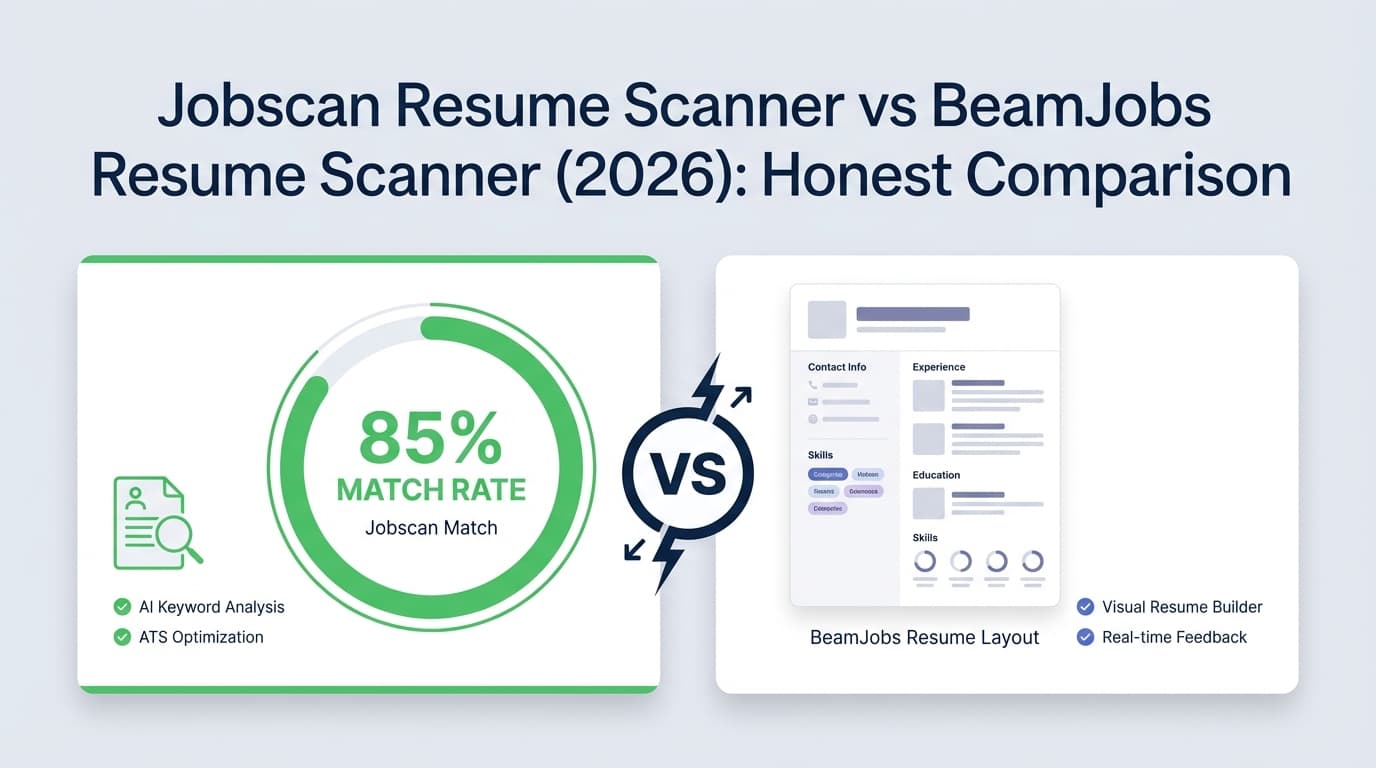
If you’re comparing Jobscan and BeamJobs, you’re probably trying to answer one practical question:
“Which scanner will help me tailor faster—and actually improve my chances of getting interviews—without wasting hours chasing a perfect ‘ATS score’?”
This page compares what each tool does well, where each can be frustrating, and which one makes sense depending on your job search style.
Quick Verdict:
- Choose Jobscan if you want a more established, job-description-to-resume matching workflow with a clear “match rate” style approach—and you’re okay paying for unlimited scans.
- Choose BeamJobs if you want a fast, free, lightweight scan/check (and a broader library of free resume tools) without committing to a pricey scanner subscription.
If you want something beyond scanning—like resume optimization + job application tracking that doesn’t require spreadsheets—see the section on JobShinobi (an alternative) below.
TL;DR Comparison
| Feature | Jobscan Resume Scanner | BeamJobs Resume Scanner |
|---|---|---|
| Core workflow | Compare resume vs job description; outputs a “match rate” style report (keyword + formatting focus) | Free scanner/checker style tools focused on ATS readiness + improvements |
| Best for | High-volume tailoring to specific postings | Quick “sanity check” + free tools ecosystem |
| Free use | Free plan includes limited scans (commonly cited: 5 scans/month; rollover rules documented in Jobscan support) | Many tools positioned as free; scanner pages emphasize free usage |
| Unlimited scans | Paid plans emphasize unlimited scans | Not clearly positioned as “unlimited scanning subscription” on scanner pages |
| Pricing transparency | Publicly visible via Jobscan plan pages (app.jobscan.co) and support/docs | Public pages emphasize “free” and “pay less than a dollar to download” for builder; broader paid pricing not consistently displayed on scanner pages |
| Job tracker | Jobscan offers a job tracker (including a Chrome extension listing exists) | BeamJobs job tracker page states it’s being improved / under redevelopment |
| Good fit if you hate spreadsheets | Better than nothing, but still scan-centered | Better than nothing, but scan-centered |
| Alternative if you want scan + tracking automation | JobShinobi (resume analyzer + job matching + email-forwarded auto-tracking) | JobShinobi (resume analyzer + job matching + email-forwarded auto-tracking) |
JobShinobi (Alternative) Overview
JobShinobi is not just a resume scanner—it’s a combined system for:
- ATS resume analysis + resume-to-job matching, and
- job application tracking (including a unique email-forwarding workflow that automatically logs applications from confirmation emails).
Where Jobscan and BeamJobs primarily help you score and tailor, JobShinobi is designed to help you improve the resume and run the job search process without manual tracking.
Key Strengths
- Email-forwarding job tracking (Pro): forward application emails to a unique address and JobShinobi auto-creates/updates job entries using AI extraction and fuzzy matching (no spreadsheet copying).
- Resume scoring + ATS/keyword feedback: structured scoring across areas like content/keywords/formatting/completeness/ATS with cached re-analysis when nothing changed.
- Resume-to-job matching: paste a job URL or description; extract job details + keywords; get a match score and missing/present keyword breakdown.
- LaTeX-based resume workflow + PDF preview: for users who want predictable formatting and versioning with live compilation preview.
- Version history (“unlimited undo” experience): resume changes are versioned and can be reverted.
Limitations (being upfront)
- Different workflow than Word/Docs-first builders: LaTeX-first is powerful but not for everyone.
- Some automation features are gated to Pro (notably email processing/job tracking automation).
Pricing (JobShinobi)
- Pro: $20/month or $199.99/year (subscription)
- Free tier: access exists, but key automation (email processing) is Pro-gated
Website: https://jobshinobi.com
Jobscan Resume Scanner Overview
Jobscan is best known for helping job seekers tailor a resume to a specific job description by identifying gaps in keywords and ATS-relevant content/formatting. It’s often used in an iterative loop: scan → adjust → rescan.
Key Strengths (verified via Jobscan public info + support resources)
- Job description matching focus: Jobscan positions its scanner as comparing your resume to the job description, analyzing keywords and formatting to generate a report (commonly described as a “match rate” approach).
- Documented free-scan limits and rollover behavior: Jobscan’s support documentation explains when free monthly scans are issued and that unused scans can roll over up to a cap.
- Paid plan messaging emphasizes unlimited scans: Jobscan plan pages (app.jobscan.co) prominently list “unlimited resume scans” in paid tiers.
Limitations (from common user sentiment + how scan tools work)
- Can encourage “score chasing”: Like most scanners, it can push users toward optimizing the score rather than writing for humans.
- Cost is high if you need unlimited scans: Jobscan is frequently perceived as expensive relative to “quick checker” tools—especially for job seekers on tight budgets.
- Rescans can burn through free limits quickly: If each rescan counts as a scan, iterative tailoring on a free plan can feel restrictive.
BeamJobs Resume Scanner Overview
BeamJobs positions its resume scanner as a free AI resume scanner for ATS compliance, with additional tools (resume checker, keyword scanner, parser, review, etc.) that support different parts of resume optimization.
Key Strengths (verified via BeamJobs pages)
- Strong free-tool ecosystem: BeamJobs has multiple free tools around scanning/checking (resume scanner, resume checker, resume keyword scanner, resume parser, resume review), each with FAQ sections and clear ATS-readability messaging.
- Beginner-friendly, fast feedback: BeamJobs’ scanner messaging is oriented around quick insights and identifying weak spots before you apply.
- Large content library: BeamJobs publishes a large number of templates/examples and “resume help” content, which can be useful if you want examples by role.
Limitations (verified + commonly reported)
- Job tracker currently not positioned as a mature feature: BeamJobs’ job tracker page states it’s being improved/under redevelopment (so it may not be reliable if tracking is a core need).
- Pricing can be confusing depending on entry point: Some BeamJobs pages emphasize free usage, while resume builder pages mention paying “less than a dollar to download.” Users often dislike unclear paywalls or watermark/download gating (this is a common theme across resume builders generally).
Feature-by-Feature Comparison
1) Resume-to-Job Description Matching (keyword gap analysis)
Jobscan:
This is Jobscan’s core differentiator: scanning your resume against a specific job description and surfacing keyword gaps and recommendations. If you tailor every application, this workflow is a strong fit.
BeamJobs:
BeamJobs offers a “resume to job description match” style page/tooling, plus a resume keyword scanner. It can be effective for quick keyword alignment, especially if you want something lightweight and free.
Winner: Jobscan (for a mature, matching-first workflow), with BeamJobs close behind for lighter-weight matching without the same “scanner subscription” feel.
2) ATS Formatting & Readability Checks
Jobscan:
Jobscan is widely used for ATS-oriented formatting guidance as part of its scan report. It’s helpful for spotting formatting issues that can reduce parseability.
BeamJobs:
BeamJobs explicitly positions its scanner/checker tools around ATS compliance and “after it’s been parsed” style messaging. It’s strong for fast checks and reminders (e.g., avoid overly complex formatting).
Winner: Tie (both cover the basics; neither can perfectly simulate every ATS).
3) Depth of Feedback (actionable steps vs generic advice)
Jobscan:
Tends to feel more structured if you’re optimizing toward a target posting, because the output is inherently anchored to the job description.
BeamJobs:
Often easier for beginners, and can be fast and encouraging. But depending on the tool used (scanner/checker/review), the output may feel more general unless you’re using a job-matching tool.
Winner:
- For tailoring to one job: Jobscan
- For general resume improvement: BeamJobs can be enough (and cheaper/free)
4) Workflow Speed (how quickly you can go from scan → improved resume)
Jobscan:
Great for iterative optimization, but the free tier limits can slow you down unless you pay.
BeamJobs:
Often faster to “get something useful immediately” because many tools are positioned as free and don’t require the same commitment to keep scanning.
Winner: BeamJobs (for fast start), Jobscan (if you’re a power user and already paying).
5) Job Search Tracking (beyond scanning)
Jobscan:
Jobscan includes job tracker functionality (and a Chrome Web Store listing exists for a job tracker extension). If you want one ecosystem, that can help.
BeamJobs:
BeamJobs’ job tracker page explicitly notes the tracker is being improved / under redevelopment, which suggests it may not be the best “single source of truth” today.
Winner: Jobscan (based on current product positioning and BeamJobs’ own tracker messaging)
If tracking is a major pain point: this is where an alternative like JobShinobi stands out because it can auto-track applications from forwarded emails (instead of relying on manual logging).
Pricing Comparison (What We Can Verify Publicly)
Pricing changes frequently. Here’s what is verifiable from public sources as of 2026-01-21, and what is not clearly published on public pages.
| Plan Type | Jobscan | BeamJobs |
|---|---|---|
| Free | Free plan exists; commonly referenced as 5 free scans per month, with rollover rules documented in Jobscan support | Scanner/checker pages emphasize free usage |
| Paid (monthly) | $49.95/month is widely shown on Jobscan plan pages (app.jobscan.co) | Public resume builder messaging emphasizes “pay less than a dollar to download” (exact long-term pricing varies by offer and may not be consistently displayed on scanner pages) |
| Paid (quarterly) | $89.95 every 3 months (effectively ~$29.98/month) shown on plan pages | Not consistently published in one canonical pricing page for the scanner |
| Refund policy | Varies by plan/terms (check Jobscan’s current checkout) | BeamJobs terms mention refunds for contracts within a limited window (see their Terms of Service) |
Value Analysis:
- If you’re applying heavily and want unlimited scans, Jobscan can be worth it—but it’s one of the pricier options.
- If you want free scanning/checking and occasional downloads, BeamJobs often provides enough value without a recurring $49.95/month scanner bill.
Who Should Choose Jobscan?
You’ll prefer Jobscan if you:
- Tailor your resume to every job posting and want a structured job-match workflow.
- Don’t mind paying for unlimited scans to iterate quickly.
- Want scan-driven optimization plus a broader toolset (LinkedIn optimization, etc., depending on plan availability).
Who Should Choose BeamJobs?
You’ll prefer BeamJobs if you:
- Want a quick, free scan/check for ATS readiness and obvious issues.
- Prefer a broader set of free resume tools (keyword scanner, parser, review) and lots of examples/templates.
- Don’t want to commit to a high monthly scanner subscription just to iterate.
Where JobShinobi Fits (Best Alternative if You Want More Than Scanning)
Choose JobShinobi if your bigger issue is:
“I can improve my resume, but I still lose track of applications, follow-ups, and what I changed for each role.”
JobShinobi is a fit when you want:
- Resume scoring + job matching (keyword gaps, ATS feedback)
- plus automatic job application tracking by forwarding your application emails
- plus version history so you can keep different tailored versions organized
JobShinobi pricing: $20/month or $199.99/year (Pro)
Switching & Migration Notes
Switching from BeamJobs or Jobscan to JobShinobi
- Resume migration: You can copy/paste content and rebuild in JobShinobi’s editor (best for people who want consistent formatting and version control).
- Job tracking migration: If you’ve been tracking in spreadsheets, JobShinobi supports exporting job application data to Excel and maintaining a tracker inside the product; the unique value is automated logging via forwarded emails (Pro).
Switching between Jobscan and BeamJobs
- There’s no “true migration” since these are primarily scanning tools—most users just upload the same resume and job description and compare results.
FAQ
Is Jobscan really better than BeamJobs?
Not universally. Jobscan is often better for repeatable resume-to-job matching and heavy tailoring—especially if you pay for unlimited scans. BeamJobs is often better for fast, free checks and a broader set of free tools, especially for users who don’t want an expensive scanning subscription.
Which one is more accurate for ATS?
Neither can perfectly replicate “the ATS,” because ATS products vary and recruiters use different filters. The best approach is to use either tool to:
- ensure clean formatting and parseability,
- align keywords honestly with your real experience,
- then validate with real-world outcomes (callbacks/interviews) rather than only the score.
Is BeamJobs actually free?
Many BeamJobs tools are presented as free (including scanner/checker pages). However, their resume builder pages also mention paying “less than a dollar to download” in some contexts. If you care about cost, check the download screen before investing time.
Is Jobscan free?
Jobscan has a free plan with limited scans. Their support documentation also explains how monthly free scans are issued and how rollover works (up to a cap).
If I want resume optimization and job application tracking, what should I use?
That’s where JobShinobi is a better fit than either scanner alone—because it combines ATS analysis + resume-to-job matching with job tracking, including email-forwarded automatic logging (Pro).