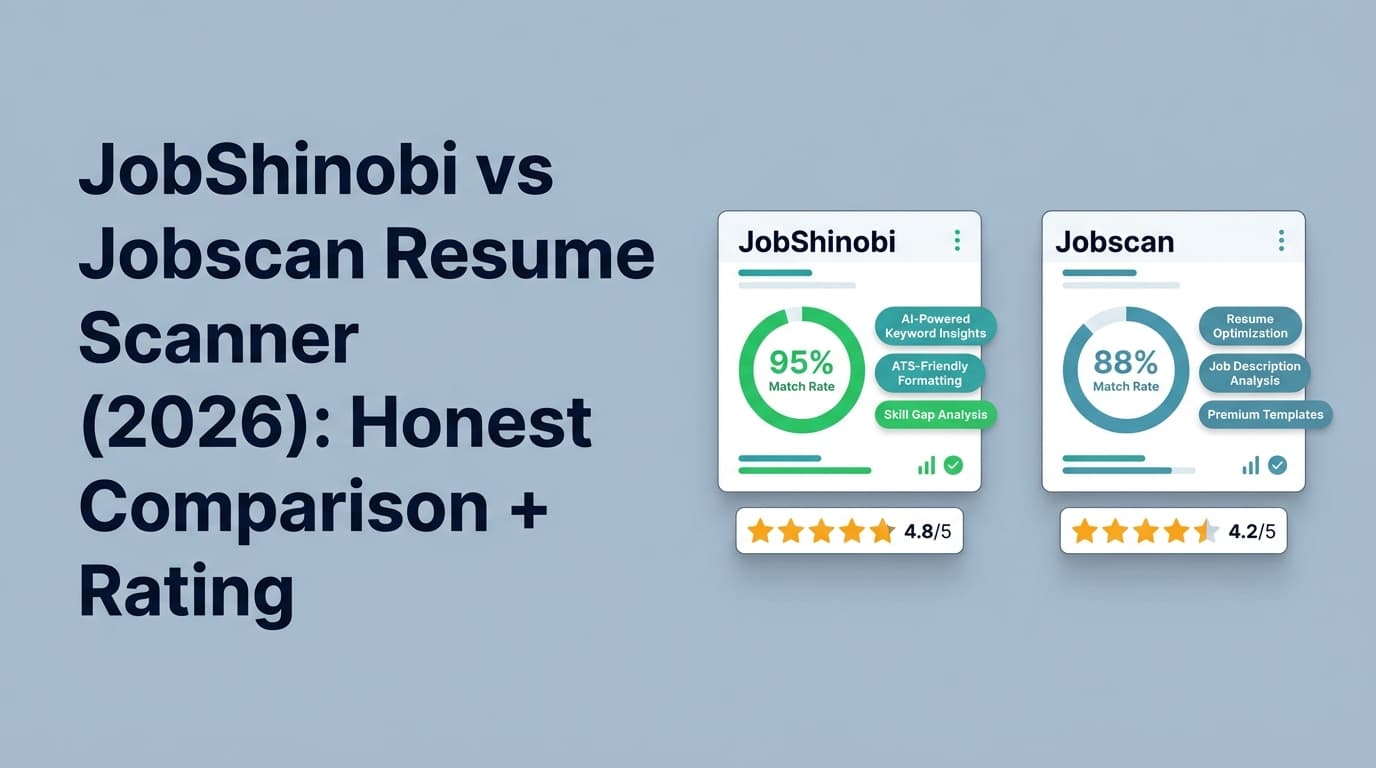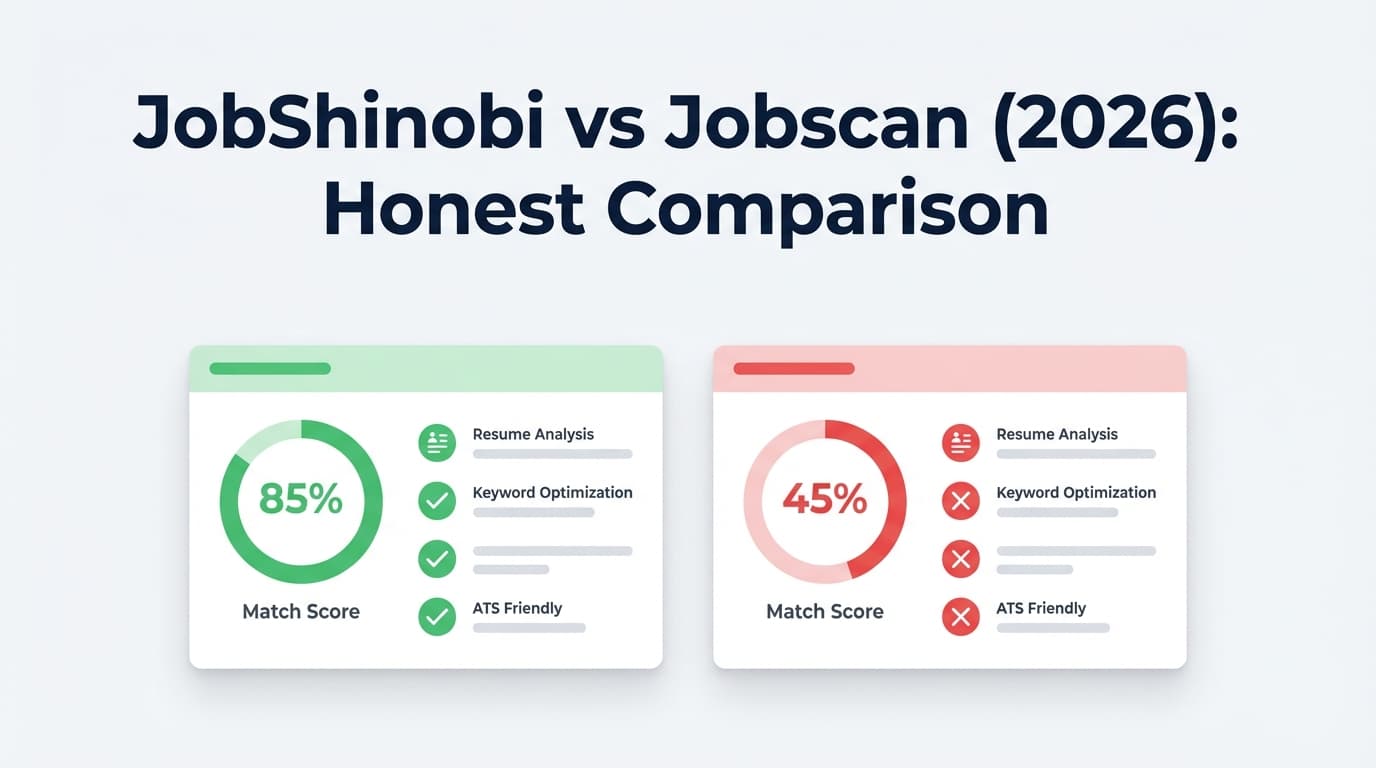
If you’re here, you’re probably trying to answer a frustrating question: “Is my resume getting rejected because of ATS formatting… and which tool can actually help?” Jobscan is the most well-known name in ATS scanning. JobShinobi is newer, but built around a different idea: control your formatting (LaTeX) + tailor fast + track applications automatically.
Quick Verdict:
- Choose Jobscan if you want a mature, widely-used ATS scanner with a match-rate workflow, a Chrome extension, and lots of educational content—even if it costs more.
- Choose JobShinobi if you want an ATS-first resume workflow (LaTeX + version history + AI tailoring) and a unique email-forwarding job tracker, at a much lower monthly price.
TL;DR Comparison
| Feature | JobShinobi | Jobscan |
|---|---|---|
| ATS formatting control | LaTeX-based resume workflow (high control over structure) | Formatting checks + guidance (resume scan approach) |
| Resume-to-job matching | Resume scoring + job matching analysis (match + keyword gaps) | Match Rate report (resume vs job description) |
| AI editing experience | Chat-based AI resume agent (edits + versioning + preview) | AI features available on paid plans (e.g., One-Click Optimize mentioned on plan page snippets) |
| Version history / undo | Resume version history + “unlimited undo” (feature + implementation) | Scan history / resume manager mentioned for Premium (per Jobscan video page snippet) |
| Job application tracking | Email-forwarding → auto-log applications (Pro-gated) | Job Tracker + Chrome extension (Chrome Web Store listing) |
| Starting price | $20/mo (Pro) | $49.95/mo (Premium, per plan page snippet) |
| Lower-cost paid option | $199.99/yr | $89.95 billed every 3 months (~$29.98/mo), per plan page snippet |
| Free plan | Limited access; key automation gated to Pro | Free plan includes 5 resume scans/month (per plan page snippet) |
| Best for | Formatting control + fast tailoring + tracking by email | Established ATS scanning + match-rate workflow + browser extension |
JobShinobi Overview
JobShinobi is an AI resume builder + ATS resume analyzer + job search tracker designed for job seekers who suspect they’re being filtered out by ATS and are tired of managing job applications manually.
Where it’s different from typical resume scanners is the workflow:
- LaTeX-first resume building (structured resumes with consistent formatting) plus cloud PDF compilation + preview, so you can iterate quickly without Word formatting surprises.
- A resume scoring system that includes ATS/keyword/formatting feedback, plus job matching and keyword gap analysis.
- A standout automation feature: forward application emails to your unique JobShinobi address and it auto-creates/updates job applications in your tracker (Pro members only).
Key Strengths
- Email-forwarding job tracking (unique workflow): forward confirmation emails, and JobShinobi parses them into your job tracker automatically.
- LaTeX + PDF preview for formatting consistency: strong fit for people who want predictable, ATS-friendly structure.
- AI resume agent + version history: chat-driven edits, saves versions, and supports “undo” style iteration.
Limitations (honest)
- Automation is Pro-gated: the email-forwarding parsing workflow requires Pro.
- LaTeX isn’t for everyone: if you prefer drag-and-drop design templates, JobShinobi’s approach can feel more “power user.”
Jobscan Overview (Verified)
Jobscan is one of the most recognized ATS resume scanning tools. Its core value proposition is comparing your resume to a job description and returning a Match Rate plus keyword and formatting guidance.
What we could verify from current sources:
- Pricing & free tier: Jobscan’s plan page snippets show a Free plan and paid plans including $49.95/month and $89.95 billed every 3 months (effective ~$29.98/month). The free tier is listed as including 5 free resume scans on signup and 5 free resume scans monthly (snippet from
app.jobscan.co/plan). - Job tracking via extension: Jobscan offers a Chrome extension called “Jobscan: Job Search Tracker” (Chrome Web Store listing analyzed).
- Reviews footprint: On Trustpilot, Jobscan shows an “Excellent” rating and a large review body (Trustpilot page analyzed). On Sitejabber, ratings appear more mixed (Sitejabber page analyzed).
Note: Several
jobscan.copages returned HTTP 403 in automated page analysis during verification. Pricing and feature statements below rely on the plan page snippet (app.jobscan.co/plan), the Chrome Web Store listing, and third-party review platforms.
Key Strengths
- Well-known match-rate workflow: strong for people who want a clear “resume vs job” checklist.
- Chrome extension for job tracking: the extension emphasizes collecting, tracking, and managing applications (Chrome Web Store listing).
- Large review presence: Trustpilot and Sitejabber both show substantial review volume for Jobscan.
Limitations (from reviews & common feedback themes)
- Price sensitivity: Jobscan’s monthly plan is significantly higher than many alternatives (plan snippet shows $49.95/month).
- Subscription frustration / auto-renewal complaints: Sitejabber excerpts and some review content indicate billing-related frustration (e.g., charged after trial without notification—example excerpt visible in Sitejabber OG description).
- “Match score” obsession risk: many job seekers report that chasing a perfect ATS score can lead to awkward, keyword-stuffed resumes (common critique across job-search communities).
Feature-by-Feature Comparison (ATS Formatting + Scanning)
1) ATS Formatting: “Will my resume parse cleanly?”
JobShinobi:
JobShinobi’s big edge is format control. A LaTeX-based workflow can reduce accidental layout issues (tables, misaligned columns, hidden text boxes) that sometimes appear in Word exports. You can also compile and preview PDFs quickly and iterate.
Jobscan:
Jobscan is known for highlighting ATS formatting best practices and giving a scan-style report. It’s a strong fit if you want the tool to tell you what to fix rather than controlling formatting at the source.
Winner: Depends
- Choose JobShinobi if you want formatting reliability and control.
- Choose Jobscan if you want scan-based guidance and prefer staying in a more typical resume workflow.
2) Resume Scoring & Keyword Matching
JobShinobi:
Provides resume scoring + ATS feedback and resume-to-job matching (match score + keyword gaps + suggestions). It also caches analysis when unchanged, which is helpful if you iterate repeatedly.
Jobscan:
Jobscan’s signature feature is the Match Rate (resume compared to job description), and it’s heavily oriented around aligning keywords and requirements.
Winner: Slight edge to Jobscan for “classic match rate” users
If you specifically want the most recognizable “match rate” style experience, Jobscan is often what people mean when they say “ATS scanner.” If you want analysis + editing workflow in one place with stronger versioning, JobShinobi is compelling.
3) Editing Workflow (How fast can you improve the resume?)
JobShinobi:
JobShinobi includes an AI resume agent (chat-based) that can propose edits and maintain version history, which is useful when tailoring multiple resumes.
Jobscan:
Jobscan’s paid plans mention features like One-Click AI Optimizations (desktop only) on the plan page snippet (app.jobscan.co/plan?msg=quota). Many users like the convenience—but you still need to sanity-check changes for readability and truthfulness.
Winner: JobShinobi for iterative tailoring + versioning
If you tailor frequently and want strong control over “what changed and why,” JobShinobi’s version-centric workflow is a real advantage.
4) Job Tracking (Staying organized after you apply)
JobShinobi:
JobShinobi’s differentiator is email-forwarding automation: forward job emails and it can auto-create/update application records (Pro requirement). It also supports exporting your tracker to Excel.
Jobscan:
Jobscan offers job tracking and a Chrome extension focused on collecting and managing applications (Chrome Web Store listing).
Winner: Tie (different philosophies)
- Jobscan wins if you want a browser-based clipper workflow.
- JobShinobi wins if you want inbox-to-tracker automation with minimal manual entry.
Pricing Comparison (Verified)
Pricing can change quickly. The figures below were last checked on 2026-01-21.
| Plan | JobShinobi | Jobscan |
|---|---|---|
| Free | Limited (core automation gated to Pro) | $0 (plan snippet shows 5 scans on signup + 5 scans monthly) |
| Monthly | $20.00/month | $49.95/month (plan snippet) |
| Quarterly | N/A | $89.95 every 3 months (~$29.98/mo) (plan snippet) |
| Yearly | $199.99/year | Not clearly confirmed in accessible sources during verification (some third-party pages mention older yearly pricing, but it’s inconsistent) |
Value Analysis:
- If you’re actively applying and scanning daily, Jobscan’s monthly plan is expensive—but it’s the “default” ATS scanner many people trust.
- JobShinobi is far cheaper monthly and includes a broader workflow (resume building + analysis + tracking automation), but it assumes you’re okay with a more structured/technical resume-building approach.
Who Should Choose JobShinobi?
You’ll prefer JobShinobi if you:
- Want maximum control over ATS-safe formatting (especially if Word templates keep breaking).
- Tailor frequently and need version history + AI-assisted edits to avoid losing the “best” version.
- Want job tracking that’s less manual—especially the email-forwarding → automatic tracking workflow.
- Want a more affordable paid plan ($20/mo) while still getting analysis + editing + tracking.
Who Should Choose Jobscan?
You’ll prefer Jobscan if you:
- Want the most established “ATS scanner + Match Rate” approach and don’t mind paying more.
- Prefer a tool with a large footprint of reviews, tutorials, and community familiarity.
- Want a Chrome extension workflow for saving jobs and tracking applications in-browser.
- Like the simplicity of “upload resume + paste JD → get checklist,” even if you do your editing elsewhere.
Switching from Jobscan to JobShinobi
- Data migration: There’s no verified one-click import flow from Jobscan into JobShinobi. Plan on manually recreating your tracker, or starting fresh in JobShinobi’s tracker.
- Resume migration: You can bring your existing resume content and rebuild using JobShinobi templates (LaTeX-based). This is usually straightforward, but it’s not the same as uploading a Word doc and keeping the exact layout.
- Learning curve: If you’ve never used LaTeX-style structured templates, expect a short adjustment period. The payoff is more consistent formatting.
Practical ATS Formatting Tips (No Matter Which Tool You Pick)
To maximize ATS readability in 2026:
- Avoid tables, columns, graphics, and text boxes unless you’ve confirmed they parse correctly.
- Use standard section headings (Experience, Education, Skills).
- Keep dates consistent (e.g., “Jan 2024 – Dec 2025”).
- Prefer simple bullet symbols and readable fonts.
- Treat “ATS score” as a diagnostic, not the goal—your resume still needs to read well to a human.
FAQ
Is JobShinobi really a good ATS resume scanner in 2026?
It can be—especially if your main issue is formatting reliability and fast iteration. JobShinobi focuses on controlling structure (LaTeX) and giving ATS/keyword feedback, not just generating a single score.
Is Jobscan the best resume scanner for ATS formatting?
Jobscan is one of the most popular and widely referenced ATS scanners, and many job seekers use it as a benchmark. That said, reviews and user discussions suggest you shouldn’t rely on the score alone—use it to spot obvious gaps, then optimize for human readability too.
Which is cheaper: JobShinobi or Jobscan?
JobShinobi is cheaper on monthly pricing ($20/mo vs Jobscan’s $49.95/mo, per Jobscan plan snippet). Jobscan’s quarterly billing can reduce the effective monthly cost (about $29.98/mo billed every 3 months).
Does Jobscan have a free plan?
Yes. The Jobscan plan page snippet (app.jobscan.co/plan) indicates a free tier with 5 free resume scans on signup and 5 free resume scans monthly.
Will either tool guarantee I pass ATS screening?
No. ATS systems and recruiter workflows vary widely. The best use of these tools is to reduce preventable issues (formatting, missing required skills, unclear titles), not to chase a perfect score.