If you’re a student building your first resume, you want three things at once: free, fast, and actually good enough to pass ATS. The problem is most “free” resume builders either (1) hide downloads behind a paywall, (2) push you into busy templates that don’t scan well, or (3) don’t help you tailor to the job.
This comparison is for students deciding between:
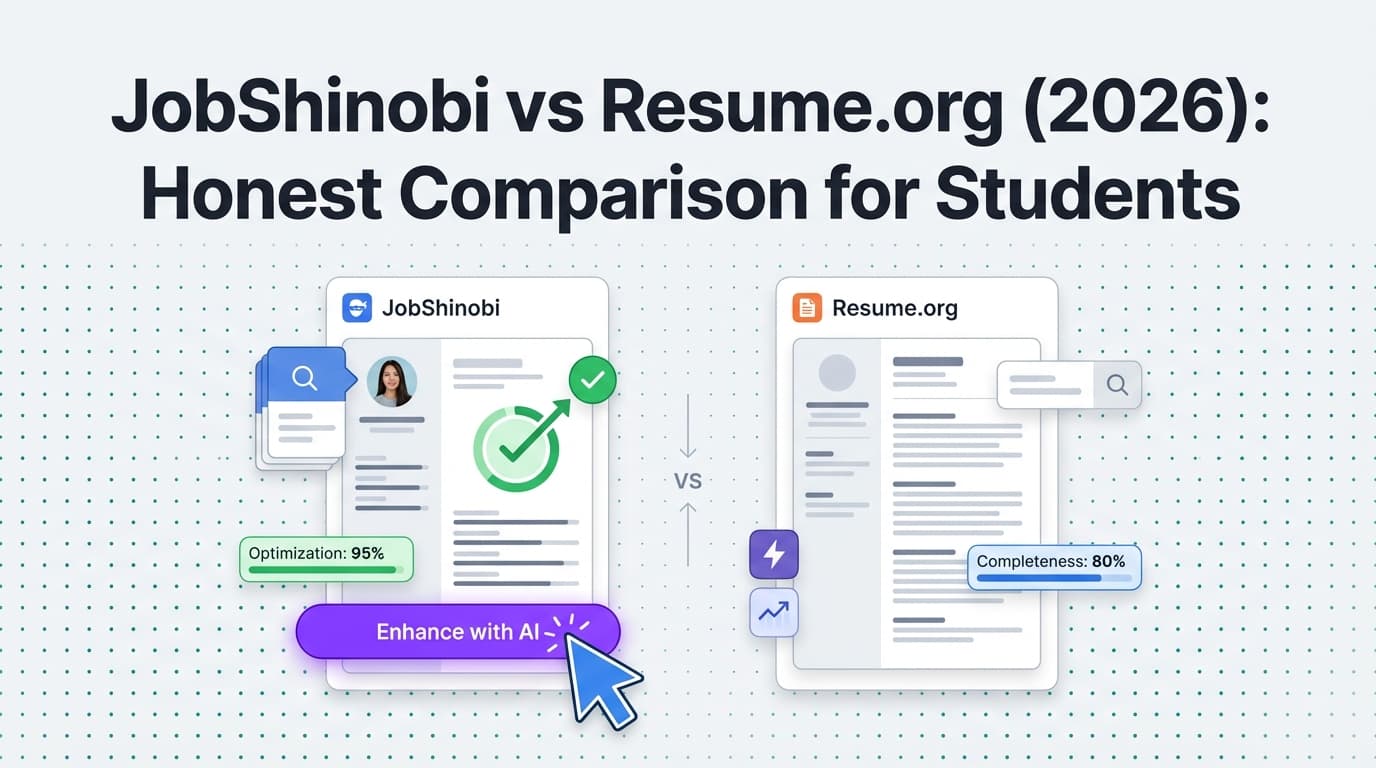
- Resume.org (positions itself as 100% free, including features)
- JobShinobi (an ATS-focused AI resume + analysis tool with job tracking—best when you’re applying seriously)
Quick Verdict:
- If your #1 requirement is truly free resume building + downloading, Resume.org is the safer pick.
- If you’re applying to competitive internships/jobs and want ATS scoring, job-to-resume matching, and automated job application tracking, JobShinobi is the more powerful tool—but it’s not the most “free-first” option.
TL;DR Comparison
| Feature | JobShinobi | Resume.org |
|---|---|---|
| Best for | Students applying to many roles who want ATS analysis + tracking | Students who need a genuinely free resume builder |
| “Truly free” experience | Limited free access; key automation is Pro | Markets itself as 100% free (no paid upgrades) |
| AI help | AI resume agent + resume scoring + keyword/ATS feedback | AI resume builder positioning (feature depth varies by workflow) |
| ATS optimization | Resume scoring + ATS/keyword feedback + job match analysis | ATS-friendly positioning; ATS-specific scoring/matching not clearly emphasized |
| Resume format | LaTeX-first with PDF compile preview | Template-based editor (web app) |
| Job tracking | Built-in tracker + analytics + email-forwarding auto-tracking (Pro) | Not a core advertised feature set |
| Starting price | $20/month (Pro) or $199.99/year | Free (as advertised) |
| Best “student-friendly” angle | Great if you’re internship-hunting at scale | Great if you just need a clean resume at $0 |
JobShinobi Overview
JobShinobi (sometimes shown as Job Shinobi in emails) is built for job seekers who are tired of getting filtered out by ATS and tired of tracking applications manually. It combines:
- a LaTeX-based resume builder (structured formatting + PDF output),
- AI resume analysis and ATS-style scoring, plus job description matching, and
- a job search workflow feature many resume tools don’t include: job application tracking, including an optional email-forwarding automation that extracts details from application emails and logs them automatically (Pro feature).
In other words: JobShinobi isn’t just “make a resume.” It’s closer to a student-to-internship pipeline tool when you’re applying heavily and want feedback loops.
Key Strengths
- ATS-focused resume analysis: Resume scoring + keyword feedback + structured strengths/weaknesses.
- Job-to-resume matching: Paste a job description or URL, get a match score and tailoring suggestions.
- Job application tracking + analytics: Track outcomes and response rates; export your tracker to Excel.
- Unique automation (Pro): Forward job emails to a unique address; JobShinobi extracts company/title/status and updates your tracker automatically.
Limitations (Honest)
- Not the easiest “first resume” experience: LaTeX-first workflows can be intimidating if you only want a simple drag-and-drop template.
- Free plan is limited: Core automation (especially email processing) is gated behind Pro.
- Overkill for one-off use: If you only need one resume and won’t apply much, it may be more product than you need.
Resume.org Overview
Resume.org positions itself as a straightforward resume-building web app aimed at helping people create resumes quickly. Crucially for students, Resume.org states on its About page that it is 100% free, including all features, with no hidden charges or paid upgrades.
That “actually free” promise is a big deal for students—especially compared to many resume sites that advertise “free” but charge at download time.
Key Strengths
- Free (as advertised): Resume.org explicitly claims it’s 100% free with no paid upgrades.
- Simple workflow: Better fit for students who want to choose a template, fill fields, and export without learning a new system.
- Good for quick iteration: A straightforward builder is often faster for early drafts.
Limitations (Based on publicly stated positioning)
- Less advanced job-search tooling: Resume.org’s messaging focuses on resume building; it doesn’t strongly position itself as a job application tracker or ATS analysis suite.
- Not built around job-by-job tailoring: If you’re applying to multiple internships, you may end up manually duplicating and tailoring versions without a dedicated “match to this job” analysis workflow.
- Hard to evaluate “ATS optimization depth”: “ATS-friendly templates” is common marketing across the industry; Resume.org doesn’t emphasize detailed scoring/matching in the way ATS-focused tools do.
Feature-by-Feature Comparison (For Students)
1) Free Plan & Downloads (What “Free” Really Means)
JobShinobi:
JobShinobi has a free experience, but the most time-saving features—especially email-forwarding automation that processes and logs your job emails—are gated behind Pro. It’s better to think of JobShinobi as “try it free, then upgrade when you’re applying seriously.”
Resume.org:
Resume.org explicitly states it is 100% free, including all features, and that there are no hidden charges or paid upgrades.
Winner: Resume.org (for students who must spend $0)
2) Ease of Use for First-Time Resume Writers
JobShinobi:
JobShinobi is powerful, but it’s not a pure “template-click-fill-download” product. It’s built around a LaTeX resume workflow and ATS analysis features, which can be amazing once you’re comfortable—but can feel like extra complexity at the beginning.
Resume.org:
Resume.org is designed for quick resume creation. For students with limited experience, that simplicity usually wins—especially when you’re learning what to include on a resume.
Winner: Resume.org (for speed + simplicity)
3) ATS Optimization & Feedback
JobShinobi:
This is where JobShinobi is purpose-built. It includes resume scoring, ATS/keyword feedback, and deeper analysis that helps you improve structure, keywords, and alignment. It also supports resume-to-job matching so you can tailor to a specific internship or part-time job posting.
Resume.org:
Resume.org promotes ATS-friendly templates and AI assistance, but its publicly visible positioning is less centered on detailed ATS scoring and job-match analysis workflows.
Winner: JobShinobi (for students applying to competitive roles)
4) Tailoring for Each Internship / Job Posting
JobShinobi:
If you’re applying to 20–100 internships, the winning strategy is: tailor, apply, track outcomes, improve. JobShinobi supports that with job description extraction, keyword gap analysis, and a match score—so you can adjust your bullets to align with the job.
Resume.org:
Resume.org can absolutely be used to tailor resumes, but you may have to do more of the workflow manually (copying, editing, managing multiple versions without a dedicated match tool).
Winner: JobShinobi
5) Job Application Tracking (Underrated for Students)
JobShinobi:
JobShinobi includes a job tracker, plus analytics like response rate and interview conversion. If you’re a student juggling classes, clubs, and applications, tracking is often the difference between being organized vs. missing follow-ups.
A standout feature (Pro) is email forwarding: you forward confirmation emails and JobShinobi extracts key details (company, title, status) and updates your tracker automatically.
Resume.org:
Resume.org is primarily a resume builder. It does not position itself as a job tracking system in the same way.
Winner: JobShinobi
6) Design & Templates
JobShinobi:
LaTeX resumes tend to be clean, consistent, and ATS-friendly—but less “designed.” For many student and internship applications, that’s a good thing. If you want highly visual resumes (common in some design fields), LaTeX may feel limiting.
Resume.org:
Template-based resume builders typically provide more visual variety and easier layout customization for beginners.
Winner: Depends
- Resume.org for “pick a nice-looking template fast”
- JobShinobi for “clean, structured, ATS-first output”
Pricing Comparison
| Plan | JobShinobi | Resume.org |
|---|---|---|
| Free | Limited free access (some features gated) | Free (advertised as 100% free, no upgrades) |
| Pro (monthly) | $20/month | N/A |
| Pro (yearly) | $199.99/year | N/A |
Value Analysis (Student Lens):
- If money is tight and you just need a solid resume you can download: Resume.org is the obvious value.
- If you’re internship-hunting seriously and want ATS feedback + tracking to improve over time: JobShinobi can pay off in time saved and better targeting, but only if you’ll actually use the advanced workflows.
Who Should Choose JobShinobi?
You’ll prefer JobShinobi if you:
- Are applying to competitive internships/new grad roles and want ATS-style scoring + keyword feedback
- Want to tailor your resume to each job description and track improvements
- Are submitting lots of applications and need a tracker (bonus if you want email-forwarding automation)
- Like the idea of a clean, structured LaTeX resume with version history
Who Should Choose Resume.org?
You’ll prefer Resume.org if you:
- Want the closest thing to “actually free” resume building and downloading
- Need a resume quickly for a class requirement, campus job, or your first internship application
- Prefer a simple template-based editor over a more technical workflow
- Don’t need job tracking, match scoring, or advanced optimization tools
Switching From Resume.org to JobShinobi (If You Outgrow “Free”)
Many students start free, then upgrade their approach when applications ramp up.
- Data migration: You can typically transfer resume content by copying sections into JobShinobi’s template/editor workflow.
- Learning curve: Moderate. If you’ve never used LaTeX-style formatting, expect a short adjustment period.
- Support/workflow: Best approach is to bring one “base resume,” then create tailored versions for 3–5 target roles and compare scores/match results.
FAQ
Is JobShinobi really better than Resume.org for students?
Not universally. Resume.org is likely better for students who need a free resume builder and want to export without paying.
JobShinobi is better for students who are applying seriously and want ATS feedback + job tracking—especially when each application matters.
Which tool is actually free?
Based on Resume.org’s own positioning, Resume.org states it is 100% free and has no paid upgrades.
JobShinobi has a free experience, but key features are paid (notably automation like email-forwarded job tracking).
If I’m a student applying to internships, what matters more: templates or ATS optimization?
For most internships and entry-level roles, a clean format is important—but tailoring + keyword alignment often matters more once you’re applying at scale.
If you’re applying to many roles, JobShinobi’s job-matching and analysis workflow can be more impactful than template variety.
Can I use both?
Yes—and that’s often the best student strategy:
- Use Resume.org to build a clean baseline resume for free.
- Use JobShinobi when you start tailoring heavily and want ATS feedback + tracking.
What’s the best “free” choice if I want AI help?
If “free” is the non-negotiable requirement, start with Resume.org. If you want deeper analysis and tracking (and can pay later), JobShinobi is designed for that second stage of the job search.