If you’re using Jobscan, you’re probably in one of these situations:
- “Jobscan won’t let me scan my resume.”
- “My Work Experience shows up as empty.”
- “It says I’m missing skills that are literally on my resume.”
- “My match rate is wildly low (or changes every time).”
- “I hit a scan limit right when I’m applying to jobs.”
This guide is built as a practical support + troubleshooting playbook. It’s not a sales pitch, and it’s not “just use a better template.” You’ll get:
- A fast decision tree to diagnose the issue
- Step-by-step fixes that actually work (for most users)
- ATS-safe formatting examples (what to change and why)
- When to contact Jobscan support and what to include so you don’t get stuck in email ping-pong
- Alternative workflows if Jobscan keeps breaking your formatting or slowing you down
Why this matters (a reality check with data)
Recruiters move fast:
- 7.4 seconds is a commonly cited average for an initial resume screen from The Ladders’ 2018 eye-tracking research. (Source: The Ladders eye-tracking study PDF hosted by Boston University; Confidence: High)
https://www.bu.edu/com/files/2018/10/TheLadders-EyeTracking-StudyC2.pdf
And ATS usage is widespread:
- Jobscan reports that 98.4% of Fortune 500 companies used a detectable ATS in 2024. (Source: Jobscan ATS usage report; Confidence: Medium—vendor-published research, but widely cited)
https://www.jobscan.co/blog/fortune-500-use-applicant-tracking-systems/
Meanwhile, application funnel math is often brutal:
- ScoutApply’s summary of CareerPlug recruiting benchmarks notes ~69 applicants per hire and ~2% of applicants reaching interviews. (Source: ScoutApply; Confidence: Medium—secondary summary citing CareerPlug)
https://scoutapply.com/research/job-application-statistics
So when your scanner can’t read your resume (or blocks you with an error), it’s not just annoying—it slows down your ability to apply consistently and iterate quickly.
What is the Jobscan resume scanner (and what it isn’t)?
Jobscan’s resume scanner compares your resume to a job description and returns a report that typically includes:
- a “match rate” / keyword alignment
- formatting and ATS-readability findings
- suggestions for improvements
Official entry points include Jobscan’s resume scanner and tutorials. (Source: Jobscan; Confidence: High)
https://www.jobscan.co/resume-scanner
https://www.jobscan.co/jobscan-tutorial
Important: Jobscan can mimic aspects of ATS parsing, but it’s not the exact ATS used by every employer. Different ATS platforms (and configurations) behave differently—so use Jobscan as a quality check, not a guarantee.
Quick troubleshooting decision tree (start here)
1) You can’t complete a scan at all
Symptoms:
- “Why can’t I perform a resume scan?”
- Upload fails, scan button doesn’t work, or errors out
- “Scan limit reached”
- Page loads but features don’t respond
Go to: [Section A: Scan/Upload Errors]
2) The scan runs, but the resume content is wrong
Symptoms:
- Work Experience “appears empty”
- Dates missing
- Sections scrambled
- Skills not detected
Go to: [Section B: Parsing Issues]
3) The scan runs, but match rate/results feel inaccurate
Symptoms:
- “Missing skills” that are present
- Match rate changes between runs
- Low score even though you’re qualified
Go to: [Section C: Match Rate + Results Issues]
4) You need help with billing, plan, cancellation, or refunds
Go to: [Section D: Account & Billing Support]
How to contact Jobscan support (and get a faster answer)
Jobscan’s support resources commonly direct users to their help center and support channels (including submitting a request). (Source: Jobscan help center URLs surfaced in search; Confidence: Medium)
https://support.jobscan.co/hc/en-us
https://support.jobscan.co/hc/en-us/requests/new
Jobscan’s support page is also referenced in search results as a primary hub. (Source: Jobscan support page snippet; Confidence: Medium)
https://www.jobscan.co/support
What to include in your support message (copy/paste template)
Paste this into your ticket/email and fill in the blanks:
- Issue type: Upload / Scan error / Parsing wrong / Scan limit / Billing
- Exact error message: “_____”
- Where it happens: Resume upload step / Job description step / After clicking “Scan”
- File type: PDF or DOCX
- How it was created: Word / Google Docs / Canva / Figma / InDesign / LaTeX / Other
- PDF text test: I can / cannot select and copy text from the PDF
- Browser + OS: Chrome 121 on Windows 11 (example)
- Timestamp + timezone: _____
- Screenshots: attached (include the full browser window if possible)
This reduces the most common back-and-forth: “What browser?” “What file type?” “Can you share the error?”
Section A: Jobscan scan / upload errors (step-by-step fixes)
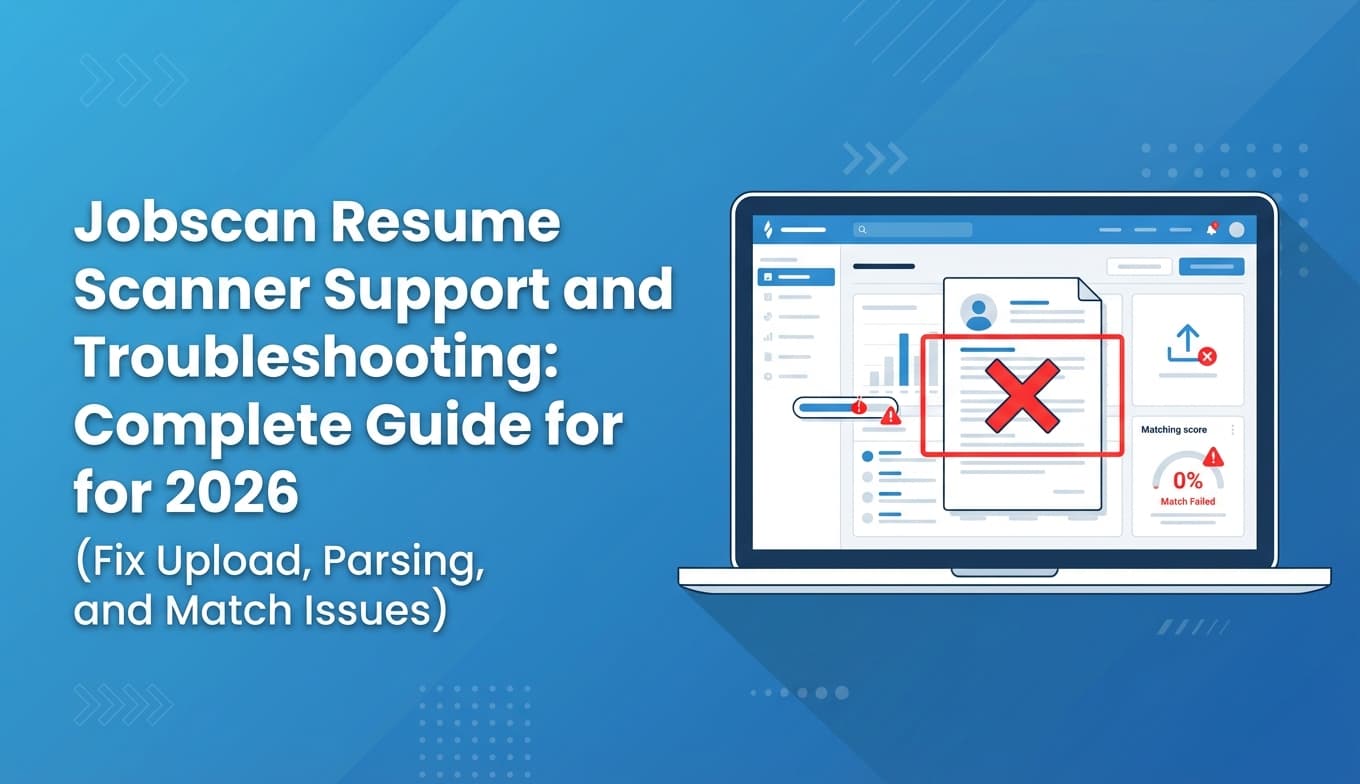
A1) “Why can’t I perform a resume scan?” (most common causes)
Jobscan’s help center lists common blockers such as unsupported formats, scan limits, and file issues. (Source: Jobscan help center article; Confidence: Medium)
https://support.jobscan.co/hc/en-us/articles/41334642533523-Why-can-t-I-perform-a-resume-scan
Step 1: Confirm your resume is PDF or DOCX
Jobscan’s help center commonly recommends .DOCX or .PDF. (Source: Jobscan help center; Confidence: Medium)
https://support.jobscan.co/hc/en-us/articles/41334611347091-Why-can-t-I-upload-my-resume-to-scan
Fixes:
- If you’re using .pages, .odt, .rtf, or a “designed” export: save/export to DOCX first.
- If your PDF is from a design tool, verify it contains selectable text (next step).
Step 2: Check if your PDF is text-based (not scanned/flattened)
A surprising number of “PDF resumes” are actually images inside a PDF wrapper.
Quick test:
- Open the PDF.
- Try to highlight a bullet point.
- Copy/paste into Notepad/TextEdit.
If nothing copies (or you get garbage characters), the scanner may not be able to parse your content.
Fix:
- Re-export from Word/Google Docs as a true text PDF, or
- Use DOCX for scanning, or
- If the only version you have is image-based, rebuild it in a text editor.
Step 3: Try copy/paste instead of upload
If upload keeps failing, isolate the issue by pasting:
- Paste resume text into the resume field
- Paste job description text into the JD field
This bypasses file-upload parsing and often works even when PDF uploads fail.
Pro tip: Paste-clean your text:
- Resume → Notepad/TextEdit → Jobscan (removes hidden formatting)
A2) “Why can’t I upload my resume to scan?”
Jobscan has a help article specifically for upload problems. (Source: Jobscan help center; Confidence: Medium)
https://support.jobscan.co/hc/en-us/articles/41334611347091-Why-can-t-I-upload-my-resume-to-scan
Common causes and fixes
- Your PDF is image-based → re-export to a text PDF or use DOCX.
- The file is corrupted → re-save it under a new filename; export again from the original source.
- File is too large / contains heavy graphics → remove images, compress the PDF, or switch to DOCX.
- You’re on a restricted network (work VPN, strict firewall) → try a personal connection.
A3) Jobscan scanner not working (buttons don’t respond, page glitches)
If the site loads but interactions break, treat it like a browser/session issue first.
Step-by-step browser reset checklist
- Open an incognito/private window and try again.
- Disable browser extensions (ad blockers and script blockers are frequent culprits).
- Clear Jobscan site data (cache/cookies for jobscan.co).
- Try another browser (Chrome ↔ Safari ↔ Firefox).
- Try another device/network.
If you’re unsure how to clear cache/cookies, tools like AdBlock publish general browser reset instructions (not Jobscan-specific). (Source: AdBlock help center; Confidence: Medium)
https://helpcenter.getadblock.com/hc/en-us/articles/9738538056467-How-to-clear-cache-cookies-and-reset-settings-in-every-browser
A4) “Scan limit reached” or “no scans left”
Jobscan’s help center explains scan allowances and rollover behavior (e.g., unused scans roll over until you reach a maximum of 5 unused scans). (Source: Jobscan help center; Confidence: Medium)
https://support.jobscan.co/hc/en-us/articles/360056018654-When-do-I-get-my-free-monthly-scans
What to do when you hit a scan limit
- Stop rescanning the same job after tiny edits. Batch your edits, then rescan once.
- Create a “role-family” base resume (e.g., Data Analyst, Product Manager) and only tailor the top missing items.
- If you’re applying at high volume, consider whether you need unlimited scans (depends on your plan).
Jobscan also publishes content about premium benefits and scan access. (Source: Jobscan; Confidence: Medium)
https://www.jobscan.co/video-jobscan-premium
Section B: Jobscan parsing issues (missing Work Experience, missing dates, missing skills)
If Jobscan can’t “see” parts of your resume, that’s often a real ATS risk—not just a tool quirk.
Jobscan has an explainer on parsing failures and why they matter. (Source: Jobscan blog; Confidence: Medium)
https://www.jobscan.co/blog/jobscan-cant-parse-resume/
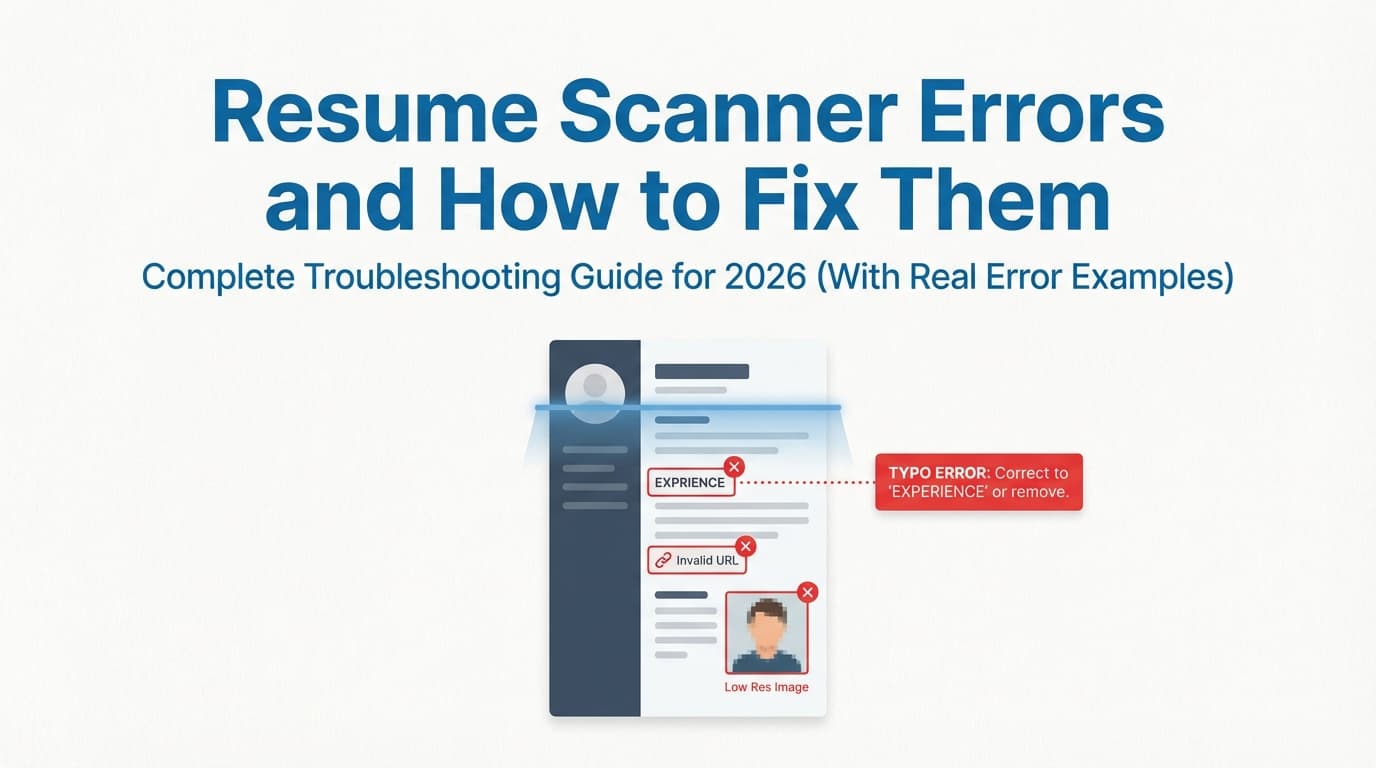
B1) “Work Experience appears empty” (but it isn’t)
This error often happens because:
- your section heading is non-standard
- your experience is inside a table/column/text box
- the parser reads your layout out of order
Real users report this exact message in forums. (Source: Reddit thread surfaced in search; Confidence: Low–Medium—user reports, not official)
https://www.reddit.com/r/resumes/comments/1lj1j81/jobscan_problems/
Fix checklist (in order)
- Rename the section to Work Experience or Professional Experience
- Remove columns and sidebars (single-column layout)
- Remove tables and text boxes
- Ensure each role follows a simple pattern:
Good (parser-friendly) layout example
- Job Title — Company, City, ST
Month YYYY – Month YYYY
• Bullet
• Bullet
Bad (parser-hostile) patterns
- Role info split across two columns
- Dates aligned in a separate text box
- Company name in a graphic element
Careerflow’s comparison article notes an example where “Work Experience appears empty” was triggered by heading differences in a test resume. (Source: Careerflow; Confidence: Medium)
https://www.careerflow.ai/blog/teal-vs-jobscan-vs-careerflow
B2) Jobscan can’t parse dates (or thinks dates are missing)
Jobscan publishes date-format guidance and notes that ATS parsing can fail when dates are inconsistent. (Source: Jobscan; Confidence: Medium)
https://www.jobscan.co/blog/resume-dates/
Universities echo the same advice:
- SCU recommends consistent month/year formatting. (Source: Santa Clara University; Confidence: Medium)
https://www.scu.edu/careercenter/toolkit/job-scan-common-ats-resume-formatting-mistakes/
Date formatting rules that usually work
Pick one and use it everywhere:
- Jan 2022 – Mar 2024
- 01/2022 – 03/2024
- 2022 – 2024 (least detailed, but simple)
Avoid:
- “Jan ’22” (apostrophes can confuse parsers)
- Mixed formats (some roles MM/YYYY, others Month YYYY)
- Dates placed in headers/footers or text boxes
B3) “Missing skills” even though the skill is on your resume
Jobscan has a help article specifically addressing this. (Source: Jobscan help center; Confidence: Medium)
https://support.jobscan.co/hc/en-us/articles/41334900375571-Why-do-my-results-say-I-m-missing-skills-when-they-re-already-on-my-resume
Why it happens (most common)
- Different wording (manage vs manages; analysis vs analytical)
- Skill buried in formatting (table, sidebar, graphics)
- Skill is only implied, not stated
Fixes that improve both scanners and real screening
- Mirror the job description phrasing only when accurate.
- Put key skills in two places:
- Skills section (short, scannable)
- Experience bullets (proof)
Example: turning “keyword-only” into proof
- Skills section: SQL, Python, Tableau, ETL
- Bullet: “Built an ETL pipeline (Python + SQL) to automate Tableau KPI reporting, reducing manual analysis by 8 hours/week.”
B4) Your resume is in LaTeX and Jobscan can’t parse it
Some users report LaTeX-generated PDFs triggering parsing issues depending on the template and export settings. (Source: Reddit thread surfaced in search; Confidence: Low–Medium)
https://www.reddit.com/r/resumes/comments/1no8e55/jobscan_cant_parse_my_resume_what_to_do/
Practical fix
- Ensure your PDF is text-based and selectable.
- Avoid multi-column LaTeX templates if ATS compatibility is the priority.
- If your LaTeX template uses icons, custom glyphs, or unusual spacing, simplify.
B5) Tables and columns: the #1 parsing breaker
Jobscan publishes guidance about tables/columns and ATS readability. (Source: Jobscan; Confidence: Medium)
https://www.jobscan.co/blog/resume-tables-columns-ats/
MIT’s career advising also recommends avoiding graphics, icons, tables, and text boxes for ATS-friendly resumes. (Source: MIT CAPD; Confidence: Medium)
https://capd.mit.edu/resources/make-your-resume-ats-friendly/
The simplest “ATS-safe” layout rules
- One column
- No tables or text boxes
- No icons/images
- Standard headings
- Plain bullets
Section C: Match rate and results troubleshooting (without ruining your resume)
C1) What match rate should you aim for?
Jobscan recommends around 80%, and notes many users succeed at 75%. (Source: Jobscan; Confidence: Medium)
https://www.jobscan.co/blog/what-jobscan-match-rate-should-i-aim-for/
Practical target (for most job seekers)
- 75–85% is a reasonable zone
- Don’t chase 100% if it makes your resume awkward or dishonest
C2) Why your match rate changes between scans
Common causes:
- You pasted a different version of the job description (missing requirements)
- The job posting changed (dynamic content)
- You’re using a different resume version than you think
- Minor wording changes cause “exact match” shifts
Fix: lock your inputs
- Save the job description text in a doc and paste the same text each scan
- Keep one base resume per role-family and clone it per job
C3) The right way to improve match (fast, ethical, high signal)
Step 1: Prioritize “must-have” hard skills
Don’t try to match every word. Focus on:
- tools (SQL, Salesforce, Excel, Jira, AWS)
- core methods (forecasting, A/B testing, ETL)
- credentials (CPA, PMP, Security+)
Step 2: Add “proof bullets,” not keyword stuffing
Keyword stuffing example (avoid):
“SQL, Python, Tableau, dashboards, stakeholders, agile…”
Proof bullet example (better):
“Built SQL + Python pipelines to automate weekly dashboards and improved stakeholder reporting turnaround by 30%.”
Step 3: Use both long-form and acronym versions where appropriate
Example:
- “Applicant Tracking System (ATS)”
- “Search Engine Optimization (SEO)”
- “Customer Relationship Management (CRM)”
This aligns with how job descriptions often include both forms.
Section D: Account, plan, cancellation, and refund troubleshooting
If your problem is billing-related, go straight to Jobscan’s help center articles (they’re usually the fastest path to the correct, up-to-date policy).
D1) How to cancel Jobscan
Jobscan provides cancellation instructions in their help center. (Source: Jobscan help center; Confidence: Medium)
https://support.jobscan.co/hc/en-us/articles/360056018774-How-do-I-cancel-my-account
D2) Forgot to cancel and got charged—can you get a refund?
Jobscan has a help center article about refunds if you forgot to cancel before being charged. (Source: Jobscan help center; Confidence: Medium)
https://support.jobscan.co/hc/en-us/articles/360056018814-I-meant-to-cancel-my-account-but-forgot-before-I-was-charged-Can-I-get-a-refund
D3) Free trial cancellation questions
Jobscan also addresses trial cancellation questions in the help center. (Source: Jobscan help center; Confidence: Medium)
https://support.jobscan.co/hc/en-us/articles/360057866353-Can-I-cancel-within-my-free-trial-and-not-get-charged
Tip: If billing anxiety is part of why you’re searching “support and troubleshooting,” do two things immediately:
- Screenshot your current plan screen and renewal date.
- Save the cancellation confirmation if you cancel.
A repeatable “ATS-safe resume” fix (use this when Jobscan parsing keeps breaking)
When Jobscan can’t parse something, you want a format you can quickly switch to—especially when deadlines are tight.
The minimal ATS-safe template structure (example)
NAME
City, ST | phone | email | LinkedIn URL
SUMMARY
2–3 lines: role, years of experience, core strengths, target roles
SKILLS
SQL, Python, Tableau, A/B testing, stakeholder management
PROFESSIONAL EXPERIENCE
Job Title — Company, City, ST
Month YYYY – Month YYYY
- Achievement + metric + tools
- Achievement + metric + tools
EDUCATION
Degree — School, City, ST (optional graduation year)
PROJECTS (optional)
- Project + tech + outcome
If you convert your resume into this structure and Jobscan suddenly parses correctly, you’ve found the root cause: layout complexity, not your qualifications.
Tools and workflows that can reduce troubleshooting overhead
Jobscan is one approach. Many job seekers end up using a combination:
- a scanner for ATS-style feedback
- a resume editor that preserves formatting
- a system to track applications
JobShinobi (workflow alternative: controlled formatting + matching + tracking)
If your recurring issue is “my resume keeps breaking parsing/scoring tools,” switching to a more controlled authoring workflow can help.
JobShinobi supports (evidence-based):
- LaTeX resume editor with PDF preview/compilation inside the app (LaTeX → PDF). (Confidence: High)
- AI resume analysis with ATS-focused scoring and structured feedback. (Confidence: High)
- Resume-to-job matching: paste a job description or URL, extract details, and generate match feedback. (Confidence: High)
- Job application tracker with Excel export (.xlsx). (Confidence: High)
- Email-forwarding job application tracking (forward job emails to a unique address to auto-log applications). This automation is Pro-gated. (Confidence: High)
JobShinobi pricing (Pro): $20/month or $199.99/year. Marketing mentions a “7-day free trial,” but trial mechanics are not clearly verifiable in code—so treat trial availability as dependent on current billing configuration. (Confidence: High for pricing; Medium for trial mention)
Internal links:
- /login
- /subscription
Common mistakes to avoid (the “why is this happening to me?” section)
Mistake 1: Using a designed resume for ATS scanning
Resumes made in Canva/Figma/InDesign often look polished but can parse badly (flattened text, columns, decorative elements).
Fix: Keep two versions:
- ATS version (simple, text-first)
- Portfolio version (designed PDF for humans)
Mistake 2: Putting important info in headers/footers
Some parsers ignore them, leading to missing contact info or dates.
Fix: Put contact details and dates in the main body.
Mistake 3: Chasing 100% match rate
Over-optimizing can make your resume unnatural and less persuasive to humans.
Fix: Optimize for:
- truth
- relevance
- readability
- proof (metrics + scope + tools)
Mistake 4: Treating Jobscan’s output as your “real ATS fate”
ATS setups vary; Jobscan is a proxy.
Fix: Use Jobscan to catch:
- parsing/formatting blockers
- missing must-have skills (that you truly have)
- unclear experience bullets
FAQ (support + troubleshooting questions people actually ask)
What is the phone number for Jobscan support?
Jobscan generally routes support through their online help center and request system. If you need the most current contact options, start at their official support hub/help center. (Confidence: Low–Medium)
https://www.jobscan.co/support
https://support.jobscan.co/hc/en-us
Why can’t I perform a resume scan?
Common causes include unsupported file type, scan limit reached, or file issues (e.g., corrupted or image-based PDF). Jobscan lists these as typical blockers in their support documentation. (Confidence: Medium)
https://support.jobscan.co/hc/en-us/articles/41334642533523-Why-can-t-I-perform-a-resume-scan
Why can’t I upload my resume to scan?
A frequent reason is that the file is not a clean PDF/DOCX (especially scanned PDFs). Re-export as DOCX or a selectable-text PDF, or paste plain text. (Confidence: Medium)
https://support.jobscan.co/hc/en-us/articles/41334611347091-Why-can-t-I-upload-my-resume-to-scan
Why does Jobscan say my Work Experience is empty?
Usually it’s a parsing/layout issue: non-standard headings, columns, or content inside tables/text boxes. Rename headings and switch to a single-column format. (Confidence: Medium)
https://www.jobscan.co/blog/jobscan-cant-parse-resume/
Why does Jobscan say I’m missing skills that are already on my resume?
This can happen due to wording differences (exact/close match behavior) or because the skill is hidden by formatting. Jobscan addresses this in their help center. (Confidence: Medium)
https://support.jobscan.co/hc/en-us/articles/41334900375571-Why-do-my-results-say-I-m-missing-skills-when-they-re-already-on-my-resume
What match rate should I aim for on Jobscan?
Jobscan recommends about 80%, with many users succeeding around 75%. Treat it as a benchmark, not a guarantee. (Confidence: Medium)
https://www.jobscan.co/blog/what-jobscan-match-rate-should-i-aim-for/
How do I cancel Jobscan?
Jobscan provides cancellation steps in their help center. (Confidence: Medium)
https://support.jobscan.co/hc/en-us/articles/360056018774-How-do-I-cancel-my-account
Key takeaways (save this)
- If Jobscan won’t scan: verify PDF/DOCX, confirm your PDF has selectable text, try copy/paste, and rule out browser extensions/cache issues.
- If parsing is wrong: remove columns/tables/text boxes, avoid headers/footers, use standard headings like Work Experience, and keep dates consistent.
- If results feel inaccurate: stabilize your inputs, focus on must-have skills, and write proof bullets instead of stuffing keywords.
- For billing issues: use Jobscan’s help center articles for cancellation, trials, and refunds.
- If troubleshooting is constant, consider switching to a workflow that gives you more control over resume structure and iteration (while keeping claims and formatting consistent).