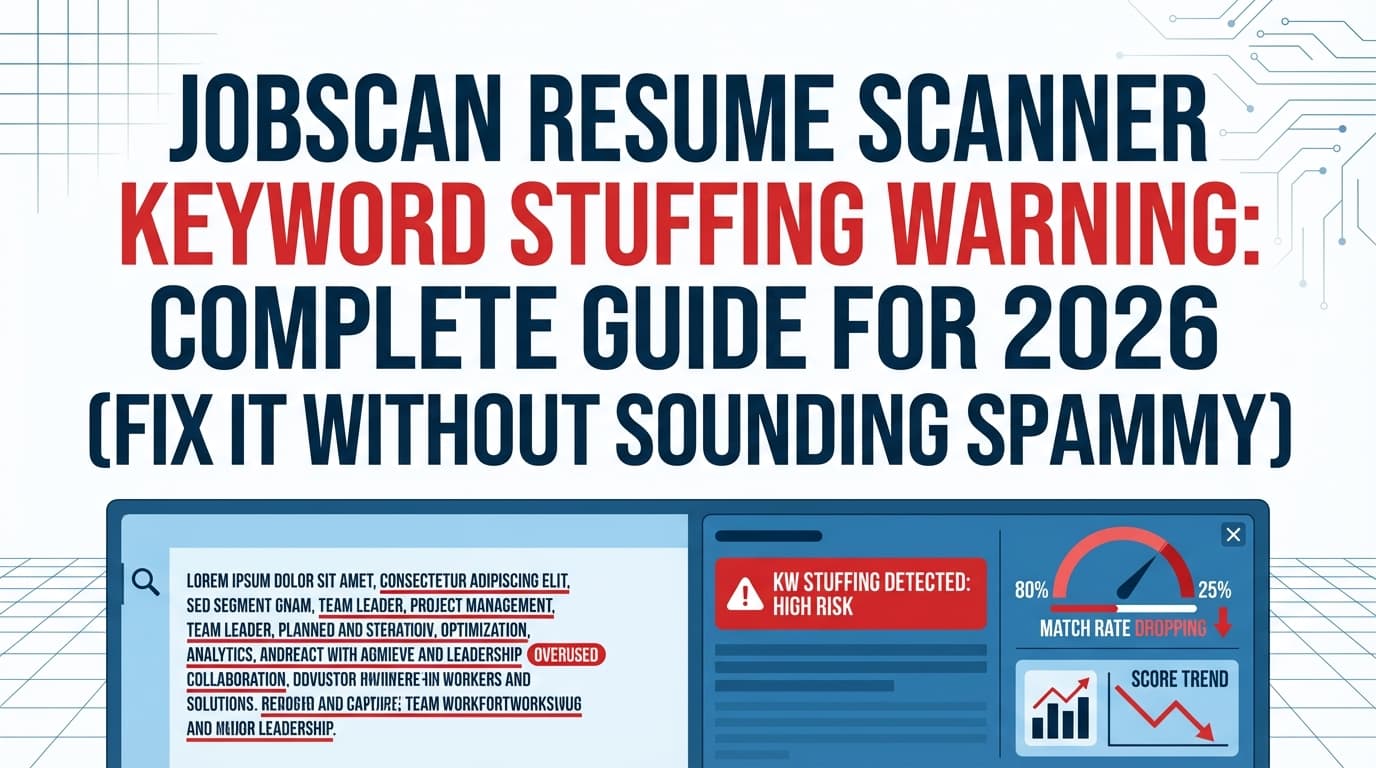
A Jobscan resume scanner keyword stuffing warning is frustrating because it feels like you did what every job-search “ATS hack” tells you to do—add keywords—and then the tool warns you you’ve gone too far.
Here’s the nuance: your resume has two audiences.
- ATS software needs your content to be easy to parse and searchable.
- Humans need your resume to be believable and skimmable.
That’s not theoretical. ATS usage is widespread—98.4% of Fortune 500 companies used a detectable ATS in 2024 (Jobscan’s ATS usage report; also echoed by Tufts Career Center). (High confidence — verified across two independent sources)
- Jobscan: https://www.jobscan.co/blog/fortune-500-use-applicant-tracking-systems/
- Tufts: https://careers.tufts.edu/resources/everything-you-need-to-know-about-applicant-tracking-systems-ats/
And recruiters skim quickly. The Ladders’ eye-tracking research reports an average initial resume screen of 7.4 seconds. (High confidence — primary PDF + third-party summary)
- The Ladders (PDF): https://www.theladders.com/static/images/basicSite/pdfs/TheLadders-EyeTracking-StudyC2.pdf
- HRDive summary: https://www.hrdive.com/news/eye-tracking-study-shows-recruiters-look-at-resumes-for-7-seconds/541582/
So if your resume reads like a keyword dump, you can improve a “match score” while hurting your actual interview chances.
In this guide, you’ll learn:
- What triggers the Jobscan keyword stuffing warning (and what it doesn’t mean)
- How to fix it step-by-step (with before/after examples)
- Safer ways to use Jobscan-like scanners without chasing 100%
- Best practices for ATS keywords and recruiter readability
What is the Jobscan keyword stuffing warning?
A keyword stuffing warning typically means your resume includes too many keyword matches (or repeats them in awkward ways), which makes your resume look unnatural, manipulative, or out-of-context.
Jobscan defines resume keyword stuffing as overloading your resume with so many keywords that it’s no longer a true representation of your experience. (Medium confidence — first-party source, but some users hit access limitations/blocks)
What it often looks like in real resumes
- The same phrase repeated everywhere (e.g., “stakeholder management” in every bullet)
- A huge Skills section that isn’t supported by evidence in Experience
- Copy/pasting job description phrases into Summary or Skills
- “Invisible keyword stuffing” tactics (white text, tiny font blocks, hidden content)
Employer-side sources explicitly call out invisible keyword stuffing patterns like white-on-white text and tiny hidden blocks. (High confidence)
Why keyword stuffing backfires (ATS + humans)
1) ATS isn’t your only filter
Many ATS are used to store, parse, and help search/filter applicants, but a human still decides who gets interviewed. That human is skimming in seconds (see the 7.4-second research above).
2) Keyword stuffing can signal “I’m gaming the system”
Recruiters and resume writers routinely describe keyword stuffing (especially hidden keyword tactics) as a credibility red flag. (Medium confidence — practitioner guidance varies, but is consistent across multiple sources)
- iHire’s resume writer perspective on “white fonting”: https://www.ihire.com/resourcecenter/jobseeker/pages/ask-a-resume-writer-does-white-fonting-work-on-resumes
- CNBC recruiter commentary on “white fonting”: https://www.cnbc.com/2023/09/26/tiktok-white-font-resume-trend-drives-recruiter-nuts-its-not-going-to-work.html
- Prosple explainer: https://prosple.com/applying/debunking-the-white-font-resume-hack-from-tiktok
3) Formatting + parsing issues can amplify the problem
If your resume uses tables, columns, headers/footers, or text boxes, you can end up with messy parsing—then the scanner’s keyword logic can behave oddly (missing keywords that are there, or counting duplicates strangely).
Jobscan specifically warns that headers/footers can cause parsing issues. (Medium confidence — first-party guidance, ATS behavior varies by system)
And it recommends a clean single-column layout as the safest choice for ATS parsing. (Medium confidence)
The big misconception: “More keywords = better ATS results”
Resume scanners often encourage a “score chase.” But over-optimization can hurt you.
A common Jobscan benchmark is to target a certain match rate. Jobscan has published guidance about aiming for an 80% match rate (often treated as a recommendation or goal). (Medium confidence — first-party page exists but can be blocked; corroborated by third-party guides referencing it)
- Jobscan page: https://www.jobscan.co/blog/what-jobscan-match-rate-should-i-aim-for/
- Third-party example referencing 80%: https://www.seakingwdc.org/latest-news/2016/10/27/5-tips-for-using-the-new-jobscan-tool
Use match rate like a thermometer—not a grade. Your objective is:
(a) cover must-have requirements, and (b) sound like a competent human with proof.
How to fix a Jobscan keyword stuffing warning (step-by-step)
Step 1: Remove “invisible keyword stuffing” immediately
If you’ve tried any of the following, delete it now:
- White font / white-on-white text
- Tiny font blocks in margins
- Keywords hidden behind shapes or images
- Entire job descriptions pasted into the resume (even hidden)
Why: multiple sources warn this can backfire, and employer-side content describes detection strategies for these patterns. (High confidence)
- https://breezy.hr/blog/detect-ai-resume-cheating
- https://www.cnbc.com/2023/09/26/tiktok-white-font-resume-trend-drives-recruiter-nuts-its-not-going-to-work.html
- https://prosple.com/applying/debunking-the-white-font-resume-hack-from-tiktok
Pro tip: Copy your resume into a plain text editor. If a bunch of “mystery keywords” show up, your document contains hidden content or formatting artifacts.
Step 2: Fix the formatting issues that cause weird scan results
If you’re using:
- multi-column layouts
- tables/text boxes
- headers/footers for contact info
…switch to a single-column layout and keep contact info in the body.
Jobscan and career services offices commonly recommend:
- single-column
- no tables/text boxes
- avoid headers/footers (especially for contact info)
(Medium confidence — consistent guidance; ATS capabilities vary)
- Jobscan tables/columns guidance: https://www.jobscan.co/blog/resume-tables-columns-ats/
- UIC Career Services PDF: https://careerservices.uic.edu/wp-content/uploads/sites/26/2017/08/Ensure-Your-Resume-Is-Read-ATS.pdf
Step 3: Build a “keyword map” (so you add fewer keywords with more impact)
Instead of copying the job description line-by-line, extract keywords into four clusters:
-
Role title + level
Example: “Marketing Manager,” “Senior Data Analyst” -
Hard skills / tools
Example: SQL, Python, Tableau, GA4, Salesforce, React, AWS -
Core responsibilities (verbs + outputs)
Example: “build dashboards,” “run A/B tests,” “design APIs,” “manage campaigns” -
Domain terms
Example: B2B SaaS, fintech, healthcare, SOC 2, churn, pipeline, ETL
This prevents the most common stuffing mistake: adding keywords that don’t belong anywhere.
Step 4: Convert keywords into proof, not lists
Keyword stuffing warnings often happen because keywords appear in Skills but not in Experience.
Use this rule:
If a keyword matters, it should appear in at least one bullet where you used it.
“Stuffed” bullet (bad)
Managed stakeholder management, stakeholder communication, stakeholder alignment, stakeholder reporting for cross-functional stakeholders.
What’s wrong:
- extreme repetition
- no deliverable
- no outcome
- reads robotic
Optimized bullet (good)
Partnered with Product and Sales to define reporting requirements, then built a weekly KPI dashboard in Tableau that reduced ad‑hoc requests by 30%.
Why it works:
- still contains the concept (“stakeholders,” “reporting”)
- includes a tool keyword
- includes an outcome metric
Step 5: Use the “2 placements” rule for most hard-skill keywords
To keep density natural:
For a core tool/skill, aim for:
- One placement in Skills (category-based)
- One placement in Experience (a proof bullet)
That’s usually enough for ATS search and human credibility.
Exception: Tools you genuinely use everywhere (e.g., Excel, SQL) will naturally appear more often—and that’s fine if it’s not forced.
Step 6: Stop stuffing soft skills—show them
Scanners often surface soft skills like:
- communication
- leadership
- collaboration
- strategic thinking
Instead of repeating those words, prove them with behavior verbs:
- “presented findings to VP-level stakeholders”
- “led a 4-person cross-functional project”
- “partnered with Engineering to ship…”
This improves readability and makes your resume more interview-ready.
Step 7: Rewrite your Summary (most stuffing starts here)
If your summary is a wall of keywords, you’ll get flagged.
Use this 3-line formula:
- Who you are (role + years)
- What you specialize in (2–3 clusters)
- A proof line (metric or scope)
Example
Data Analyst with 5+ years in B2B SaaS. Specialize in SQL, Tableau, and funnel analytics across acquisition → retention. Built KPI reporting that reduced manual weekly reporting by 30%.
Step 8: Re-scan, but with guardrails (don’t spiral)
A safe scanning loop:
- Scan once to find missing must-haves
- Add only the missing terms you can prove
- Read it out loud (seriously)
- Stop when it’s “good enough” and readable
If you’re getting diminishing returns and the resume starts sounding weird, you’re past the point of useful optimization.
Best practices for keywords (that won’t trigger stuffing warnings)
1) Prioritize hard skills and requirements over buzzwords
Hard skills map to filters/search and are easier to prove.
2) Use exact-match tool names at least once
If the posting says “Google Analytics 4 (GA4),” include “GA4” (and optionally “Google Analytics 4”) naturally.
3) Keep your Skills section short and categorized
Example:
- Tools: Tableau, Excel, Looker
- Languages: SQL, Python
- Methods: A/B testing, cohort analysis
4) Avoid headers/footers for important text
Jobscan notes headers/footers can cause parsing issues. (Medium confidence)
Common mistakes that cause the Jobscan warning (and fixes)
Mistake 1: Copying full job-description sentences into your resume
Fix: extract only must-haves, then rewrite into proof bullets.
Mistake 2: Keyword-only Skills with no evidence
Fix: every important tool/skill should be demonstrated in Experience.
Mistake 3: Repeating the same keyword in every bullet
Fix: keep one or two strong, specific bullets per keyword cluster. Don’t force repetition.
Mistake 4: Using white text / hidden blocks (“white fonting”)
Fix: delete it completely. Multiple sources warn it can backfire. (High confidence)
- CNBC: https://www.cnbc.com/2023/09/26/tiktok-white-font-resume-trend-drives-recruiter-nuts-its-not-going-to-work.html
- Prosple: https://prosple.com/applying/debunking-the-white-font-resume-hack-from-tiktok
- Breezy HR: https://breezy.hr/blog/detect-ai-resume-cheating
Mistake 5: Counting keywords instead of improving relevance
Fix: focus on the top 5–10 must-have hard skills and the top 3–5 responsibilities.
How many keywords should you include (without stuffing)?
There’s no universal number, but some career guidance suggests a general rule like 25–30 keywords. (Medium confidence — heuristic guidance, not a controlled study)
- Indeed (keyword guidance): https://sg.indeed.com/career-advice/resumes-cover-letters/what-are-resume-keywords
A better approach than counting:
- Cover must-have requirements
- Prove the ones you include
- Keep it readable in a ~7-second skim (Ladders study above)
Tools that can help (without encouraging keyword spam)
Resume scanners (Jobscan, Rezi, Resume Worded, etc.)
Use them to:
- find missing must-have tools
- catch formatting problems
- sanity-check alignment
Don’t use them to:
- cram every “missing” soft skill into your resume
- chase 100% match
JobShinobi (for tailoring + evidence-based rewriting)
If you want a workflow that emphasizes “prove it” bullets and job-specific matching, JobShinobi supports:
- AI resume analysis with ATS-focused scoring and detailed feedback
- Resume-to-job matching from a pasted job description (or job URL) with missing/present keywords and tailoring suggestions
- A LaTeX-based resume builder with in-app PDF compilation/preview (useful for consistent, clean formatting)
Pricing (High confidence): JobShinobi Pro is $20/month or $199.99/year.
Trial note (Medium confidence): the pricing copy mentions a “7-day free trial,” but trial mechanics aren’t clearly verifiable from app billing logic—so treat trial availability as dependent on current checkout configuration.
Relevant links:
- Sign in: /login
- Subscription: /subscription
Key takeaways
- A Jobscan keyword stuffing warning usually means repetition, out-of-context keywords, or hidden keyword tactics—not that you’re “auto-rejected.”
- The fix is to move keywords into evidence bullets, not to add more keywords.
- Don’t chase 100% match. Use scanners as diagnostics, then stop once the resume is strong and readable.
- Avoid “white fonting” and other hidden-keyword hacks—multiple sources warn it can backfire.
FAQ (real “People Also Ask” style)
What is the risk of keyword stuffing in a resume?
It can make your resume look spammy or deceptive, reduce readability, and trigger scanner warnings. Even if an ATS parses it, a recruiter may reject it quickly if it feels unnatural.
How to fix keyword stuffing?
Remove hidden text, reduce repetition, and rewrite keyword-heavy sections into proof-based bullets (action + tool + outcome). Keep most keywords to “Skills + one proof bullet.”
Is Jobscan safe to use?
Jobscan is widely used as a resume/job description comparison tool. The bigger practical risk is over-optimizing for the match score and creating a keyword-stuffed resume that humans dislike.
Does ATS read headers and footers?
Some guidance (including Jobscan and multiple career services resources) warns headers/footers can cause parsing issues or be skipped by ATS, especially for critical info like contact details. (Medium confidence — varies by ATS)
- Jobscan formatting mistakes: https://www.jobscan.co/blog/ats-formatting-mistakes/
- UIC Career Services PDF: https://careerservices.uic.edu/wp-content/uploads/sites/26/2017/08/Ensure-Your-Resume-Is-Read-ATS.pdf
What is a good match rate on Jobscan?
Jobscan has published guidance often summarized as aiming around 80% (as a benchmark), but it’s not a guarantee of interviews. Treat it as a diagnostic indicator and prioritize must-have skills + readability. (Medium confidence)
How to trick resume scanners?
Don’t. Hidden keyword tactics (white fonting, tiny text blocks) can backfire and look deceptive. A better strategy is legitimate optimization: simple formatting, exact-match hard skills, and evidence-based bullets aligned to the job requirements.