Job seekers don’t ask “Do employers use ATS?” anymore—they ask whether their resume will parse correctly, whether their keywords will actually show up in recruiter searches, and whether a tool like Jobscan is giving them signal or noise.
Two data points frame why “accuracy” matters:
- 98.4% of Fortune 500 companies use an ATS, cited by the Tufts University Career Center (which references Jobscan’s research). (Confidence: Medium–High; Jobscan is the original researcher, Tufts is a reputable secondary citation.) Source: https://careers.tufts.edu/resources/everything-you-need-to-know-about-applicant-tracking-systems-ats/
- Recruiters spend about 7.4 seconds on an initial resume screen, based on eye-tracking research reported by HR Dive. (Confidence: Medium; widely cited, but varies by context and recruiter workload.) Source: https://www.hrdive.com/news/eye-tracking-study-shows-recruiters-look-at-resumes-for-7-seconds/541582/
So if you’re Googling “jobscan resume scanner accuracy”, the most useful reframe is:
Jobscan can’t be “accurate” in one universal sense—because “accuracy” depends on what you’re measuring, what ATS the employer uses, and what you feed into the scanner.
In this guide, you’ll learn:
- What Jobscan is actually measuring (and what it’s not)
- A step-by-step way to test Jobscan’s “accuracy” on your own resume
- Best practices that improve ATS alignment without keyword stuffing
- Common reasons Jobscan scores feel “wrong”
- Tools and workflows (including JobShinobi) to tailor faster and track results
What is Jobscan’s resume scanner—and what does “accuracy” mean here?
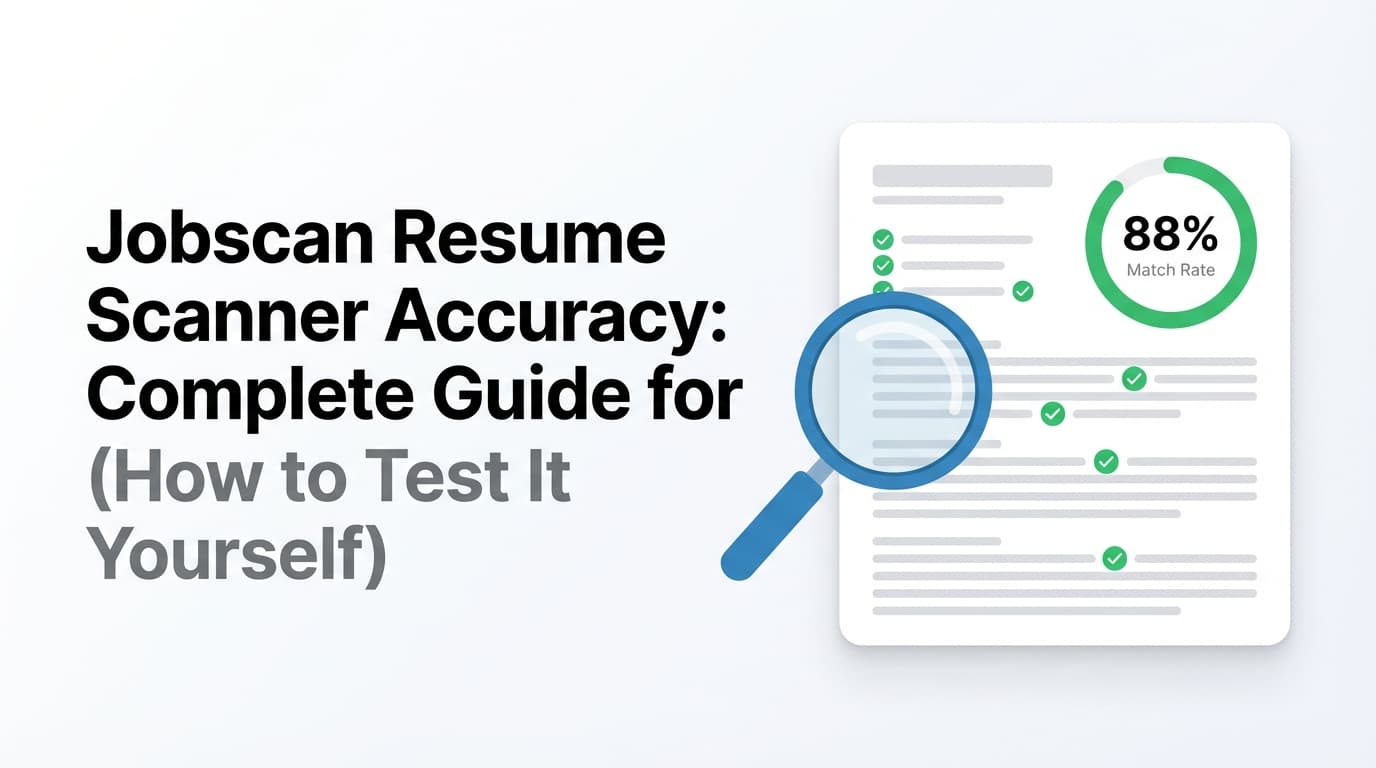
Jobscan is an ATS-focused resume optimization platform. In plain terms, you paste a job description, upload your resume, and get feedback like:
- a match rate / score
- missing keywords
- formatting / ATS-readiness guidance
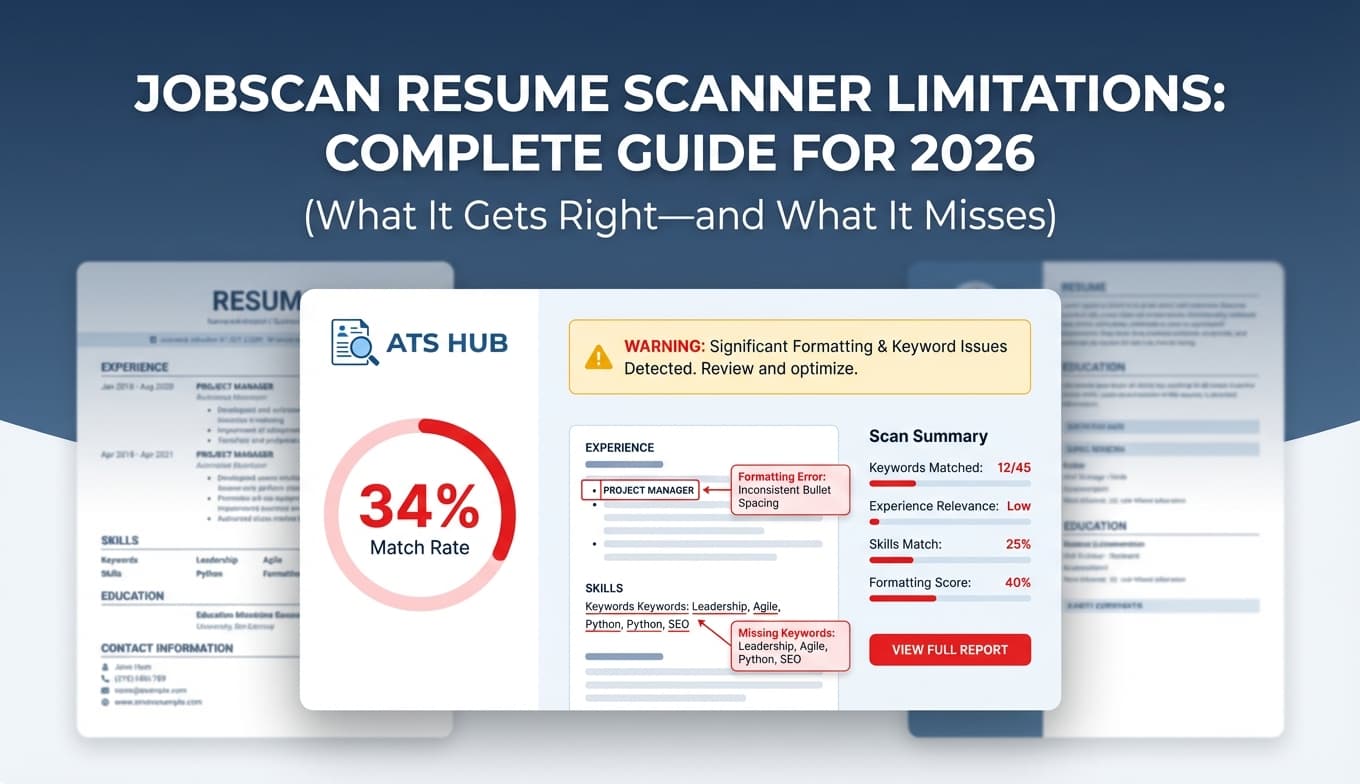
This is consistent across Jobscan’s own explanations (as reflected in search results) and third‑party comparisons like Resume Worded and Scale.jobs. (Confidence: Medium; direct page analysis can be limited by access controls, but the feature description is consistent across multiple sources.)
The key mistake: treating “accuracy” as one thing
When people say “Jobscan accuracy,” they usually mean one of these:
-
Parsing accuracy
Does Jobscan read your resume structure (sections, dates, titles) the way an ATS parser would? -
Keyword matching accuracy
Does it correctly identify important skills/keywords in the job description and confirm they appear in your resume? -
Outcome prediction accuracy (the most misunderstood)
Does a higher match rate predict interviews/offers?
A scanner can be good at #2 and still be weak at #3. That doesn’t make it useless—it just means you should use it correctly.
Why Jobscan resume scanner accuracy is hard to guarantee in 2026
1) There isn’t “one ATS”
There are many applicant tracking systems, and each one can parse and rank resumes differently—plus employers can configure the same ATS differently.
So any resume scanner is, at best, a simulation and a best‑practice engine, not a perfect mirror of every hiring system.
2) Resume parsing itself is imperfect
Parsing errors happen inside real ATS platforms—enough that ATS vendors publish troubleshooting documentation.
For example, Greenhouse’s own support documentation lists common reasons for parsing failures (file size limits and formatting issues). (Confidence: High; primary vendor documentation.)
Source: https://support.greenhouse.io/hc/en-us/articles/200989175-Unsuccessful-resume-parse
HRMorning reports that conventional resume parsing algorithms can be only ~60% to 70% accurate in some contexts. (Confidence: Medium; useful directional benchmark, but the original study details aren’t always visible within the summary.)
Source: https://www.hrmorning.com/articles/resume-parsing-accuracy/
3) Job descriptions are messy inputs
Job descriptions often include:
- “nice to have” skills mixed with must-haves
- boilerplate copied from older postings
- internal buzzwords that won’t appear on your resume
If you paste a noisy JD into Jobscan, the tool can only be as “accurate” as the input is meaningful.
4) Scores are easy to overfit
If you chase a perfect score, you can end up:
- keyword stuffing
- repeating tools unnaturally
- bloating your skills section
That can improve scanner output while making the resume worse for humans—especially with a quick initial screen like the 7.4-second finding. Source: https://www.hrdive.com/news/eye-tracking-study-shows-recruiters-look-at-resumes-for-7-seconds/541582/
How to test Jobscan resume scanner accuracy (step-by-step)
If you want an honest answer, don’t ask the internet if Jobscan is accurate. Run a simple experiment on your own materials.
Step 1: Pick one real job and clean the job description
Copy the job description into a document and remove:
- EEO statements
- benefits/perks paragraphs
- “about us” marketing copy
Keep:
- responsibilities
- requirements
- tools/tech stack
- “must have” qualifications
Pro tip: Save two versions and scan both:
- JD (raw)
- JD (clean)
If the “missing keywords” list changes dramatically between them, Jobscan is reacting strongly to noise (which is normal).
Step 2: Use one baseline resume (don’t tailor yet)
Export your resume in a clean, ATS-friendly structure:
- single column
- standard headings (Experience, Education, Skills)
- no icons, charts, heavy design elements
If your format is complex, any scanner may under-detect keywords because the text extraction is messy.
Step 3: Run Jobscan and record outputs (don’t fix yet)
Capture:
- match rate
- top missing keywords
- formatting warnings
Log it:
- role
- date
- baseline score (raw JD)
- baseline score (clean JD)
- top 10 missing terms
This helps you see if you’re actually improving, or just chasing random variance.
Step 4: Validate parsing accuracy (the most important “accuracy” test)
Quick check (no tools)
Copy/paste your resume text into a plain text editor:
- Do your headings stay readable?
- Are job titles attached to the right employers?
- Are dates intact?
- Is the skills section still coherent?
If it’s jumbled, an ATS parser might also struggle.
Reality check (best test)
Upload your resume to an ATS application form and see how fields auto-fill. If fields populate incorrectly, your issue is parsing—not keyword matching.
Vendor reference: Greenhouse explains common parsing failures. Source: https://support.greenhouse.io/hc/en-us/articles/200989175-Unsuccessful-resume-parse
Step 5: Cross-check with 1–2 other scanners (triangulation)
Run the same resume + cleaned JD through:
- another ATS checker
- a keyword scanner tool
You’re looking for overlap:
- If multiple tools flag the same missing hard skills (e.g., “SQL,” “Tableau,” “stakeholder management”), it’s more likely real.
- If only one tool flags vague soft skills as “missing,” treat it cautiously.
(Confidence: High as a method—this is cross-validation.)
Step 6: Tailor with controlled edits (one change at a time)
Choose 3 missing keywords that are:
- truly required by the role
- genuinely part of your background
Add them once in context (ideally inside an achievement bullet), then re-run the scan.
If a tiny honest edit produces a meaningful score increase, the scanner is strongly driven by literal keyword presence—which is useful to know.
Step 7: Test “gameability” so you don’t fool yourself
For learning purposes only, add a line like:
“Keywords: Python, SQL, Tableau, Agile, stakeholder management…”
Re-scan. If the score jumps, you’ve confirmed:
- the tool can be gamed (many can)
- the score is not a hiring predictor
(Confidence: High; literal matching systems are inherently gameable.)
What Jobscan’s match rate is good for (and what it’s not)
Helpful (high value)
- Discovering keyword gaps in hard skills/tools
- Catching obvious formatting issues
- Helping you tailor more consistently per role
Risky (where people feel “Jobscan is inaccurate”)
- Treating match rate as a pass/fail ATS gate
- Assuming low score means rejection
- Over-optimizing to 95–100% and harming readability
Reddit threads routinely show mixed experiences—some people distrust the score or notice different results across scanners. Those are anecdotal (Confidence: Low–Medium), but they align with the reality that tools disagree because ATS behavior and parsing vary. Example discussions: https://www.reddit.com/r/resumes/
What is a “good” Jobscan match rate?
Jobscan is widely quoted as recommending targets like 75% or even 80% in some guidance contexts, while noting job seekers can see success with lower match rates. (Confidence: Medium; originates from Jobscan messaging and is repeated by third parties like Scale.jobs.)
Source example: https://scale.jobs/blog/is-jobscan-co-worth-it-read-this-before-you-pay
Practical benchmark you can use
- 50–65%: likely needs tailoring or the JD is noisy
- 65–80%: often a solid “tailored enough” zone if formatting is clean
- 80%+: strong—as long as it’s still readable and truthful
The right match rate is the one that improves your interview conversion, not the one that hits a vanity number.
12 best practices to improve scanner results without keyword stuffing
- Use standard section headings (Experience, Education, Skills)
- Stick to one column (avoid tables/graphics/icons)
- Put key hard skills in context, not just a keyword list
- Mirror phrasing where it’s natural (stakeholder vs stakeholders, etc.)
- Use both acronym and long-form sometimes (e.g., “Search Engine Optimization (SEO)”)
- Avoid keyword stuffing (Jobscan itself warns about keyword stuffing as a trap). (Confidence: Medium; based on Jobscan guidance surfaced in search results.)
- Keep dates consistent (Month YYYY or MM/YYYY)
- Avoid critical info in headers/footers (some parsers ignore them)
- Use simple bullets and fonts (avoid special characters that break extraction)
- Don’t hide keywords (white text/tiny font)
- Align titles with market titles (add a parenthetical if needed and true)
- Optimize for the human skim (7.4 seconds matters). Source: https://www.hrdive.com/news/eye-tracking-study-shows-recruiters-look-at-resumes-for-7-seconds/541582/
Common mistakes that make Jobscan feel “inaccurate”
Mistake 1: Your resume isn’t parseable
If copy/paste text extraction is messy, scanners may miss keywords you actually have.
Fix: simplify layout and re-test parsing.
Mistake 2: The job description includes fluff and “nice-to-haves”
The scanner “expects” keywords that aren’t truly required.
Fix: scan a cleaned JD.
Mistake 3: You assume every missing keyword must be added
Some terms are redundant, irrelevant, or unsupported by your experience.
Fix: only add keywords you can defend with real bullets.
Mistake 4: You optimize the score instead of the outcome
Overfitting can reduce readability and credibility.
Fix: treat the score as a checklist tool, then stop.
Example: raising your score without keyword stuffing
Job description (example)
- Build dashboards in Tableau
- Write SQL queries
- Partner with stakeholders
- Automate reporting
Before (generic)
- “Created reports and worked with teams to deliver insights.”
After (tailored, truthful, scanner-friendly)
- “Built Tableau dashboards for weekly KPI reporting and wrote SQL queries to automate data pulls, partnering with stakeholders across Sales and Ops to reduce manual reporting time by 30%.”
This improves:
- keyword coverage
- specificity
- skimmability
Tools to help with resume scanner accuracy (and better outcomes)
You don’t need 10 tools—you need a workflow.
Jobscan
Best for: keyword gap discovery + ATS-focused formatting feedback (within its model).
Resume Worded
Useful for: triangulating keyword gaps and getting a second opinion on optimization approach.
Source: https://resumeworded.com/blog/jobscan-vs-resume-worded/
JobShinobi (build + analyze + tailor + track)
If your bottleneck is the full loop—tailor, apply, track outcomes—JobShinobi is designed for that workflow:
- LaTeX resume builder with in-app editing and PDF preview/compilation
- AI resume analysis with scoring + detailed feedback
- Resume-to-job matching (paste a job description or URL and get match insights)
- Job application tracker with Excel export
- Pro-gated automation: forward job-related emails to your unique JobShinobi address to automatically log applications (requires Pro)
Pricing: JobShinobi Pro is $20/month or $199.99/year.
Note: product marketing mentions a “7-day free trial,” but trial enforcement isn’t fully verifiable from visible billing logic alone, so it should be treated as mentioned, not guaranteed. (Confidence: High on pricing; Medium on trial availability.)
Internal links:
- Resume section:
/dashboard/resume - Subscription:
/subscription
Key takeaways
- Jobscan can be accurate for keyword matching and still be unreliable as a predictor of hiring outcomes.
- The biggest “accuracy” problems come from bad inputs: unparseable resumes and bloated job descriptions.
- Validate Jobscan by testing:
- parsing (copy/paste + ATS form import)
- consistency (cross-check other tools)
- controlled edits (change one thing at a time)
- Don’t chase 100%. Optimize for ATS and the human skim.
FAQ (People Also Ask)
Does Jobscan really improve your resume?
It can—when used to identify real keyword gaps and formatting risks, then fix them in a way that keeps the resume readable. It’s most effective as a tailoring assistant, not a pass/fail judge. (Confidence: High as guidance; outcomes vary.)
What is the Jobscan resume match rate?
It’s a score representing how closely your resume matches a job description based on the tool’s keyword/criteria checks. It’s a proxy metric, not a guarantee of ATS ranking. (Confidence: Medium; tool implementations vary.)
How accurate are resume scanners overall?
They’re directionally helpful, but limited by parsing variability and ATS differences. HRMorning reports conventional resume parsing may be ~60–70% accurate in some contexts. (Confidence: Medium.)
Source: https://www.hrmorning.com/articles/resume-parsing-accuracy/
What is a good score on Jobscan?
Jobscan is commonly quoted as recommending targets like 75–80%, but a good score is one you can reach truthfully while maintaining readability. Many candidates aim for roughly 65–80% after fixing formatting. (Confidence: Medium.)
Why does Jobscan say I’m missing keywords that are on my resume?
Common reasons:
- parsing/text extraction missed them due to layout
- you used synonyms or abbreviations and the tool is literal
Fix by simplifying formatting and aligning phrasing where it’s natural.
What’s the best way to verify my resume will parse correctly?
Upload it into a real ATS application flow and check autofill results. Also follow ATS vendor parsing guidance like Greenhouse’s troubleshooting list. (Confidence: High.)
Source: https://support.greenhouse.io/hc/en-us/articles/200989175-Unsuccessful-resume-parse